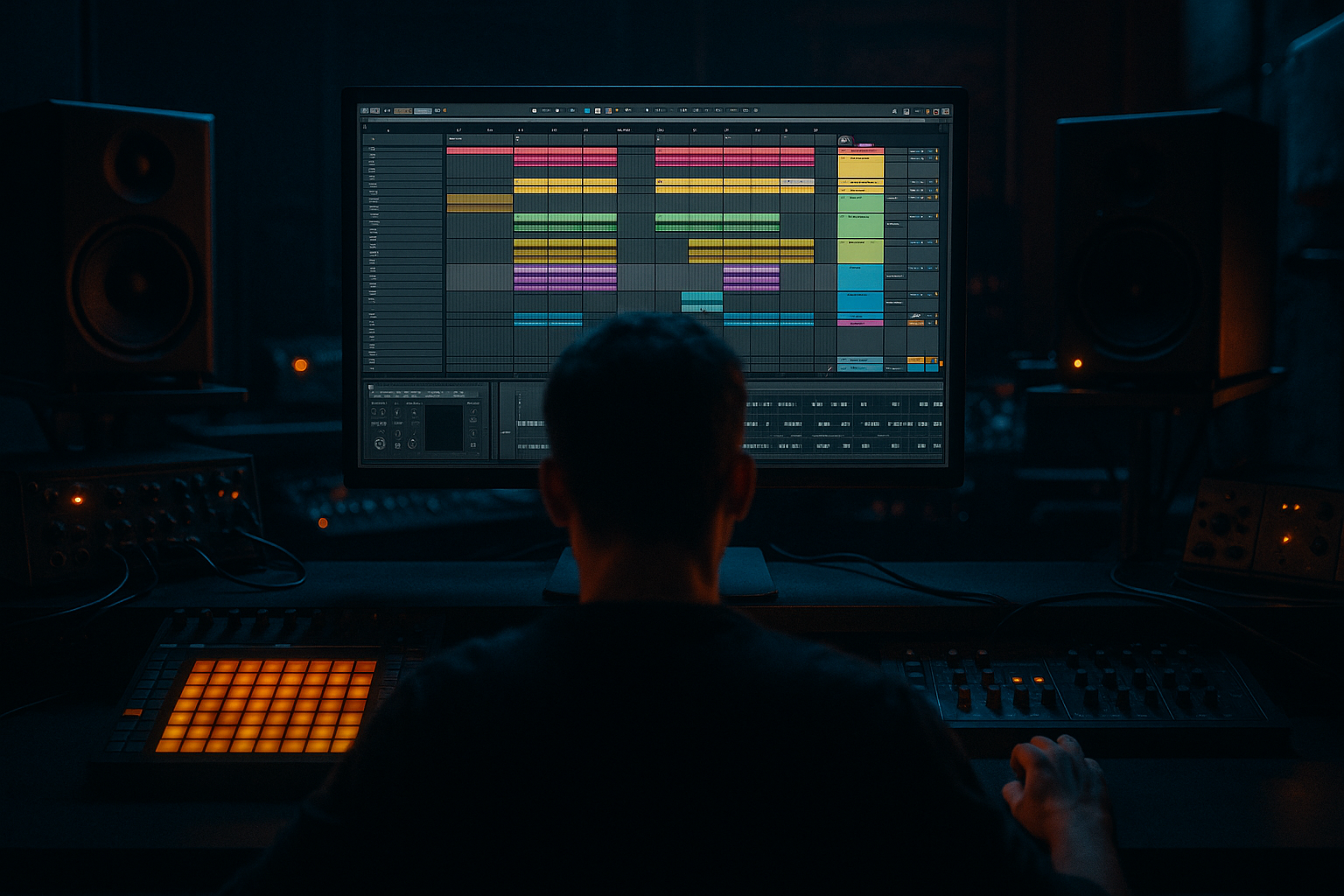
Main tutorial
```markdown
16-Bar Intro Structure for Faster Workflow (DnB in Ableton Live) 🚀🥁
1. Lesson overview
A solid 16-bar intro is one of the fastest ways to finish drum & bass tracks. Instead of endlessly looping an 8-bar idea, you’ll build an intro that:
- Sets the vibe fast
- Preps DJs/listeners for the drop
- Creates momentum using simple, repeatable arrangement moves
- A filtered drum tease (break + tops)
- A sub-bass hint (or reese preview)
- Atmosphere + ear candy (noise sweeps, impacts, jungle stabs optional)
- A clear energy ramp into the drop
- Bars 1–4: Atmosphere + minimal rhythm (tease)
- Bars 5–8: Add tops + percussion movement
- Bars 9–12: Bring in break / groove + bass hint
- Bars 13–16: “Pre-drop”: tension, fills, riser, final mute
- Add a Drum Rack on a MIDI track.
- Load:
- Program a simple rolling pattern:
- Drag in an Amen/Think/any break (or a modern break loop).
- Warp mode: Beats
- High-pass it so it doesn’t fight your kick/sub later:
- Grab a pad/field recording/texture loop.
- Add Auto Filter:
- Hybrid Reverb (stock)
- Add a short stab (one-shot) on beats 2 and 4 occasionally, with lots of reverb, then filter it down.
- ATMOS: playing
- Tops: very light (closed hats only or filtered break)
- FX: a subtle noise riser
- Put Auto Filter on the DRUMS group:
- Add a vinyl/noise layer (optional):
- Add shaker/ride layer
- Add small percussion fills (one-shot rim, ghost snare, etc.)
- Open the drum filter slightly
- Increase Auto Filter cutoff on drums to 2–4 kHz
- Add Utility on TOPS track:
- Bring in the break layer (or unmute it)
- Add a sub note or reese hint (not full drop bass yet)
- MIDI track with Wavetable (or Operator)
- Device chain:
- Add snare build (classic DnB)
- Add riser and impact
- Remove something right before the drop (space = hype)
- Snare on beat 3 every bar, then increase density:
- Use an audio noise sample or Operator noise.
- Add:
- Automate volume up slightly into bar 16.
- In the last 1/2 bar of bar 16:
- 1: Intro starts
- 5: Add motion
- 9: Groove reveal
- 13: Pre-drop
- 17: Drop
- Use pitch-dark atmospheres: detune pads slightly and low-pass them hard (Auto Filter cutoff 500–1,500 Hz).
- Add controlled distortion on drum bus:
- Reese foreshadowing: introduce a mid-bass texture quietly in bars 9–12 but filter it:
- Mono low end discipline:
- Jungle authenticity move: a tiny chopped break fill at bar 15–16 (even one slice) sells the genre instantly.
- A 16-bar intro is your fastest path out of loop-land.
- Think in 4-bar blocks: tease → motion → reveal → tension.
- Use simple automation (filter, reverb sends, small gain ramps) to create forward motion.
- Keep the full bass + full drums for the drop so it hits harder.
We’ll do this specifically for DnB/jungle/rolling styles in Ableton Live using stock devices and a practical “copy/paste with purpose” workflow.
---
2. What you will build
By the end, you’ll have a 16-bar intro that works at 170–175 BPM, with:
Target structure (simple + effective):
---
3. Step-by-step walkthrough
Step 0 — Session setup (2 minutes)
1. Set tempo: 174 BPM (classic modern DnB).
2. In Arrangement View, set loop brace to 16 bars.
3. Create groups for clean workflow:
- DRUMS (Group)
- BASS (Group)
- MUSIC/ATMOS (Group)
- FX (Group)
Workflow tip: Color-code groups now. You’ll move way faster later. 🎯
---
Step 1 — Build your core drum layer (foundation)
You want the intro to preview your drop groove, not a random beat.
A. Create a Drum Rack for tops
- Closed hat (tight)
- Open hat (short)
- Ride or shaker
- Closed hat: 1/8 notes or 1/16 with swing
- Add occasional offbeat open hat
B. Add a break layer (audio track)
- Preserve: 1/16 (good starting point)
- Add EQ Eight
- Enable HP filter around 120–200 Hz (adjust to taste)
C. Glue the drums
On the DRUMS group, add:
1. Glue Compressor
- Attack: 3 ms
- Release: Auto
- Ratio: 2:1
- Aim for 1–3 dB gain reduction
2. Saturator (subtle)
- Drive: 1–3 dB
- Soft Clip: On
This makes your intro drums feel “like a record” even before the drop. ✅
---
Step 2 — Add atmosphere (instant vibe)
On an ATMOS audio track:
- Filter: Low-pass
- Envelope: light (optional)
- Start cutoff around 1–2 kHz for intro softness
Add depth:
- Algorithmic Hall or Convolution “Large Space”
- Dry/Wet: 10–25%
- Pre-delay: 10–25 ms (keeps clarity)
Optional jungle flavor 🎛️:
---
Step 3 — The 16-bar intro template (copy/paste arrangement)
Now the fast workflow part: build one 4-bar block, then evolve it every 4 bars.
#### Bars 1–4 (Tease: “vibe first”)
Goal: Establish mood + tempo without full energy.
Practical moves:
- Low-pass cutoff around 600–1,200 Hz
- Map cutoff to a Macro (if using Instrument/Effect Rack) for quick automation.
- Use Operator (Noise oscillator) → filter it down → low volume.
#### Bars 5–8 (Add motion)
Goal: Give the listener something to nod to.
Practical moves:
- Width: 120–150% (keep it subtle; don’t widen your low end)
#### Bars 9–12 (Groove reveal + bass hint)
Goal: Preview the main groove ingredients.
Bass hint chain (simple + clean):
- Wavetable: Basic Shapes → sine-ish for sub
1. EQ Eight
- Low-pass around 120–180 Hz (keep it “hinty”)
2. Saturator
- Drive 2–5 dB (Soft Clip ON)
3. Compressor sidechained to kick (if kick present)
- Ratio: 4:1
- Attack: 5–15 ms
- Release: 60–120 ms
- Gain reduction: 2–5 dB
Tip: In the intro, consider using only the root note (or a simple 2-note movement) to avoid giving away the whole drop.
#### Bars 13–16 (Pre-drop tension + clear signpost)
Goal: Make the drop feel inevitable.
Classic DnB pre-drop recipe:
- Bars 13–14: snare on 3
- Bar 15: snare on 2 and 4 (or extra ghost notes)
- Bar 16: snare roll (1/8 → 1/16) OR a short fill
FX chain for riser (stock):
- Auto Filter (LP → automate cutoff upward)
- Redux (tiny amount for grit, optional)
- Reverb (or Hybrid Reverb) for size
The “drop vacuum” move (super effective):
- Mute tops + break
- Leave only riser tail or a short vocal stab
- Add a quick tape stop-ish moment using pitch automation on an audio clip (optional)
---
Step 4 — Automation checklist (fast + musical)
If you do only three automations, do these:
1. Drum Low-pass cutoff: gradually open from bars 1 → 12
2. Reverb send on a stab/impact: spike it at bar transitions
3. Master or Drum Group Utility gain: tiny lift into bar 13 (like +0.5 to +1 dB) then reset at drop
Ableton tip: Press `A` to show automation lanes quickly.
---
Step 5 — Quick 16-bar “fill points” (arrangement markers)
Drop in locators:
This makes your track feel “arranged” early, which is the whole point of faster workflow. 🧠⚡
---
4. Common mistakes
1. Too much bass too early
If the intro has full sub weight, the drop won’t feel bigger. Keep bass as a hint until the drop.
2. No clear energy ramp
If bars 1–16 are the same loop, it’s not an intro—it's a waiting room.
3. Over-layering tops
Beginners often stack 5–8 hat loops. Instead: fewer layers, more automation and variation.
4. Reverb washing out drums
Put big reverbs on FX/stabs, not the whole drum group.
5. Ignoring transitions
DnB is fast—listeners need signposts. Use impacts, mutes, fills, filter moves.
---
5. Pro tips for darker/heavier DnB 🕶️🔊
- Drum Buss (stock): Drive 5–15, Boom low (or off), Transients + if needed.
- Use Auto Filter band-pass around 300–1,000 Hz, then open slightly.
- On BASS group: Utility → Bass Mono (or Width 0% below ~120 Hz using EQ Eight mid/side).
---
6. Mini practice exercise (15 minutes) ⏱️
Goal: Make a 16-bar intro in 3 passes.
1. Pass 1 (5 min):
Build bars 1–4 only:
- Atmos + filtered hats
- One FX riser
2. Pass 2 (5 min):
Copy bars 1–4 to 5–8 and change only two things:
- Add shaker/ride
- Open filter a bit
3. Pass 3 (5 min):
Copy 5–8 to 9–12 and 13–16:
- 9–12: add break + bass hint
- 13–16: snare build + final mute before drop
Rule: No sound design rabbit holes. Use placeholders if needed. Arrangement first. ✅
---
7. Recap
If you want, tell me your subgenre (liquid, rollers, neuro, jungle) and I’ll give you a specific 16-bar intro template with example drum patterns and transition FX tailored to that style. 🥁
```

