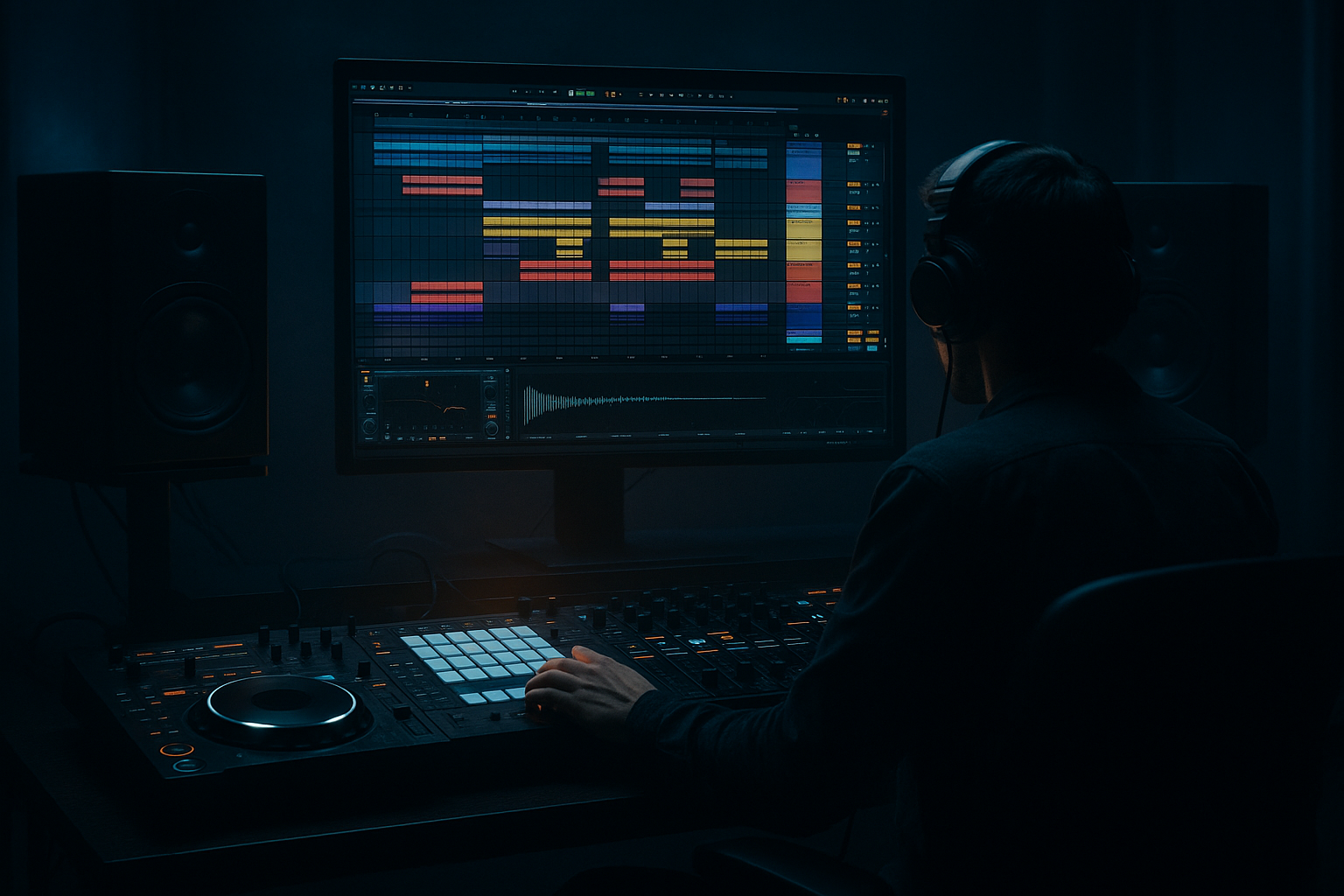
Main tutorial
```markdown
16-bar Phrase Discipline (Arrangement View) — Drum & Bass in Ableton Live 🎛️🥁
1. Lesson overview
In drum & bass, most ideas live or die by structure. You can have the best drums and bass, but if your phrases don’t resolve every 16 bars, the track feels like it’s looping forever.
In this lesson you’ll learn 16-bar phrase discipline using Arrangement View in Ableton Live:
- How to think in 16s (and 8s/4s inside them)
- How to build clear sections: intro → drop → mid → second drop → outro
- How to make each 16-bar block progress using small, intentional changes
- How to avoid the classic beginner “8-bar loop trap”
- A rolling drum groove (Amen-style or modern 2-step)
- A reese/rolling bass with phrase-based variation
- A lead or stab that evolves
- FX + risers + fills to mark transitions
- A disciplined workflow inside Arrangement View
- Add ghost snares very quiet (around -18 to -24 dB velocity equivalent)
- Add occasional kick pickups before snares
- Osc 1: Saw (or Basic Shapes)
- Osc 2: Saw, slightly detuned
- Unison: 2–4 voices, small amount
- Filter: LP24
- Drive: small (2–6)
- Envelope: medium decay so notes feel “held” but not flat
- Bars 1–8: main bass motif
- Bars 9–16: same motif with 1–2 changes (note variation, rhythm skip, filter movement)
- Remove sub-heavy bass for the first 8 bars
- Keep tops + percussion + maybe a filtered break
- Use Auto Filter on drum bus:
- Full drums
- Full bass
- Main hook/stab
- Swap snare layer (or add a rim/ghost layer)
- Change hat rhythm (go from 1/8 to 1/16 for 4 bars)
- Introduce a new bass rhythm for bars 41–49
- Add a new “answer” stab or atmospheric layer
- Add extra crash/ride
- Add a second bass layer (midrange only)
- Add more fills
- Or start stripping in the last 4–8 bars to prepare an outro
- End of bar 32, 48, 64: do a 1-bar fill
- End of bar 24, 40, 56: do a half-bar fill
- Beat Repeat (stock) on a return track
- Auto Filter sweeps
- Reverb throws (use automation)
- Bass filter cutoff: slowly opens over 8 bars
- Reverb send on a stab: ramps up into the transition
- Drum Buss Drive: tiny increases in Phrase D
- Instrument: Simpler (for stabs) or Wavetable (for synth hook)
- Bars 17–25: simple 2-note stab pattern
- Bars 25–33: same stab but with a call/response (extra hit at end)
- Does something change at bar 17, 33, 49?
- Do I have fills before big changes?
- If I mute the bass, does the drum arrangement still feel like it’s going somewhere?
- One new layer for 8 bars
- One removal for 4 bars
- One transition effect per 16 bars
- Reese management: Split bass into layers:
- Make phrases feel “inevitable”: automate subtle tension:
- Texture = darkness: Use Vinyl Distortion (light), Redux, and Erosion on atmospheres.
- Harder drums without harshness:
- Jungle spice: Add a chopped break layer quietly:
- DnB arrangement is phrase-based: think in 16-bar “sentences” 🧱
- In Arrangement View, set locators and build a clear A/B/C/D structure
- Start with the drop, then copy and subtract / evolve per phrase
- Mark transitions with fills, automation, and FX every 8/16 bars
- Use stock Ableton tools: Drum Rack, EQ Eight, Drum Buss, Saturator, Glue Compressor, Auto Filter, Beat Repeat
We’ll keep it practical and rooted in rolling / jungle / dark DnB.
---
2. What you will build
A clean, DJ-friendly DnB arrangement built from four 16-bar phrases (64 bars total), with:
Target vibe: 140–174 BPM rolling DnB (use 174 BPM if you want it authentic).
---
3. Step-by-step walkthrough
Step 0 — Session setup (1 minute)
1. Set tempo to 174 BPM.
2. Hit Tab to go to Arrangement View.
3. Turn on the grid:
- Right-click timeline → Fixed Grid
- Choose 1 Bar (we’ll change to 1/4 or 1/8 for fills later)
DnB workflow tip: Arrangement View is your “song mode.” Use it early to avoid endless looping. ✅
---
Step 1 — Create 16-bar markers (your “phrase ruler”) 📏
1. In the Arrangement timeline, zoom out until you can clearly see bars 1–65.
2. Press Cmd/Ctrl + I to insert time if needed (optional).
3. Add Locators at:
- 1.1.1 (Phrase A)
- 17.1.1 (Phrase B)
- 33.1.1 (Phrase C)
- 49.1.1 (Phrase D)
4. Rename locators:
- `A - Setup`
- `B - Drop 1`
- `C - Mid/Variation`
- `D - Drop 2 / Exit`
Goal: You should always know what your track is doing every 16 bars.
---
Step 2 — Build the drum foundation (Phrase B first) 🥁
We’ll start with the drop drums so everything else locks to it.
#### 2A) Create a Drum Rack track
1. Create MIDI track → name it DRUMS.
2. Load Drum Rack (stock).
3. Add core samples (from your library):
- Kick (punchy)
- Snare (DnB snare or clap+snare layer)
- Closed hats
- Ride or shuffle hat
- Percs/ghosts
- Optional: Amen slices (if you have them)
#### 2B) Program a simple DnB pattern (16 bars)
1. Create a MIDI clip from 17.1.1 to 33.1.1 (exactly 16 bars).
2. Typical starter pattern:
- Kick: 1.1, 1.3 (or a syncopated variation)
- Snare: 2 and 4 (in 4/4 time)
- Hats: 1/8s or 1/16s depending on energy
Add life (important):
#### 2C) Drum processing chain (stock devices)
On the DRUMS track, try:
1. EQ Eight
- HPF around 25–30 Hz
- Gentle dip if boxy: 250–400 Hz
2. Drum Buss
- Drive: 5–15%
- Boom: 0–10% (careful in DnB)
- Transients: +5 to +20
3. Saturator
- Soft Clip ON
- Drive: 1–4 dB
4. Glue Compressor
- Attack: 3–10 ms
- Release: Auto
- GR: aim 1–3 dB
Why this matters: You want “glued” drums that still snap through a loud bass.
---
Step 3 — Add a rolling bass that supports 16-bar movement 🐍
1. Create MIDI track → name BASS.
2. Use Wavetable (stock) or Operator.
#### Simple reese-style patch (Wavetable)
#### Bass processing chain (classic DnB)
On BASS track:
1. EQ Eight
- Cut sub mud if needed around 200–350 Hz
2. Saturator
- Drive: 2–8 dB (listen!)
- Soft Clip ON
3. Compressor (sidechain from kick)
- Sidechain: Kick
- Attack: 1–5 ms
- Release: 60–120 ms (match groove)
4. Utility
- Bass Mono: use Width 0% (or keep lows mono via EQ mid/side)
Phrase discipline move:
Make the bass clip 16 bars long (17→33), but write two 8-bar “sentences”:
Keep changes small but intentional.
---
Step 4 — Convert your loop into four 16-bar phrases (Arrangement thinking) 🧠
You already built Phrase B (Drop 1). Now we shape the rest using copy + subtract + evolve.
#### 4A) Phrase A (1–17): Setup
Copy your drop drums + bass back to bars 1–17, then strip it down:
- HPF rising slowly into bar 17
DnB arrangement trick: Add a DJ-friendly intro: clean drums, no huge bass, minimal melody.
#### 4B) Phrase B (17–33): Drop 1
This is your full-energy baseline:
#### 4C) Phrase C (33–49): Mid/Variation
Copy Phrase B into Phrase C, then change 2–3 elements:
Rule: If everything changes, nothing feels like a drop. If nothing changes, it’s a loop.
#### 4D) Phrase D (49–65): Drop 2 / Exit
Copy Phrase B again and add escalation:
---
Step 5 — Mark transitions every 4, 8, and 16 bars 🔥
DnB listeners expect “events” at predictable times.
#### 5A) Create fills at the end of each 8 and 16
Tools:
- Interval: 1 Bar
- Grid: 1/8 or 1/16
- Chance: 20–40%
#### 5B) Use automation lanes (Arrangement View power)
Add automation to create movement across each 16-bar phrase:
Ableton tip: Press A to show automation lanes.
---
Step 6 — Add a hook element that “speaks” in 16 bars 🎶
Create a STABS / LEAD track:
Try this:
Processing chain:
1. EQ Eight (high-pass to keep out of bass space)
2. Redux (subtle, for grit)
3. Delay (Ping Pong, low feedback)
4. Reverb (small room, short decay)
Discipline rule: Your hook should resolve by bar 16 of the phrase, even if it’s minimal.
---
Step 7 — Quick structure check (the “mute test”) ✅
Play from bar 1 and ask:
If it still feels loopy, add:
---
4. Common mistakes
1. Making a perfect 8-bar loop and copy-pasting forever
- Fix: force yourself to add at least 2 changes per 16 bars.
2. No transition cues
- Fix: 1-bar fill + crash + automation into every 16.
3. Too much bass too early
- Fix: keep intro clean for DJs; bring sub in at the drop.
4. Overwriting the groove with constant edits
- Fix: edit on bar lines (4/8/16). Let the groove roll.
5. Ignoring gain staging
- Fix: keep master peaking well below 0; aim ~-6 dB headroom while writing.
---
5. Pro tips for darker/heavier DnB 🖤
- SUB (Operator sine, mono, clean)
- MID (Wavetable reese, distorted)
- Process separately, then bus together.
- Filter opens
- Noise riser increases
- Drum room reverb send rises slightly into the drop
- Drum Buss + Saturator + careful EQ dips around 3–6 kHz if hats get painful.
- High-pass it (e.g., 200–400 Hz) so it adds movement without muddying.
---
6. Mini practice exercise (15–25 minutes) ⏱️
Goal: Train your brain to think in 16-bar blocks.
1. Create locators for 1, 17, 33, 49, 65.
2. Build Drop 1 (Phrase B) with drums + bass only.
3. Copy Phrase B to Phrase C and change exactly:
- One drum element (hat rhythm or snare layer)
- One bass variation (rhythm or notes)
4. Build Phrase A by stripping down:
- No sub for first 8 bars
- Add a filter sweep into bar 17
5. Add fills at bars 16, 32, 48, 64 (1-bar each).
Deliverable: a 64-bar arrangement that never feels like it’s stuck looping.
---
7. Recap
If you want, tell me your subgenre (liquid, neuro, jungle, dancefloor, minimal rollers) and I’ll give you a ready-to-follow 16-bar change checklist tailored to that style. 🎚️
```

