Main tutorial
1. Lesson Overview
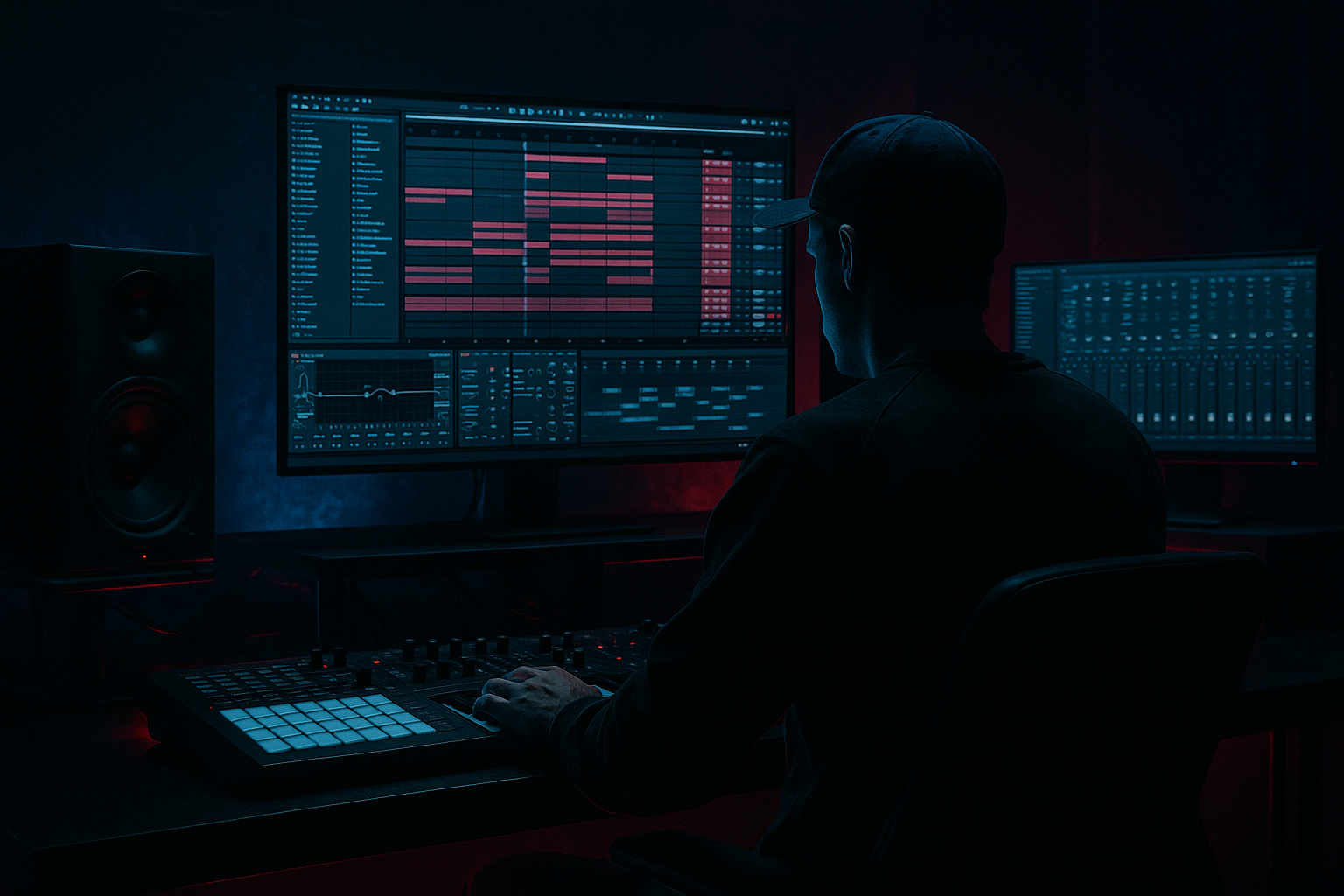
This lesson teaches "A.M.C bass pressure: stretch and arrange in Ableton Live 12 for late-night roller weight" using Ableton stock devices and Arrangement-view automation. You’ll learn a simple, repeatable workflow to turn a short D&B bass loop or synth bass into long, smeared “roller” tails, and how to arrange and automate those elements so the low end reads heavy and controlled across an arrangement — ideal for late-night rollers that need weight without getting muddy.
2. What You Will Build
- A short drum & bass bass loop (sample or Wavetable patch) duplicated into two tracks: a tight sub/body and a stretched smeared tail for ambience/pressure.
- Automation for: pitch/transpose rides, grain-smear Wet/Dry, Auto Filter cutoff sweeps, low-end gain rides, and sidechain control so the stretched bass breathes with the kick.
- A small arrangement section (8–16 bars) showing where and how to place stretched bass elements for maximum weight.
- Over-using Grain Delay Feedback: too much feedback creates a messy low-end and phase issues. Use feedback sparingly and automate it down for clean returns.
- Large pitch automation on low frequencies: big semitone changes can make the bass sound out of tune and clash with drums; keep pitch moves subtle.
- Automating Wet/Dry without gain compensation: increases in Dry/Wet may boost perceived loudness; check levels when automating to avoid clipping.
- Letting the stretched tail dominate the sub: the smeared tail can steal the sub-frequency energy. Use the sub track (mono low) and mute/attenuate it in smeared-only sections if necessary.
- Automating too many parameters at once: for a beginner, keep three main automation lanes per bass element to stay readable.
- Use a return track for repeated smear effects: put Grain Delay on a Return, send to it from several tracks, and automate the send amount — this keeps plugin instances low and makes global control easier.
- Freeze and flatten dramatic stretched clips before committing to CPU-intensive chains.
- Use a short sidechain trigger (a 1–2 bar muted kick clip routed to an audio bus) to control how long the bass ducks; automating the trigger clip’s gain gives precise control over duck length.
- For extra night-time warmth, automate utility > Saturation (or add Light Saturator) on the bus during the main roller to gently fatten harmonics.
- Keep low-end mono: use Utility width automation to widen mids while maintaining a mono sub (automate Width from 100 to 0 in the sub band as needed).
- If you want wavetable motion before rendering, automate Wavetable’s position and then resample to audio so your stretched version captures the movement.
3. Step-by-Step Walkthrough
Note: This is done in Arrangement View (Tab to toggle). Toggle automation view with A.
A. Prepare your source bass
1. Start with a simple bass loop (audio clip) or make a short mono bass patch in Wavetable (1 oscillator, low-pass filter, no unison). If using Wavetable, record/resample or Freeze and Flatten so you have audio — we’ll work from audio so warping/Grain Delay behaves predictably.
2. Create two tracks from that audio: Track A = “Bass_Sub” (the tight, low-impact body). Track B = “Bass_Stretch” (the smeared tail/ambience).
B. Make the tight sub
1. On Bass_Sub: Insert EQ Eight. High-pass everything above ~150 Hz with a gentle bell cut if necessary; boost a narrow band around 60–90 Hz +3–6 dB if needed for weight (use moderate Q).
2. Add Compressor (or Glue Compressor) for glue: short attack (1–10 ms), release synced to tempo (auto), mild ratio (~2:1). Don’t over-compress.
3. Add Utility at the end and set Width = 0 for mono below 120 Hz (use the Low/High split trick: duplicate track if needed, or use an EQ Eight low-shelf to isolate sub and route). This locks the sub in the center for club systems.
C. Build the stretched tail (the core of this tutorial)
1. On Bass_Stretch: Insert Grain Delay (Device > Audio Effects > Grain Delay). Default settings are fine to start.
2. Basic Grain Delay setup for stretch:
- Delay Time: large (e.g., 60–240 ms) for smear
- Spray: 0–20% (adds randomness)
- Pitch: 0 or small detune (±1–3 st) — we'll automate pitch/transpose separately
- Feedback: 30–60% to extend the tail (watch for feedback runaway)
- Dry/Wet: 30–60% (you’ll automate this)
3. Add Saturator after Grain Delay (soft drive) then an EQ Eight to tame any harsh resonances. Place Utility last for level rides.
D. Create the “stretch” automation: Dry/Wet and Feedback rides
1. Select Bass_Stretch track and enable automation mode (A).
2. In the Device view, click Grain Delay and choose the parameters you want to automate (Dry/Wet and Feedback are the most useful). In Arrangement View you’ll now see automation lanes for these parameters.
3. Draw automation:
- For a build into a heavy bar, automate Dry/Wet from low (0–10%) to high (50–70%) across 1–4 bars to reveal the smear as the section opens.
- For caps/decays, automate Feedback slightly up at the start so the tail lingers, then drop Feedback after the impact to avoid clutter.
4. Use the pen (B) to draw or the mouse to create breakpoints. Keep curves soft (right-click > Curve if you want).
E. Pitch/Transpose automation for “pressure” movement
1. Click the audio clip in Bass_Stretch and open the Clip View (bottom). In Clip Envelopes choose: Sample > Transpose (this automates pitch in semitones).
2. Create slow pitch bends: small downward transposition (-1 to -3 semitones) over a bar can give a heavy drop feel. Alternatively, do a pitch drift up (+1–2 semitones) for tension release.
3. Keep pitch changes subtle — large pitch shifts on low frequencies can sound unnatural and cause clashes.
F. Auto Filter and Filter Automation for roller motion
1. Insert Auto Filter on Bass_Stretch (before or after Grain Delay depending on taste — after for filtering the smeared tail, before to shape before getting smeared).
2. Choose a 24 dB Low Pass for a dark roller or a Band Pass for focused movement.
3. Automate Cutoff: Arrange View > show Auto Filter Cutoff lane > draw slow oscillating sweeps (quarter-note or two-bar modulations) to create the feeling of movement beneath the groove. Increase resonance slightly during sweep peaks for emphasis.
4. You can automate Filter Envelope amount (if using Wavetable earlier) but in this audio-based flow, automating Cutoff and Resonance in Auto Filter is the simplest.
G. Low-end gain rides and sidechain automation
1. To make stretched sections feel heavy but not overpowering, automate a low-shelf gain:
- Insert EQ Eight and add a Low Shelf band around 50–100 Hz.
- Automate the gain of that band to +3–6 dB at key hits (ride up on drop bars).
2. Sidechain: Insert Compressor on Bass_Stretch, enable Sidechain, choose Kick bus (or a dedicated kick trigger). Set fast attack, quick release. Then automate the Compressor Threshold or Ratio slightly so the tail ducks more during dense sections and relaxes during atmos sections. This keeps weight while preserving clarity.
H. Arrange: placing stretched material in the session
1. Duplicate your Bass_Stretch clip and place variations:
- Use a stretched version at the end of phrases or as a pre-drop pad (e.g., last 2 bars before drop).
- Use short bursts of high Dry/Wet smear to accent fills.
- Keep the sub track mostly continuous; mute or reduce sub during full smeared sections if it becomes too loud.
2. Use Clip Gain automation and track volume automation to ride overall energy. Arrange automation lanes clearly: dedicate one lane to Filter Cutoff, one to Grain Dry/Wet, and one to Transpose for clarity.
I. Final glue
1. Bus both Bass_Sub and Bass_Stretch into a group (Group Tracks) called BASS_BUS. On the bus, place Glue Compressor for cohesion and an EQ Eight to tame/boost overall low-mid content.
2. Automate BASS_BUS volume for section-wide weight changes (e.g., +2–3 dB for the main roller section, then back down for breakdowns).
4. Common Mistakes
5. Pro Tips
6. Mini Practice Exercise
Goal: Create an 8-bar loop with a tight sub and a stretched tail that enters on bar 5 and adds weight to bars 5–8.
Steps:
1. Drop a one-bar bass audio loop into Arrangement on Bar 1.
2. Duplicate the track to make Bass_Sub and Bass_Stretch.
3. On Bass_Stretch, insert Grain Delay. Set Feedback=40%, Delay Time=120 ms, Dry/Wet=20%.
4. Automate Grain Delay Dry/Wet from 10% to 60% starting at bar 5 and back down at bar 9.
5. Automate the Clip Transpose on Bass_Stretch from 0 to -2 semitones across bars 5–6 and back to 0 at bar 8.
6. Add Auto Filter on Bass_Stretch. Automate Cutoff to open slightly on bar 5 (+300–600 Hz) and close at bar 9.
7. On BASS_BUS, automate a +2 dB gain ride for bars 5–8.
8. Play back with kick. Tweak Feedback and sidechain so the smear is present without overwhelming the kick.
7. Recap
This lesson walked through "A.M.C bass pressure: stretch and arrange in Ableton Live 12 for late-night roller weight" by splitting a bass into a tight sub and a smeared stretched tail, then using Arrangement-view automation (Grain Delay Dry/Wet & Feedback, Clip Transpose, Auto Filter cutoff, EQ low-shelf, and sidechain compression) to arrange and control weight. Keep pitch moves subtle, control feedback, and use bus/group automation for section-wide energy. Practice the 8-bar exercise to internalize how automated smear and filter rides create that late-night roller pressure without sacrificing clarity.

