Main tutorial
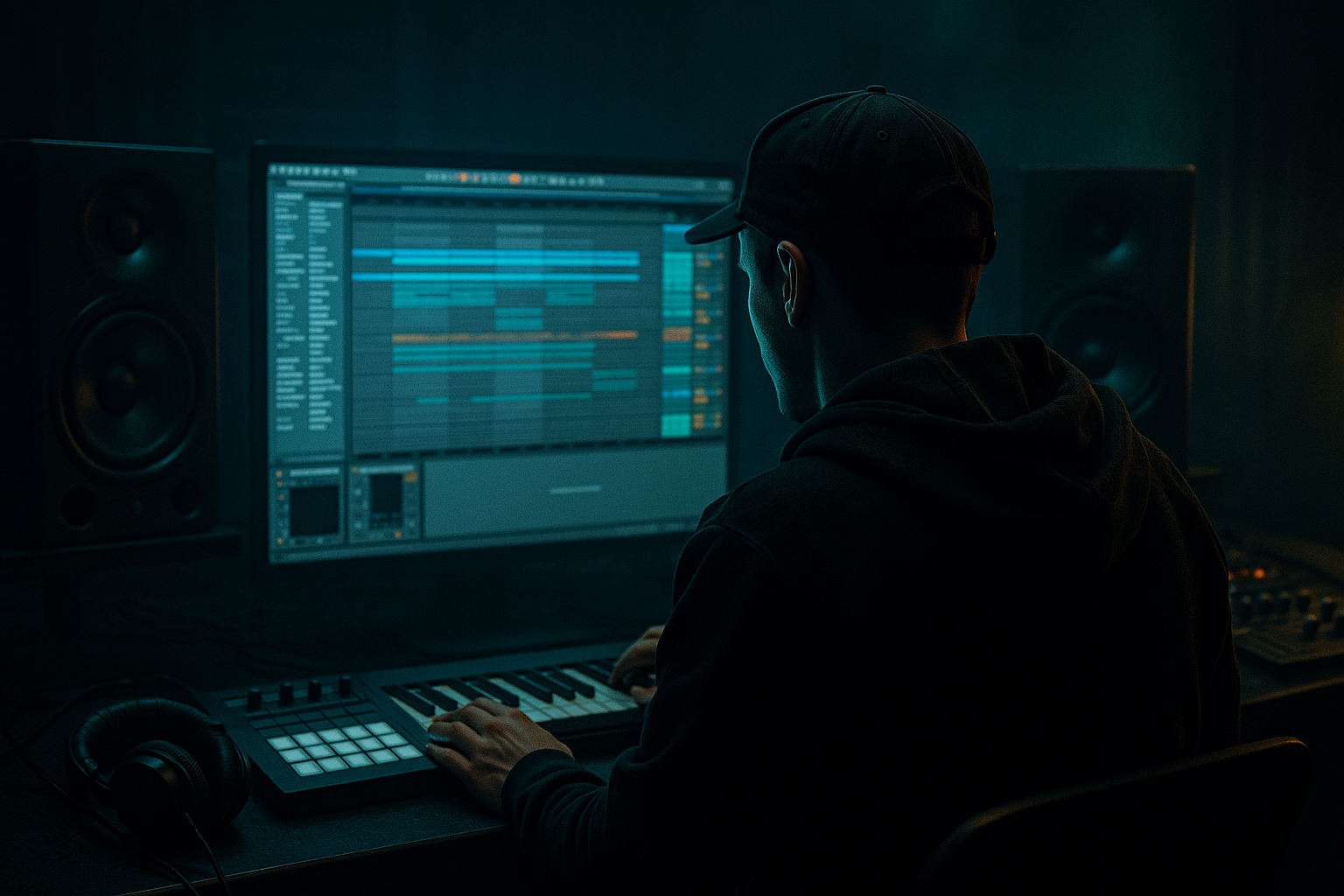
Approach for Amen Variation for Deep Jungle Atmosphere in Ableton Live 12
1. Lesson overview
In this lesson, we’re going to build Amen variations that feel alive, dark, and atmospheric — the kind of deep jungle / rolling DnB drum programming that sounds organic rather than looped. 🥁🌫️
The goal is not to overcomplicate the Amen. Instead, we’ll:
- keep the core break identity
- chop and re-order it with intention
- add ghost notes, micro-edits, reverses, and fills
- make space for atmosphere and bass
- process it so it sits like a proper jungle / deep DnB drum bed
- Simpler
- Slice to New MIDI Track
- Warp
- Drum Rack
- Beat Repeat
- Redux
- Roar
- EQ Eight
- Drum Buss
- Saturator
- Reverb / Hybrid Reverb
- Utility
- a main Amen loop with a strong groove
- a variation version for 8- or 16-bar evolution
- a fill / turnaround for transitions
- an atmospheric drum chain that feels deep and moody
- a loop that can sit under:
- rolling
- slightly broken
- dark
- spacious
- human and shuffled
- club-ready, but atmospheric
- Open Simpler
- Set mode to Slice
- Use Transient slicing for a break with clear hits
- If the break is already warped weirdly, first audition it in audio and make sure it’s clean
- Set the project tempo around 160–174 BPM for classic jungle / deep DnB
- If the original break is slightly off, use Warp carefully before slicing
- If the source is too bright, don’t worry yet — we’ll shape it later
- Slicing preset: Built-in Drum Rack
- Slicing by: Transients
- Preserve: One-shot or Classic, depending on source quality
- kick
- snare
- ghost snare
- open hat / hat bleed
- cymbal tail
- tiny percussion fragments
- snare on the strong backbeat
- ghost snare just before or after the main snare
- a kick fragment to support motion
- a few hat / top fragments for air
- kick/hat movement answers the snare
- tiny fragments fill empty gaps
- avoid putting a hit on every grid point
- Use 1/16 or 1/32 notes for fine editing
- Keep some hits slightly late for drag
- Push some hats ahead for urgency
- Don’t quantize everything perfectly
- Version A: full groove
- Version B: remove one kick fragment, add a ghost snare
- Version C: shift one hat, add a reverse slice
- Version D: strip it down for a breakdown or 8-bar reset
- remove a snare ghost to create space
- repeat one hit twice for a stutter feel
- leave one beat empty before a turnaround
- swap a closed hat for a cymbal tail
- use a reverse fragment into the snare
- Volume: set ghost hits lower
- Filter: darken noisy hits
- Transpose: pitch some fragments down slightly
- Start: tighten or soften transient attack
- Fade: prevent clicks on chopped tails
- Envelope: shorten long fragments if needed
- Keep the main snare strong and focused
- Pitch some tiny break fragments down 1–3 semitones for weight
- Pitch a few top fragments up slightly for shimmer
- Use velocity to create natural movement
- Glue Compressor
- Saturator
- EQ Eight
- Short Reverb
- dark vinyl noise
- field recording texture
- low-pass filtered room ambience
- reversed reverb swells
- delayed rim shots
- subtle shakers or foley
- Hybrid Reverb for long, dark space
- Delay for movement
- Auto Filter for sweeping textures
- Echo for dubby repeats
- Looper if you want to resample weird ambient fragments
- snare flams
- quick Amen chops
- reverse slices
- muted ghost notes
- a delay throw on the last hit
- On beat 4 of the final bar, duplicate a snare hit
- Place a tiny chopped ghost before it
- Reverse a cymbal fragment into the downbeat
- Add a short Echo throw on the last hit
- Bars 1–8: main Amen groove, minimal variation
- Bars 9–16: add one extra ghost, remove one kick fragment
- Bars 17–24: introduce a fill every 4 bars
- Bars 25–32: darker version with more filtering and reduced highs
- Breakdown: strip to ambience and filtered drum residue
- Drop return: bring back the strongest version
- open filter slightly over 8 bars
- increase reverb send during transitions
- automate Drum Buss drive for intensity jumps
- automate Utility gain for subtle drum mutes
- automate a high-pass on ambient layers for breakdowns
- commits the groove
- lets you edit audio directly
- creates natural imperfections
- makes later chops faster
- micro fills
- tape-like edits
- broken-up atmospheric transitions
- Saturator
- Drum Buss
- EQ Eight
- a very short transient layer
- a subtle clap layer
- a parallel midrange saturation chain
- make a 1-bar loop
- keep the snare strong
- add 2 ghost notes
- use no more than 6 slices total
- remove one kick fragment
- add a reverse hit into the snare
- low-pass the break slightly
- add a tiny reverb send
- use the same base groove
- add a 1-beat turnaround at the end
- include a stuttered snare and one cymbal fragment
- resample and edit the audio
- slice the Amen into playable parts with Simpler and Drum Rack
- keep the groove recognizable while varying the details
- use ghost notes, microtiming, and subtraction
- process with EQ Eight, Drum Buss, Saturator, Roar, Redux, and Utility
- build atmosphere with Hybrid Reverb, Echo, Auto Filter, and delay
- arrange by evolving the break every 8 or 16 bars
- resample to get that authentic, slightly broken jungle feel 🥁
This is very much an Ableton Live 12 workflow tutorial, so we’ll use stock tools like:
---
2. What you will build
By the end, you’ll have:
- dubby pads
- sub bass
- reese bass
- jungle stabs
- field-recorded ambience
We’ll aim for a sound that feels like:
---
3. Step-by-step walkthrough
Step 1: Choose and prep your Amen source
Start with a clean Amen sample. In Ableton Live 12, drag it into Simpler on an audio or MIDI track.
#### Recommended starting setup:
#### Helpful prep:
Step 2: Slice the break into playable hits
Right-click the Amen clip and choose:
Slice to New MIDI Track
Suggested slicing settings:
This creates a Drum Rack with each break hit on separate pads, which is perfect for rearranging and variation.
#### What to listen for:
You want access to:
These fragments are gold. They create the jungle texture.
---
Step 3: Build a strong core Amen pattern
Before variations, build the main groove.
A classic deep jungle Amen variation usually does three things:
1. anchors the snare
2. keeps forward motion
3. uses ghost hits and shuffled pickups
#### A practical starting pattern:
In your MIDI clip, place:
Think in call and response:
#### Groove tips:
A deep jungle Amen feels more alive when the microtiming breathes.
---
Step 4: Add variation through subtraction, not just addition
The biggest mistake people make is stuffing too many extra hits into the Amen. In jungle, less can hit harder.
Try this approach:
#### Variation strategies:
This creates movement without losing identity.
---
Step 5: Use Simpler controls to shape each slice
Click a slice in the Drum Rack and open Simpler for that pad.
For jungle atmosphere, individual hits should not all behave the same.
#### Useful per-slice adjustments:
#### Good practice:
---
Step 6: Create a deep jungle drum chain
Now let’s process the Amen so it feels like a proper atmosphere rather than a raw sample.
#### Suggested Drum Rack / group chain:
1. EQ Eight
- High-pass around 25–35 Hz
- Cut mud around 200–400 Hz if needed
- If the break is too sharp, gently tame 6–10 kHz
2. Drum Buss
- Drive: subtle, around 5–15%
- Crunch: low to moderate
- Boom: use carefully, or skip if the kick is already strong
- Transients: slightly up for attack, or down for softer old-school feel
3. Saturator
- Soft Clip: on
- Drive: 1–4 dB
- Keep it subtle; jungle needs grit, not smashed harshness
4. Roar or Redux
- Use very lightly for texture
- A tiny bit of digital edge can help the break cut through dark pads
- Don’t overdo it unless you want a more ragged, hardcore edge
5. Utility
- Use Width carefully if you want to narrow the break
- Often a slightly narrower drum break helps the bass and atmosphere feel bigger
#### Optional parallel chain:
Create a return or parallel track with:
Blend this under the dry drums for extra weight and space.
---
Step 7: Add atmosphere around the Amen
A deep jungle break rarely lives alone. The atmosphere around it is part of the variation.
#### Add these elements:
#### Ableton stock devices to use:
#### Atmosphere workflow:
1. Duplicate the Amen track
2. Put Auto Filter on the duplicate
3. Low-pass it heavily
4. Add Hybrid Reverb
5. Send tiny amounts into the reverb
6. Automate filter movement over 8 or 16 bars
This gives you that deep jungle mist around the drums 🌫️
---
Step 8: Make a fill and turnaround
Every great jungle loop needs a way to loop back without sounding obvious.
#### Build a 1-bar or 2-bar turnaround using:
#### Easy fill idea:
This creates forward motion into the next 8-bar phrase.
---
Step 9: Sequence the variation across the arrangement
Now arrange the break so it evolves.
#### A practical jungle arrangement approach:
#### Automation ideas:
Variation should feel like tension management, not random editing.
---
Step 10: Resample for authenticity
One of the best ways to make an Amen variation sound finished is to resample it.
#### Why resample?
#### Workflow:
1. Route the Amen to a new audio track
2. Record 4 or 8 bars
3. Edit the resulting audio clip
4. Cut, reverse, fade, and rearrange pieces
5. Re-process lightly if needed
This is especially useful for:
---
4. Common mistakes
1. Over-chopping the Amen
If every hit is a different slice, the break loses identity. Keep the recognizable snare and motion.
2. Quantizing everything perfectly
Too rigid = no jungle feel. Leave small timing imperfections.
3. Too much top end
A bright break can fight pads, vocals, and cymbals. Shape the highs.
4. Too much compression
Over-compression kills the bounce. Use compression with purpose, not as a default.
5. Ignoring ghost notes
Ghosts are a huge part of the Amen vibe. Without them, the break sounds flat.
6. Not leaving space for bass
Deep jungle needs room for the sub and reese layers. Don’t let the drums occupy every frequency band.
---
5. Pro tips for darker/heavier DnB
Tip 1: Darken the break with filtering, not just EQ
Use Auto Filter or EQ Eight to gently dull the break rather than carving it harshly.
Tip 2: Layer a sub-kick separately
If the Amen kick is weak, layer a controlled low kick underneath rather than over-processing the break.
Tip 3: Use parallel distortion
Send the Amen to a return with:
Blend in just enough for density.
Tip 4: Make the snare hit through atmosphere
If the snare gets lost, add:
Tip 5: Use mono low end, stereo texture
Keep drum low frequencies centered with Utility or careful rack design, but allow tops and ambiance to widen.
Tip 6: Resample with reverb tails
Sometimes the best jungle texture is the chopped reverb tail after the drum hit. Record it and re-use it as a transitional layer.
Tip 7: Use rhythmic negative space
A darker tune often feels heavier when there’s a gap before the snare or after a fill. Let the room breathe.
---
6. Mini practice exercise
Exercise: Build 3 Amen variations in 15 minutes
#### Version A: Foundation
#### Version B: Darker variation
#### Version C: Fill version
#### Challenge rule:
Each version must still sound like the same track, just evolved. That’s the real jungle test.
---
7. Recap
To create strong Amen variation for deep jungle atmosphere in Ableton Live 12:
If you approach the Amen like a living rhythm bed rather than a fixed loop, your deep jungle tracks will immediately sound more musical, darker, and more professional.
If you want, I can also give you:
1. a specific 1-bar MIDI Amen variation pattern, or
2. an Ableton device chain preset recipe for deep jungle drums.

