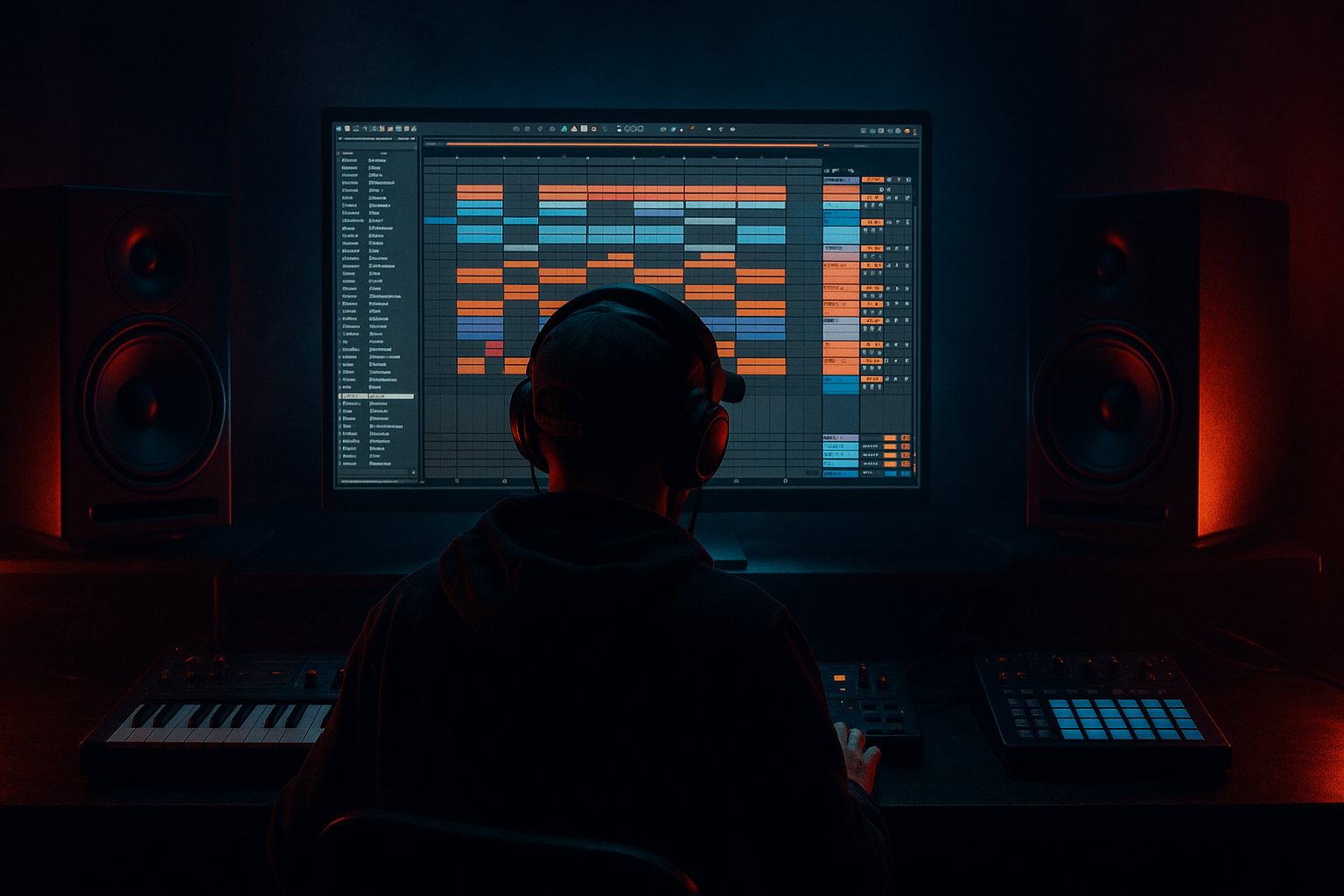
Main tutorial
Lesson Overview
In this lesson, you’ll rebuild atmosphere from scratch in Ableton Live 12 so it feels like pirate-radio jungle energy instead of generic “cinematic ambience.” The goal is to make a background layer that sounds like it belongs in an old DAT tape broadcast: smoky, unstable, slightly lo-fi, and full of motion. Think rain-on-a-window tension, radio hiss, distant chords, broken amen-style texture, and chopped sampling glue sitting behind a rolling DnB drum section.
Why this matters in DnB: atmosphere is not just decoration. In jungle and oldskool DnB, it helps define the scene around the breakbeat and bassline. It makes a loop feel like a track. In pirate-radio inspired arrangements, atmosphere also helps with identity: it can make the intro feel bootleg, the drop feel alive, and the breakdown feel emotional without overloading the low end. In darker roller and neuro-adjacent music, atmosphere gives you tension and movement while keeping the drums and sub in charge.
We’re going to use stock Ableton devices and a sampling-first workflow to build a layered atmosphere rack that you can:
- perform in the arrangement,
- automate into drops and switch-ups,
- resample into one-shot textures,
- and reuse across multiple DnB sketches.
- a 16-bar intro that suggests the vibe before the drums fully hit,
- a drop atmosphere that sits behind the break and bassline,
- and 8-bar switch-ups where the atmosphere gets more active, then clears out to let the drums breathe.
- Making the atmosphere too bright
- Using one huge pad instead of layered texture
- Letting the low mids get cloudy
- Over-widening everything
- Too much reverb wash
- Ignoring arrangement
- Resample the atmosphere through your drum buss
- Use short reverse hits before snare fills
- Make one atmosphere layer answer the bassline
- Add controlled dirt, not full distortion
- Use automation to “duck” atmosphere when the drums peak
- Keep the top layer unstable
- Build atmosphere as layered sampled texture, not one static pad.
- Keep the low end clear and let the drums/bass dominate.
- Use Simple stock Ableton tools: Simpler, EQ Eight, Auto Filter, Saturator, Utility, Glue Compressor, Reverb, Redux.
- Resample early to get authentic pirate-radio / jungle character.
- Arrange atmosphere with phrasing, tension, and transitions so it supports the track structure.
- In DnB, the best atmosphere is the one that makes the groove feel bigger without getting in its way.
The key idea: don’t design one static pad. Build a system of sampled texture, filtering, degradation, stereo movement, and short atmospheric phrases that can evolve around the drums.
What You Will Build
By the end, you’ll have a four-layer pirate-radio atmosphere bed designed for jungle / oldskool DnB:
1. A sampled hiss-and-room layer that feels like tape noise, vinyl dust, or radio static
2. A chopped atmospheric hit layer made from a sampled chord or pad, resampled and broken into rhythmic phrases
3. A distant tonal bed that supports harmony without competing with the bass
4. A movement/FX layer with pitch wobble, filter sweeps, and reverse swells for arrangement transitions
Musically, it should feel like:
The result should sound like something you’d hear under a 1994-style amen section, or in a modern dark roller where the atmosphere is doing subtle emotional work while the sub and breaks stay dominant.
Step-by-Step Walkthrough
1. Set up a dedicated atmosphere group and reference your drum loop first
Start by loading your main drum loop or break loop into the project first, even if it’s temporary. In DnB, atmosphere should be built around the groove, not in isolation.
- Create a Group Track named ATMOS
- Inside it, make 4 audio tracks:
- Hiss / room
- Chop / pad
- Tonal bed
- FX movement
- Loop a 2-bar or 4-bar drum section in the Arrangement View so you can hear how the texture sits with the break.
- Put the Group on a light gain staging target: leave yourself roughly -6 dB headroom on the Master while building.
Why this works in DnB: if the atmosphere is judged against silence, it often sounds “cool” but weak in the actual track. DnB atmosphere has to survive busy transients, sub energy, and fast groove motion.
2. Build the hiss layer from a sample and shape it like a broadcast bed
Drag a short noise, vinyl crackle, room tone, tape hiss, or even a sampled section of a quiet break into an audio track. If you don’t have a perfect source, sample a tiny section of any noisy audio and turn it into a bed.
Use these stock devices:
- Utility first, to control gain and mono compatibility
- EQ Eight to carve the low end
- Auto Filter for movement
- Optional Saturator for grit
Suggested settings:
- EQ Eight: high-pass around 180–300 Hz
- Optional low-pass around 8–12 kHz if it’s too bright
- Auto Filter: low-pass with a slow LFO, rate around 0.05–0.15 Hz
- Saturator: Drive 2–6 dB, Soft Clip on if needed
Make the hiss layer breathe with the track:
- Automate the filter cutoff slightly across 8 bars
- Add tiny volume dips on bar starts if you want that “radio operator riding the fader” feel
Keep it subtle. This layer should be felt more than noticed. It’s the glue behind the drums.
3. Sample a chord or pad, then chop it into short atmosphere phrases
This is the core sampling move. Find any minor chord, suspended chord, or dark pad sample that feels like an old tape or rave-memory texture. It could be from your own synth bounce or a recorded atmospheric stab. Drag it into Simpler.
In Simpler:
- Use Classic mode if you want it to behave more like a sample player
- Set Start/End to isolate the most interesting section
- Turn on Warp if needed, but don’t over-process
- Use Filter to soften harshness
Suggested settings:
- Attack: 5–20 ms
- Release: 200–600 ms
- Filter cutoff: around 1.5–6 kHz, depending on brightness
- Add a little Resonance: 5–15% for a vocal-ish edge
Then chop it in a DnB-friendly way:
- Program short MIDI notes on offbeats and bar ends
- Try 1/8 and 1/16 phrase fragments
- Leave silence between hits so the break can talk
Great jungle move: let the pad/chord answer the snare. For example, on a 4-bar loop, trigger the atmosphere chord on the last 1/8 before bar 2 and again on the pickup into bar 4. That creates a call-and-response feel with the drums.
4. Resample the chord layer into a new audio clip for pirate-radio texture
Once you’ve got a good phrase, resample it. This is a classic DnB workflow because resampling turns clean MIDI into characterful audio you can mangle.
Create a new audio track set to resample from the ATMOS group or from the chord track. Record 4–8 bars of the chopped atmosphere phrase.
Then on the recorded clip:
- Warp if needed, but keep transients natural
- Use Reverse on a few small segments
- Slice out the best hits and move them around manually
- Apply Fade in/out to remove clicks
After resampling, add:
- Redux lightly for aliasing/grain: Downsample modestly, Bit Reduction subtle
- Auto Filter for slow morphing
- Reverb with a short/medium decay for space without wash
Suggested reverb settings:
- Decay: 1.2–2.8 s
- Pre-delay: 15–30 ms
- Low Cut: 200–400 Hz
- Dry/Wet: 8–20%
This resampled audio is where the “pirate radio” feeling really starts to appear. Audio manipulation gives you that imperfect, printed-to-tape vibe that pure MIDI often lacks.
5. Create a tonal bed that supports the key without stepping on the bass
Now build a low-conflict tonal layer underneath the atmosphere. This can be a very simple sustained note, a filtered octave, or a re-sampled minor interval. The job is not to harmonize heavily — it’s to imply mood.
Use one of these approaches:
- A sampled chord tone from your pad
- A sustained synth note rendered to audio
- A two-note interval like root + minor third, or root + fifth if you want it less emotional
Stock device chain:
- Simpler or Sampler if you’re shaping a note sample
- EQ Eight
- Chorus-Ensemble for width in the upper mids only
- Compressor if the layer swells too much
Suggested settings:
- High-pass everything below 200–350 Hz
- Keep this layer mainly in the 300 Hz–4 kHz zone
- Chorus-Ensemble: use a gentle amount, not a huge wash
- If needed, sidechain lightly from the kick or drum buss with Compressor
Important: don’t let the tonal bed blur into the sub. In DnB, the bassline must remain clear, especially in rollers and neuro-leaning arrangements where low-end precision is a big part of the impact.
6. Add motion with envelopes, LFO-like automation, and filter sweeps
Atmosphere in DnB feels alive when it moves in a controlled way. You want tension, not constant activity.
On each atmosphere layer, automate one or two of these:
- Filter cutoff
- Send level to reverb or delay
- Track volume
- Simpler start point
- Saturator drive
- Device on/off for sharp transitions
If you use Auto Filter, a slow sweep across 8 or 16 bars can make the whole intro feel like it’s lifting into the drop. Try:
- Cutoff opening from 500 Hz to 8 kHz over 8 bars
- Resonance around 10–20%
- Envelope Amount minimal unless you want a sharper sweep
For a more oldskool pirate-radio touch:
- Automate the atmosphere to become slightly narrower and lo-fi in the intro
- Open it wider just before the drop
- Pull it back in the first 4 bars of the drop so the drums hit harder
You can also use Shaper or LFO if you like a more modern modulation feel, but keep it subtle. In this style, over-motion can make the mix feel busy and reduce the drum impact.
7. Shape the atmosphere with distortion, band-limiting, and stereo discipline
Oldskool jungle atmosphere often sounds “printed” because it was effectively band-limited by the source. Recreate that intentionally.
On the Atmos group, try this kind of chain:
- EQ Eight
- Saturator
- Redux or Erosion very lightly
- Utility
- Optional Glue Compressor
Suggested ideas:
- EQ Eight: roll off above 10–14 kHz if the top end is too modern
- Saturator Drive: 1–4 dB
- Erosion: very subtle to add texture, not obvious noise
- Utility Width: keep some layers wide, but reduce stereo on anything that fights the drum image
Make at least one atmosphere layer mono-ish:
- Put Utility after EQ and set Width to 0–40% for the tonal bed
- Keep the hiss and wide FX layer stereo, but high-pass them so the center stays available for kick/snare/sub
Why this works in DnB: the low-mid and midrange can get crowded fast with breaks, bass harmonics, and sampled music elements. Band-limiting and stereo discipline keep atmosphere supportive instead of muddy.
8. Arrange it like a real DnB record: intro, drop, switch-up, reset
Now place the atmosphere in a realistic arrangement context.
Example structure:
- Bars 1–16: filtered hiss + distant tonal bed + sparse chopped chord phrases
- Bars 17–32: drums and bass enter; atmosphere becomes thinner, more rhythmic
- Bars 33–40: switch-up where the chopped chords become more active, with a reverse swell into bar 41
- Bars 41–56: main drop returns with reduced atmosphere so the groove feels larger again
- Bars 57–64: DJ-friendly outro with a filtered bed and fewer chord hits
Add one key transition device:
- A reverse atmosphere swell into the drop
- A one-bar tape-stop-like drop-out effect using automation on volume/filter
- A single delayed chord hit before the snare fill
Keep the arrangement DJ-friendly. Jungle and DnB benefit from clear phrasing, especially for intro and outro sections. Atmosphere should support those transitions, not blur them.
9. Glue the whole ATMOS group and check it against drums and bass
Group processing is where the layers become one believable environment.
On the ATMOS group:
- Glue Compressor with very light gain reduction, around 1–2 dB
- EQ Eight to tidy broad issues
- Optional Limiter only if a resampled hit spikes
Compare with the rest of the track:
- Solo the ATMOS group briefly, then unsolo and hear it in context
- Check the mix at low volume
- Toggle mono using Utility on the Master or on the atmosphere layer to ensure nothing essential disappears
If the atmosphere is masking the snare crack or bass harmonics:
- Reduce 200–600 Hz on the atmosphere
- Pull back reverb send
- Shorten decay
- Narrow the tonal layer more
The atmosphere should create pressure around the drum loop, not flatten it.
Common Mistakes
- Fix: high-pass lower layers and roll off top end with EQ Eight. Oldskool vibe usually needs more controlled highs than modern ambient design.
- Fix: separate hiss, tonal bed, chopped phrases, and movement FX. DnB atmosphere works better as a system.
- Fix: cut around 250–500 Hz if the atmosphere fights the snare/body of the break. This is often the mud zone.
- Fix: keep the sub and core drums centered, and make only the airier layers wide. Always test mono.
- Fix: shorten decay, increase pre-delay slightly, and filter the reverb return. Atmosphere should frame the rhythm, not swallow it.
- Fix: automate atmosphere density by section. Intros, drops, and switch-ups should not all feel the same.
Pro Tips for Darker / Heavier DnB
- Record a pass of the atmosphere while your break is playing, then use that audio as a new layer. It can create a “same room” illusion that feels tougher and more coherent.
- A tiny reversed chord or hiss swell before a snare fill is classic DnB tension. Keep it short so it doesn’t smear the groove.
- If your bassline has a phrase gap, place a chopped atmospheric hit in that space. This creates call-and-response without crowding the low end.
- Saturator, Redux, or Erosion at low settings can give pirate-radio grit. Stop before the texture turns into static soup.
- Pull the atmosphere down slightly on the strongest kick/snare moments. This can make the drums feel bigger without changing the drum sound itself.
- Slight pitch variation, filter drift, or start-point movement makes the atmosphere feel sampled and alive. Perfection kills oldskool character.
Mini Practice Exercise
Spend 10–20 minutes making a 4-bar pirate-radio atmosphere loop for a jungle DnB intro.
1. Find one noisy sample and one chord/pad sample.
2. Build a hiss layer with EQ Eight and Auto Filter.
3. Put the chord into Simpler, chop it into 3–5 short hits.
4. Resample the chopped phrase into audio.
5. Add one reverse hit and one delayed hit.
6. High-pass everything below 200–300 Hz.
7. Automate the filter opening over 4 bars.
8. Loop it against a breakbeat and check if it feels like an intro to a real track.
Goal: by the end, you should have something that makes you immediately want to drop drums and bass under it.

