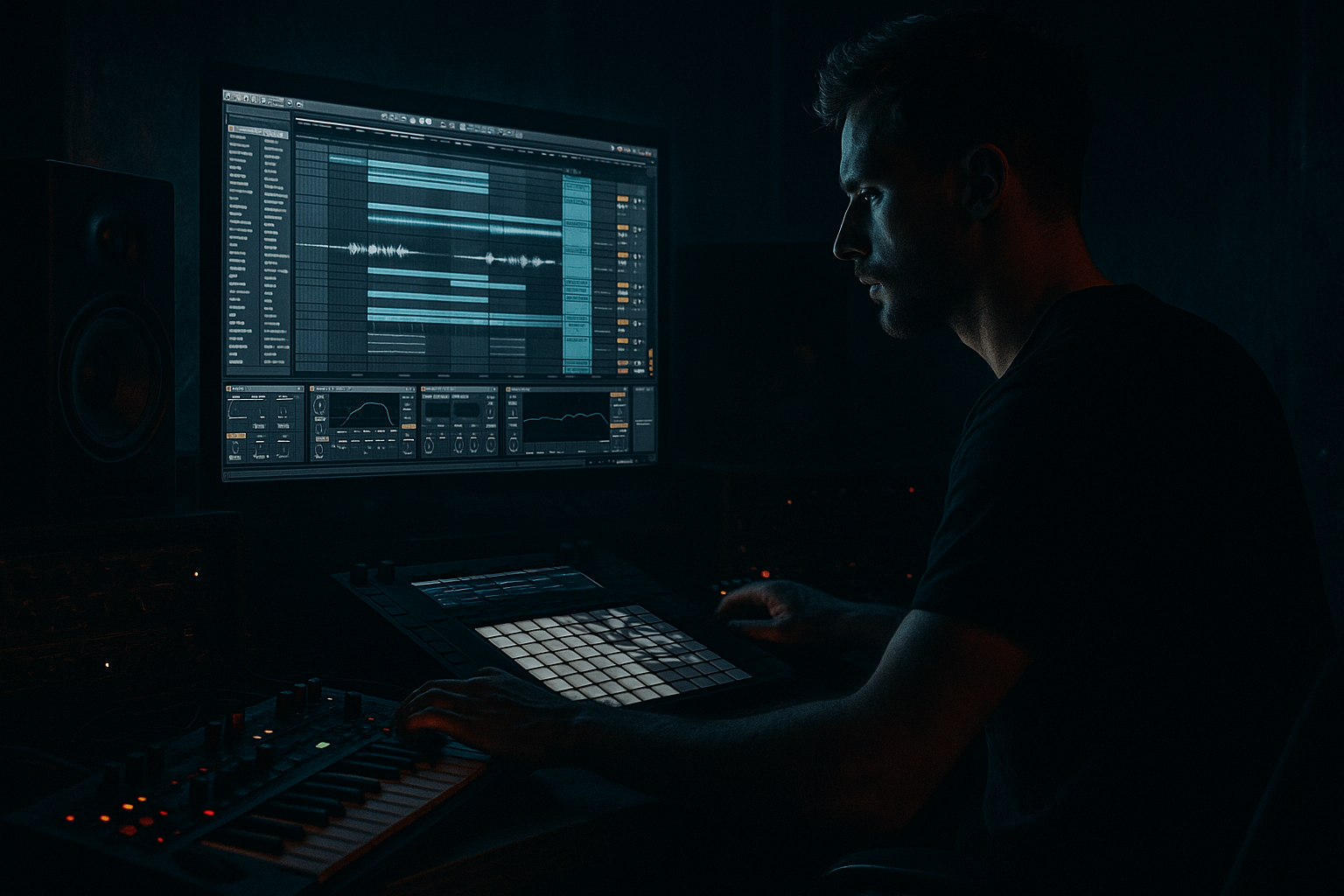
Main tutorial
Balance an Oldskool DnB Air Horn Hit with Crunchy Sampler Texture (Ableton Live 12) 🔊🧨
Category: Resampling
Skill level: Intermediate
Vibe: Jungle / oldskool rave / rolling DnB
---
1. Lesson overview
That classic rave air horn is pure DnB DNA—but it can also be way too loud, harsh, or “stuck on top” of the mix. In this lesson you’ll learn a repeatable Ableton Live 12 resampling workflow to:
- Keep the horn’s impact and recognizability
- Add crunchy sampler texture (think: SP/AKAI-style dirt) without wrecking the mix
- Balance it in rolling drum & bass arrangements (drops, fills, call-and-response)
- Group: `DRUMS` (break + tops)
- Group: `BASS` (sub + mid/reese)
- Group: `FX/VOCAL` (horn lives here)
- Return tracks: `A - ShortVerb`, `B - LongVerb`, `C - Delay`
- A pickup into the drop (last 1/8 or 1/4 before bar 33)
- A call on bar 5 or 13 (classic 16-bar phrase energy)
- A fill after a snare flam or crash
- Volume Envelope
- Start with CLEAN at a good level.
- Bring CRUNCH up from silence until you feel thickness and presence.
- Then pull it back 5–15%. That’s usually the sweet spot.
- If horn is fighting the snare: reduce 2–5 kHz on the horn bus.
- If horn is fighting the bass/reese presence: carve a small dip around 200–500 Hz or 700–1.2 kHz depending on your bass tone.
- On `HORN BUS` add Compressor with Sidechain:
- Put a Gate on `HORN - CRUNCH (SIMPLER)`:
- Bar 1–16: tease (filtered horn very quiet)
- Drop: horn on bar 1 and bar 9 (call and response)
- 2nd 16: introduce a pitched-down horn answering the first
- End of phrase: use a tape-stop-ish horn tail (Freeze/Flatten or automation on filter cutoff)
- Leaving full low-end in the horn → mud + bass masking. HP it aggressively.
- Overdoing Redux/bitcrush → turns to fizzy noise and steals cymbal space.
- No envelope control in Simpler → horn tail fights reverb, bass, and snares.
- Too wide in stereo → horn feels detached; keep some mono focus.
- Not gain staging → distortion reacts differently when levels aren’t consistent.
- Band-limit like an old rave record:
- Make it meaner with controlled saturation:
- Parallel “room slap” without washing out:
- Clip it like a sampler:
- You split the horn into clean and crunch layers.
- You resampled to print a controlled source, then used Simpler for tight envelope shaping.
- You used Redux + distortion + filtering for sampler-like texture while keeping it mixable.
- You balanced layers on a Horn Bus, added light glue, and used sidechain/micro-timing to make it roll with the drums.
- You printed final versions for fast arrangement moves—classic DnB workflow.
We’ll do it using stock Ableton devices, Audio Effects Racks, and resampling for maximum control. 🎛️
---
2. What you will build
A two-layer horn:
1. Clean/Front layer (transient + clarity + stereo placement)
2. Crunch layer (resampled → Simpler → pitched/filtered → distortion/bit reduction → tight envelope)
Then we’ll bus them, glue them, and fit them around breaks + sub + reese like a proper rolling tune.
---
3. Step-by-step walkthrough
Step 0 — Prep your session like a DnB producer
Tempo: 170–175 BPM (use 174 as a sweet spot)
Project structure (recommended):
Routing tip: Keep the horn out of your drum bus compression unless you want it pumping.
---
Step 1 — Choose and warp the air horn sample
1. Drag your air horn into an Audio Track: `HORN - CLEAN`.
2. In Clip View:
- Warp: ON
- Mode: Complex Pro (best if it’s a long-ish horn with movement)
- If it’s super short and stabby: try Beats (Transient loop mode).
3. Set Seg. BPM correctly and align the start to the grid.
DnB arrangement move: Place the horn as:
---
Step 2 — Control the horn’s “front” (clean layer chain)
On `HORN - CLEAN`, build this stock chain:
Device chain (in order):
1. EQ Eight
- HP filter: 100–160 Hz, 24 dB/oct (remove low rumble)
- Notch any painful peak: commonly 2.5–4.5 kHz (sweep with a narrow Q)
- Gentle shelf: if harsh, dip 8–12 kHz slightly
2. Saturator
- Mode: Soft Sine or Analog Clip
- Drive: 2–5 dB
- Output: match level (avoid “louder = better” trap)
3. Glue Compressor
- Attack: 3 ms
- Release: Auto
- Ratio: 2:1
- Aim: 1–2 dB gain reduction on peaks
4. Utility
- Width: 80–120% (depending on your mix)
- Gain: set so it sits under the snare crack, not over it
✅ Goal: clean horn is present but not spiky, with controlled mids.
---
Step 3 — Create a crunchy sampler texture layer via resampling 🎚️
Now we’ll create the dirt layer with resample → Simpler so it behaves like an instrument and can be shaped tightly.
#### A) Resample the clean horn (print it)
1. Create a new Audio Track called `HORN - RESAMPLE PRINT`.
2. Set track input:
- Audio From: `HORN - CLEAN`
- Monitor: In
3. Arm `HORN - RESAMPLE PRINT` and record the horn hit(s).
4. Consolidate the recorded audio (Cmd/Ctrl + J) for a clean clip.
Why: this “bakes” your initial tone and makes the next stage faster, punchier, and consistent.
#### B) Move it into Simpler (texture as an instrument)
1. Drag the consolidated clip into Simpler on a new MIDI Track: `HORN - CRUNCH (SIMPLER)`.
2. In Simpler:
- Mode: One-Shot
- Trigger (not Gate) for consistent hits
- Voices: 1 (prevents overlapping chaos)
- Warp: OFF (unless you need time-stretch)
#### C) Shape the envelope like a DnB stab
In Simpler:
- Attack: 0–3 ms
- Decay: 150–400 ms
- Sustain: -inf (off)
- Release: 30–90 ms
This turns a long horn into a tight stab that sits in rolling patterns.
---
Step 4 — Make it crunchy (Sampler-style texture chain) 🪵
On `HORN - CRUNCH (SIMPLER)`, build an Audio Effect Rack.
Device chain:
1. Auto Filter
- Type: LP 24
- Cutoff: start 2–6 kHz
- Resonance: 0.7–1.2
- Drive: 3–8% (adds grit)
2. Redux
- Downsample: 2–6
- Bit Reduction: 10–14 bits
Keep it audible but not “video game” unless that’s the vibe.
3. Overdrive (or Roar if you want heavier control)
- Overdrive:
- Freq: 1–2 kHz
- Drive: 15–35%
- Tone: adjust to taste
- If using Roar:
- Mode: Tube or Warm
- Drive: moderate
- Use its filter to keep lows out
4. EQ Eight (post dirt cleanup)
- HP: 180–300 Hz
- Reduce harsh fizz: dip 6–10 kHz if needed
- If it lost bite, small boost around 1.5–3 kHz
5. Compressor
- Attack: 10–30 ms (let the transient click through)
- Release: 60–120 ms
- Ratio: 3:1–4:1
- Aim: 2–5 dB GR for consistency
✅ Goal: crunch layer sounds like it came from a worn sampler + cheap mixer, but it’s band-limited and mix-ready.
---
Step 5 — Balance the two layers (the key move) ⚖️
Now group and blend like a pro.
1. Select `HORN - CLEAN` + `HORN - CRUNCH (SIMPLER)` → Group → name it `HORN BUS`.
2. On the HORN BUS, add:
- EQ Eight
- HP: 100–150 Hz
- Optional: small dip where your snare lives (often 180–240 Hz body or 2–3 kHz crack—depends on your snare)
- Glue Compressor
- Attack: 10 ms
- Release: Auto
- Ratio: 2:1
- 1–2 dB GR max (just “togetherness”)
- Limiter (safety only)
- Ceiling: -1.0 dB
- Don’t smash—just catch spikes
Blend method (fast + reliable):
DnB targeting tip:
---
Step 6 — Make it move in the groove (sidechain + timing) 🥁
For rolling DnB, the horn should dance around the drums, not sit like a block.
Option A: Sidechain to the snare (classic)
- Sidechain Input: Snare track (or Drum Group)
- Attack: 1–3 ms
- Release: 80–160 ms
- Ratio: 2:1
- Threshold: just enough to duck 1–3 dB on snare hits
Option B: Gate the crunch layer from breaks (jungle vibe)
- Sidechain from break/tops
- This gives rhythmic “chatter” texture without extra programming
Timing tip: Nudge the crunch layer +5 to +15 ms late for thickness, or -5 ms early for bite. Micro-timing is huge at 174. ⏱️
---
Step 7 — Resample the final horn for arrangement + performance
Once it’s balanced, print it so you can throw it around your track like a proper rave weapon.
1. Create `HORN - FINAL PRINT` audio track.
2. Audio From: `HORN BUS`
3. Record a few variations:
- Full stab
- Shorter stab (trim)
- Pitch down version (transpose Simpler -3 to -7 semitones before printing)
4. Consolidate each to clean clips and build a mini library.
Arrangement ideas (very DnB):
---
4. Common mistakes
---
5. Pro tips for darker/heavier DnB 🌑
On CRUNCH layer, LP around 4–7 kHz + a bit of resonance for that gritty horn “nasal” focus.
Use Roar in a subtle setting and keep lows filtered out—dirty mids, clean bottom.
Send horn to a short reverb return:
- Hybrid Reverb
- Algorithmic
- Decay: 0.4–0.8 s
- Pre-delay: 10–25 ms
- HP in reverb: 300–600 Hz
Put Saturator (Analog Clip) on the horn bus with soft clip vibes, but keep it subtle—this is how you get loud without spiky pain.
---
6. Mini practice exercise 🎯
Goal: Build 3 horn versions that sit in a rolling drop.
1. Create a 16-bar loop with:
- Break (Amen-style or tight DnB break)
- Kick + snare reinforcement
- Sub (simple sine)
- Reese or mid bass
2. Program the horn as:
- Version A: clean stab on bar 1
- Version B: crunchy tight stab on bar 5
- Version C: pitched-down stab on bar 13
3. Print all 3 to audio and level-match them.
4. A/B test with bass playing:
- If horn disappears: add 1–3 kHz presence on CLEAN
- If horn is harsh: dip 3–5 kHz on BUS and reduce CRUNCH
Deliverable: a 16-bar drop that feels ravey but still mix-ready.
---
7. Recap ✅
If you want, tell me what style you’re aiming for (90s jungle, neuro-ish roll, jump-up, deep minimal) and what your horn sample sounds like (bright/harsh/long), and I’ll suggest exact EQ points and a rack preset-style chain.

