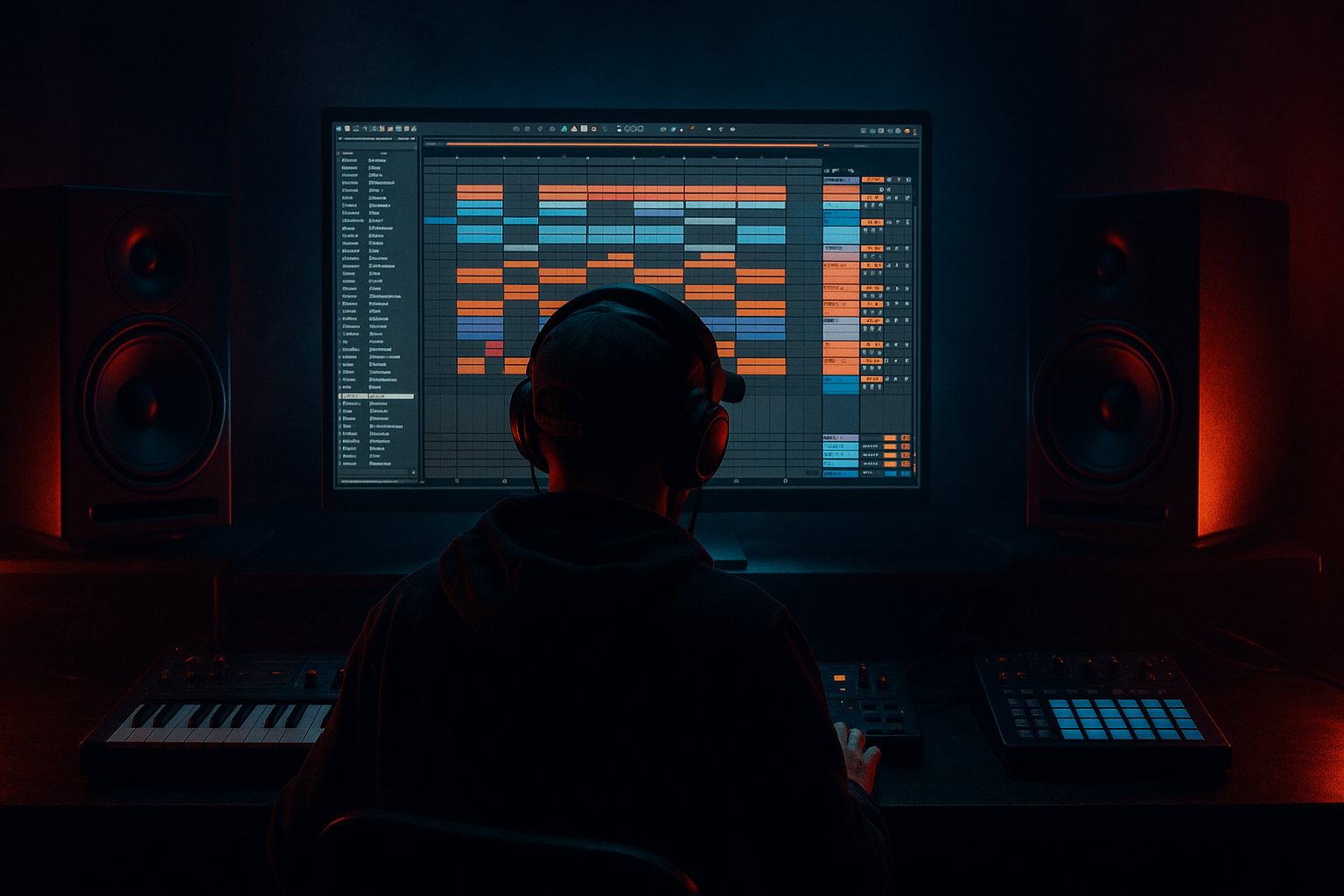
Main tutorial
Lesson Overview
This lesson is about building a wobbling bass that hits with heavyweight sub impact in Ableton Live 12, but with a very specific goal: make it feel like oldskool jungle / early DnB energy while still being usable in a modern mix. We’re not chasing a random EDM wobble. We’re designing a sample-driven bass movement that can sit under breakbeats, answer the drums, and still keep the low end clean enough to survive club systems.
In DnB, bass wobble is most effective when it serves the groove instead of constantly dominating it. The best oldskool-inspired basslines often do three things at once:
1. Carry sub weight that stays solid in mono.
2. Add midrange movement through filtered modulation, distortion, or resampling.
3. Leave space for the break so the drums stay punchy and fast.
Because this is a Sampling lesson, the focus is on using Ableton’s sampling tools to create a bass that feels “played” and organic. You’ll sample, warp, chop, resample, and re-process until the bass line has that elastic, almost hand-massaged movement that works so well in jungle, rollers, and darker DnB. The key idea is to build the bass in layers: a clean sub foundation, a mid wobble layer, and optional texture or grit from resampled passes.
Why this matters: in DnB, bass is not just a sound — it’s part of the arrangement language. A strong wobble can create call-and-response with the snare, intensify a drop, or drive the whole first 16 bars of a roller. If you get the movement right, the bass can feel huge without overcrowding the kick/snare pocket. 🔥
What You Will Build
By the end of this lesson, you’ll have an Ableton Live 12 bass patch that sounds like:
- A deep mono sub with a controlled sine or triangle core
- A midrange wobble layer that pulses rhythmically and can be pushed into grimier territory
- A sampled and resampled bass texture that feels oldskool, dusty, and slightly unstable
- A bass phrase that works in a 16-bar DnB drop, with room for drum fills, switch-ups, and tension
- a half-time jungle intro before the drop
- an 8-bar DnB groove loop with break edits and Reese-style motion
- a drop section where the bass answers the snare on off-beats
- a dark roller with restrained wobble and careful low-end discipline
- Making the wobble too wide
- Letting the filter wobble expose ugly low-mid mud
- Using too much distortion on the sub
- Overwriting the drums with bass every beat
- Making the bass loop static for 16 bars
- Overusing LFO depth
- Print multiple passes of the same bass line: one clean, one driven, one overdriven. Blend them depending on arrangement section.
- Use resampling as a compositional tool: chop the printed bass into tiny phrases and reverse select hits before the snare for tension.
- Keep the sub simple, let the mid do the talking: the listener feels the weight from the sub but hears the character from the mids.
- Use tiny pitch movement sparingly: a subtle transpose automation of ±1 semitone on select hits can make the line feel unstable and grimy without sounding gimmicky.
- Exploit Ableton’s clip envelopes: automate filter or volume directly inside the audio clip for precise oldskool-style movement.
- Group the bass with return FX carefully: short sends into reverb or delay can create atmosphere, but only on select notes or fills.
- Reference dark rollers and jungle classics: compare your bass movement against a track with similar drum density so your low end doesn’t become over-animated.
- Use drum bus contrast: if your break has sharp transient snap, keep the bass slightly rounder; if the break is soft, make the bass more defined and punchy.
- make a clean source
- record and resample it
- use Simpler and Auto Filter for motion
- add saturation for density
- split sub and mid for clarity
- arrange it with DnB phrasing and drum interaction
Musically, this could sit under:
You’ll also build a workflow you can repeat: create source material, sample it, warp it, shape it, resample it again, and then arrange it like a proper DnB phrase instead of a static loop.
Step-by-Step Walkthrough
1. Start with a tight source bass you can sample
Create a new MIDI track and load Wavetable, Operator, or Analog. For this lesson, Operator is ideal because it gives you a clean sub quickly.
- Set Operator to a single sine tone on Oscillator A.
- Play around F1–A1 as your core bass range for classic DnB weight.
- Keep the amp envelope tight: Attack 0–5 ms, Decay 200–500 ms, Sustain around -6 to -12 dB if needed, Release 50–120 ms depending on phrasing.
- If you want a little bite for the resample source, add a second oscillator very quietly with a saw or square an octave up, but keep it subtle.
The point here is not to finish the sound yet. You are making a sample source that will later be chopped and reshaped. Think of it like recording your own bass sample pack inside the project.
2. Create a short bass phrase to sample, not just a held note
In DnB, the wobble feels more musical when it comes from a phrase. Program a simple 1- or 2-bar MIDI pattern with 3 to 5 notes. Try a pattern with movement between root and minor 3rd or 5th for darker jungle energy.
Example musical context:
- Key: F minor
- Pattern: F1 – Ab1 – F1 – Eb1
- Use syncopation so the bass answers the kick/snare rather than crowding it.
- Leave at least one gap where the snare can breathe.
For oldskool jungle vibes, let the bass phrase feel like it’s dancing around the break. For rollers, reduce note count and make the rhythm more hypnotic. For neuro-leaning darkness, use a more rigid pattern, then make the movement do the work.
3. Record or freeze-resample the source into audio
Route the MIDI track to an audio track and record the phrase in real time, or use Freeze Track and Flatten if you’re already happy with the instrument sound. Then drag the resulting audio into a new Simpler instance or directly onto an audio track for further editing.
Best practice:
- Record at least 8 bars so you capture variation.
- Make one pass with a clean version and another pass with more drive or filter movement.
- Consolidate the region once recorded so the clip starts cleanly on the grid.
Why this works in DnB: sampling your own bass phrase gives you precise control over timing, transient behavior, and tone, which is crucial when bass and drums need to interlock tightly at high tempo. It also gives you the “programmed performance” feel that oldskool DnB often relies on.
4. Load the sample into Simpler and turn it into a playable wobble source
Drop the recorded bass audio into Simpler and use Classic mode for flexible playback. Now you can reshape the source into a more expressive wobble instrument.
Suggested settings:
- Start: trim tightly to the transient or note start
- Loop: on, if you want sustained motion
- Warp: try Complex Pro only if the sample needs preserving; otherwise keep it simple and use Simpler playback
- Filter: low-pass around 120–250 Hz for sub-focused movement, or higher if you want more growl
- Voices: mono or 1 voice for sub stability
- Glide/Portamento: subtle, around 20–80 ms for sliding oldskool flavor
Now map Filter Frequency, Transpose, and Volume to your MIDI expression manually or via automation. If the sample has a strong rhythmic character, you can even slice it into Slice mode and trigger different bass hits like a mini sampler bassline.
5. Build the wobble with modulation that feels deliberate, not random
Add Auto Filter after Simpler. This is where the wobble comes alive.
Settings to try:
- Filter type: Low-Pass 24 dB
- Drive: 10–30% for extra density
- Resonance: 5–20% depending on how vocal you want the movement
- LFO rate synced to tempo: start at 1/8, 1/16, or 1/8 dotted
- LFO waveform: sine or triangle for smoother movement; square if you want a more aggressive on/off chop
To make it feel like DnB, don’t let the LFO wobble continuously from bar one. Automate the depth so it opens up only where the arrangement needs energy. A classic move is:
- Intro: low filter movement, almost static
- Pre-drop: increasing wobble depth
- Drop: full movement with automation rides
- Fill bar: briefly reduce movement to make the next hit feel bigger
You can also map Auto Filter’s frequency to a Macro in an Instrument Rack and automate that Macro over 8 or 16 bars. This keeps your workflow clean and makes it easy to build a performance-friendly bass rack.
6. Drive the bass through saturation and resample the result
Add Saturator, Overdrive, or Drum Buss after the filter to give the wobble more harmonic density. For underground DnB, controlled distortion is often what makes the bass audible on smaller systems without sacrificing the sub.
Practical settings:
- Saturator: Soft Clip on, Drive 2–8 dB
- Overdrive: Frequency around 150–400 Hz, Amount modest, Filter Dry/Wet adjusted by ear
- Drum Buss: Drive low to moderate, Crunch carefully used for upper harmonic grit
- Keep the very bottom intact; avoid crushing the sub into fuzz
Then resample the processed output to a new audio track. This is a huge advanced move in sampling-based DnB production: you’re printing the movement so you can edit the bass like audio, not just as a live synth. Once printed, cut the waveform into phrases, reverse small hits, and create tiny pre-hit pickups before the snare.
Use the resampled clip to:
- create stutter edits
- remove mud from certain notes
- add a short reverse swell into a drop
- layer a different distorted version only in the last 2 bars of a section
7. Split the bass into sub and mid layers for real club-weight
This is where advanced DnB bass design gets serious. Don’t rely on one chain to do everything.
Make two tracks:
- Sub layer: clean, mono, no stereo widening, minimal processing
- Mid wobble layer: filter movement, distortion, texture, maybe slight chorus if kept under control
For the sub layer:
- Use Operator or a clean Simpler source
- Low-pass aggressively
- Keep it mono
- Check with a spectrum analyzer if useful, but trust your ears and the kick relationship
For the mid layer:
- High-pass around 90–140 Hz to leave room for the sub
- Push saturation and movement harder
- Add EQ Eight to tame harsh peaks around 2–5 kHz if needed
Group both tracks into a bass bus. On the bus, use gentle shaping:
- Glue Compressor with only 1–2 dB gain reduction if the layers need cohesion
- EQ Eight for broad cleanup, not surgical destruction
- Optional Utility set to mono below the bass cutoff region by keeping the whole bass centered
This split is essential because oldskool DnB and jungle bass often need the illusion of chaos above while remaining rock-solid below.
8. Lock the bass rhythm to the drums with call-and-response
Now arrange the bass against a proper DnB drum foundation. Use a breakbeat, sliced break, or drum rack pattern with strong snare on 2 and 4, plus ghost notes and hats.
In a classic 170–174 BPM DnB context:
- Place bass notes so they answer the snare, not fight it
- Use short gaps before snare hits to preserve punch
- Let the bass hit slightly after the kick in some spots for groove
- For jungle, allow more “conversation” with the break; for neuro-leaning dark DnB, make the rhythm more precise and ruthless
Arrangement example:
- Bars 1–4: intro groove, bass hints only
- Bars 5–8: main wobble phrase enters
- Bars 9–12: add octave jump or extra resample layer
- Bars 13–16: strip the bass for 1 bar, then slam back with a fill
This structure keeps the listener locked while leaving space for tension and release. In DnB, the energy often comes from what you remove just as much as what you add.
9. Automate motion, not just volume
Advanced bass movement is usually more convincing when several parameters move together rather than one obvious filter sweep.
Automate:
- Auto Filter cutoff
- Saturator drive
- Simpler filter cutoff or transpose
- Reverb send on only the tail hits, if you want depth
- Delay send on sparse fills, not on the whole bass
A strong move is to automate a Macro controlling:
- Filter cutoff
- LFO depth
- Distortion drive
- Dry/Wet mix of a parallel texture chain
Try pushing the distortion harder only on the last note of a phrase. That creates the sense of the bass “speaking” at the end of the bar, which is very effective in rollers and oldskool-style drops.
Common Mistakes
- Fix: keep the sub fully mono and check any widening only on the mid layer. Low-end stereo is a common club translation problem.
- Fix: high-pass the mid layer and use EQ Eight to control 200–500 Hz buildup.
- Fix: distort the midrange, not the fundamental. Preserve the sine-like body under 100 Hz.
- Fix: leave micro-gaps before snare hits and use call-and-response phrasing.
- Fix: introduce arrangement changes every 4 or 8 bars: a note change, filter lift, fill, or resampled variation.
- Fix: moderate wobble often hits harder than extreme wobble because the groove remains intelligible.
Pro Tips for Darker / Heavier DnB
Mini Practice Exercise
Spend 10–20 minutes building a mini drop loop:
1. Create an 8-bar DnB groove at 172 BPM.
2. Program a simple F minor bass phrase with 4 notes max.
3. Record it and resample it into audio.
4. Load the resampled clip into Simpler and design one wobble layer with Auto Filter and Saturator.
5. Split it into sub and mid layers.
6. Automate the filter so bars 1–4 are restrained and bars 5–8 open up more.
7. Add one resampled fill in bar 8: a reversed bass hit or a distorted last note.
8. Check the whole loop in mono and make sure the sub still feels strong.
Goal: create a loop that feels like the first half of a proper DnB drop, not just a sound design demo. If it can survive over a breakbeat and still feel heavy, you’re on the right track.
Recap
The core idea is simple: build the bass as a sampled performance, then shape it into a controlled wobble with clear sub weight and midrange movement. In Ableton Live 12, the winning workflow is:
If the bass feels huge but the drums still punch, you’ve nailed the balance. That’s the difference between a random wobble and a proper heavyweight jungle/DnB bassline.

