Main tutorial
Lesson Overview
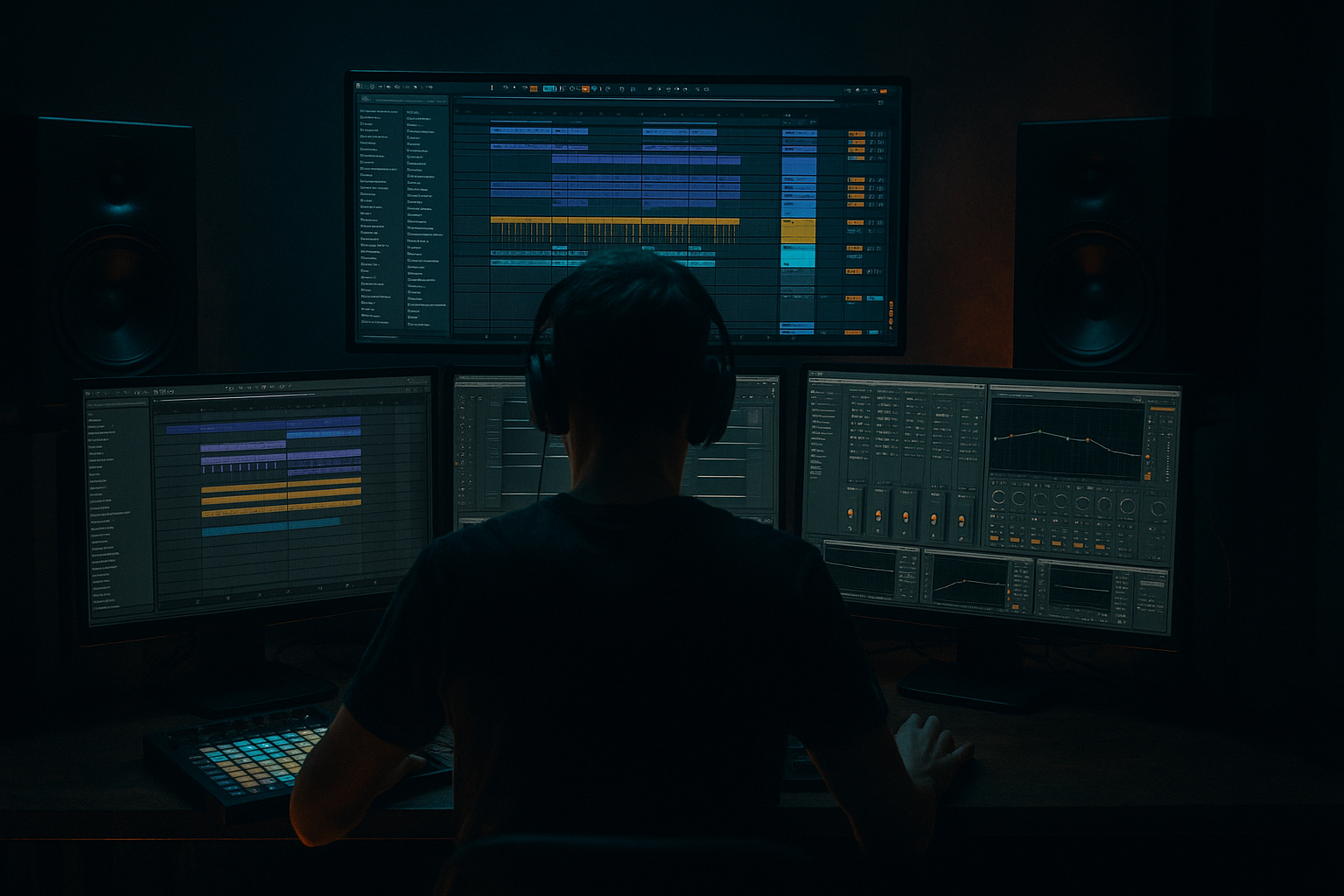
In this lesson, you’ll build a jungle / oldskool DnB bassline in Ableton Live 12 by starting in Session View and then turning that idea into a full Arrangement View drop. The goal is to make a bassline that feels like it belongs under chopped breaks: deep sub, moving midrange, simple but effective phrasing, and enough automation to keep the groove alive.
This matters because in Drum & Bass, the bassline is not just “the low sound” — it’s part of the rhythm section. In jungle and oldskool DnB, the bass often works like a conversation with the drums: it leaves gaps for the break to breathe, hits hard on strong off-beats, and uses small variations to stop the loop from sounding static. A beginner-friendly workflow in Live 12 is to build a 1–2 bar loop in Session View, jam variations with clips, then commit the best moments into Arrangement View.
Why this technique is so useful:
- You can test ideas fast without getting lost in the arrangement too early
- You can make bass movement feel musical before worrying about the full track
- You can keep the low end controlled while still making the sound feel aggressive
- You can build a proper DnB intro, drop, and switch-up without overcomplicating the process
- A 2-bar bass loop made in Session View
- A bass sound built from an Ableton stock synth, with sub + reese-style movement
- A call-and-response phrasing pattern that sits well with a jungle break
- Basic automation for filter, distortion, and send effects
- A short Arrangement View drop section with intro tension, main drop energy, and a small switch-up
- A bass that is mono-compatible in the sub, but still has width and attitude in the mids
- A workflow you can reuse for rollers, darker jump-up, or oldskool jungle-inspired tunes
- Making the bass too busy
- Too much stereo on the sub
- Bass notes that are too long
- Over-distorting the whole bass
- Ignoring the drum/bass relationship
- Too many arrangement ideas too soon
- Use Saturator before EQ to add controlled harmonics, then trim mud after.
- Try a slight pitch envelope or filter envelope on the bass for a more aggressive hit at the start of each note.
- Duplicate the bass MIDI track and make one track clean sub only, the other midrange dirt only. Blend them carefully.
- Use Drum Buss lightly on the mid bass for extra density, but don’t crush the transient.
- Automate Auto Filter slowly over 4, 8, or 16 bars for tension instead of relying only on big risers.
- For darker vibes, keep the note choices narrow and use rhythm, not melody, to create movement.
- If the bass feels thin, check whether the sound has enough harmonic content around 150–500 Hz — that’s where small speakers will “read” the bass.
- Use tiny call-and-response gaps: one empty 1/8 or 1/16 space can make the groove feel much heavier.
- For a more underground feel, let one bass variation be slightly rougher than the main loop, but keep the sub clean.
- Start in Session View so you can build the bass loop fast
- Keep the bass sub-focused, rhythmic, and space-conscious
- Use Ableton stock devices like Wavetable, Operator, Saturator, EQ Eight, Auto Filter, Utility, and Drum Buss
- Make small variations with automation, note changes, and resampling
- Move to Arrangement View only after the loop works with the drums
- In DnB, the best basslines are usually simple, weighted, and tightly connected to the break
If you’re learning DnB production, this is one of the most valuable workflows to master. It’s simple, fast, and very “real studio” friendly.
What You Will Build
By the end of this lesson, you’ll have:
Musically, the result will feel like a classic DnB foundation: tight drums, a low-end pulse, and a bassline that leaves room for the break while still driving the groove.
Step-by-Step Walkthrough
1. Set up a clean DnB starter session
Open a new Live Set and set the tempo to something in the DnB range, like 170–174 BPM. For this lesson, 172 BPM is a great starting point because it works well for jungle and oldskool energy.
Create:
- 1 MIDI track for Bass
- 1 audio or MIDI track for Drums
- 1 return track for Reverb or Delay if you want quick atmosphere later
In Session View, load a simple drum idea first. You can use a chopped break or a programmed break-inspired pattern. For beginners, the main goal is just to hear how the bass interacts with the drums. Keep the drum clip short and looped.
Why this works in DnB: if the drums are already looping, you can shape the bass around the groove instead of designing it in isolation. DnB bass almost always lives or dies by how well it locks to the break.
2. Build the bass instrument with stock Ableton devices
On the Bass MIDI track, start with Wavetable, Operator, or Analog. For a beginner, Wavetable is a strong choice because it’s flexible and easy to shape.
A simple oldskool-style starting point:
- Oscillator 1: Saw
- Oscillator 2: optional Square or another Saw, slightly detuned
- Filter: Low-pass
- Amp envelope: short attack, medium-short decay, moderate sustain, short release
Good starter settings:
- Filter cutoff: around 120–300 Hz if you want it dark and focused, or open it higher if you need more bite
- Resonance: keep low to moderate, around 5–20%
- Detune: subtle, not extreme — just enough to make it feel wider in the mids
- Amp attack: 0–10 ms
- Decay: 150–400 ms depending on how stabby you want it
Add Ableton stock effects after the synth:
- Saturator for harmonics
- EQ Eight for cleanup
- Auto Filter for movement
- Optional Drum Buss very lightly for extra glue and edge
Keep the chain simple. For beginner DnB, less is more.
3. Design a sub-first bass sound
In DnB, the sub is the foundation. If the low end is weak, the whole bassline feels small.
If you use Wavetable, you can layer or simplify:
- Keep one oscillator focused on the sub/low fundamental
- Make sure the sound still works when heard very quietly
- Avoid too much stereo width in the low end
If you want a very controlled sub, use Operator:
- Sine wave carrier
- One note per hit
- Very short release
- No unnecessary effects on the pure sub
Practical settings:
- Sub level should sit roughly 6–12 dB lower than you first think if the mix feels crowded
- Keep everything below about 120 Hz mono
- Use EQ Eight to remove unwanted muddiness around 200–400 Hz if needed
Beginner rule: if you can’t clearly hear the kick/break transients after adding bass, the bass is probably too wide or too busy.
4. Program a 2-bar phrase in Session View
Open a MIDI clip on the Bass track and start with a simple rhythm. For jungle/oldskool DnB, don’t fill every gap. Let the drums breathe.
Try this approach:
- Use strong notes on off-beats
- Leave space after snare hits
- Use a few repeated notes, then one variation at the end of bar 2
Example phrasing idea:
- Bar 1: bass hits after the kick, then leaves a gap
- Bar 2: same idea, but the last note climbs or lands differently
Keep the note lengths short to medium:
- Shorter notes for a more classic staccato roller
- Slightly longer notes for a heavier, sustained oldskool wobble feel
Musical context example: imagine a 2-bar pattern that sits under a chopped Amen-style break. The bass doesn’t play constantly — it accents the groove and gives the break space to do the work. That’s a huge part of jungle character.
5. Add movement with automation and simple modulation
Now make the loop feel alive. In Session View, automate a few key parameters inside the clip or with track automation.
Useful moves:
- Auto Filter cutoff opening slightly on the last half of bar 2
- Saturator drive nudging up on important notes
- Wavetable position or unison detune moving subtly for extra character
- Volume automation for one or two notes to create emphasis
Good parameter ranges:
- Filter cutoff movement: small changes, not huge sweeps
- Saturator drive: start around 2–6 dB of extra drive, depending on the source
- Auto Filter resonance: keep it controlled, around low to mid values, so it doesn’t whistle too hard
Try this beginner-friendly idea:
- Clip 1 is your main bass loop
- Duplicate it to Clip 2
- In Clip 2, open the filter slightly and add one extra note or a different ending
This is a very DnB workflow because the arrangement often comes from small but purposeful changes, not giant chord progressions.
6. Resample or bounce the bass if it needs more grit
If your synth bass feels too clean, you can add character using Ableton’s stock workflow:
- Create a new audio track
- Set the input to resample or route from the bass track
- Record the bass for a few bars
- Then use the recorded audio as a new layer or texture
Once resampled, you can:
- Chop the audio
- Reverse a small section
- Add Warp adjustments if needed
- Use Redux very lightly for digital edge
- Apply Saturator or Drum Buss to the audio layer
Beginner tip: don’t replace the clean bass with distortion. Instead, keep the clean low end and use the resampled layer for midrange attitude.
Why this works in DnB: heavier jungle and darker bass music often rely on layered low end + dirty mid texture. The sub stays stable, while the resampled layer gives the bass personality.
7. Test the bass against the break and clean up the low end
Now loop the drums and bass together. This is the decision-making stage.
Check:
- Does the bass leave room for the snare?
- Is the kick or break losing impact?
- Does the sub feel centered and stable?
- Is the bass too long in the note tail?
Use EQ Eight on the Bass track:
- High-pass only very gently if needed, usually not too high on bass
- Cut mud around 200–350 Hz if the sound is boxy
- Reduce harshness around 2–5 kHz only if the distortion gets sharp
If your drums and bass clash, try:
- Shortening the bass notes
- Lowering bass volume before reaching for EQ
- Using Utility to check mono compatibility
- Reducing stereo width on the bass track
Keep the drum-bass balance honest. In DnB, the low end should hit hard, but the break still needs punch and air.
8. Move from Session View into Arrangement View
Once your loop feels solid, record or drag the clips into Arrangement View.
Build a basic structure:
- Intro: drums + filtered bass hint or no bass
- Drop 1: full bass phrase
- Switch-up: a variation with a different ending or filter opening
- Second drop phrase: same idea, but slightly more intense
A simple beginner arrangement example:
- 16 bars intro
- 16 bars drop
- 8 bars switch-up
- 16 bars second section
- 8–16 bars outro
In the intro, you can automate:
- Bass filter closed down
- Reverb or delay sends increasing on small hits
- Drum fill before the drop
In the drop, bring the bass in fully, but keep the arrangement sparse enough for the drums to breathe.
This is classic DnB phrasing: tension, release, then a variation before the listener gets used to the loop.
9. Add a simple call-and-response pattern
A very effective beginner DnB technique is to have the bass answer itself.
Example:
- First half of the bar: a short bass stab
- Second half: a different note or slightly longer note
- Next bar: repeat with a twist
You can create this by:
- Duplicating the clip
- Moving one note up or down by a small interval
- Changing the filter or saturation on only one phrase
- Adding a small silence before the response note
Good note movement for jungle/oldskool vibes:
- Root note + one or two scale notes
- Small movement, not huge melodic jumps
- Keep the bass anchored so the groove stays heavy
If you want darker energy, use fewer notes and make each one count.
10. Final check: make it DJ-friendly and mix-ready
Before you call it done, make sure the idea would actually work in a DnB track.
Check these things:
- Intro/outro have enough space for mixing
- The drop has a clear bass identity
- Sub is not overly wide
- The loop has one or two variations, not twenty
- The bass doesn’t fight the snare or break transients
Add a tiny transition tool if useful:
- A reversed cymbal
- A short noise riser
- A downlifter into the drop
- A filtered drum fill before the switch-up
Keep all effects purposeful. In DnB, too much decoration can weaken the impact of the bassline.
Common Mistakes
- Fix: reduce the number of notes and let the drums lead. Jungle and oldskool DnB often feel powerful because of space.
- Fix: use Utility or keep the lowest band mono. Wide low end makes the mix unstable.
- Fix: shorten the note lengths or reduce release time so the kick and break stay punchy.
- Fix: keep one clean low layer and use distortion mainly on the mid layer.
- Fix: loop the break while you work. DnB bass design should always be judged in context.
- Fix: build one strong 2-bar phrase first, then duplicate and vary it. Speed matters more than complexity at this stage.
Pro Tips for Darker / Heavier DnB
Mini Practice Exercise
Spend 10–20 minutes making a 2-bar jungle bass loop:
1. Set the tempo to 172 BPM.
2. Load a simple break or drum loop.
3. Build a bass sound with Wavetable or Operator.
4. Write only 4–6 bass notes across 2 bars.
5. Make the notes leave space around the snare.
6. Add Saturator and EQ Eight.
7. Duplicate the clip and make one small variation:
- one note changes
- one filter automation move
- one note length changes
8. Drag both clips into Arrangement View.
9. Arrange:
- 8 bars intro
- 8 or 16 bars drop
- 4-bar switch-up
10. Do one mono check with Utility and one volume balance check against the drums.
Your goal is not a full track. Your goal is to make a bassline that already feels like a DnB record in motion.

