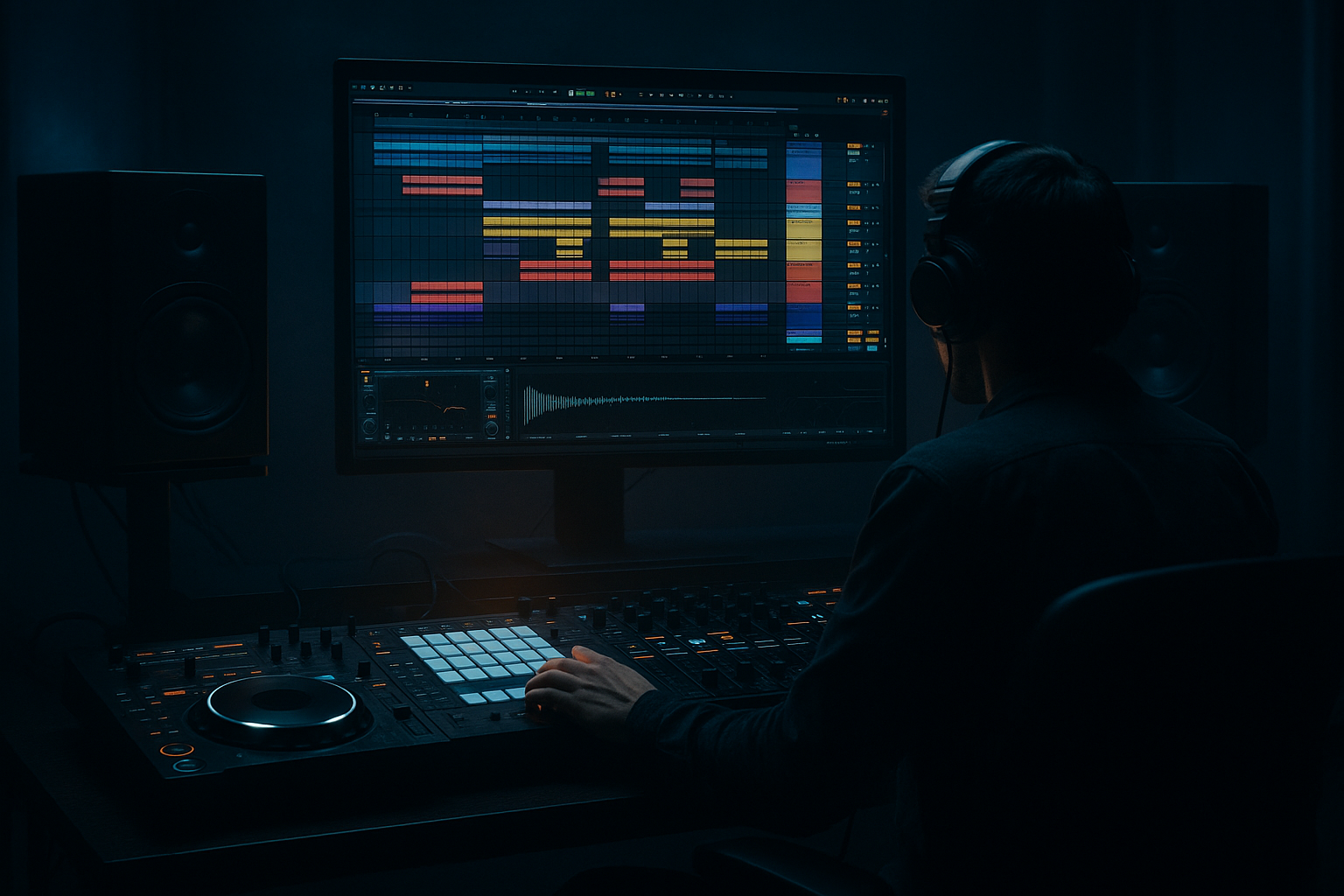
Main tutorial
Lesson Overview
In this lesson, you’ll build a ragga-cut bassline idea and arrange it into a short DnB section in Ableton Live 12. The focus is not just on making a bass sound heavy, but on making it work with a vocal chop / ragga phrase, so the whole idea feels like a proper jungle or rollers tune rather than just a loop.
This matters because in Drum & Bass, especially ragga, jungle, and darker rollers, the bassline is often the answer to the vocal. The vocal gives attitude, identity, and rhythm; the bass gives weight, movement, and tension. If those two elements are glued together well, the drop feels bigger even when the sound design is simple. If they fight each other, the tune feels messy and amateur.
You’ll learn how to:
- choose a simple bassline shape that supports a ragga cut
- use Ableton stock devices to make the bass move
- leave space for the vocal phrase
- arrange a believable DnB drop with tension and call-and-response
- keep the low end clean and club-safe
- a mono sub bass holding the low end
- a mid-bass/reese layer with controlled movement
- a ragga vocal chop sitting on top as the hook
- a call-and-response phrase where the vocal and bass alternate
- a simple 8-bar arrangement with a build, drop, and switch-up
- basic automation for filter movement, sends, and energy changes
- a rough mix that leaves headroom and avoids low-end clash
- bars 1–2: vocal teaser / atmospheric intro
- bars 3–4: bass phrase hints with short vocal cuts
- bars 5–8: full drop with bass answering the vocal
- optional switch in bar 7 or 8 for variation
- Putting too many bass notes under the vocal
- Using a wide bass on the low end
- Making the mid-bass too loud
- Over-filtering the vocal until it sounds dull
- Not matching the rhythm to the drums
- Too much reverb or delay on the hook
- Trying to write a busy bassline before the groove is solid
- Use a shorter, more percussive bass envelope for tougher rollers energy. Tight bass leaves more room for the break and vocal.
- Add a touch of Saturator on the mid-bass, then reduce the output so the level doesn’t jump. Saturation adds audibility on small speakers.
- If you want a darker vibe, automate Auto Filter to close slightly before each drop hit, then open it on impact.
- Layer a very quiet noise or texture under the bass if it feels too clean, but high-pass it so it doesn’t cloud the low end.
- For underground character, try a slight swing in the drum groove and keep the bass following that pocket.
- Use Echo or Delay on a vocal chop only at the end of a bar to create tension before the next phrase.
- If the bass feels static, resample the MIDI bass to audio and chop tiny sections for variation. This is very common in jungle and darker rollers workflows.
- Keep your sub consistent and let the mid-bass carry the aggression. That separation is a big part of pro DnB clarity.
- In DnB, the bassline and vocal need to support each other rhythmically.
- Build the low end with a clean mono sub and a controlled mid-bass layer.
- Use call-and-response so the ragga cut and bassline feel connected.
- Keep the arrangement simple: intro, drop, variation.
- Use Ableton stock tools like Operator, Wavetable, Auto Filter, Saturator, Compressor, Drum Buss, Utility, and Delay/Echo to shape the sound.
- Always check space, balance, and mono compatibility before adding more layers.
This is a beginner-friendly workflow, but it’s built around real DnB practice: sub discipline, rhythmic phrasing, resampling mindset, and arrangement that actually drops 🔥
What You Will Build
By the end, you’ll have a short DnB drop section with:
Musically, think of a classic setup like:
The result should feel like a ragga-flavoured DnB roller: dark enough for weight, rhythmic enough to keep the dance moving, and simple enough that a beginner can finish it.
Step-by-Step Walkthrough
1. Set the project up for a DnB working tempo and clean session
- Set the tempo to 174 BPM. If you prefer a slightly looser jungle feel, 172–176 BPM is still in the zone.
- Create a new group for Drums, Bass, Vocals, and FX so you can stay organised.
- Put a simple 8-bar loop in place. DnB arrangement gets easier when you think in short blocks.
- If you already have a ragga vocal chop or acapella phrase, drag it in now. If not, use a short vocal sample with attitude and rhythm, ideally one that can be cut into 1–2 word hits.
Why this works in DnB: the genre relies on fast phrasing and quick arrangement decisions. A clean project layout makes it easier to hear whether the bass is supporting the vocal instead of crowding it.
2. Build a simple drum foundation first
- Start with a kick on the first beat and a snare on the third beat of the bar, which is the classic DnB backbone.
- Use a breakbeat loop or chopped break on a separate track to add movement. If you have a break, slice it lightly and keep the strongest hits.
- On the drum bus, use Drum Buss for a little punch:
- Drive: around 5–15%
- Crunch: low to moderate, around 5–10%
- Boom: use carefully or keep off for now if the sub will carry the bottom
- Keep the drums strong but not overprocessed. You want space for the bass and vocal.
Beginner tip: if the break is busy, lower its volume and let it act like texture rather than the main impact. For a ragga cut, the vocal should feel like the feature, not the drum loop.
3. Create the sub bass with a clean Operator patch
- Add Operator on a MIDI track for the sub.
- Choose a simple waveform like a sine wave for the main oscillator.
- Keep it mono. In Operator, you can make the sound focused by avoiding extra voices and keeping the patch simple.
- Play a short bass pattern in the same key as the sample or song. If you don’t know the key, stick to one note and move later.
- Good beginner note choices:
- use the root note
- occasionally move to the 5th
- use short rests to create bounce
Suggested settings:
- Envelope release: 50–120 ms for tight bass notes
- Add a tiny bit of sustain if you want longer notes, but keep it controlled
- Keep velocity even if you don’t want the sub to jump around too much
Why this works in DnB: sub bass in DnB is often simple because the speed of the drums leaves less room for long notes. A clean sine sub gives you the low-end power without making the groove muddy.
4. Add a mid-bass layer for movement and character
- Duplicate the bass track or create a new one with Wavetable or another Operator patch.
- Use a richer waveform or a detuned sound for a reese-style mid layer.
- High-pass this layer so it doesn’t fight the sub. A starting point is around 90–140 Hz depending on the sound.
- Add Auto Filter to shape the tone:
- Filter type: low-pass or band-pass
- Cutoff: start around 300–800 Hz and automate it
- Resonance: keep moderate, around 10–25%
- Add Saturator after the synth for grit:
- Drive: 2–6 dB
- Turn on Soft Clip if needed
- If the mid-bass feels too wide, use Utility to reduce stereo width or make it mono below the low mids.
Beginner approach: don’t try to make the bass sound massive on its own. Make it move rhythmically and leave the heaviness to the full drum/bass/vocal combination.
5. Write a bassline that responds to the ragga cut
- Listen to the vocal phrase and mark where the main words land.
- Instead of placing bass notes under every vocal hit, give the vocal some space.
- A useful DnB approach is call-and-response:
- vocal says something
- bass answers with a short phrase
- Try a pattern where the bass hits on the gaps after the vocal chop.
- Keep the note lengths short and punchy. In fast DnB, a few well-placed notes often work better than long lines.
Musical example:
- If the vocal says “come again” on beat 1, let the bass answer on beat 2 or the “and” of 2.
- If the vocal slice lands on beat 3, make the bass hit after it instead of under it.
This creates the classic ragga energy: voice first, bass reply second.
6. Glue the bass and vocal with sidechain and filtering
- Put Compressor on the bass group and sidechain it to the kick if needed.
- For a subtle DnB pump, aim for:
- Ratio: 2:1 to 4:1
- Attack: 5–20 ms
- Release: 60–150 ms
- Gain reduction: about 2–4 dB
- If the vocal is fighting the mid-bass, use EQ Eight to carve a small space:
- cut a little around 200–400 Hz if things get boxy
- tame harshness around 2.5–5 kHz if the vocal chops are sharp
- On the vocal, use Auto Filter or EQ Eight to reduce low-end rumble:
- high-pass around 120–200 Hz depending on the sample
- For a more “glued” ragga feel, send both vocal and bass a little bit to the same Reverb or Delay, but keep it subtle.
Why this works in DnB: the mix feels like one record when the vocal and bass live in the same space, but the low end stays separated. Sidechain and filtering help the bass breathe around the kick and vocal rhythm.
7. Use Ableton clips and automation to create movement
- In Arrangement View, duplicate your 8-bar loop and start shaping variation.
- Automate the bass filter cutoff so the drop opens up over the first 2 bars.
- Automate the vocal effect send:
- more Delay in transition moments
- less delay when the main vocal needs clarity
- Add a small Utility gain dip or filter move before the drop to create tension.
- If using a reese layer, automate the filter frequency or wavetable position so the tone evolves.
Simple automation ideas:
- bar 1: darker bass, more filtered
- bar 3: filter opens slightly
- bar 5: full-energy bass
- bar 7: quick switch-up, maybe a short vocal delay throw or bass note variation
This is especially useful for ragga cuts because the vocal becomes a rhythmic feature, not just a loop sitting on top.
8. Arrange the section like a real DnB drop
- Build a simple structure:
- Bars 1–2: intro with vocal tease and filtered drums
- Bars 3–4: bass hints and short vocal cuts
- Bars 5–6: main drop with full bass + vocal
- Bars 7–8: variation or switch-up
- For DJ-friendly writing, keep the intro and outro clean enough that a DJ could mix it.
- In the drop, don’t let every element play all the time. Leave gaps so the impact stays strong.
- A good beginner rule: if the vocal is active, simplify the bass; if the bass is busy, shorten the vocal.
Arrangement context example: a classic jungle/rollers drop might start with a ragga phrase, then answer with a 2-note bass stab and a break fill. That’s enough to make the section feel intentional without overfilling it.
9. Finish with a quick low-end and balance check
- Put Utility on the bass group and switch to mono if the sub or low mids feel too wide.
- Check that the sub is not clipping. Leave headroom on the master; don’t chase loudness yet.
- Use Spectrum if you want a visual check:
- the sub should sit low and steady
- the mid-bass should not overpower the kick/snare
- Lower the bass until the drums and vocal can speak clearly, then bring it back just enough for impact.
- Do a fast mono check with Utility on the master or bass bus to make sure the groove doesn’t disappear.
The goal is not maximum bass. The goal is a bassline that feels controlled, rhythmic, and expensive.
Common Mistakes
- Fix: leave gaps. Let the vocal phrase breathe and make the bass answer it.
- Fix: keep the sub mono and narrow the low frequencies of the mid-bass.
- Fix: the reese layer should support the sub, not replace it.
- Fix: high-pass just enough to remove rumble, but keep the presence and attitude.
- Fix: line bass notes up with the groove of the kick/snare and breaks, not just the grid.
- Fix: use send effects sparingly and automate them only for transitions or emphasis.
- Fix: begin with 2–4 strong notes and build from there.
Pro Tips for Darker / Heavier DnB
Mini Practice Exercise
Set a timer for 15 minutes and do this:
1. Load a simple 174 BPM project.
2. Create a 1-bar drum loop with kick, snare, and a break texture.
3. Build a one-note or two-note Operator sub bass.
4. Add a rough Wavetable or Operator mid-bass with filtering and saturation.
5. Import or slice one ragga vocal phrase into 4–6 chops.
6. Arrange 8 bars so the bass answers the vocal in a call-and-response pattern.
7. Automate one filter move on the bass and one delay throw on the vocal.
8. Do one mono check and lower anything that fights the sub.
If you finish early, duplicate the 8 bars and create one switch-up in bar 7 or 8 by changing the bass rhythm or cutting the vocal for a moment.
Recap
If you get this right, even a simple ragga cut can sound like a proper DnB idea: hard, rhythmic, and ready to build into a full track.

