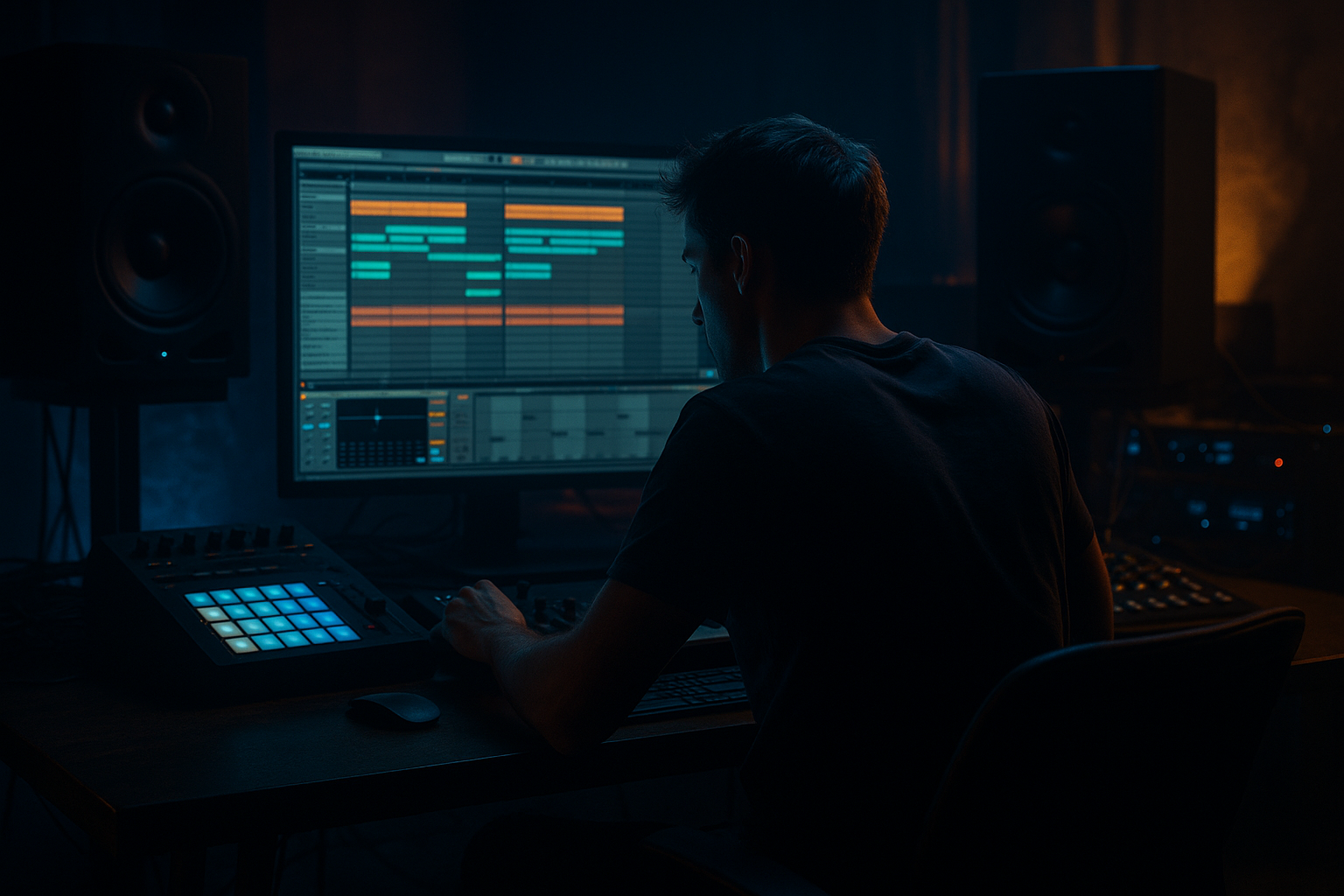
Main tutorial
Lesson Overview
This lesson is about building a call-and-response bassline that bounces with pirate-radio energy while staying rooted in oldskool jungle / DnB phrasing inside Ableton Live 12. The goal is not just to write a bass sound — it’s to make the bassline feel like it is talking back to the drums.
In Drum & Bass, especially jungle, rollers, and darker underground styles, the bassline often lives in the space between the kick/snare and the break edit. A strong call-and-response riff gives your drop movement without overcrowding the mix. It creates tension, leaves room for the drum swing, and makes the track feel more alive on a system. That’s why this technique matters: it gives you a repeatable groove formula that works for half-time weight, rapid-fire jungle edits, and rolling DnB drops.
We’ll build a bassline that alternates between:
- a call phrase: the main statement, often lower and more stable
- a response phrase: a short reply with more movement, filter motion, or rhythmic variation
- a solid sub foundation
- a mid-bass/reese layer with movement
- a call phrase that anchors the groove
- a response phrase that answers with rhythm or filter changes
- swing and micro-timing that locks with a chopped breakbeat
- enough space for snare cracks, ghost notes, and break edits
- Bar 1: a low, weighty note pattern that says “here’s the hook”
- Bar 2: a shorter, more animated reply with a different rhythm, a slide, or a filter open
- The bass leaves room on the snare hits so the drums stay punchy
- The loop feels like it could sit under a Reese break, a rewound amen, or a rolling two-step drum pattern
- an intro-to-drop transition
- a main drop groove
- a 16-bar section with variation every 4 or 8 bars
- a DJ-friendly loop that can be mixed into a set cleanly
- Making the bassline too busy
- Letting the sub and mid-bass fight each other
- Putting bass hits directly on every snare
- Overusing width in the low end
- Too much distortion too early
- Ignoring drum groove
- No real contrast between call and response
- Use a muted call and an aggressive response
- Add tiny pitch movement for menace
- Resample the response phrase
- Drive the mid-bass, not the sub
- Create tension with note choices
- Automate small changes every 4 or 8 bars
- Check mono often
- Build the bassline around call-and-response phrasing, not constant motion.
- Keep the sub mono and stable, and let the mid-bass provide movement.
- Use Ableton stock devices like Operator, Wavetable, Saturator, Auto Filter, Drum Buss, Utility, and Groove Pool.
- Make the bass interact with the breakbeat groove, especially around the snare.
- Use contrast, spacing, and tiny automation moves to create pirate-radio energy.
- Arrange the riff into 2-bar and 4-bar phrases so it works in real DnB track structure.
You’ll learn how to use Ableton stock tools like Wavetable, Operator, Simplers, Saturator, Auto Filter, Drum Buss, Utility, and Groove Pool to create a bass groove that feels original but still classic. The focus is on phrasing, space, syncopation, and low-end control — the stuff that makes a DnB drop hit hard without turning into mush.
What You Will Build
By the end, you’ll have a 2-bar call-and-response bass riff designed for a DnB/jungle drop at around 170–174 BPM. The riff will have:
Musically, think of something like this:
The final result should work as the core of:
Step-by-Step Walkthrough
1. Set up the groove grid and reference the drums first
Start in Ableton Live 12 at 170–174 BPM. Before writing bass, place a simple drum loop or your edited break. Use a classic jungle/DnB drum structure:
- snare on 2 and 4
- kick variation around the snare
- chopped break hits or ghost notes between the backbeats
This matters because the bassline must answer the drums, not fight them. Turn on the metronome and loop 2 bars. If you already have a break, set the Clip Groove later, but first get the bass rhythm working against a plain drum pulse.
For the groove feel, try a small amount of swing:
- Groove Pool swing: around 54–58%
- or a groove like MPC 16 Swing if it suits the break
Keep the drums dry for now. You want to hear exactly where the bass can leave space.
2. Build a clean sub foundation in Operator or Wavetable
Create a new MIDI track and load Operator for a pure sub or Wavetable if you want a slightly more animated base.
For a simple DnB sub:
- Operator: sine wave on Osc A
- turn off extra operators
- set Filter off or very open
- leave Unison off
- set Voices to mono using the track’s Mono or Legato style behavior if needed
Useful starting settings:
- Attack: 0–5 ms
- Decay: 150–300 ms if you want short notes
- Sustain: full for held notes
- Release: 50–120 ms for tidy note-offs
For a Wavetable-based sub with a little edge:
- use a basic sine or triangle-style wavetable
- Filter cutoff: low, around 80–180 Hz
- keep Resonance low, around 5–15%
- use Glide/Portamento: 40–90 ms for those classic sliding phrases
The call part should often live in the sub and lower mid. Keep it simple first. A strong DnB riff often starts with a small number of notes, not a busy melody.
3. Write the call phrase as a short statement
In the MIDI clip, write a 1-bar phrase that repeats a rhythmic motif. Think of it like a vocal chant or MC phrase: short, assertive, memorable.
A good call phrase for oldskool jungle/DnB might use:
- root note
- minor 3rd or 5th
- octave jump
- occasional semitone movement for tension
Example harmonic idea in A minor / A Dorian territory:
- A1
- C2
- E1
- G1 or G#1 for a darker passing note if the track wants menace
Keep the rhythm sparse. A strong call often works best when it lands before or after the snare, not on every grid line. Try these placement ideas:
- note on beat 1, then a syncopated hit before 2
- a longer note that ducks under the snare
- a short answer note just after the snare to create bounce
Why this works in DnB: the bass becomes rhythmic, almost like percussion. In jungle and rollers, the bass line often feels more like a second break than a sustained chord instrument. That makes the groove feel fast even when the notes are simple.
4. Create the response phrase with contrast, not clutter
Duplicate the 1-bar phrase and make bar 2 your response. This is where the energy happens. The response should feel different enough that the ear hears a conversation.
Try one of these response strategies:
- Rhythmic reply: fewer notes, tighter gate, more rests
- Pitch reply: same rhythm, different ending note
- Filter reply: same notes, but open the filter slightly on the last hit
- Slide reply: add one longer note with glide into the next pitch
In MIDI, make the response:
- shorter
- more syncopated
- slightly higher in register
- or more aggressive in articulation
A very useful pattern is:
- bar 1 = longer call
- bar 2 = chopped response with one or two quick notes
This bounce is perfect for pirate-radio energy because it mimics the pressure of an MC interjection: statement, answer, statement, answer.
5. Layer a reese or mid-bass for movement, but keep the sub mono
Duplicate the bass instrument to a new track for the mid-bass layer. Use Wavetable or Analog for a rougher tone. Detune lightly, add movement, and keep the actual sub clean underneath.
For a basic reese-style layer in Wavetable:
- start with two detuned saws
- Unison: 2–4 voices max
- Detune: low to moderate, around 8–18%
- Filter cutoff: around 120–500 Hz depending on how dark you want it
- add a slow LFO to wavetable position or filter
- rate around 1/2 bar to 2 bars for subtle motion
Then process:
- Saturator: Drive 2–6 dB
- Auto Filter: gentle movement, maybe automate cutoff between 200–800 Hz
- Utility: set bass layer width to 0% below the low end if needed
Important: keep the sub and mid layer separated in purpose.
- sub = fundamental weight
- mid = character, movement, aggression
If you want a classic dark DnB tone, use Drum Buss lightly on the mid layer:
- Drive: 5–15%
- Boom: very low or off on the mid layer
- Transient: slightly positive if you need attack
6. Add groove with note length, velocity, and micro-timing
The difference between a static bass loop and a proper DnB groove is often in the tiny details. In Ableton, edit:
- Note lengths so some notes are clipped and some are held
- Velocities so the response phrase feels more animated
- Timing so a few hits sit just behind or ahead of the grid
Good practical ranges:
- velocity variation: roughly 70–110
- note lengths: some at 1/16, some tied to 1/8
- micro shift: only a few milliseconds, not sloppy drift
Use the Velocity MIDI editor to make the first call hit slightly stronger than the response, or the opposite if you want a question-answer effect. You can also use Groove Pool on the MIDI clip:
- start with 10–25% groove intensity
- reduce if the drums already swing heavily
This works especially well against chopped breaks because the bass becomes part of the drum bounce. When the bass hits off the grid in the right places, it creates that old jungle feeling where everything sounds urgent but still loose.
7. Shape the bass with filters, envelope movement, and resampling
Once the pattern works, add movement to the response phrase using automation. In Ableton Live, automate:
- Auto Filter cutoff
- resonance
- operator/wavetable filter amount
- Saturator drive
- pitch glide/portamento time if you want more tension
A useful automation shape:
- call phrase = darker, more muted
- response phrase = slightly brighter, filter opens by 10–25%
- final response note = quick bump in drive or resonance
For extra texture, resample the bass phrase:
- route the bass to audio
- record a 2-bar pass
- chop the best transient moments into a new audio clip
- reverse, stutter, or re-trigger the response hits
This is a very jungle-friendly workflow because it creates accidental character. Oldskool DnB often sounds alive because of resampling, not perfection.
8. Lock the bass to the drums and check low-end discipline
Now bring the drum loop back in and compare the bass against the kick/snare/break. This is where mix judgment matters.
Use Utility on the bass tracks:
- set the sub track to Mono
- keep the low end centered
- if needed, reduce width on the mid layer below roughly 120 Hz
Try these mix checks:
- Does the bass disappear when the snare hits? If yes, shorten the bass notes or shift them off the snare transient.
- Does the kick lose punch? If yes, carve a little space in the bass or move note timing slightly.
- Does the low end feel woolly? If yes, reduce saturation on the sub and clean up unnecessary reverb or widening.
Use EQ Eight if needed:
- high-pass the mid layer around 90–140 Hz
- cut muddy low mids around 200–350 Hz if the bass gets boxy
- tame harshness around 2–5 kHz if the reese gets brittle
The bass should feel powerful but controlled. In DnB, clarity in the low end is not optional — it’s the difference between a tune that slams and one that just rumbles.
9. Design a 16-bar arrangement around the riff
Don’t stop at the loop. Turn the call-and-response idea into arrangement structure.
A strong DnB arrangement move:
- Bars 1–4: intro tease with filtered bass fragments
- Bars 5–8: first drop statement, call-and-response riff fully exposed
- Bars 9–12: variation with extra drum edits or a new response ending
- Bars 13–16: tension build with filter rise, fill, or mute before the next section
For pirate-radio energy, add small moments of chaos:
- a one-beat drum stop
- a reversed snare into the response
- a short FX hit before the bar reset
- a bass mute for half a bar, then a hard return
Make sure there’s also DJ-friendly structure:
- a clean intro or outro with drums and filtered bass
- enough repetition for mixing
- enough variation to keep the drop from feeling looped
This is where the call-and-response method really shines: it naturally gives you 2-bar and 4-bar phrasing, which is ideal for DnB arrangement.
10. Print a final performance pass and commit to the groove
Once the pattern feels right, perform or record a final pass using automation and resampling decisions. Commit to sound choices instead of endlessly tweaking.
Helpful finishing moves:
- automate a filter open on the last response of each 8-bar phrase
- add a tiny Drum Buss push on the bass bus during the drop
- use Limiter only if needed, and keep headroom safe
- bounce the bass to audio if the MIDI version is too clean and you want more attitude
At this stage, the riff should already feel like a signature. If you can mute the drums and still hear the phrase clearly in your head, the bassline has identity. If it only works when the mix is busy, simplify it.
Common Mistakes
- Fix: remove notes until the call and response are clearly separated. In DnB, space is power.
- Fix: keep the sub mono and simple. Let the mid layer carry movement.
- Fix: leave room for the snare crack. Use off-beat placement and note length control.
- Fix: mono the sub with Utility and keep stereo movement above the low end only.
- Fix: build tone with a clean core first, then add saturation in stages.
- Fix: always test the bass against the break. If the groove doesn’t bounce with the drums, the pattern is wrong even if it sounds cool solo.
- Fix: change rhythm, register, filter state, or note length. If both bars feel identical, the conversation disappears.
Pro Tips for Darker / Heavier DnB
- Start the first phrase darker, then open the filter or add saturation on the reply for a bigger sense of movement.
- A very small pitch envelope or glide into a note can give the bass a snarling, neuro-adjacent edge without turning it into a lead sound.
- Chop it, reverse it, or offset it slightly. This is excellent for oldskool/jungle flavor and makes the bass feel less programmed.
- Use Saturator or Drum Buss on the character layer only. Keep the sub clean so the tune still hits hard on systems.
- Use b2, b6, or a semitone approach tone to darken the line. In minor-key DnB, those small intervals can turn a simple riff into something threatening.
- Open the filter a touch, add a ghost note, or change one response note. That keeps the drop moving without destroying the loop.
- Especially in the bass range. If the tune loses energy in mono, simplify the stereo processing immediately.
Mini Practice Exercise
Spend 10–20 minutes building a 2-bar call-and-response bass loop:
1. Set tempo to 172 BPM.
2. Create a simple drum loop or use an amen-style break with snare on 2 and 4.
3. Write a 1-bar bass call using Operator or Wavetable with only 2–4 notes.
4. Duplicate it and make bar 2 a response by changing rhythm or note ending.
5. Add a second track for a detuned mid-bass layer and keep the sub mono.
6. Use Saturator and Auto Filter to create small movement on the response.
7. Apply a Groove Pool swing at 10–20% if the loop feels too rigid.
8. Record 2 minutes of variations, then pick the version that bounces hardest against the break.
Goal: by the end, you should have one loop that feels ready to drop into a pirate-radio style section, not just a loop that “sounds okay” alone.
Recap
If you get the bounce right, the bassline will feel like part of the drum programming — and that’s when jungle and oldskool DnB really come alive.

