Main tutorial
Lesson Overview
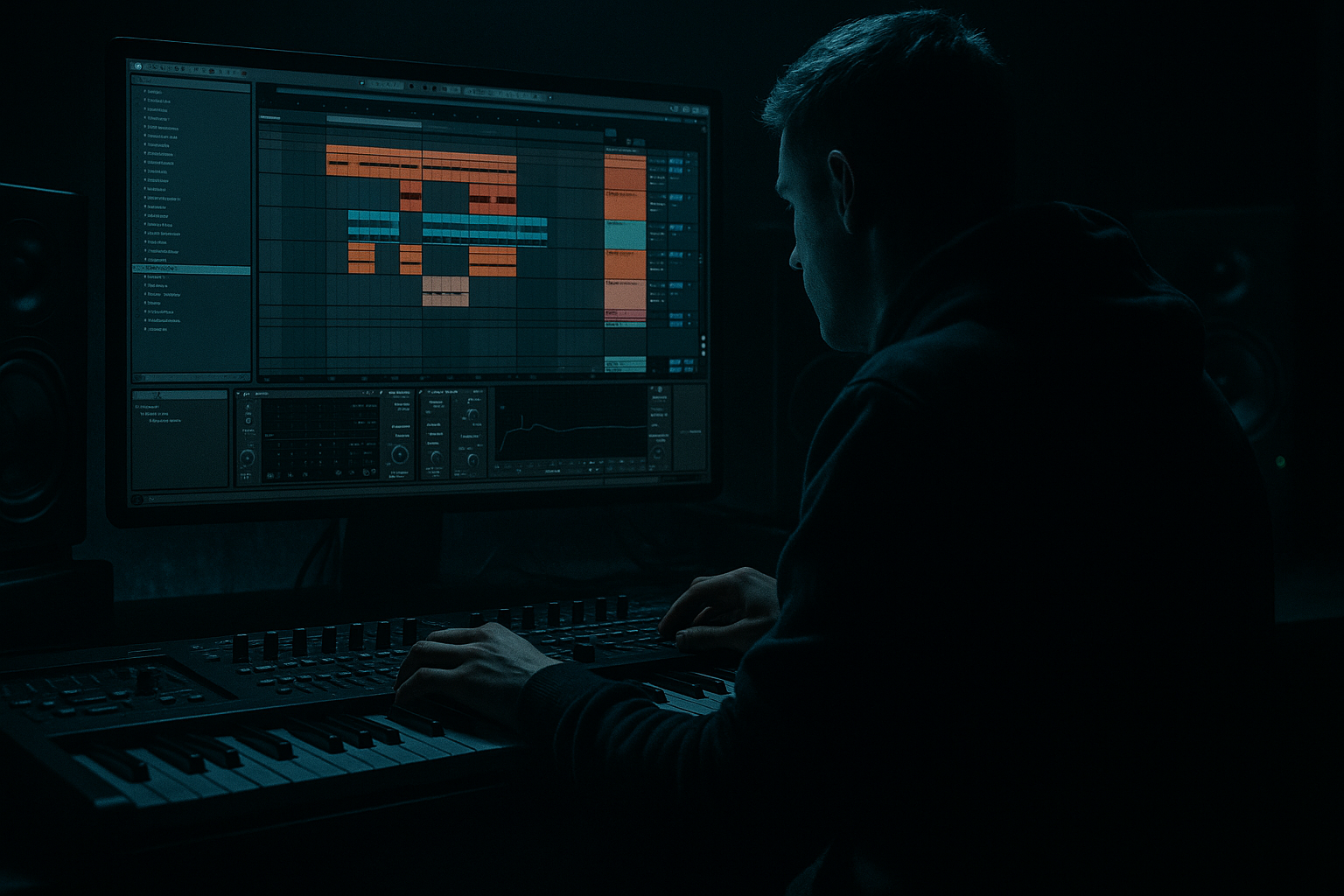
In this lesson, you’ll build a bassline theory fill stretch lab inside Ableton Live 12 for oldskool jungle / DnB vibes, while keeping your mix clean and headroom-safe. The main goal is to take a short bass phrase, stretch it into a longer call-and-response idea, and add a vocally inspired fill section without making the low end explode.
This matters because in DnB, especially jungle and roller styles, the bassline isn’t just a loop — it’s part of the track’s movement and story. You need space for the drums, especially breakbeats and ghost notes, and you need enough headroom so your drop can still hit hard later. A common beginner problem is making the bass “bigger” by just turning it up or stacking too many layers. In this lesson, you’ll learn how to make it feel bigger through phrasing, automation, resampling, and smart low-end control.
We’ll also give the lesson a vocals category angle by using vocal chops, spoken textures, or call-and-response vocal-like phrasing as a bridge between bass sections. In DnB, vocal fills are often used to create tension before a switch-up, lift the energy in an intro, or separate a heavy bass statement from the next drum edit. The trick is to make the vocal idea support the groove, not crowd it.
Why this works in DnB: the style thrives on contrast — dry drums against saturated bass, tight sub against noisy top texture, and short phrases against stretched tension. If you learn how to stretch a bass idea musically while keeping headroom, you’ll have a much easier time finishing proper jungle and oldskool-inspired tracks.
What You Will Build
You will create a 4- to 8-bar bassline phrase that starts simple, then expands into a stretched fill section with a vocal chop or vocal-style call. The result will feel like:
- a solid sub foundation underneath
- a mid-bass/reese movement that grows and shifts
- a small vocal fill or spoken response that adds identity
- a clean drum pocket that still punches
- enough headroom for later mastering
- Bars 1–2: stripped-down bass statement
- Bars 3–4: call-and-response with a vocal chop
- Bars 5–6: stretched variation with filter movement
- Bars 7–8: mini fill or turnaround into the next section
- a roller intro into drop
- a DJ-friendly 16-bar section
- a switch-up before the second drop
- a jungle-style drum/bass conversation
- Making the bass too loud before the arrangement is finished
- Letting the vocal fill cover the kick and snare
- Using too much stereo width on the sub
- Adding too many notes to “make it interesting”
- Over-distorting the low end
- Ignoring arrangement
- Use a separate sub layer and keep it clean, while the reese layer carries grime.
- Try a low-pass filter sweep on the bass fill for tension before a drop.
- Add a tiny amount of Saturator soft clip on the bass group to glue the movement without obvious fuzz.
- Use ghost notes in the drums to keep energy alive while the bass rests.
- Layer a short vocal stab with a reese hit for a call-and-response moment.
- For a darker vibe, pitch the vocal fill down slightly and cut the top end so it sounds haunted, not poppy.
- Use delay throws only on the final vocal hit of the phrase so the mix stays clean.
- If the bass feels static, automate filter resonance lightly, but don’t overdo it or it will whistle over the drums.
- For jungle energy, let the breakbeat breathe around the bass by leaving tiny gaps on beat 2 or 4.
- Check your mix in mono occasionally with Utility to make sure the bass punch survives.
- Build the bass as a phrase, not just a loop.
- Keep sub mono, clean, and controlled.
- Let the vocal fill answer the bass, like a call-and-response.
- Use filter automation, note spacing, and resampling to stretch the idea.
- Protect headroom so the drums and drop stay powerful.
- In DnB, movement, contrast, and space often hit harder than raw volume.
Musically, think of it like this:
This is ideal for:
You’ll use mostly Ableton stock devices like Wavetable, Operator, Simpler, EQ Eight, Saturator, Auto Filter, Utility, Drum Buss, and Compressor.
Step-by-Step Walkthrough
1. Set up a clean DnB session and leave headroom first
Start at 170–174 BPM for jungle/oldskool energy. Create three tracks:
- Drums track for breakbeat and kick/snare
- Bass track for sub/reese
- Vocal Fill track for chops or spoken fragments
Put Utility on your bass track and lower the gain by about -6 dB to -9 dB to create space early. This is your headroom cushion. Don’t worry if the mix feels quiet — that is normal at this stage.
On the master, avoid heavy limiting while writing. You want the track to breathe. If you must monitor loudness, keep the master simple and clean.
Beginner tip: if your bass sounds huge already at this stage, it is probably too loud, too wide, or too distorted in the wrong range.
2. Build the sub foundation with a simple, stable tone
Add Operator or Wavetable on the Bass track.
For a beginner-friendly sub:
- Use a sine wave in Operator
- Keep it mono
- Set envelope release short: around 50–120 ms
- Keep the MIDI notes around the root note or a simple 1–2 note pattern
For example, in A minor or C minor jungle style, start with a pattern like:
- Root note on beat 1
- Short answer note on beat 3 or the offbeat
- One passing tone near the end of bar 2
Keep the velocity consistent if the sub is your foundation. If you want a more oldskool feel, use short note lengths with a little gap between notes so the drums can breathe.
Why this works in DnB: the sub gives your track weight, but in jungle and rollers the real power often comes from how cleanly the sub leaves room for the break.
3. Add a reese or mid-bass layer without killing the low end
Duplicate the Bass track or create a second instrument layer. Use Wavetable with:
- Two oscillators slightly detuned
- Filter low-pass around 200–600 Hz depending on tone
- A small amount of unison if needed, but keep it controlled
- Pitch envelope or filter movement for motion
Add Saturator after the synth:
- Drive: around 2–6 dB
- Soft Clip: On
- Keep output adjusted so the level does not jump too much
Then use EQ Eight:
- High-pass the mid-bass layer around 80–120 Hz if the sub is separate
- Cut a little around 200–400 Hz if it gets boxy
- Watch the harsh area around 2–5 kHz
If you are using only one bass patch, keep the low end mono and let the top harmonics carry the character. In jungle and darker DnB, a reese does not need to be huge in the stereo field to feel aggressive — it just needs the right movement.
4. Program the bassline as a phrase, not a loop
In the MIDI clip, write a 2-bar phrase first. Think in question-and-answer shapes:
- bar 1: statement
- bar 2: reply
Example phrasing:
- note 1: long root note
- note 2: shorter higher note
- note 3: repeat root with variation
- note 4: small pickup into the next bar
Then stretch it to 4 or 8 bars by changing one thing each time:
- move one note
- shorten one note
- add a silent gap
- raise one note by a semitone or tone for tension
This is the “stretch” part of the lab: you are not copying the phrase endlessly; you are extending its energy across time. That gives you the feeling of arrangement, even while you are still in the loop phase.
Beginner rule: if a bass pattern feels boring, do not add more notes first. Try changing note length, rest placement, or one pitch movement.
5. Add the vocal fill as a response section
This lesson sits in the Vocals category because the fill section should behave like a voice answering the bass.
Drag in a short vocal chop, spoken word fragment, or even a single syllable sample. Use Simpler for easy chopping:
- Mode: Classic or Slice
- Start with one short hit or phrase
- Tune it to the track if needed
- Keep it rhythmic and short
Try placing the vocal chop:
- at the end of bar 2
- as a pickup into bar 3
- or on the “and” of 4 before a drop
Use Auto Filter on the vocal:
- High-pass around 150–250 Hz
- Low-pass to darken it if it feels too modern or too bright
- Automate the filter slightly for tension
If you don’t have a vocal sample, you can still make a vocal-style fill using:
- a resampled breath
- a spoken one-shot
- a chopped syllable
- a filtered noise burst that acts like a vocal texture
Keep the vocal fill short. In DnB, vocal hooks are often most effective when they hit like punctuation, not like a full pop verse.
6. Control the low end so the fill does not eat the drop
This is the headroom-saving part. Your bass and vocal fill should be exciting, but not fight the kick and snare.
On the Bass group or bass channel:
- Add Utility and keep bass mono
- If your reese is wide, reduce width in the lower mids and low end
- Use EQ Eight to cut unnecessary sub energy from the mid-bass layer
On the vocal fill track:
- High-pass it so it does not touch the sub range
- If it is still muddy, cut around 200–350 Hz
- If it pokes too much, tame 2–5 kHz
On the Drum track:
- Keep the kick/snare punch visible
- Use Drum Buss lightly on a drum group if needed
- Drive: 1–4
- Boom: very small amount or off for beginners
- Transients: slightly up if the break needs more snap
Watch the master peak level. Leave at least a few dB of space. If your bass fill section is noticeably louder than the main phrase, it will flatten your drop instead of building it.
7. Automate movement to make the stretch feel alive
Add automation to make the phrase evolve over the 4–8 bars.
Good beginner-friendly automation targets:
- Auto Filter cutoff on the bass or vocal
- Saturator drive
- Reverb wet/dry on the vocal fill
- Delay feedback for a tiny tail at the end of a phrase
- Utility width on the vocal only, not the sub
Example automation plan:
- Bars 1–2: bass filter slightly closed
- Bars 3–4: open the filter a little
- End of bar 4: vocal fill becomes wetter
- Bar 5: pull the filter back down for impact
- Bar 8: quick automation rise into the next section
Use Reverb sparingly on vocal fills:
- Decay: around 1–2.5 seconds
- Dry/Wet: keep low, around 5–15%
- High-cut the reverb if it clouds the drums
This gives you a classic tension/release feel that suits jungle and darker rollers.
8. Resample the best moment for faster editing
Once your bass and vocal idea is working, record the output to audio using Ableton’s Resampling or by printing the track to a new audio track.
Why do this?
- it helps you commit to a sound
- it makes editing easier
- it lets you chop the fill into tighter rhythmic ideas
- it keeps arrangement moving instead of endless tweaking
After resampling, you can:
- slice the vocal-bass interaction into new hits
- reverse one small part for a transition
- fade the tail so it does not clutter the next bar
- layer the resampled texture under the next section
This is a very DnB-friendly workflow because so much jungle and oldskool bass design comes from sampling, resampling, and re-cutting rather than only synthesizing in real time.
9. Shape the arrangement like a DJ-friendly DnB section
Now place the idea into a musical context:
- 8 bars of intro
- 8 bars of groove
- 4 bars of fill/stretch
- drop or switch-up after the fill
For a classic structure:
- Bars 1–4: drums + filtered bass
- Bars 5–8: bass fully open
- Bars 9–12: vocal fill stretch lab section
- Bars 13–16: break and bass variation or drop
In oldskool jungle, a vocal fill before a switch-up can feel like the MC or sample is pointing at the next move. That gives the track identity and helps DJs mix it more easily.
Keep the outro or intro clear if this is a full track. Let the drums breathe with less bass for mixability.
Common Mistakes
Fix: lower the Bass track with Utility and build the track around headroom, not volume.
Fix: high-pass the vocal and reduce reverb. Keep it short and rhythmic.
Fix: keep sub mono. If you want width, put it only in the upper bass texture.
Fix: use rests, note length changes, and one or two pitch moves instead.
Fix: distort the mid-bass layer more than the sub. Use EQ to separate roles.
Fix: stretch the same phrase across bars with automation and fills, instead of looping endlessly.
Pro Tips for Darker / Heavier DnB
Mini Practice Exercise
Spend 10–20 minutes making one 8-bar loop.
1. Set tempo to 172 BPM.
2. Create a simple 2-note sub pattern with Operator.
3. Add a reese or mid-bass layer with Wavetable and keep it filtered.
4. Write a 4-bar bass phrase with at least one rest per bar.
5. Add one short vocal chop or spoken sample as a response at the end of bar 2 and bar 4.
6. Automate one filter sweep on the bass and one wet/dry move on the vocal fill.
7. Lower the bass group by about -6 dB and check that the drums still hit clearly.
8. Resample the best 2 bars and chop one tiny fill from it.
Goal: make the loop feel like a real section of a jungle/DnB tune, not just a sound test.

