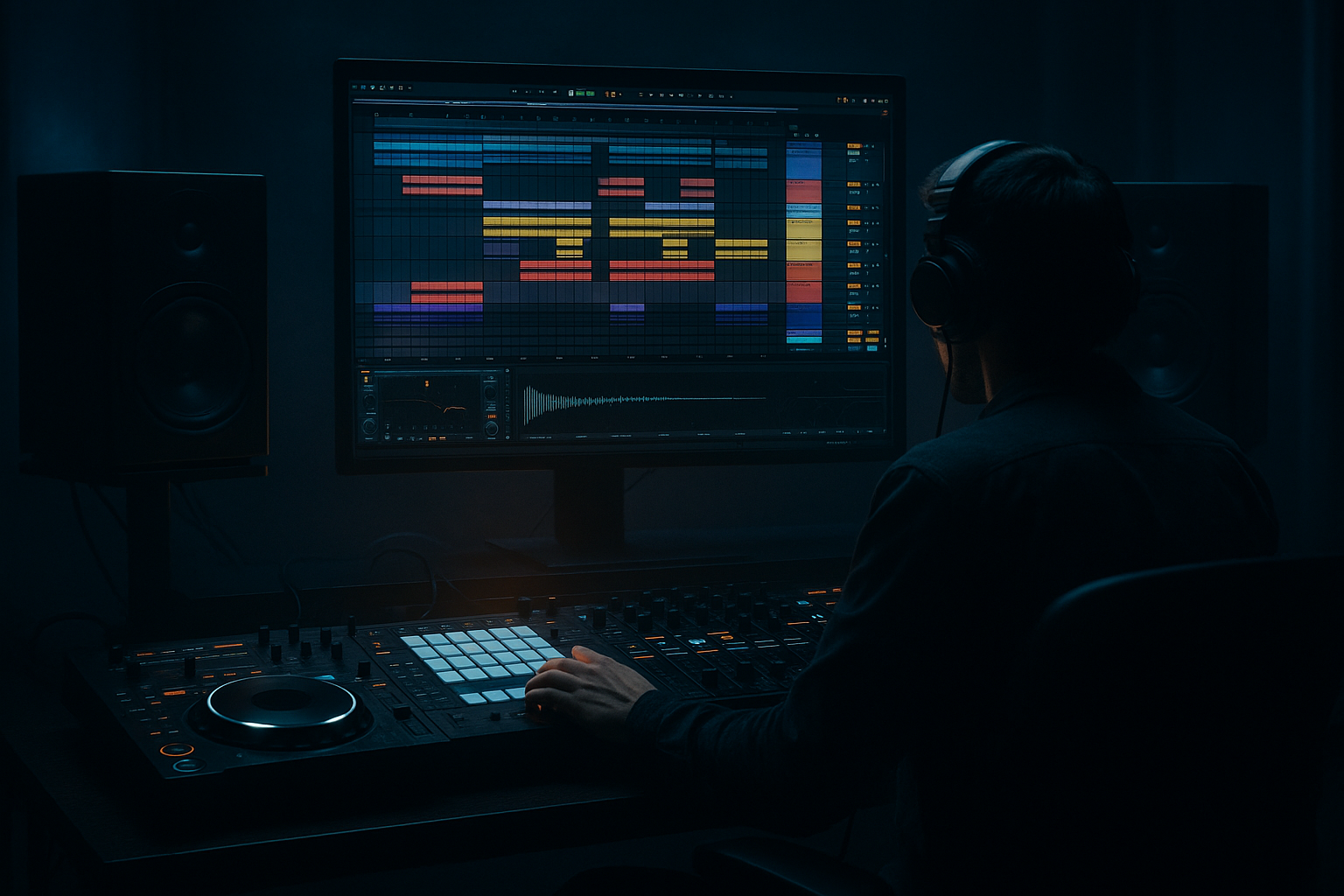
Main tutorial
Bounce Oldskool DnB Drum Bus for Sunrise Set Emotion in Ableton Live 12 🌅🥁
1. Lesson overview
In this lesson, you’ll learn how to resample an oldskool-style drum bus in Ableton Live 12 to create that warm, emotional, sunrise-set energy heard in jungle, liquid-leaning DnB, and soulful rolling bass music.
This is not about making drums huge and aggressive. It’s about making them:
- feel alive and human
- have subtle saturation and glue
- carry nostalgic movement
- sit perfectly in an uplifting sunrise arrangement
- breakbeats
- drum bus processing
- resampling in real time
- arrangement techniques
- Ableton stock devices
- a workflow that lets you print, chop, and re-use the bounce as a musical layer
- breakbeat character
- soft tape-like cohesion
- controlled transient bloom
- slight room movement
- nostalgic top-end shimmer
- space for bass and pads
- late-night jungle rinse
- early morning rave warmth
- amen-style swing with a more emotional, less brutal finish
- Amen-style break
- Think break
- Funky drummer variants
- Soul break fragments
- tight kick
- snappy rim/snare
- shuffled ghost hats
- tambourine or ride accents
- occasional percussion hits
- one main break
- one kick layer
- one snare layer
- light top percussion
- Drive: 5–15%
- Crunch: very low, around 0–10%
- Boom: off or very subtle
- Boom frequency: around 50–70 Hz if used
- Transient: slightly negative if the break is too spiky, or slightly positive if it needs lift
- Damp: adjust to tame harsh hats
- High-pass very gently around 25–35 Hz
- Dip any muddy zone around 200–350 Hz if the loop clouds up
- If the hats are brittle, reduce a little around 7–10 kHz
- If the break feels flat, use a very gentle wide boost around 2–5 kHz
- Ratio: 2:1 or 4:1
- Attack: 10–30 ms
- Release: Auto or 0.1–0.3 s
- Threshold: aim for 1–3 dB gain reduction
- Soft Clip: ON if you want extra safety
- Drive: 1–4 dB
- Soft Clip: ON
- Curve Type: Analog Clip or a gentle curve
- Output: compensate level so you’re A/B matching
- a second Drum Buss
- Roar
- or a light Redux trick if you want grainy nostalgia
- choose a soft mode
- keep drive minimal
- use filtering to avoid harshness
- slight sample-rate reduction
- tiny bit-depth reduction only if you want vintage grit
- Decay: 0.4–1.0 s
- Pre-delay: 5–20 ms
- Low cut: around 200–400 Hz
- High cut: around 7–10 kHz
- Keep send amount low
- longer decay
- filtered highs
- subtle sidechain from the kick or full drum bus if needed
- the main loop
- a variation pass with fills
- a break section with reverb tails
- a transitional bar with extra bus movement
- commit the sound
- get the exact bounce you hear
- turn the bus into editable audio
- chop for fills, reverses, and new rhythmic layers
- Trim silence
- Warp carefully if needed
- If the groove is strong, avoid over-warping
- Use Complex Pro only if necessary for tonal material
- For rhythmic drums, often Beats mode with minimal transients preservation works better
- one full loop
- one loop with reduced top end
- one loop with reversed fills
- one loop with chopped reverb tail
- Slice the last snare of a bar and reverse it into a downbeat
- Take a hat tail and place it before a fill
- Use the first kick/snare hit as a transition accent
- Create a 1-beat pickup into a new section
- Repeat a ghost-snare fragment for human momentum
- enable Slice mode
- slice by transients
- play the pieces across MIDI
- re-sequence the groove
- 8 bars: stripped break with filtered bus
- 8 bars: add bass and open hats
- 4 bars: resampled drum fill and reverb tail
- 8 bars: full groove with emotional pad
- 2 bars: drums only with filtered resample
- drop: bring back full break and bass together
- dawn light building
- tension resolving
- the set warming up emotionally
- the resampled drum texture
- bass
- atmospheric pads
- very gentle ducking
- quick attack
- medium release
- just enough to let the kick breathe
- clean transient from version 1
- warmth from version 2
- ambience from version 3
- Increase Drum Buss Transient
- Add a touch more Saturator
- Use Roar with more harmonic aggression
- Tighten ghost notes
- Reduce room ambience
- Emphasize snare crack around 2–4 kHz
- Use a sharper kick layer
- keep the core break warm
- pair it with dark bass design
- automate filter movement during breakdowns
- use a filtered reverse drum tail before the drop
- Saturator
- EQ Eight
- Glue Compressor
- one breakbeat
- one kick layer
- one snare layer
- light hats
- Drum Buss
- EQ Eight
- Glue Compressor
- Saturator
- Version A: clean
- Version B: filtered and softer
- Version C: chopped fill with reverse tail
- Bars 1–4: clean loop
- Bars 5–8: filtered loop
- Bars 9–12: add chopped fill
- Bars 13–16: full version with reverb swell
- Does it feel emotional?
- Does it breathe?
- Does it sound like sunrise rather than peak-time damage?
- Start with a break or hybrid drum layer
- Shape the drum bus with Drum Buss, EQ Eight, Glue Compressor, Saturator
- Use sends for space instead of overloading the insert chain
- Resample the bus to audio for control and musical reuse
- Chop the bounce into fills, reverses, and transition tools
- Arrange with emotional contrast so the drums feel like part of a dawn journey
We’ll work with:
The goal is to create a drum bus that sounds like it was played, bounced, and re-captured — slightly imperfect, emotionally rich, and ready for a sunrise drop or breakdown transition ☀️
---
2. What you will build
You’ll build a process that turns a raw oldskool DnB drum group into:
1. a glued drum bus
2. a resampled audio loop
3. a secondary emotional texture layer
4. optional chopped fills and ghost percussion
5. an arrangement-ready element for sunrise set energy
Final result
A drum loop with:
Think:
---
3. Step-by-step walkthrough
Step 1: Start with the right drum source
For this style, use one of these approaches:
#### Option A: Classic breakbeat layer
Use a chopped break such as:
#### Option B: Programmed oldskool kit
Build your own with:
#### Option C: Hybrid
Combine:
For sunrise emotion, the hybrid approach works best because it lets you keep breakbeat DNA while controlling tone and groove.
---
Step 2: Group your drums and create a drum bus
In Ableton Live 12:
1. Select all drum tracks
2. Press Cmd/Ctrl + G to group them
3. Name the group DRUM BUS
4. Route all drum elements through this group
Now you have a single place to shape the shared tone.
---
Step 3: Build the drum bus chain
Here’s a practical stock-device chain for an oldskool emotional drum bus:
#### Suggested chain order
1. Drum Buss
2. EQ Eight
3. Glue Compressor
4. Saturator
5. Drum Buss or Roar for subtle color
6. Utility
7. Optional: Hybrid Reverb send/return instead of insert reverb
Let’s break that down.
---
#### 3.1 Drum Buss
Use Ableton’s Drum Buss for cohesion and low-end weight.
Suggested starting settings:
For sunrise emotion, don’t overcook this. You want glue, not punishment.
---
#### 3.2 EQ Eight
Use EQ Eight to shape the bus before compression.
Suggested moves:
Keep it subtle. Oldskool drum emotion is often about midrange personality, not extreme EQ.
---
#### 3.3 Glue Compressor
This is where the drum bus starts to feel like a record bounce.
Suggested starting settings:
You want the compressor to hold the loop together, not flatten the groove. Let the transient punch breathe a little.
---
#### 3.4 Saturator
Use Saturator for harmonic warmth and “printed” character.
Suggested settings:
If the break is already noisy or bright, keep drive low. Sunrise emotion usually benefits from warmth and soft edge, not harsh aggression.
---
#### 3.5 Optional second color stage
You can use either:
For most sunrise DnB, Roar is excellent if used delicately:
If you use Redux, keep it very mild:
Be careful: too much reduction will turn “sunrise emotion” into “lo-fi damage.” That’s a different record 😄
---
Step 4: Add movement with subtle parallel space
Oldskool drums often feel emotional because they live in a believable space.
Instead of inserting big reverb directly on the bus, create a Return track:
#### Return A: short room
Use Hybrid Reverb or Reverb:
This adds a sense of place without washing out the break.
#### Return B: dubby tail or air
For sunrise lift, create a second return:
Use this sparingly. The emotional effect comes from implied space, not obvious reverb.
---
Step 5: Resample the drum bus
Now the key resampling move.
#### Method
1. Create a new Audio Track
2. Set Audio From to the drum bus or Resampling
3. Arm the track
4. Record a full 4, 8, or 16-bar pass
What to record
Record:
Why this matters
Resampling lets you:
This is especially powerful in DnB because the groove often feels better once it’s printed and treated as audio.
---
Step 6: Edit the resampled audio
Once recorded, drag the audio clip into a new audio track or the Simpler.
#### Clean up the clip
Make a “sunrise bounce” version
Create duplicates:
Use clip gain or Utility to create layers with different emotional intensity.
---
Step 7: Chop for musical arrangement
Now you’re turning the resampled bus into arrangement material.
#### Useful chopping ideas
In Simpler
Drop the bounced audio into Simpler:
This is a great way to create a fresh drum fill from an oldskool bounce.
---
Step 8: Create sunrise arrangement energy
For emotional DnB, arrangement is everything.
#### Good sunrise structure ideas
#### Arrangement trick
Automate a low-pass filter or EQ shelf on the drum bus during breakdowns, then open it gradually.
This gives the feeling of:
---
Step 9: Sidechain the right way
For sunrise DnB, sidechain should be felt, not obvious.
Use Compressor or Auto Filter sidechain on:
Suggested approach:
If you sidechain the drum bus itself, do it only for a special effect. Usually the drum bus should remain stable and present.
---
Step 10: Print multiple versions
This is a pro move.
Resample three versions:
1. Clean bounce
2. Saturated bounce
3. Roomy/emotional bounce
Then compare them in context of the track.
Often the best sunrise result is a combination:
Blend them lightly.
---
4. Common mistakes
1. Over-compressing the drum bus
If the compressor is doing too much, your break loses swing and personality.
Fix: back off threshold and slow the attack.
---
2. Too much saturation
Oldskool drums need warmth, not fuzzed-out collapse.
Fix: reduce drive and level-match your A/B.
---
3. Resampling too early
If the groove isn’t right before printing, audio won’t magically save it.
Fix: get the MIDI/drum break feeling right first, then bounce.
---
4. Using too much reverb on the insert
This can smear the transient detail and ruin clarity.
Fix: use returns and keep the bus dry-ish.
---
5. Warping the printed loop too aggressively
Heavy warp can flatten the human feel.
Fix: leave the resample mostly untouched if timing is already tight.
---
6. Not leaving room for bass
Sunrise drums can feel beautiful, but they still need to work with a rolling bassline.
Fix: carve space around 50–120 Hz and avoid overly wide low-mid buildup.
---
5. Pro tips for darker/heavier DnB
If you want to take this workflow into darker or heavier territory, try these moves:
Add more bite before resampling
Make the break more militant
Add tension through contrast
A heavier track can still use sunrise-style resampled drums if you:
Try parallel distortion
Create a return with:
Blend in a small amount for dirt without losing the main bounce.
Resample the breaks through amp-style processing
Use Amp or Pedal very subtly for edgy texture. This can work well on ghost percussion or fills, but don’t crush the main loop unless you want a more rugged jungle aesthetic.
---
6. Mini practice exercise
Exercise: Build a 4-bar sunrise drum bounce
#### Step 1
Program or import:
#### Step 2
Process the drum bus with:
#### Step 3
Send a little to a short room reverb return.
#### Step 4
Resample 4 bars to audio.
#### Step 5
Make 3 variations:
#### Step 6
Arrange them:
#### Step 7
Listen back and ask:
Repeat until the answer is yes 🌤️
---
7. Recap
You now have a practical Ableton Live 12 workflow for building a bouncey, oldskool-inspired DnB drum bus with sunrise set emotion.
Key takeaways
The big idea
In DnB, especially jungle and sunrise-leaning rolling music, the drum bus is not just a technical element — it’s part of the emotional narrative. Resampling turns that narrative into something you can perform, edit, and re-energize.
If you want, I can also turn this into:
1. a routed Ableton template
2. a device-by-device preset recipe
3. a follow-up lesson on resampling the bass bus to match the drums 🎛️

