Main tutorial
Break Lab: Ableton Live 12 Amen Variation Blueprint for VHS-Rave Color 🎛️📼
1. Lesson overview
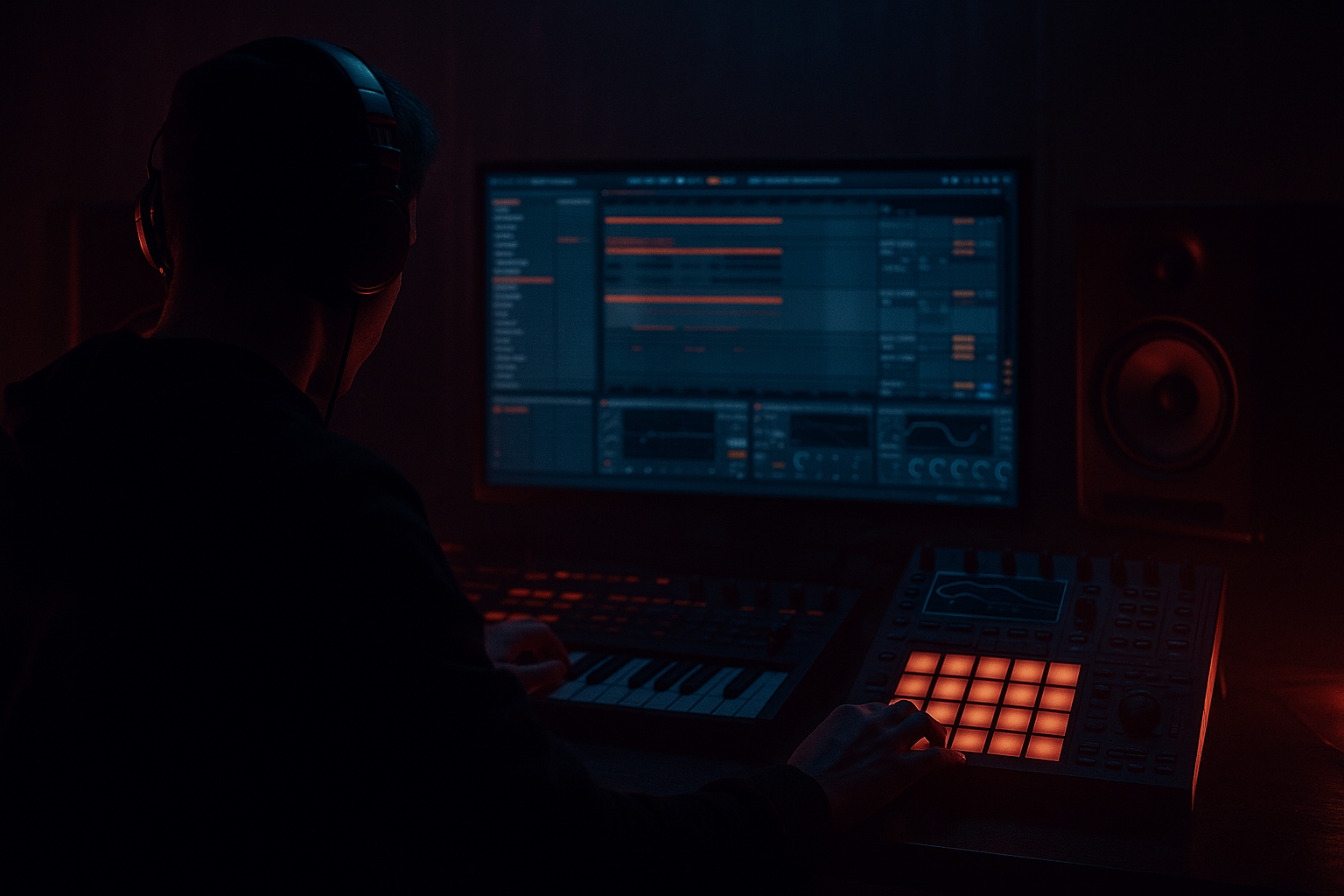
In this lesson, you’ll build an Amen break variation in Ableton Live 12 that feels like it came off a battered VHS tape from a dark warehouse rave. We’re talking DnB/jungle energy, lo-fi atmosphere, and gritty motion without losing the break’s groove.
The goal is not to just “edit a break.” The goal is to create a usable break variation blueprint you can drop into a rolling DnB track, a jungle tune, or a halftime section that needs texture and character.
We’ll focus on:
- slicing and reshaping an Amen break
- adding VHS-rave color through warble, degradation, and space
- keeping it tight enough for modern DnB
- building a loop that can evolve into fills and arrangement sections
- Simpler
- Drum Rack
- Warp
- Auto Filter
- Saturator
- Drum Buss
- Beat Repeat
- Echo
- Reverb
- Redux
- Chorus-Ensemble
- Hybrid Reverb
- EQ Eight
- Utility
- a 2-bar Amen variation with chopped ghost hits and accents
- a gritty top layer with VHS-style degradation
- a low-end-conscious break processing chain
- a break fill / transition version
- an arrangement-ready loop that can sit under rolling bass music
- dusty, unstable, and haunted
- but still snappy and dancefloor-functional
- with enough room for sub, bass stabs, and atmospheres
- Drag the sample into an empty audio track.
- Set the project tempo somewhere between 172–174 BPM for a classic DnB starting point.
- Right-click the clip and choose Warp if needed.
- strong snare on 2 and 4
- crisp hat detail
- room tone or mic bleed, which helps atmosphere later
- Beats for punchy drum material
- Try Preserve: Transients
- Use Transient Loop Mode: Off or a short loop if needed
- You can reprogram the break into a new rhythm
- You can layer hits
- You can add variation across 1–2 bars
- You can process individual slices differently
- Keep the familiar Amen backbone
- Shift one or two ghost notes
- Leave space before or after snare hits
- Add one extra hat burst or kick pickup
- Bar 1: mostly classic Amen phrasing
- Bar 2: variation with:
- nudge a few hits slightly late for drag
- push a few hats slightly early for urgency
- vary velocities to create dynamic phrasing
- main snare hits: 100–127
- ghost snares: 40–80
- hats: 50–100
- extra fill hits: contrast between low and high
- High-pass around 120–180 Hz
- Gentle cut if the sample is boxy around 300–500 Hz
- If needed, small boost around 4–7 kHz for hat bite
- Drive: 2–6 dB
- Soft Clip: On
- Curve: default or slightly more aggressive
- Drive: 10–30%
- Crunch: subtle to moderate
- Boom: use carefully or keep off if the sub is already busy
- Transients: slightly up for snap
- Downsample: subtle, not extreme
- Bit reduction: low to medium
- Turn the dry/wet to 5–20% for a degraded texture
- Mode: Ensemble or Chorus
- Amount: low
- Rate: slow
- Mix: 5–15%
- Time: 1/8 or 1/16 dotted depending on tempo
- Feedback: low
- Filter inside Echo: roll off some highs
- Dry/Wet: 5–12%
- Decay: 0.4–1.2 sec
- Pre-delay: 5–20 ms
- Low cut: 200 Hz or higher
- High cut: 5–8 kHz
- Keep sub frequencies mono elsewhere in the track
- If the break is too wide, narrow it slightly
- If the atmosphere needs more spread, open it carefully
- high-pass more aggressively
- crush with Redux
- distort harder with Saturator
- add more Reverb and Echo
- lower the volume and blend underneath
- Return A: dark reverb
- Return B: crunchy echo
- Return C: degraded modulation
- Interval: 1 Bar or 2 Bars
- Grid: 1/16 or 1/32
- Chance: 10–30%
- Gate: adjust to taste
- Filter: darken the repeats
- Bars 1–4: clean-ish break variation
- Bars 5–8: add more degradation and extra ghost hits
- Bars 9–12: reduce density, let bass breathe
- Bars 13–16: bring in fills, stutters, and stronger reverb throws
- remove the kick on bar 4 or 8 for tension
- add a snare pickup into phrase changes
- automate delay/reverb sends up at the end of a section
- mute hats briefly to expose bass movement
- use sidechain compression on pads, atmos, or bass layers if needed
- keep the break top-end crisp but not harsh
- carve space around the snare and kick frequencies
- break low end should not fight the sub
- high-pass the break if the bassline owns the low range
- keep the break’s energy in the mids and highs
- Use Analog, Operator noise, or a sample
- High-pass heavily
- Automate level for transitions
- Short decay
- Small room
- Low-mid body around 180–250 Hz
- Keep it subtle
- Redux amount
- Reverb send
- Echo feedback
- Beat Repeat chance
- pre-drop
- bar transitions
- end-of-phrase fills
- one clean rhythmic layer
- one degraded top layer
- one mono low-mid punch layer
- clean and functional
- more degraded and haunted
- Slice the break for control, but preserve groove
- Use velocity and timing variation to keep it alive
- Build atmosphere with subtle saturation, modulation, and delay
- Keep the break tight enough for modern DnB mix discipline
- Arrange it in phrases, not just loops
- Simpler
- Drum Rack
- EQ Eight
- Saturator
- Drum Buss
- Redux
- Beat Repeat
- Echo
- Hybrid Reverb
- Chorus-Ensemble
- Utility
You’ll use stock Ableton tools like:
---
2. What you will build
By the end, you’ll have:
You’ll make the break feel:
---
3. Step-by-step walkthrough
Step 1: Find or create your Amen source
Start with a clean Amen break sample. If you already have one in your library, great. If not, use any classic Amen-style loop with clear kick, snare, and hi-hat transients.
Workflow tip:
What to listen for:
---
Step 2: Warp and lock the groove
If the sample is not already perfectly aligned:
1. Double-click the clip.
2. Enable Warp.
3. Set the first transient at bar 1.
4. Add warp markers only where needed, not everywhere.
For a more natural jungle feel, don’t overcorrect every transient. Slight human drift is good.
Recommended Warp mode:
Goal:
Keep the break energetic, not grid-robotic.
---
Step 3: Slice to Drum Rack for control
This is where the blueprint begins.
1. Right-click the Amen clip.
2. Choose Slice to New MIDI Track.
3. Slice by:
- Transient for clean hits
- or 1/16 note if you want more manual control
Ableton creates a Drum Rack with break slices mapped to pads.
Why this matters:
Tip: Keep the original audio clip muted for reference while you build the MIDI version.
---
Step 4: Program a variation, not a copy
Now write a 2-bar MIDI pattern using the slices.
#### Core pattern approach:
A practical starting idea:
- a delayed snare ghost
- an extra kick pickup
- a short hat stutter before the backbeat
- a missing hit for tension
This creates movement without losing recognition.
DnB logic:
The break should breathe around the bassline. Don’t overcrowd every 16th.
---
Step 5: Humanize the timing and velocity
A rigid break kills the vibe.
In the MIDI editor:
#### Velocity targets:
Important: The Amen vibe comes from contrast, not uniformity.
---
Step 6: Build a VHS-rave processing chain
Now we add color. Place this chain on the Drum Rack group or on the break bus.
Suggested stock chain
1. EQ Eight
Use this first to clean up the low end.
Why first?
You want the distortion and lo-fi effects to chew the right frequencies, not muddy sub-rumble.
---
2. Saturator
Add harmonic grit.
If the break feels too clean, push it harder. If it starts getting thin, back off and compensate with parallel processing.
---
3. Drum Buss
Perfect for DnB break weight.
This makes the break feel more physical and glued.
---
4. Redux
This is where the VHS flavor starts.
Use Redux sparingly. We want “tape grime,” not digital destruction.
---
5. Chorus-Ensemble
For unstable tape wobble and width.
This can give the break a slightly seasick motion, which works beautifully for VHS-rave color 📼
---
6. Echo
Add smear and space.
Use it to create little ghost tails around hats and snares.
---
7. Reverb or Hybrid Reverb
Use short, dark ambience.
This gives the break a rave-room memory without washing out the groove.
---
8. Utility
Use Utility to manage width and mono compatibility.
---
Step 7: Create a parallel “grime” layer
For a stronger VHS-rave character, duplicate the break or create a return track.
#### Option A: Duplicate the break
On the duplicate:
#### Option B: Use a Return track
Send the break to:
This is cleaner for mix control and arrangement automation.
---
Step 8: Add Beat Repeat for controlled stutters
Beat Repeat is excellent for jungle edits and rave energy.
Place it on the break bus or as a return.
Suggested settings:
Use automation to trigger it only at fill points or transitions.
Use case:
A short repeat before the snare drop or at the end of an 8-bar phrase.
---
Step 9: Arrange the break into phrases
Don’t loop the same 2 bars forever. Build movement like a real DnB arrangement.
#### Suggested 16-bar sketch:
#### Arrangement tricks:
This keeps the break feeling like part of a living track, not a static loop.
---
Step 10: Sidechain and bass interaction
In DnB, the break and bass need a proper relationship.
If your bass is heavy:
#### Bass mix check:
If you want a more jungle-authentic feel, let the break carry a little more low-mid body, but be careful if the bass is dense.
---
4. Common mistakes
1. Over-slicing every transient
Too many slices can flatten the groove. Keep some original feel.
2. Too much downsampling
Redux can destroy the attack quickly. Use it for color, not as a full-time effect.
3. Over-widening the break
Big stereo breaks can sound exciting solo, but messy in a full DnB mix.
4. No velocity variation
If every hit is the same volume, the break loses its identity.
5. Too much reverb on the whole break
You want depth, not a washed-out loop. Use sends or short decay times.
6. Ignoring the bassline
A break can sound amazing alone and still clash badly with the bass. Always test it in context.
---
5. Pro tips for darker/heavier DnB
Tip 1: Layer a filtered noise texture
Add a subtle vinyl or tape noise layer above the break.
This adds VHS-room atmosphere without cluttering the drums.
Tip 2: Duplicate the snare for impact
Layer a tight snare or rim shot under the Amen snare.
This makes the break hit harder in modern heavier DnB.
Tip 3: Use automation for “damage moments”
Automate:
Move these only at key moments:
Tip 4: Process different break layers differently
Try:
This gives you both clarity and grime.
Tip 5: Keep the snare focal
In dark DnB, the snare is often the anchor. Make sure it cuts through the VHS texture.
---
6. Mini practice exercise
Exercise: Build a 4-bar VHS Amen variation
1. Load an Amen break into Ableton.
2. Slice it to a Drum Rack.
3. Program a 4-bar loop with:
- 2 strong snare backbeats
- 2 ghost snare variations
- 1 missing hat hit per bar
- 1 short fill at the end of bar 4
4. Add this chain:
- EQ Eight
- Saturator
- Drum Buss
- Redux
- Echo
5. Automate:
- more Redux in bar 4
- more Echo send before the turnaround
6. Bounce it and test it with:
- a rolling sub
- a dark Reese
- a pad or atmosphere layer
Challenge version:
Make one version sound:
and another:
Then compare which one works better in a full arrangement.
---
7. Recap
You’ve now got a practical blueprint for making an Amen variation with VHS-rave color in Ableton Live 12.
Key ideas to remember:
Best stock devices for this sound:
If you want, I can also turn this into:
1. a visual Ableton device-chain template,
2. a MIDI step-by-step Amen pattern example, or
3. a full 16-bar DnB arrangement blueprint.

