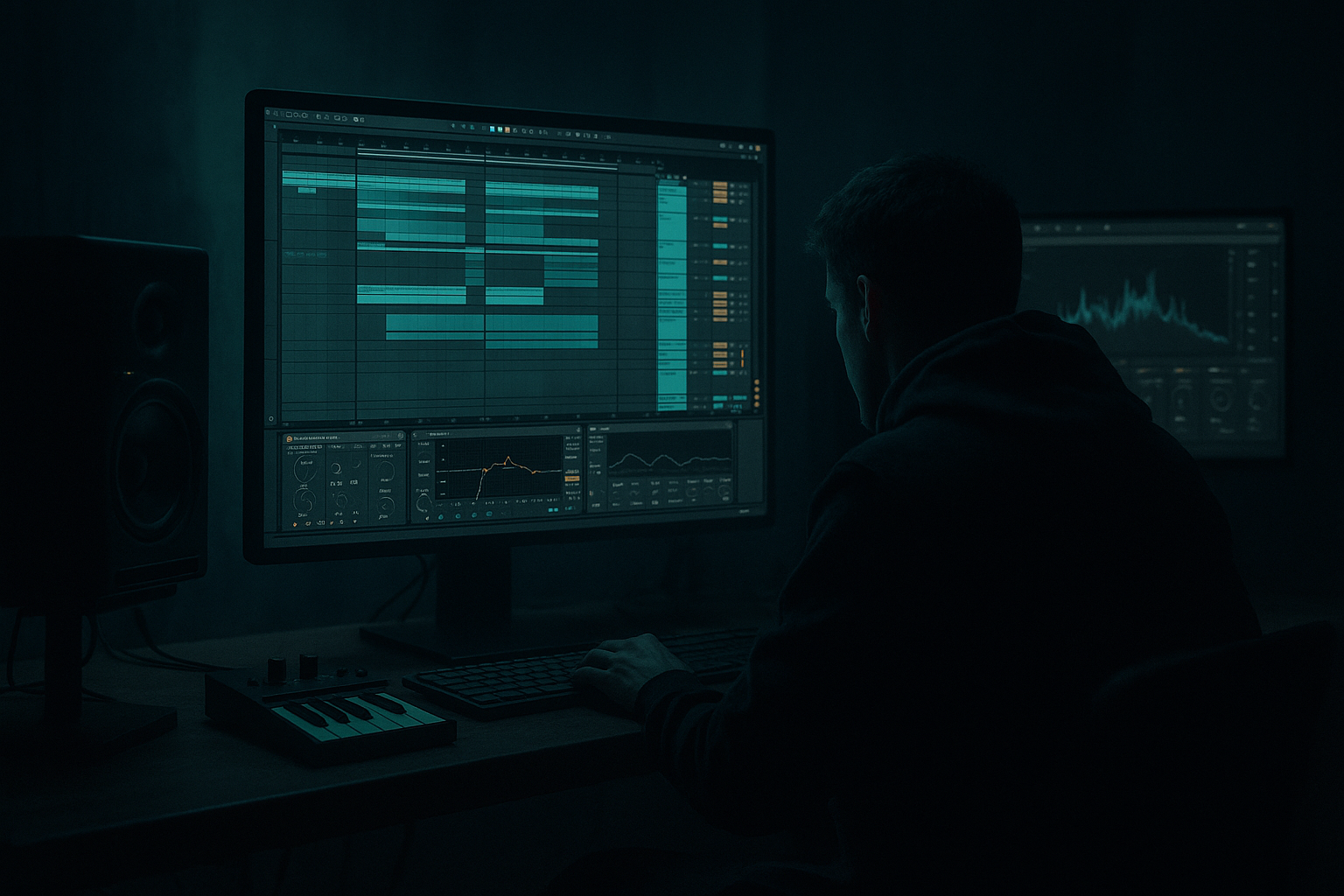
Main tutorial
Lesson Overview
This lesson shows you how to build a mid-bass idea for oldskool jungle / DnB vibes inside Ableton Live 12, using a simple “Break Lab” approach: chop a break, create a mid-bass phrase that answers the drums, and arrange it so it feels like a real tune rather than a loop.
In Drum & Bass, the mid bass is where a lot of the energy lives. The sub gives weight, but the mid bass gives the track its personality, tension, and replay value. In jungle and older-style DnB, the mid bass often feels raw, chopped, slightly distorted, and rhythmically tied to the break. It doesn’t just sit on top of the drums — it interacts with them.
Why this matters:
- It helps your track feel drum-led and musical
- It gives you a clear call-and-response between break and bass
- It teaches you how to make a simple idea sound bigger, darker, and more arranged
- It keeps you working in a way that is realistic for DnB: loop, edit, resample, automate, refine
- A chopped break loop with swing and little ghost-note edits
- A sub layer that stays stable and supports the groove
- A mid-bass layer with a reese-like or gritty tone
- A call-and-response pattern between bass notes and drum hits
- A simple 8-bar drop section with variation, fills, and automation
- A bass sound that feels suitable for:
- a kick/snare-driven groove
- bass phrases that leave space for the break
- tension rising through filter or distortion movement
- a bassline that sounds like it was made to be played loud in a club
- Drum Break
- Sub Bass
- Mid Bass
- FX / Atmos
- Optional: Reference
- Put the break on an audio track
- Put the basses on MIDI tracks
- Set the grid to 1/16 for editing
- Loop 2 bars to start
- Slice at transient markers or manually cut around the snare/kick hits
- Move a few pieces slightly off the grid to create bounce
- Keep the main snare on strong backbeat positions
- Add 1–2 extra ghost hits before or after the snare for movement
- Keep the main snare obvious
- Use only a few small edits at first
- Don’t try to make the break overly complex too early
- Simpler in Slice mode if you want to rearrange the break more flexibly
- Warp if the sample needs tight timing
- Utility later for mono compatibility checks
- a strong 1-bar identity
- a small pickup at the end
- a variation in bar 2
- Bar 1: clean, clear groove
- Bar 2: add a snare drag or hat stutter
- Bar 3–4 later: introduce more break activity or a fill
- Oscillator A: Sine wave
- Turn off unnecessary extra oscillators
- Keep it mono
- Add very subtle saturation only if needed
- Volume: keep it controlled so it does not overpower the break
- Portamento/Glide: very small or off at first
- Envelope: short attack, moderate release
- Use mostly longer notes
- Follow the root note of your key
- Leave gaps so the break can breathe
- Avoid too many note changes in the sub layer
- Let the mid bass do the talking
- Let the sub just support and glue
- 1 bar loop with 2–4 notes
- Notes mostly on strong subdivisions like beat 1, the “and” of 2, or beat 3
- Use one longer note as a pedal tone if the groove needs stability
- Start with a saw-based or basic analog-style wavetable
- Use 2 voices if you want slight width, but stay careful
- Keep unison modest, not huge and noisy
- Saturator Drive: around 2–6 dB for grit, or higher if you want a rougher tone
- Auto Filter cutoff: start around 200–600 Hz depending on how dark you want it
- EQ Eight: cut some low-mid mud around 200–400 Hz if it gets boxy
- Make the bass sound slightly rude, not perfect
- Keep the sub frequencies out of the mid bass if possible
- Let the mid bass live mainly in the 100 Hz to 1 kHz area
- Sub layer: pure and focused
- Mid layer: distorted, moving, characterful
- short stabs
- one held note
- one call-and-response note at the end of the bar
- If your break snare lands strongly on beat 2 and 4, place your bass notes around the gaps before or after those hits
- Use a short note after a snare to create push
- Hold a note into the next kick to create tension
- Bar 1: bass note on beat 1, then a short reply near beat 3
- Bar 2: add a slight variation, maybe a faster note near the end of the bar
- Keep the pattern repetitive enough to feel like a riff, not random notes
- Call = a bass stab or slide
- Response = the break or a fill
- Then reverse it on the next bar
- Auto Filter cutoff
- Saturator Drive
- Wavetable position or filter movement
- Utility width on the mid layer only
- Reverb send very subtly on a few bass hits for atmosphere
- Automate the filter to open slightly in the second half of bar 2
- Add a tiny drive boost before a switch-up
- Close the filter again before the next section hits
- Filter cutoff opening from roughly 300 Hz to 1.5 kHz for movement
- Drive automation of 1–3 dB for emphasis, not a full distortion explosion
- Group the break elements into a Drum Bus
- Group sub and mid bass into a Bass Bus
- Use Utility to check mono on the low end
- Keep the sub centered
- EQ Eight: gentle cut if the bass is masking the break
- Glue Compressor only lightly, if needed
- Utility to keep width under control
- Drum Buss for punch and a little saturation
- EQ Eight to clean low rumble if necessary
- Sub should not fight the kick too much
- Mid bass should not step on the snare’s body
- Break transients should stay sharp enough to carry the groove
- Are the notes placed well?
- Is the break too busy?
- Is the mid bass masking the snare?
- Bars 1–2: main groove
- Bars 3–4: add extra break edits or a bass variation
- Bars 5–6: introduce a small fill or remove one bass note for tension
- Bars 7–8: bring the main idea back with a stronger ending or transition
- Add a small break chop fill at the end of bar 4
- Remove the bass for the first half of bar 5
- Reintroduce it with more drive or a slightly opened filter
- Use a short riser or downlifter into the next section
- 8-bar intro with break + filtered bass tease
- 8-bar drop
- 4-bar switch-up
- 8-bar second drop variation
- Outro with drums and less bass
- Record the mid bass to a new audio track
- Chop the best hits
- Reverse a tail or two
- Pitch or time-shift a hit slightly for texture
- layer a resampled hit under the original bass
- create a fill from one distorted note
- use a tiny reversed bass tail before a drop return
- Making the bassline too busy
- Putting too much low end in the mid bass
- Using wide stereo on the sub
- Ignoring the break’s groove
- Overdistorting everything
- No arrangement variation
- Not checking on small speakers / mono
- Use slight filter movement on the mid bass to create pressure without needing a new sound every bar.
- Add Drum Buss to the break bus lightly for weight and punch, but don’t crush the transients.
- Try a tiny bit of frequency shift on the mid layer for a cold, metallic edge. Keep it subtle.
- Use call-and-response between bass and break fills to make the tune feel arranged, not looped.
- Automate a low-pass filter closing before a drop return, then open it on impact.
- Layer a very quiet atmosphere or vinyl-style noise behind the intro or breakdown for jungle character.
- Keep the sub simple and consistent while the mid bass gets more expressive. That contrast is powerful.
- If the track needs more menace, make the bassline less melodic and more rhythmic. Short notes, gaps, and repetition can sound darker than lots of movement.
- Use ghost notes in the break to trigger bass accents. This creates that classic locked-in DnB feel.
- For heavier energy, let one bass note hit a little longer at the end of a phrase so the next drum fill feels like it’s being pulled into place.
- Does the break still breathe?
- Is the sub stable?
- Can you hear the bass phrase clearly in mono?
- Does the 8-bar loop have at least one small change?
- Build the break first, because DnB bass should answer the drums.
- Keep the sub simple, mono, and stable.
- Make the mid bass carry character, movement, and grit.
- Use call-and-response phrasing to create oldskool jungle energy.
- Add variation with automation, fills, and resampling, not random clutter.
- Arrange your idea into 8-bar phrases so it feels like a real track.
We’ll keep it beginner-friendly, but very practical. You’ll use Ableton stock devices, make a bass that works in the 1–2 bar loop zone, then shape it into a proper jungle/oldskool DnB section with movement and contrast.
What You Will Build
By the end of this lesson, you’ll have:
- jungle-flavoured roller energy
- darker oldskool DnB
- stripped-back, underground arrangement ideas
Musically, the result should feel like:
Step-by-Step Walkthrough
1) Set up a clean DnB working loop
Open a new Ableton Live 12 set and set the tempo to something in the DnB zone, around 170–174 BPM. For an oldskool jungle feel, 172 BPM is a great starting point.
Create these tracks:
Why start this way? Because DnB gets messy fast if you don’t separate the low end early. Keeping the sub and mid bass on different tracks makes your decisions easier and helps with mix clarity later.
Practical setup:
If you already have a break sample, drag it in now. If not, choose any classic-style break with clear snare and hat detail. You want something that can be chopped, not a heavily processed loop that already sounds finished.
2) Build the break first, because the bass should answer it
This is a Break Lab approach: the drums lead the composition.
Take your break and do a basic chop:
Beginner-friendly groove rule:
Useful Ableton tools:
A very DnB move is to create a break that has:
For example:
Why this works in DnB: the break is not just percussion — it’s part of the melody and momentum. In jungle especially, the bassline feels stronger when it leaves room for the break’s rhythmic detail.
3) Create a sub bass that stays simple and deep
Now build the low-end foundation on a new MIDI track.
Use Operator for a clean beginner-friendly sub:
Suggested settings:
Write a very simple MIDI pattern:
A good beginner rule is:
If you want movement, use the MIDI clip’s note lengths instead of making the sub sound complicated. In DnB, clean low-end discipline matters more than fancy notes.
Suggested note strategy:
4) Design a mid bass using Wavetable or Operator + effects
Create your mid-bass on a separate MIDI track. For a beginner-friendly reese or dark mid bass, use Wavetable or Operator and shape it with Ableton stock effects.
Good starting option in Wavetable:
Then add a device chain like this:
1. Saturator
2. Auto Filter
3. EQ Eight
4. Optional: Chorus-Ensemble or Frequency Shifter for subtle movement
Parameter suggestions:
Beginner sound design move:
A useful trick is to use two layers:
This is very common in DnB because the sub needs to remain solid while the mid range can be much more expressive.
5) Write the bass rhythm like a response to the break
Now compose the actual mid-bass line. Don’t think of it as a normal melody first — think of it as a rhythmic answer to the break.
Start with a 2-bar loop and place bass notes where the drums leave space. A strong beginner pattern might use:
Example musical context:
Try this approach:
A very DnB-friendly concept is call and response:
Why this works in DnB: the groove feels alive when the bass line “talks” to the drums. Oldskool jungle often feels exciting because the bass and break are almost performing together.
6) Add movement with automation, not more notes
Once the core pattern works, make it evolve with simple automation.
Useful automation ideas in Ableton:
Easy beginner automation plan:
Suggested range:
Keep this important rule in mind: in DnB, movement often sounds more professional when it is controlled. A bassline that changes a little at the right moment often hits harder than one that is constantly changing.
7) Tighten drum and bass balance with simple routing
Now make sure the break and bass work together.
Useful routing choices:
On the Bass Bus, try:
- Ratio around 2:1
- Very gentle gain reduction, around 1–2 dB
On the Drum Bus, you can use:
Mix priorities:
If the track feels weak, don’t just make the bass louder. First check:
8) Arrange the idea into a real DnB section
A loop is not yet a track. Turn your 2-bar idea into an 8-bar drop with variation.
Simple arrangement idea:
For a jungle / oldskool vibe, try this:
DJ-friendly arrangement idea:
This is important because DnB DJs need phrasing that makes sense in the mix. Even if your tune is experimental, strong 4- and 8-bar logic keeps it usable.
9) Resample for attitude and faster decisions
Once you have a bass sound you like, consider resampling it.
In Ableton:
Why resample? Because in DnB, a lot of character comes from committing to a sound and treating it like audio. It helps you make decisions faster and gives the bass a more “finished” texture.
You can then:
Keep this tasteful. The goal is grime and character, not clutter.
Common Mistakes
Fix: reduce the number of notes and let the break breathe. DnB needs space.
Fix: high-pass or EQ the mid layer so the sub owns the bottom.
Fix: keep the sub mono with Utility or careful device choices.
Fix: write the bass after the drums, not before. Let the snare and ghost notes influence your phrasing.
Fix: use saturation in stages. A little grit on the mid layer is better than clipping the whole mix.
Fix: add tiny changes every 4 or 8 bars, even if it’s just one extra fill or filter move.
Fix: verify that the bass still feels strong when width is removed. The groove should survive.
Pro Tips for Darker / Heavier DnB
Mini Practice Exercise
Spend 15 minutes building a 2-bar DnB bass phrase around a chopped break.
Task:
1. Load a break and make a simple 2-bar chop.
2. Create a sine sub in Operator with 2–4 long notes.
3. Create a mid bass in Wavetable or Operator with a saw-like or rich tone.
4. Write a bass rhythm that leaves space for the snare.
5. Add one automation move: filter cutoff or saturation drive.
6. Duplicate the loop to 8 bars and change one detail every 2 bars.
7. Bounce or resample the mid bass once and try replacing one note with an audio chop.
Goal:
By the end, your loop should feel like a real jungle/DnB sketch, not just a bass sound over drums.
Self-check:
Recap
If you keep the drums and bass talking to each other, you’ll get that classic DnB pressure: tight, dark, and replayable.

