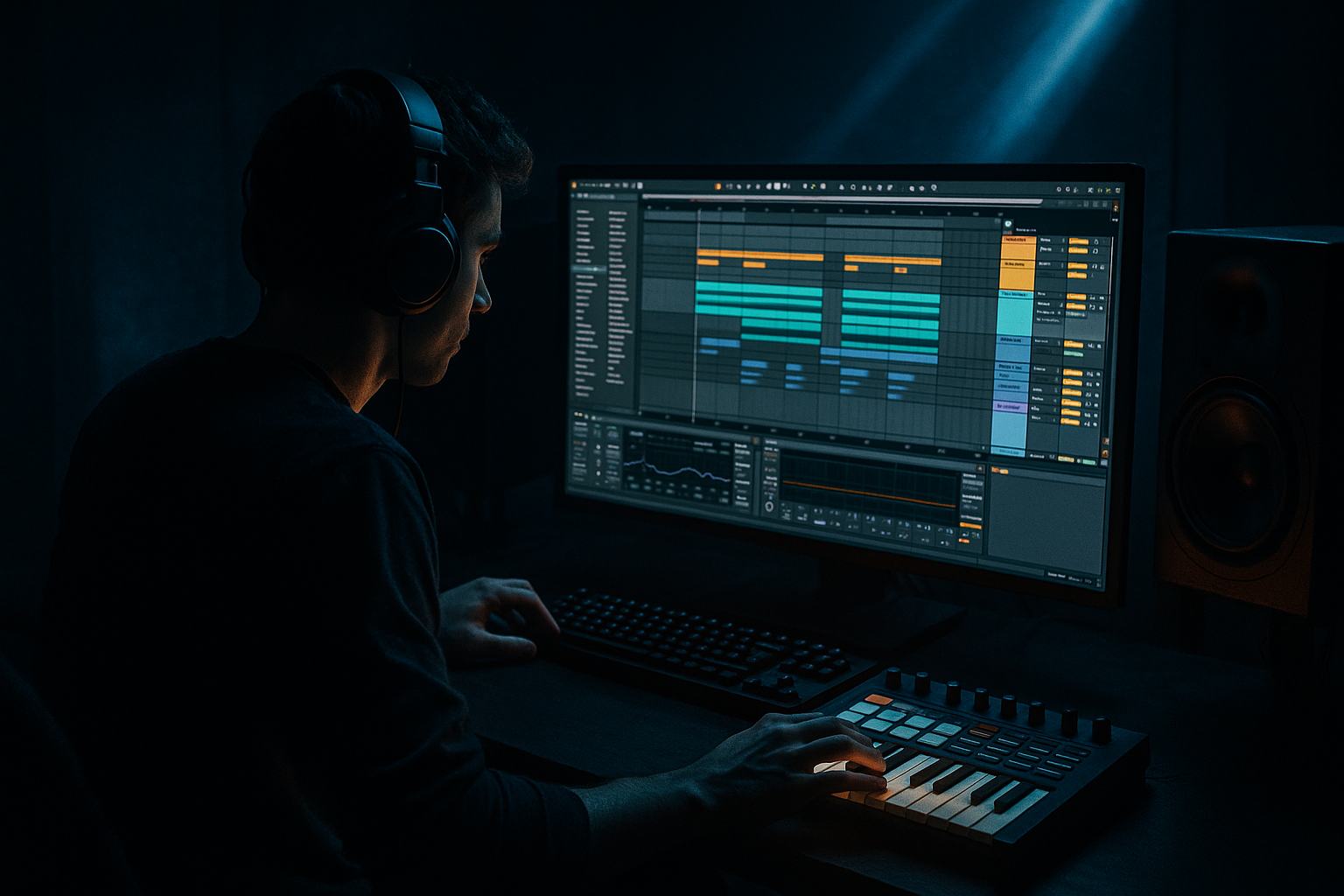
Main tutorial
Break-noise cleanup (Resampling Only) — DnB in Ableton Live 🎛️🥁
1. Lesson overview
Old-school jungle breaks and modern DnB break edits often come with extra noise: hiss, vinyl crackle, room tone, cymbal wash, or “air” that builds up and makes your drop feel cloudy. Normally you might reach for gates, denoisers, or surgical EQ… but this lesson is about a powerful constraint:
Clean up break noise using resampling only (printing audio and editing it), so you learn control and commitment—very DnB. 🔥
You’ll use Ableton Live stock tools and audio editing (cuts, fades, consolidation, clip gain) to reduce unwanted noise while keeping the break’s vibe.
---
2. What you will build
By the end, you’ll have:
- A cleaned break loop ready for a rolling DnB drop
- A resampled “noise-managed” version of the break (printed and editable)
- A workflow you can reuse:
- Noise between hits (hiss/rumble between snare and kick)
- Noise under the snare tail (harsh wash)
- Noise building in the top end after layering or saturation
- Right click clip → Slice to New MIDI Track
- Turn on Show Fades (top-left of arrangement, or right-click)
- Add:
- If tails feel chopped, use 20–60 ms fades, but keep it rhythmic.
- Bar 1: keep mostly original groove
- Bar 2: add variation:
- Consolidate each 1-bar or 2-bar version as its own clip
- Build your drop by alternating:
- Hard cuts with no fades → clicks, pops, and tiny transient damage
- Over-deleting tails → snare loses weight and vibe (break sounds “cheap”)
- Cleaning every gap equally → groove becomes static; jungle breaks need movement
- Printing too hot → noise becomes louder when you later compress/saturate
- Crunch/saturation before cleanup → you’ll amplify hiss and make edits harder
- Keep the grime, kill the mask:
- Print multiple “clean levels”:
- Make room for the sub:
- Transient focus helps noise perception:
- Dark hat control via edits:
- Noise cleanup can be done without fancy denoisers by committing to resampling + editing.
- The key moves are:
- For DnB: don’t sterilize—control the noise so the groove hits harder.
Resample → slice → mute/replace noisy gaps → crossfade → reprint
Think: tight Amen-style chops that still feel gritty, but don’t smear your mix.
---
3. Step-by-step walkthrough
Step 0 — Prep your session (DnB-friendly defaults)
1. Set tempo: 172–176 BPM
2. Drop your break into an Audio Track (name it: `BREAK - RAW`)
3. In the clip view:
- Warp: ON
- Mode: `Beats`
- Preserve: try `Transients`
- Transient Loop Mode: `Off` (cleaner) or `Forward` (more bite)
- Start with 1/16 or 1/8 grid if the break is choppy
Why: Beats mode keeps transients punchy—good for rolling drums.
---
Step 1 — Identify what “noise” actually is (quick solo checks)
Before you change anything, listen for:
Workflow tip: Loop a 1-bar section and toggle Utility (Mono) briefly to check if wide noise is masking.
---
Step 2 — Create a Resampling track (your “print lane”)
1. Create a new Audio Track: name it `BREAK - PRINT`
2. In I/O of `BREAK - PRINT`:
- Audio From: `Resampling`
- Monitor: `Off` (avoid feedback)
3. Arm `BREAK - PRINT`
Now you can “print” any processing you do on `BREAK - RAW`.
---
Step 3 — Gentle pre-print cleanup (still allowed: stock devices, but the cleanup happens via resampling + edits)
Add a simple device chain on `BREAK - RAW` to make the print easier to edit:
Device chain (starter):
1. EQ Eight
- HP filter at 25–35 Hz, 24 dB/Oct (remove sub-rumble)
- Optional: gentle dip -2 to -4 dB at 7–10 kHz if hiss is aggressive
2. Drum Buss (subtle)
- Drive: 2–6
- Crunch: 0–10 (careful—Crunch can raise hiss)
- Transients: +5 to +15 (helps hits pop above noise)
3. Utility
- Gain: adjust so peaks hit around -6 dBFS (gives headroom)
✅ You’re not “denoising” here—you’re shaping so the resample edit is cleaner.
---
Step 4 — Print (resample) the break
1. Set loop bracket around 4–8 bars (DnB likes long enough movement)
2. Hit record (Arrangement) and record onto `BREAK - PRINT`
3. Stop and Consolidate the printed audio:
- Select the recorded region → Cmd/Ctrl + J
Now you’ve committed a “working version” that you can surgically edit.
---
Step 5 — Slice the resample into hits (audio editing, not devices)
On `BREAK - PRINT` (the consolidated clip):
#### Option A: Manual slicing (best for learning)
1. Zoom in
2. Use Cmd/Ctrl + E to split:
- just before each kick
- just before each snare
- optionally before loud hats/ghost notes
#### Option B: Convert to Drum Rack (still resampling-based workflow)
- Slicing preset: `Transient`
- This gives control, but today we’ll focus on audio edits—so use this if you want quick rearrangement later.
---
Step 6 — Remove noise between hits using “mute + micro fades”
This is the core technique. You’ll delete or reduce the “between-hit” audio where noise lives.
1. Find a gap (e.g., after snare tail where it’s mostly hiss)
2. Split around the gap:
- Split right after the useful tail
- Split right before the next hit
3. Do one of these:
- Delete the gap entirely (for very tight modern DnB)
- Or reduce clip gain on that gap (for jungle authenticity)
#### Add fades (critical to avoid clicks)
Ableton has per-clip fades in Arrangement:
- Fade out: 2–10 ms
- Fade in: 2–10 ms
DnB feel tip: Don’t gate everything dead—leave tiny ambience in places where hats swing.
---
Step 7 — Replace noisy gaps with “clean room tone” (optional but pro)
Sometimes deleting gaps makes the break sound unnaturally “edited.” Instead, replace nasty noise with a controlled texture.
1. Find the cleanest tiny piece of the break (even 30–80 ms)
- Ideally: a quiet section with minimal crackle
2. Duplicate it to fill gaps (copy/paste)
3. Add short fades on both ends
This keeps continuity without the loud hiss.
---
Step 8 — Reprint your cleaned break (commit again)
Now that your `BREAK - PRINT` is edited:
1. Create another audio track: `BREAK - CLEAN PRINT`
2. Set Audio From: Resampling, arm it
3. Record 4–8 bars of your cleaned version
4. Consolidate again (Cmd/Ctrl + J)
You now have a final cleaned asset you can drag into any project.
---
Step 9 — DnB arrangement use: make it roll
Take your cleaned break and make it feel like a modern roller:
Simple 2-bar pattern idea:
- duplicate a kick
- nudge a ghost snare earlier (by ~10–20 ms)
- remove one hat gap to create “breathing room” before the snare
Ableton workflow suggestion:
- `A (clean stable)` → `A` → `B (variation)` → `A`
This keeps energy without sounding looped.
---
4. Common mistakes ⚠️
---
5. Pro tips for darker/heavier DnB 🖤
Leave a touch of texture, but remove noise that sits in the same band as your hats and reese edge (often 6–12 kHz).
Make 2 versions:
- `CLEAN-1`: light editing, more jungle
- `CLEAN-2`: tighter gaps, more modern neuro/rollers
Even though this lesson is “resampling only,” you can prep your print with a gentle HP at 30 Hz so your sub stays king.
A little Drum Buss Transients +10 can make you feel like there’s less hiss because the hits dominate.
Instead of EQing hats down, try removing 1–2 hat fragments per bar (micro-arrangement). Less top-end = darker instantly.
---
6. Mini practice exercise (10 minutes) ⏱️
1. Load an Amen-style break (or any crunchy break) at 174 BPM
2. Resample it into `BREAK - PRINT`
3. In 1 bar:
- Delete or reduce two noisy gaps
- Add fades so it’s click-free
4. Resample the edited bar into `BREAK - CLEAN PRINT`
5. Duplicate it to 8 bars and create one variation bar (bar 4 or 8)
Goal: Make it cleaner without losing the break’s swagger.
---
7. Recap ✅
- Print the break
- Split around noise
- Delete/reduce gaps
- Use short fades
- Reprint a final clean asset
If you tell me what kind of break you’re using (Amen, Think, Hot Pants, modern sample pack break), I can suggest exactly where to cut and what fade times typically work best for that style.

