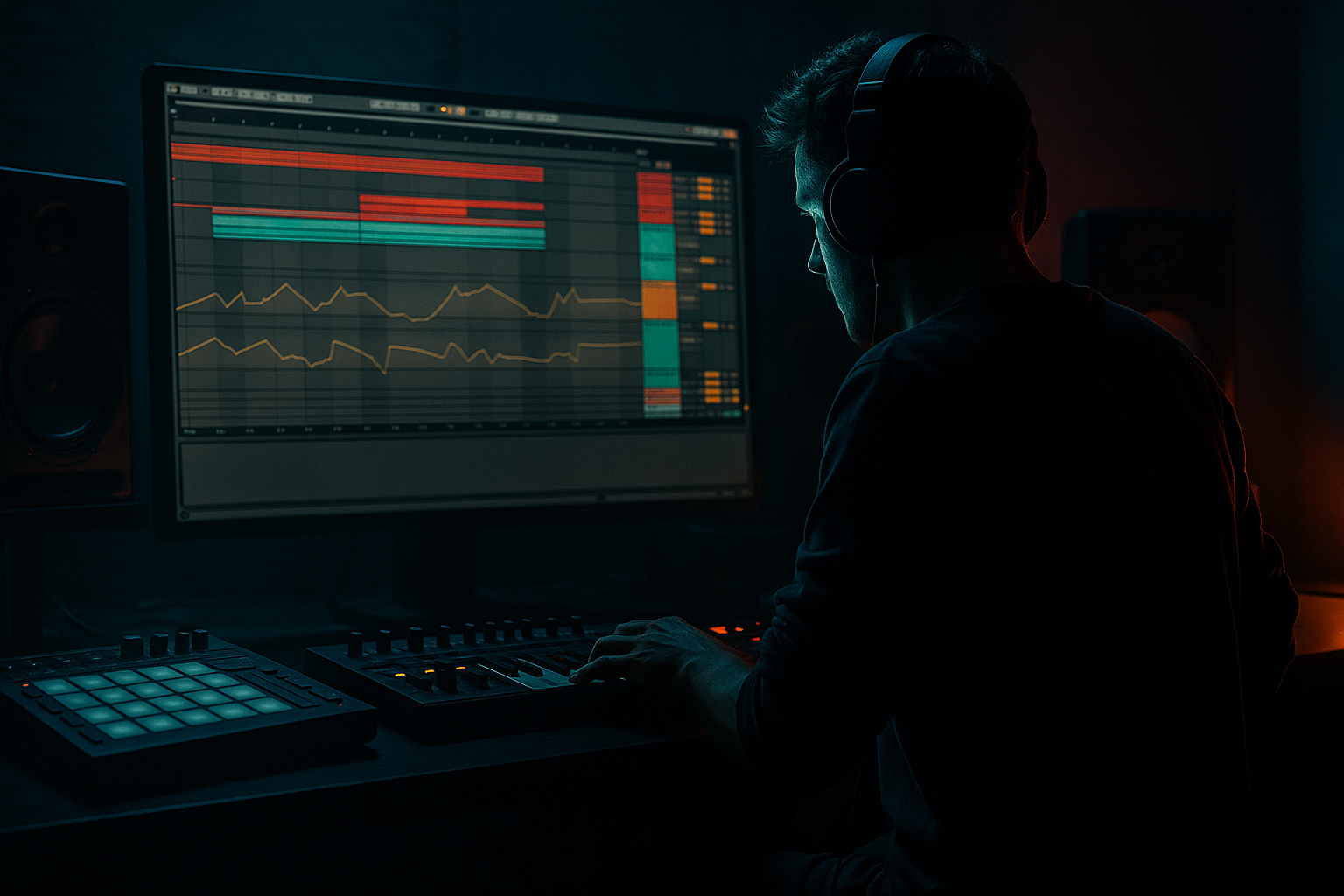
Main tutorial
```markdown
Breakbeat Sequence Masterclass: Session View ➜ Arrangement View (Ableton Live 12)
Advanced DnB Production — Category: Basslines 🎛️⚡
---
1. Lesson overview
In this lesson you’ll build a DnB-ready breakbeat + rolling bass system in Session View, then perform/record it into Arrangement View like a proper producer—capturing variations, fills, drops, and bassline evolution in one pass.
We’ll focus on:
- Breakbeat sequencing and variation (jungle/DnB vibe)
- Bassline clips that respond to drum movement
- Session View performance → Arrangement View capture
- Tight, heavy mix prep using stock Ableton Live 12 devices
- Drum Group: sliced break + layered one-shots + ghost notes + fills
- Bass Group: rolling sub + mid reese layer, both clip-driven
- Session Scenes: Intro → Roll → Drop → Variation → Breakdown/Fill → Outro
- A recorded Arrangement containing:
- Reverb (stock):
- Echo (stock):
- Slicing preset: Built-in → Slice to Drum Rack
- Pad C1: Kick
- Pad D1: Snare
- Pad F#1/G#1: Closed hats
- Pad A#1: Ride/Shuffle hat
- Pad C2: Crash/impact (optional)
- Kick chain:
- Snare chain:
- Hats:
- Kick: 1.1, (optional) 1.3.3
- Snare: 1.2, 1.4
- Hats: 1/16 or 1/8 with swing/variation
- `SUB - ROLL A` (2 bars): rolling 1/8 pattern with occasional ties
- `SUB - ROLL B` (2 bars): same notes but change rhythm (sync with ghost kicks)
- `MID - STAB A`: short notes on offbeats (call/response with snare)
- `MID - STAB B`: more active rhythm for drop variation
- `MID - FILTERED`: same notes but automate filter cutoff down (breakdown tool)
- Add Compressor (not Glue) for sidechain
- Global Quantization: 1 Bar
- For fills: set clip quantization to 1/4 or None (so it triggers instantly)
- Bars 1–8: restrained mid, cleaner drums
- Bars 9–16: add mid movement + extra ghost hits
- Bar 15.4: micro-fill + delay throw
- Bar 16: hard reset on the downbeat (clean impact)
- Over-warping the break: if transients smear, your Beats mode settings are off. Keep it punchy; don’t over-stretch.
- Too many break slices at once: micro-edits are spice, not the meal. Keep the core loop recognizable.
- Sub not truly mono: if your sub has width, it will disappear on big systems. Utility width at 0% below ~120 Hz is your friend.
- Sidechain release fighting the groove: if the bass “wobbles” weirdly, lengthen or shorten release until it breathes in time.
- No phrase structure: a 64-bar loop with no edits will feel unfinished—even if the sound design is sick.
- Parallel distortion for mids:
- Drum dirt without losing snap:
- “Metallic air” hats trick:
- Reese movement that stays controlled:
- Silence is heavier than noise:
- You built a Session View performance system: break + one-shots + sub + mid.
- You created scene-based arrangement logic (intro → roll → drop → variations).
- You recorded everything into Arrangement View in one energetic pass, capturing automation and clip changes.
- You refined it with DnB phrase structure, tight sidechain, and mix-safe bass layering.
Target tempo: 172–176 BPM (we’ll use 174 BPM).
---
2. What you will build
A mini “tune skeleton” with:
- clean transitions
- evolving break edits
- bassline call-and-response
- automation capture (filters, sends, saturation)
---
3. Step-by-step walkthrough
A) Project setup (so the groove lands right)
1. Set Tempo: 174 BPM.
2. Preferences ➜ Warp/Launch
- Auto-Warp Long Samples: Off (you’ll warp breaks manually)
- Default Warp Mode: Beats
3. Create these tracks:
- 1 MIDI: `SUB BASS`
- 1 MIDI: `MID BASS`
- 1 Audio: `BREAK` (for slicing/looping)
- 1 MIDI: `DRUM ONESHOTS` (Drum Rack)
- Return A: `SHORT VERB`
- Return B: `DUB DELAY`
Return A (SHORT VERB):
- Decay: 0.35–0.6s
- Pre-delay: 10–20ms
- Low Cut: 250–400 Hz
- High Cut: 7–10 kHz
- Dry/Wet: 100% (it’s a return)
Return B (DUB DELAY):
- Time: 1/8 Dotted or 1/4
- Feedback: 20–35%
- Filter: HP ~250 Hz, LP ~6–8 kHz
- Mod: subtle
- Dry/Wet: 100%
---
B) Build a performance-ready break system in Session View 🥁
#### 1) Load and warp a classic-style break
1. Drop a break (Amen, Think, Funky Drummer, etc.) onto `BREAK`.
2. Double-click clip ➜ Warp: On.
3. Warp settings:
- Mode: Beats
- Preserve: Transients
- Envelope: ~40–60 (tighter = higher)
4. Set loop length to 1 bar or 2 bars (DnB often feels best at 2 bars).
Advanced move:
Right-click the clip ➜ Slice to New MIDI Track:
Now you have break hits mapped across pads (perfect for micro-edits and new patterns).
#### 2) Layer punch with one-shots (so it hits in clubs)
On `DRUM ONESHOTS` (Drum Rack):
Drum Rack chain suggestions (per pad):
- EQ Eight: cut 250–400 Hz mud, tiny bump ~55–70 Hz if needed
- Saturator: Soft Clip On, Drive 2–5 dB
- Drum Buss: Drive 5–15, Crunch 5–20, Boom Off (often better for DnB snares)
- EQ Eight: notch harshness ~3.5–6 kHz if needed
- Auto Filter: HP 300–600 Hz
- Utility: Width 120–150% (if it’s not phasey)
Now create a 1-bar MIDI clip with a classic DnB backbone:
#### 3) Glue break + one-shots into a Drum Group bus
Group `BREAK` + `DRUM ONESHOTS` into DRUMS (Group) and put this on the group:
1. Glue Compressor
- Attack: 3 ms
- Release: Auto
- Ratio: 2:1
- Threshold: aim for 1–3 dB GR
2. Saturator
- Soft Clip: On
- Drive: 1–4 dB
3. EQ Eight
- Low cut: 25–35 Hz
- tiny shelf: +1 dB at 9–12 kHz if dull (don’t overdo)
---
C) Build rolling bass clips that talk to the break 🔊
We’ll do a two-layer bass: clean sub + character mid.
#### 1) SUB BASS (clean, consistent, mix-safe)
On `SUB BASS` add:
1. Operator
- Algorithm: A only
- Wave: Sine
2. Saturator
- Drive: 1–2 dB
- Soft Clip: On
3. EQ Eight
- Low pass around 120–180 Hz (keep it sub)
4. Utility
- Bass Mono: On
- Width: 0%
Create 2 MIDI clips in Session View:
DnB note choice tip:
Start with F, F#, G region (common for weight). Keep it simple: 1–2 notes for roll, 3rd note for turnaround.
#### 2) MID BASS (reese-ish, controlled movement)
On `MID BASS` add:
1. Wavetable
- Osc 1: Saw (or Complex)
- Unison: 2–4
- Detune: 10–20%
2. Auto Filter
- LP 24 dB
- Envelope: subtle (Amount 5–15)
3. Saturator or Roar (Live 12)
- Roar preset idea: start “Gentle Drive”, then set:
- Drive: 10–25%
- Tone: slightly dark
- Mix: 60–90%
4. EQ Eight
- High pass ~120–180 Hz (leave room for sub)
5. Utility
- Width: 90–130% (check mono compatibility)
Create MIDI clips:
#### 3) Sidechain bass to the drum groove (clean rolling feel)
On both bass tracks:
- Sidechain: On
- Audio From: DRUM ONESHOTS (or a dedicated ghost kick track if you have one)
- Ratio: 4:1
- Attack: 1–3 ms
- Release: 50–120 ms (tune to groove)
- Threshold: aim 2–6 dB GR depending on heaviness
---
D) Create Session View Scenes like a real DnB arrangement 🎬
Make Scenes (rows) with clip combinations:
1. Scene 1 — INTRO (DJ friendly)
- Break: filtered or hats-only clip
- Sub: long held note or minimal roll
- Mid: off
2. Scene 2 — ROLL (tension)
- Full break + ghosts
- Sub Roll A
- Mid Filtered (low cutoff)
3. Scene 3 — DROP (main) 🔥
- Full break + layered snare
- Sub Roll A
- Mid Stab A
4. Scene 4 — DROP VAR (movement)
- Break with extra edits (slice fills)
- Sub Roll B
- Mid Stab B
5. Scene 5 — 1-BAR FILL (transition tool)
- Break fill clip (1 bar)
- Sub: mute or single note
- Mid: short riser stab or delay throw
Scene Launch settings (per clip):
---
E) Perform and record into Arrangement View (the master move) 🎚️➡️📼
1. Hit Arrangement Record (top transport).
2. Stay in Session View and launch Scenes in order:
- Intro 8–16 bars
- Roll 16 bars
- Drop 32 bars
- Drop Var 32 bars
- Fill into Drop again etc.
3. While recording, perform:
- `MID BASS` filter cutoff (Auto Filter)
- Send small snare hits to Echo (Return B) for “throw” moments
- Toggle break slice clips for micro-variation (1 bar or 2 bar swaps)
Key Ableton Live 12 workflow tip:
After recording, go to Arrangement and hit Back to Arrangement (top right) to ensure your timeline playback uses the recorded automation/clips, not Session overrides.
---
F) Arrange like DnB: edits, space, and impact
In Arrangement View:
1. Consolidate your best 16/32-bar drop sections (`Cmd/Ctrl + J`).
2. Create automation lanes:
- Drum Group: subtle high shelf in build-ups
- Mid Bass: filter opens in first 8 bars of drop then stabilizes
- Reverb send: reduce on downbeats, increase at phrase ends
3. Add 2-bar phrase markers:
- Every 8 bars: small edit (mute kick, extra snare flam, reverse hit)
- Every 16 bars: bigger change (new break variation, bass rhythm switch)
Simple “DnB tension recipe” (works constantly):
---
4. Common mistakes
---
5. Pro tips for darker/heavier DnB 😈
Duplicate `MID BASS`, distort hard with Roar (or Saturator), then EQ Eight to band-limit (e.g., 250 Hz–4 kHz). Blend quietly for aggression without killing clarity.
On DRUMS group, try Drum Buss lightly (Drive 5–10) after Glue, then trim highs with EQ if it gets fizzy.
Put Corpus on a hat bus (very low mix). Tune resonance subtly; it adds spooky shimmer.
Use Auto Filter + subtle LFO, but keep it slow (1–4 bars). Fast LFO often clashes with busy breaks.
Mute bass for 1/8 or 1/4 right before key snares or drop impacts. It makes the return hit harder than any plugin.
---
6. Mini practice exercise (20–30 minutes)
1. Make 3 break clips:
- A: clean 2-bar loop
- B: same loop with 2 micro-edits (slice rearrange)
- C: 1-bar fill (snare roll or chopped stutter)
2. Make 2 sub clips (Roll A / Roll B) using only 2 notes max.
3. Make 2 mid clips (Stab A / Filtered).
4. Create 5 scenes (Intro/Roll/Drop/Var/Fill).
5. Record a 2-minute performance into Arrangement:
- At least one filter sweep
- At least two scene-triggered fills
- At least one delay throw on a snare
Goal: when you listen back, you should hear clear 8/16-bar phrasing and a bassline that feels locked to the drums.
---
7. Recap ✅
If you want, tell me what sub key you’re writing in (F/G/G# etc.) and whether you’re aiming more jungle, rollers, or neuro-ish, and I’ll suggest a clip set + bass rhythm grid that fits that subgenre.
```

