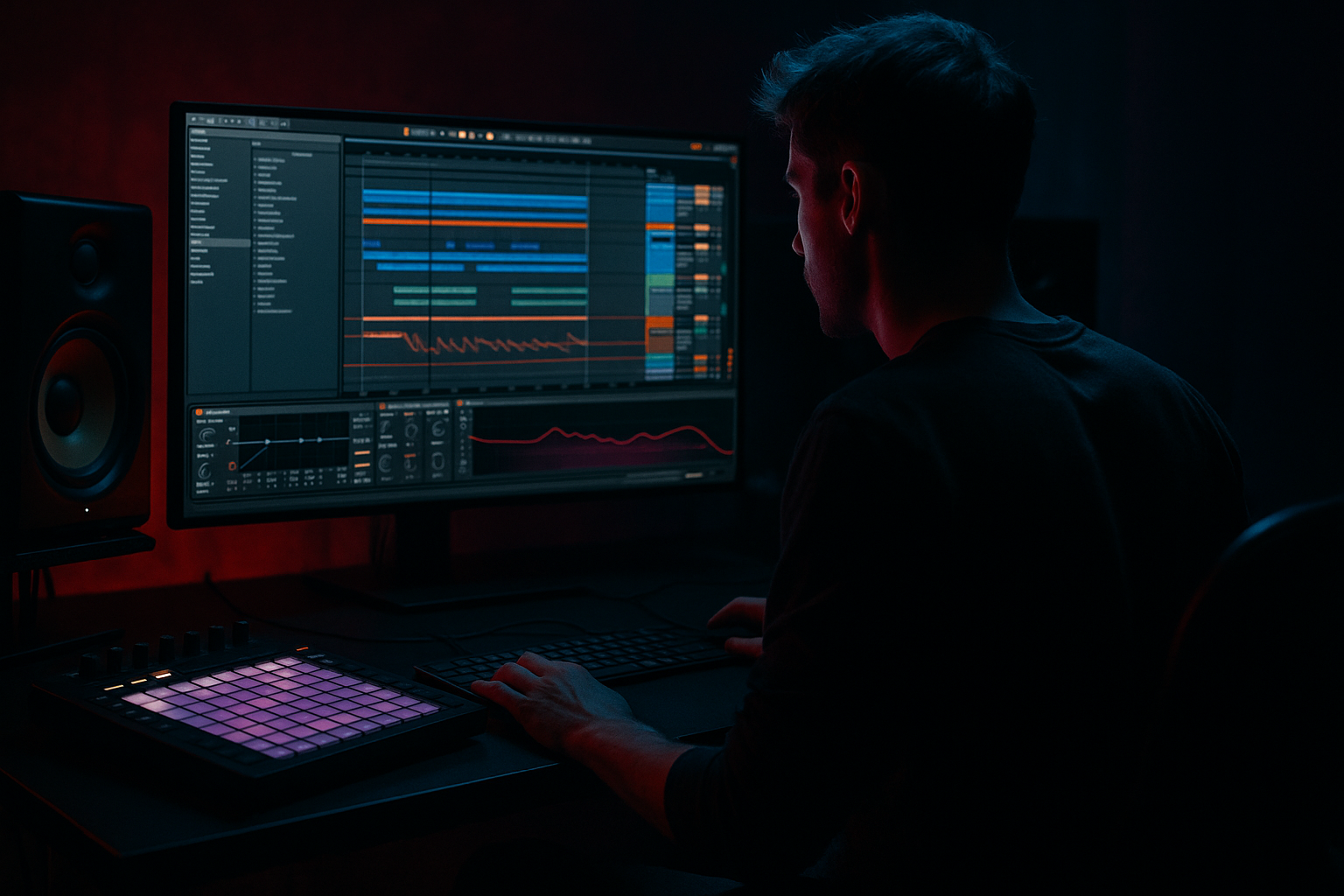
Main tutorial
```markdown
Build an Intro Without Losing Headroom (Ableton Live 12) — Jungle / Oldskool DnB (Ragga Elements) 🔥
1. Lesson overview
In jungle/oldskool DnB, intros often stack pads, FX, vox chops, bass hints, and atmos—and beginners accidentally hit the red before the drop even lands.
This lesson shows you a headroom-safe intro workflow in Ableton Live 12, specifically for ragga-leaning jungle vibes: dub sirens, vocal shots, tape-style echoes, and warm subs… without clipping or crushing your mix. 🎛️
Goal: Build hype + vibe while keeping your Master peaking around -10 to -6 dBFS in the intro (plenty of room for the drop).
---
2. What you will build
A 16–32 bar intro that feels like classic jungle:
- Atmos bed (noise, vinyl, room tone)
- Ragga elements (vocal one-shots / chants / callouts)
- Dub siren (simple synth + echo)
- Filtered “hint” of drums (tops only / distant break)
- Sub tease (sub only appears briefly, controlled)
- Tension automation (filters, reverbs, delays) leading into the drop
- ATMOS Group
- RAGGA Group
- DRUM TEASE Group
- MUSIC Group (pads, stabs, siren, etc.)
- Each group starts at around -12 dB (don’t worry, you’ll bring them up later).
- Drop in a vinyl loop or noise sample.
- Add Auto Filter
- Add Utility
- Add Reverb
- Keep this track peaking around -24 to -18 dBFS. Atmos should support, not dominate.
- Return A: Dub Delay
- Return B: Plate/Room
- Send A (Echo): -18 to -10 dB (taste)
- Send B (Reverb): -20 to -12 dB
- Oscillator A: Sine (clean)
- Add a little edge:
- Pitch movement:
- Use Wavetable or Operator for a simple sub.
- Osc A: Sine
- Add EQ Eight
- Add Compressor (not necessary yet) or leave clean.
- Keep bass muted or very low for most of intro.
- Bring it in briefly (1–2 bars) right before drop with a filter sweep.
- If you do have bass playing, keep it peaking around -18 to -12 dBFS in the intro.
- Bass Mono: ON (or Width 0% below 120 Hz using EQ M/S if advanced—skip for now)
- Mute the ATMOS Group for 1/2 bar or automate it down quickly.
- Or do a quick tape-stop style moment (optional), but keep it tasteful.
- Master peaks should be -10 to -6 dBFS
- If it’s louder:
- Dark space without loudness:
- Make ragga elements heavier:
- Use contrast, not volume:
- Break menace:
- Return Utility trims
- Group faders
- High-pass filters (not a master limiter)
- Headroom in intros is won by structure + restraint, not by mastering tricks.
- Use groups + returns to control dub space like a pro.
- Keep drum tease filtered, sub teased, and let ragga elements + echo do the hype work.
- Automate filters/sends, not just volume, to build tension jungle-style. 🔊
All arranged with clean gain staging, bus groups, and safe FX returns so you don’t lose headroom.
---
3. Step-by-step walkthrough
Step 0 — Set your “headroom rules” (2 minutes)
1. Tempo: set 165–172 BPM (classic jungle/DnB range).
2. On the Master, insert Spectrum (Ableton stock) last.
3. Set a target:
- Intro master peaks: -10 to -6 dBFS
- Leave Limiter OFF for now (we want real headroom, not fake loudness).
Quick check: If you’re already hitting -3 dBFS in the intro, the drop will be a mess.
---
Step 1 — Start with a controlled “Intro Bus” structure ✅
Create 4 groups (Cmd/Ctrl + G) so you can mix fast:
Then set rough faders:
This prevents the classic beginner move: 12 tracks at 0 dB piling into the Master.
---
Step 2 — Build the Atmos bed (wide vibe, low level) 🌫️
ATMOS Group: add 1–3 layers, quiet but present.
Track A: Vinyl / noise layer
- Filter type: High-Pass
- Cutoff: 150–250 Hz (keep rumble out)
- Resonance: 0.60–1.00 (gentle)
- Gain: -6 dB
- Width: 120–150% (optional—only if it doesn’t get harsh)
Track B: Jungle ambience / field recording
- Decay: 2.5–4.5 s
- Pre-delay: 10–25 ms
- Low Cut: 250–400 Hz
- High Cut: 7–10 kHz
- Wet: 10–20%
Why this protects headroom: low end + long reverb tails eat headroom fast. High-pass + controlled wetness = loudness safety.
---
Step 3 — Add ragga vocal shots (with delay, but not volume spikes) 🎙️
RAGGA Group: 1–2 vocal one-shots + a sprinkle of callouts.
Track: Ragga Vox Shots
1. Load a vocal stab (“come again!”, “rewind!”, “junglist!” etc.).
2. Insert Simpler (one-shot mode is fine).
3. Add EQ Eight
- High-pass: 120–200 Hz
- Optional dip: 2–4 kHz -2 to -4 dB if harsh
4. Add Glue Compressor (light control)
- Attack: 3 ms
- Release: Auto
- Ratio: 2:1
- Threshold: aim for 1–3 dB gain reduction on peaks
5. Add Saturator (gentle)
- Drive: 1–3 dB
- Soft Clip: ON (helps catch peaks)
Important workflow:
Don’t crank the vocal fader. Instead, use Return tracks for space.
#### Set up 2 Returns (global FX like classic dub)
- Echo (stock)
- Time: 1/4 or 3/16 (jungle swing vibe)
- Feedback: 25–45%
- Filter: HP around 250 Hz, LP around 7–9 kHz
- Mod: small (0.5–2) for wobble
- Add Utility after Echo
- Gain: -3 to -6 dB (returns can get loud!)
- Reverb
- Decay: 1.8–3.0 s
- Low Cut: 300 Hz
- Wet: 100% (because it’s a send)
- Add EQ Eight after Reverb
- High-pass: 300 Hz
- Small shelf down at 8–12 kHz if splashy
Now send the ragga shots:
Headroom trick: keep returns tamed—big delays can secretly be your loudest “track.”
---
Step 4 — Make a dub siren (classic jungle spice) 🚨
MUSIC Group: create Siren Track with Operator (simple + effective).
Operator settings (quick start):
- Oscillator B: Sine, Level low (10–20), detune slightly
- Use LFO (in Operator) to modulate pitch slightly
- Rate: 0.3–1.0 Hz, Amount: small (subtle wobble)
Device chain:
1. EQ Eight
- High-pass 120 Hz
2. Saturator
- Drive 2–5 dB, Soft Clip ON
3. Auto Filter
- Low-pass around 2–6 kHz (automate opening later)
4. Send it to Return A (Echo)
Arrangement idea:
Play siren notes sparsely—every 4 bars—and automate the filter to open toward the drop.
---
Step 5 — Add a “drum tease” without full drum loudness 🥁
This is where beginners usually destroy headroom: full breaks + hats + crashes too early.
DRUM TEASE Group: use a break, but make it distant.
1. Load a break loop (Amen, Think, etc.).
2. Add EQ Eight
- High-pass 250–400 Hz (removes punch)
- Optional: gentle shelf down -2 to -4 dB around 8–12 kHz if hissy
3. Add Auto Filter
- Low-pass 4–8 kHz, automate to open slightly
4. Add Redux (optional, subtle oldskool crunch)
- Bit reduction: small (start 12–14 bit)
- Downsample: tiny amount
Keep the drum tease peaking around -18 to -12 dBFS.
It should feel like “the rave is in the distance.” 🏢
---
Step 6 — Tease the sub safely (don’t let it dominate the intro) 🌑
Oldskool intros often hint at bass, but the real weight hits at the drop.
Bass track (MUSIC Group)
Operator Sub:
- Low-pass around 120–180 Hz
Key headroom move: automate bass presence instead of volume.
Optional: Add Utility
---
Step 7 — Automate tension (the “pro intro” move) 🎚️
Create 3 automation lanes that do most of the hype work without volume:
1. Return A (Echo) Send on ragga vox
- Increase send over 8 bars, then cut it suddenly 1 beat before drop.
2. Auto Filter cutoff on drum tease
- Start more filtered, open slightly approaching drop.
3. Reverb decay or wet on atmos
- Increase slightly, then reduce right before drop to “dry up” and make impact.
Drop impact trick: 1 bar before the drop:
---
Step 8 — Gain staging checkpoint (do this like a ritual) ✅
With intro playing:
1. Pull down Return A/B first (common culprit)
2. Then pull down RAGGA Group
3. Then drum tease
Avoid “fixing” by slapping a limiter on the master. That hides the problem and steals punch later.
---
4. Common mistakes (and exactly what to do instead)
1. Mistake: Full break at full volume in the intro
- Fix: high-pass to 300 Hz, lower level, filter it. Save full punch for the drop.
2. Mistake: Reverb/delay returns too loud
- Fix: put Utility after Echo/Reverb returns and trim -3 to -9 dB.
3. Mistake: Sub bass playing constantly
- Fix: automate bass in moments; keep sub minimal until the drop.
4. Mistake: Too many layers fighting
- Fix: pick 1 hero element per 4–8 bars (vox OR siren OR stab), not all at once.
5. Mistake: Clipping individual tracks
- Fix: lower Clip Gain on samples or the Simpler volume; don’t rely on channel fader only.
---
5. Pro tips for darker/heavier DnB (still oldskool-friendly) 🖤
Use mid-focused atmosphere (300 Hz–2 kHz) + controlled highs. Darkness isn’t “more sub,” it’s less brightness with character.
Add Saturator + subtle Amp device (Clean or Bass) on vox, then EQ out mud.
Right before the drop, reduce:
- Return reverb tail
- Atmos width (Utility width down)
- Drum tease filter closes slightly
Then drop hits bigger without needing to be louder.
Put Roar (stock in Live 12) very subtly on the drum tease for grit:
- Drive low, mix low, and HP the distortion if it gets boomy.
---
6. Mini practice exercise (15 minutes) ⏱️
Build an 16-bar intro with these rules:
1. Bars 1–8: Atmos + 2 ragga shots (with Echo send), no bass.
2. Bars 9–12: Add filtered drum tease (HP 300 Hz).
3. Bars 13–15: Add dub siren + increase Echo send.
4. Bar 16: Kill the returns for 1 beat + mute atmos for 1/2 bar.
Checkpoint: Master must peak no higher than -6 dBFS during the intro.
If it fails, fix it using only:
---
7. Recap
If you want, tell me your BPM and what samples you’re using (Amen/Think + which ragga pack), and I’ll suggest a specific 16-bar intro arrangement with exact automation targets.
```

