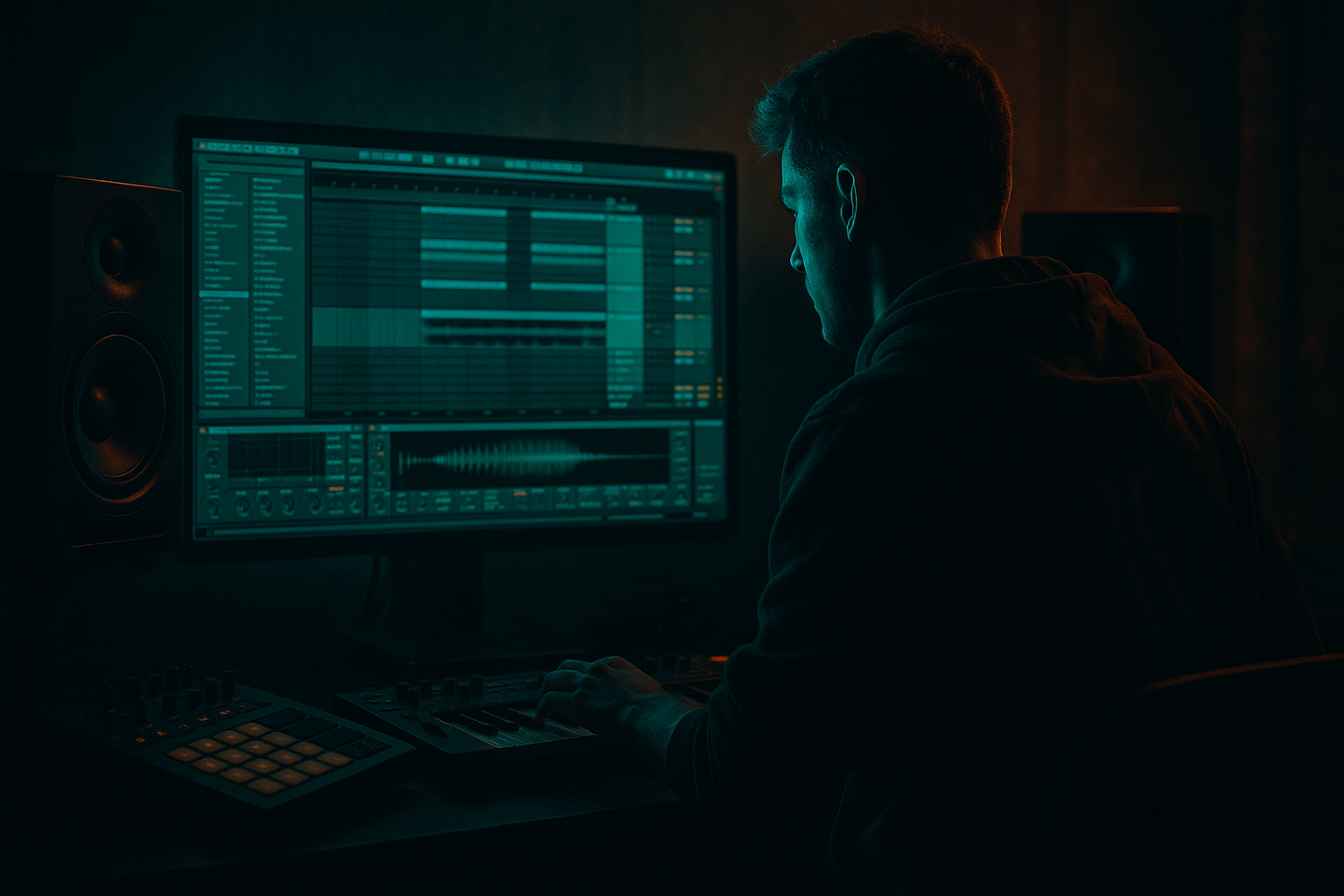
Main tutorial
Lesson overview
Energetic, hands-on lesson for beginner DnB producers using Ableton Live. You’ll learn how to build a basic drop and a clear switch-up (a mid-drop variation) that you can drop into a track or DJ edit. This is focused on practical Ableton workflows, stock devices, and DnB/jungle/rolling bass ideas so you can complete a usable arrangement quickly. 🎛️🥁
- Tempo target: 172–176 BPM (typical DnB)
- Ableton devices used: Drum Rack / Simpler, Sampler (if available), Operator, Wavetable (or Operator if not), Drum Buss, Saturator, EQ Eight, Glue Compressor, Compressor (for sidechain), Auto Filter, Beat Repeat, Utility, Reverb (Hybrid Reverb or Reverb), Redux/Overdrive.
- Time to complete: ~45–90 minutes at a beginner pace.
- A short intro/build (8 bars)
- A driving DnB drop (8–16 bars)
- A switch-up (8–16 bars) — a contrasting mid-drop change: new drum groove + bass texture + FX, keeping energy but changing motion
- A sliced break in a Drum Rack with programmatic MIDI
- Layered bass (sub + mid reese) in an Instrument Rack
- A working sidechain setup
- A clear arrangement and automation for the switch-up
- Create 3 tracks:
- Create return tracks for Reverb (send) and Delay (send) if wanted (hit Cmd/Ctrl+Alt+T to add returns, or right-click -> Insert Return Track).
- Drag an Amen-style break or any DnB-friendly break into a track (audio clip).
- Right-click the clip -> Slice to New MIDI Track.
- This creates a Drum Rack with individually sliced pads and a MIDI clip. Rename pads as needed.
- Open the MIDI clip and tidy the MIDI notes into a simple 1-bar or 2-bar groove. For a rolling DnB feel, keep strong hits on 1 and the "and" of 2/3 with ghosted snare/hats in between.
- Add separate simpler tracks or Drum Rack cells for:
- Use Glue Compressor on the Drum Bus (create Drum Bus group) with settings:
- Add Drum Buss (stock) for color: Drive 3–4, Boom low slightly, Crunch 4–6 for grit.
- Create a new MIDI track called BASS and load an Instrument Rack (Right-click -> Create Instrument Rack or drag one).
- Chain A — SUB:
- Chain B — MIDDLE/REESE:
- Macro controls to create performance:
- Program a simple DnB sub pattern: long sustained notes on 1 and the "and" of 3 to keep groove.
- Program the mid reese lines as rolling 16th-note movement (or half-step slides) using a separate MIDI clip in the same rack (or use separate chains with key zones).
- Add sidechain compression on the BASS track:
- Arrange structure:
- For the Drop A (bars 9–16):
- Drum changes:
- Bass changes:
- FX and processing:
- Dramatic moment:
- Bass Macro: Create a movement where the REESE filter opens slightly 1 bar before the switch-up and slams closed during the first bar of the switch.
- Drums: Add transient lift using Drum Buss (Transient knob) or Compressor attack param to emphasize hits.
- Master chain (be conservative): EQ Eight (HPF ~20–25 Hz), Glue Compressor (gentle bus glue), and maybe a limiter (Limiter) set with 1–2 dB ceiling.
- Listen through with loop set to 32 bars.
- Adjust energy distribution: avoid having both drop and switch-up as identical — give each unique identity.
- Export stems if you want quick DJ-ready versions.
- Too much low frequency energy on multiple tracks: always high-pass non-sub elements above 30–40 Hz.
- Over-relying on reverb for bass: reverb on bass kills punch and clarity. Keep bass dry; if you must, send reverb with lowpass on return and cut sub.
- Phase cancellation when layering sub and mid: check mono compatibility (use Utility -> Width 0% to audition). If sub disappears, adjust phase or detune.
- Overdoing sidechain: too aggressive pumping makes bass disappear; set Compressor release to 40–100 ms and listen to groove.
- Not planning switch-ups: repeating identical 16-bar drops bores listeners — change drums/bass every 8–16 bars.
- Using too-long FX tails under new drums: cut reverbs with transient or EQ to avoid mud.
- Sub dominance: keep a clean sine sub an octave under your musical root. Use a low-pass around 90–120 Hz on sub chain to avoid mid clash.
- Aggressive mids: duplicate the reese chain and process one copy with heavy distortion (Saturator -> Overdrive -> Redux). Blend in parallel to keep low end intact.
- Multiband processing: use Multiband Dynamics on the reese chain to squash mids while leaving lows clean.
- Resonant peaks: automate a narrow EQ Eight boost (Q > 4) around 200–900 Hz and then modulate it with an LFO or automation for a vocal-like snarling tone.
- Harsh textures: add Redux lightly (rate ~8–12 kHz, downsample ~8–10 bit) only on the top layers to add grit without killing sub.
- Drum aggression: compress drums bus hard (Glue Compressor ratio 4:1) for attitude, then parallel mix with dry drums to recover transients.
- Jungle flavour: layer Amen slices with chopped up percussion and apply swing/groove to snares and ghost notes. Use pitch shifters for jungle timbre on hats/toms.
- Stereo imaging: keep low end mono (Utility width 0% on sub chain) and widen mids/tops (Utility > 110% or use chorus). Avoid too wide reese sub.
- You built a rolling DnB drop + a contrasting switch-up using Ableton Live stock tools: Drum Rack, Operator/Wavetable, Compressor (sidechain), Drum Buss, Saturator, EQ Eight, Beat Repeat, Auto Filter.
- Key ideas: keep sub clean and mono, layer a distorted reese for character, use tasteful sidechain, and make the switch-up an arrangement tool — not just more of the same.
- Practice the mini exercise and try variations: different fills, halftime switch-up, harmonic change (move bass root +2 semitones), or a vocal chop lead for the switch.
What you will build
A compact arrangement section (32 bars) containing:
By the end you'll have:
Step-by-step walkthrough
Prerequisites: Open a new Ableton Live project. Set tempo to 174 BPM. Use 24–32 bit audio interface defaults.
1) Create your session skeleton
- 1 MIDI track: DRUMS
- 1 MIDI track: BASS
- 1 Audio track: FX/VOX (for risers, reverses)
2) Make a Drum Rack from a breakbeat (fast route) 🎚️
- Slicing preset: Transient or 1/16 (try "Transient" or "1/16" to capture hits).
- Destination: Drum Rack.
3) Layer and tighten the drums
- Punchy kick (layer a short, low kick sample)
- Snare (one big clap/snare for the backbeat)
- Top loop or hat loop for high-frequency energy
- Ratio: 2:1
- Attack: 10 ms
- Release: Auto
- Threshold: dial until you see ~2–4 dB of gain reduction
4) Build a rolling DnB bass (Instrument Rack with two chains)
- Put Operator (or Analog if preferred). Init patch: sine oscillator.
- Set oscillator to single sine. Tune center to desired note. Low-pass filter off or very low cutoff.
- Add an EQ Eight after Operator: high-pass everything below 28–40 Hz on non-sub chains only; on sub chain, low-pass to ~90–120 Hz cut above (use a gentle slope).
- Compressor after EQ (optional) to tighten transient.
- Use Wavetable (or Operator if no Wavetable). For Wavetable:
- Oscillator 1: Saw (unison 2–3 voices), Detune ±0.09–0.20
- Oscillator 2: Saw or Square detuned slightly different phase
- Filter: Low-pass, cutoff ~700–1500 Hz (automate later)
- Add chorus via Chorus-Ensemble or simple Detune
- Add devices: EQ Eight (cut low under 90 Hz), Saturator (Drive 2–4, Soft Clip on), and then a Utility for wideness (set width to 110–130%).
- Map Macro 1 -> SUB level
- Map Macro 2 -> REESE filter cutoff
- Map Macro 3 -> SATURATOR drive
- This lets you switch textures quickly for the drop vs switch-up.
5) Basic bass MIDI and processing
- Insert Compressor -> turn on Sidechain, choose Drum Rack kick/snare group (create a kick/snare send or duplicate and mute out). Set Ratio 4:1, Attack 10 ms, Release 60 ms, Threshold until pumping is felt but not squashed.
6) Arrange the drop
- Bars 1–8: Intro / build — filtered loop, noise riser, simple kick + hats
- Bars 9–16: Drop A — full drums, bass sub + reese on
- Bars 17–24: Switch-up — alter drums + bass, add fills/fx
- Bars 25–32: Return or new section
- Unmute all drum layers.
- Bass chain: SUB at full, REESE moderate. Macro 2 (filter) open around 700–1000 Hz.
- Use automation on Filter cutoff to open quickly at drop.
7) Create the switch-up (practical change)
You want a recognisable change but keep dancefloor energy. Options: halftime feel, different drum pattern, pitch shift, different bass texture.
Switch-up recipe (apply to bars 17–24):
- Duplicate the drum MIDI clip from Drop A to Switch-up region.
- Reduce snare hits to every 2 bars or switch snare hits to off-beat shuffle.
- Add additional top percussion: short toms, shuffled hats with swing (use Groove Pool -> apply an Akai/BBoy groove at 55–65% timing).
- Add a snare roll leading into the switch-up: program 1/32 notes increasing in velocity, then a final reversed cymbal.
- Macro change: reduce SUB chain volume by -6 dB (or automate SUB mute for mid-frequency heaviness).
- Increase REESE drive and automate filter to sweep up then down. Set a faster filter LFO for wobble (use LFO device or mod matrix in Wavetable; set rate 1/8 – 1/16 synced).
- Add distortion: place Saturator post-reese with Drive 4–7, then follow with EQ Eight cutting 200–350 Hz if getting muddy.
- Use Beat Repeat on a copy of the drum group to create stutter fills: Set Interval 1/16 or 1/32, Gate small, Grid 1/32, Chance 50% and automate the device on only at the switch-up.
- Add a short gated reverb on snare for atmosphere: Send a snare to Reverb return with Decay 0.8–1.5s, Damp high, and an EQ after Reverb to remove sub.
- Add an automated Auto Filter (highpass sweeps) to the drop/bass return to carve before the switch.
- At the exact bar where switch-up hits, automate a 1-bar moment where you cut low end (Utility -6 dB) and then return instantly, or automate both Drum Rack mute for certain hits for dynamic contrast.
8) Quick automation & polish
9) Check your arrangement and time it
Common mistakes
Pro tips for darker/heavier DnB 🔥
Mini practice exercise (30–45 min)
Goal: Build a 32-bar loop with a drop + switch-up.
1. Tempo 174 BPM. Create Drum Rack by slicing an Amen to Drum Rack (10 min).
2. Program a 2-bar drum loop focusing on kick + snare + two ghosted snare/hats (10 min).
3. Make a two-chain Instrument Rack for bass:
- Chain A: Operator sine for sub
- Chain B: Wavetable saw detune for reese
Program a simple subline + rolling reese arpeggio (10 min).
4. Arrange:
- Bars 1–8: Intro (filtered hat + riser)
- Bars 9–16: Drop (full drums + bass)
- Bars 17–24: Switch-up (mute sub, beef up reese, add beat repeat)
- Bars 25–32: Return (bring sub back)
(15–20 min)
5. Add basic sidechain and one FX (Beat Repeat on fill or Auto Filter sweep). Bounce and listen.
Challenge: make the switch-up use a halftime-sounding drum pattern rather than full-time, while keeping bass energy with reese modulation.
Recap
Have fun — and send me your Ableton Live set questions or a short exported clip if you want targeted feedback. Let’s make this drop hit hard on club systems! 💥

