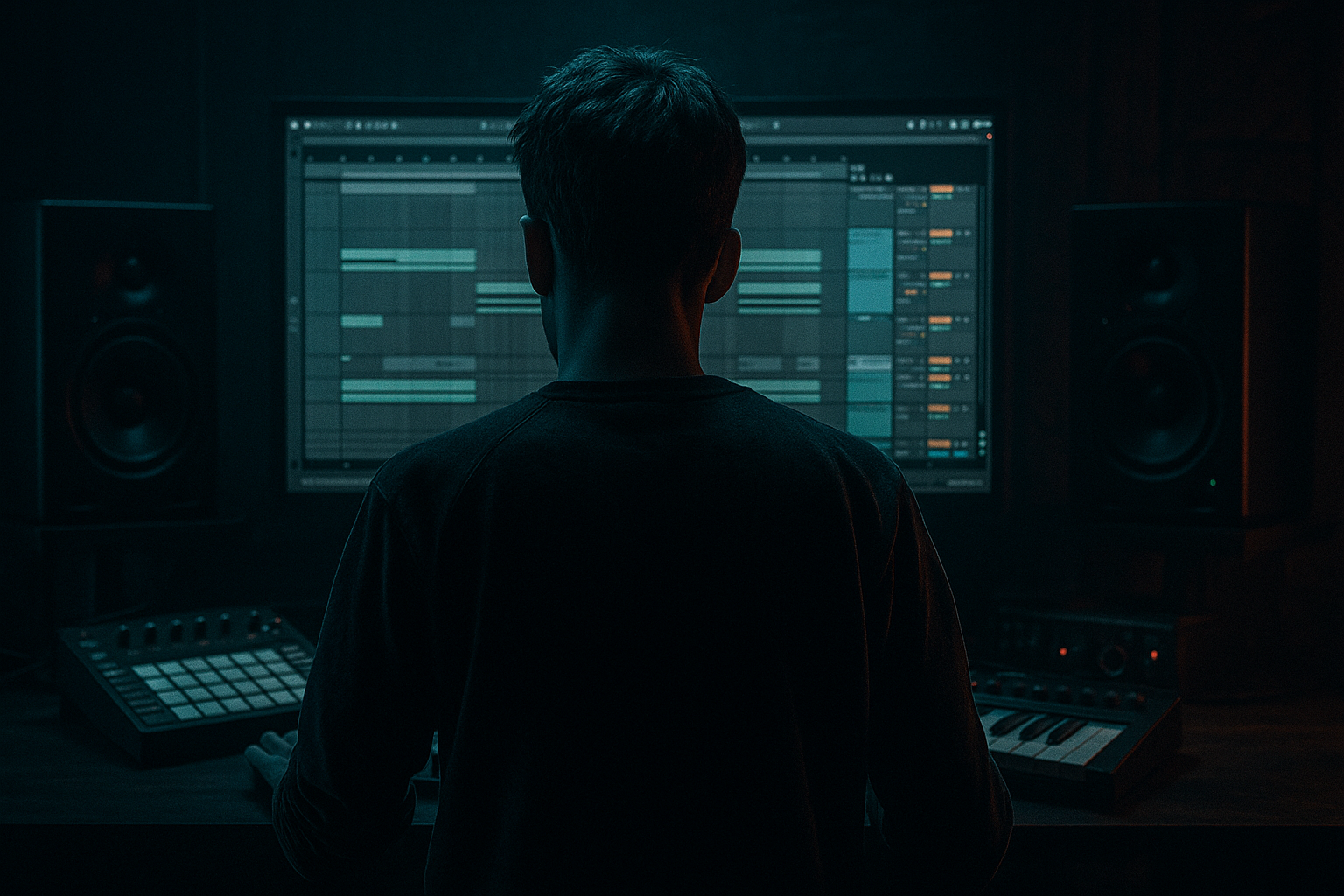
Main tutorial
Building Pads from Short Choir Samples (DnB in Ableton Live) 🎛️🎶
1. Lesson overview
In drum & bass, pads often do two jobs: set the atmosphere and glue the groove without stepping on the bass and drums. In this lesson you’ll take a short choir hit (even a single “ah” or chord stab) and turn it into a wide, evolving pad that works in rolling, jungle, and darker DnB contexts—using mostly Ableton stock devices.
You’ll learn:
- How to stretch a choir micro-sample into a playable instrument
- How to create movement (without muddying your mix)
- How to sit it around the bass with smart EQ, sidechain, and mid/side control
- Sampler/Simpler as the core
- Texture + stereo width (Chorus-Ensemble, Hybrid Reverb)
- Motion (Auto Filter + LFO, subtle pitch drift)
- DnB-ready mix control (utility, EQ, sidechain “duck”)
- Short (100 ms–1 s is fine)
- Clean-ish (minimal reverb baked in is ideal)
- Has a stable vowel (“ah”, “oo”) or a chord stab
- Start by looping a tiny section (like 30–120 ms) in the most “tonal” area.
- Increase loop length until it feels natural.
- If you hear a “wah-wah” cycle, shorten the loop or move it slightly.
- Add Chorus-Ensemble:
- Enable Filter LFO
- HPF: 150–300 Hz (24 dB/Oct)
- Cut a bit around 250–450 Hz if it feels boxy (-2 to -5 dB, Q ~1.2)
- If it masks snares, dip around 1.5–3 kHz slightly
- Width: 120–160% (go easy if your mix is already wide)
- Enable Bass Mono: 120–200 Hz (keeps low-mid stable)
- If it’s still too wide/phasey, pull width back to ~110–130%
- Use Auto Pan (set Phase to 0° so it becomes a tremolo):
- Intro atmosphere: hold one chord for 8–16 bars, automate filter slowly open, add distant breaks.
- Pre-drop tension: pitch the pad up +3/+5 semitones briefly, then slam back down at drop.
- Drop support (minimal): keep pad shorter—use 2-bar stabs or low-mix sustained notes so bass stays king.
- Breakdown: let the pad bloom, widen it, increase reverb mix, then filter it down as drums return.
- Not high-passing the pad: choir pads can dump energy into 150–400 Hz and wreck your bass clarity.
- Loop points clicking/warbling: use crossfade and pick a stable part of the sample.
- Too much reverb in the drop: big tails + fast drums = smear. Use lower mix or stronger ducking.
- Over-widening: extreme width can cause phase issues and disappear in mono.
- Pad fighting the snare: choir energy around 2 kHz can mask snare crack—dip it gently.
- Band-pass “ghost choir”: Use Auto Filter BP12 around 600 Hz–2 kHz, then add reverb. Feels eerie without muddy lows.
- Resample + detune layers: Freeze/Flatten or resample your pad, then create two audio layers:
- Saturation for weight (subtle): Add Saturator before reverb:
- Mid/Side sculpting: In EQ Eight, use M/S mode:
- Dissonant voicings: Try minor add9, sus2, or clustered notes (keep it quiet). Dark DnB loves tension.
- Use Simpler looping + crossfade to turn a short choir hit into a sustained source.
- Add slow modulation (Chorus-Ensemble / Shifter / Auto Filter LFO) for organic motion.
- Place it in space with Hybrid Reverb, but control it with EQ + ducking.
- For DnB, the winning formula is: dark + wide + moving, while staying out of the bass and snare’s way.
---
2. What you will build
A pad instrument rack from a short choir sample with:
End result: a pad you can hold for 4–16 bars under a rolling break and reese/sub combo without turning your mix into fog.
---
3. Step-by-step walkthrough
Step 0 — Choose the right source sample 🧪
Pick a choir one-shot that’s:
Tip: If it’s already huge and wet, you can still use it—but you’ll need more EQ and gating.
---
Step 1 — Drop into Simpler (Classic) and make it playable 🎹
1. Drag the sample onto a MIDI track → it loads into Simpler.
2. In Simpler, select Classic mode.
3. Set:
- Voices: 8–12 (pads need polyphony)
- Warp: Off (we’ll do stretching differently)
4. Envelope (Amp):
- Attack: 30–80 ms (avoid clicks; smoother pad onset)
- Decay: 2–6 s
- Sustain: -6 to -12 dB (or up if you want a constant bed)
- Release: 2–8 s (long tails = pad vibe)
Quick DnB arrangement note: Pads often come in on bar 9 (after first 8 bars of drums/bass) or appear as 2-bar swells at phrase ends.
---
Step 2 — Turn a short hit into a sustained tone (Looping done right) 🔁
In Simpler > Controls > Loop:
1. Enable Loop.
2. Use Loop Start/Length to find the most stable part of the choir.
3. Set Crossfade: 50–150 ms (crucial for hiding the loop seam)
Workflow:
Optional: Turn on Snap to make loop movement less fiddly.
---
Step 3 — Add subtle pitch drift so it feels alive 🌊
A static loop can sound “frozen.” Give it life:
Option A: Vibrato-style drift (simple + effective)
1. Add Shifter (stock) after Simpler.
2. Use Pitch mode.
3. Set:
- Fine: 0
- Coarse: 0
- LFO Amount: very small (1–6 cents)
- LFO Rate: 0.08–0.25 Hz (slow movement)
Option B: Classic “tape instability”
- Mode: Ensemble
- Amount: 10–25%
- Rate: 0.10–0.30 Hz
- Width: 80–120%
- Keep it subtle—this is motion, not trance supersaw.
---
Step 4 — Shape tone with Auto Filter (and add movement) 🎚️
1. Add Auto Filter after modulation.
2. Choose a filter:
- Low-pass (LP24) for dark pads
- Band-pass (BP12) for haunting midrange choir vibes
3. Starting settings (DnB-safe):
- Cutoff: 400 Hz – 2.5 kHz (depends on how bright your choir is)
- Resonance: 5–15%
- Drive: 0–6 dB (watch levels)
Add motion:
- Amount: 5–20%
- Rate: 1/4 to 2 bars (sync), or 0.05–0.20 Hz (free)
- Phase: 0–180° (try 180° for wider movement feel)
DnB idea: automate cutoff to rise slightly into drops (e.g., 8-bar build), then darken again when bass hits.
---
Step 5 — Put it in a believable space (Hybrid Reverb) 🏛️
Pads need space, but DnB needs clarity.
1. Add Hybrid Reverb.
2. Start with:
- Algorithm: Hall or Shimmer very low
- IR: Small/Medium Hall (avoid giant IRs in busy mixes)
3. Settings:
- Decay: 2.5–6 s
- Pre-Delay: 15–35 ms (keeps transient clarity)
- High Cut: 4–8 kHz (prevents fizzy wash)
- Low Cut: 200–500 Hz (prevents mud)
- Mix: 10–25% (you can go more if you sidechain hard)
Pro workflow: Put reverb on a Return track if you want multiple elements to share the same “room.”
---
Step 6 — Make it wide but controlled (Utility + EQ Eight) 📐
Add EQ Eight then Utility.
EQ Eight (pad cleanup for rolling DnB):
Utility:
---
Step 7 — DnB “ducking” so the pad breathes with the groove 🫁
You want the pad to move around the drums and bass, not fight them.
Option A: Classic sidechain compression
1. Add Compressor after Utility.
2. Enable Sidechain.
3. Sidechain input: your Drum Buss group (or kick + snare bus).
4. Settings (starting point):
- Ratio: 3:1 to 6:1
- Attack: 1–10 ms
- Release: 80–180 ms (time it to your groove)
- Threshold: adjust for ~2–6 dB gain reduction on hits
Option B: Cleaner rhythmic ducking
- Amount: 20–60%
- Rate: 1/4 or 1/8 (sync)
- Great for subtle pulsing under rollers.
---
Step 8 — Build a simple Instrument Rack for fast DnB workflows 🧰
Group the chain (Cmd/Ctrl + G) and map macros:
Suggested chain:
`Simpler → Chorus-Ensemble → Auto Filter → Hybrid Reverb → EQ Eight → Utility → Compressor`
Macro ideas:
1. Brightness → Auto Filter Cutoff
2. Motion → Auto Filter LFO Amount
3. Space → Hybrid Reverb Mix
4. Darkness → Hybrid Reverb High Cut (lower = darker)
5. Width → Utility Width
6. Duck → Compressor Threshold
7. Grime → Auto Filter Drive
8. Air → subtle high shelf in EQ Eight (+0 to +3 dB at 8–12 kHz)
---
Step 9 — Arrangement ideas specifically for DnB/jungle 🧱
---
4. Common mistakes
---
5. Pro tips for darker/heavier DnB 🖤
- Layer A: pitched -12 semitones, low-passed
- Layer B: pitched +7 semitones, high-passed
Blend quietly for depth.
- Drive: 1–4 dB
- Soft Clip: On
This thickens harmonics so the pad reads on small speakers.
- Mid: cut more low-mids (keeps center clean for bass)
- Sides: allow more upper mids/air for width
---
6. Mini practice exercise (15–20 minutes) ⏱️
1. Pick a single choir hit (one note or chord).
2. Build the rack chain:
`Simpler → Auto Filter → Hybrid Reverb → EQ Eight → Utility → Compressor`
3. Create a 16-bar loop at 174 BPM:
- Bars 1–8: drums + bass only
- Bars 9–16: introduce your pad
4. Write two chords (each lasts 2 bars) and repeat:
- Chord 1: minor (e.g., Fm)
- Chord 2: sus2/add9 (e.g., Db add9 or Eb sus2)
5. Automate:
- Auto Filter cutoff slowly opening from bars 9–16
- Slight reverb increase in bar 16 only (transition moment)
6. Bounce/resample the pad and tighten:
- High-pass to ~250 Hz
- Duck a bit more if the snare loses impact
Deliverable: a pad that adds mood but doesn’t steal the drop.
---
7. Recap ✅
If you want, tell me what kind of DnB you’re aiming for (liquid, techstep, neuro-ish rollers, jungle) and I’ll suggest exact chord choices and a pad macro mapping tailored to that vibe.

