Main tutorial
```markdown
Call-and-Response Melodies with Stock Devices (DnB in Ableton Live) 🔁🎛️
1) Lesson overview
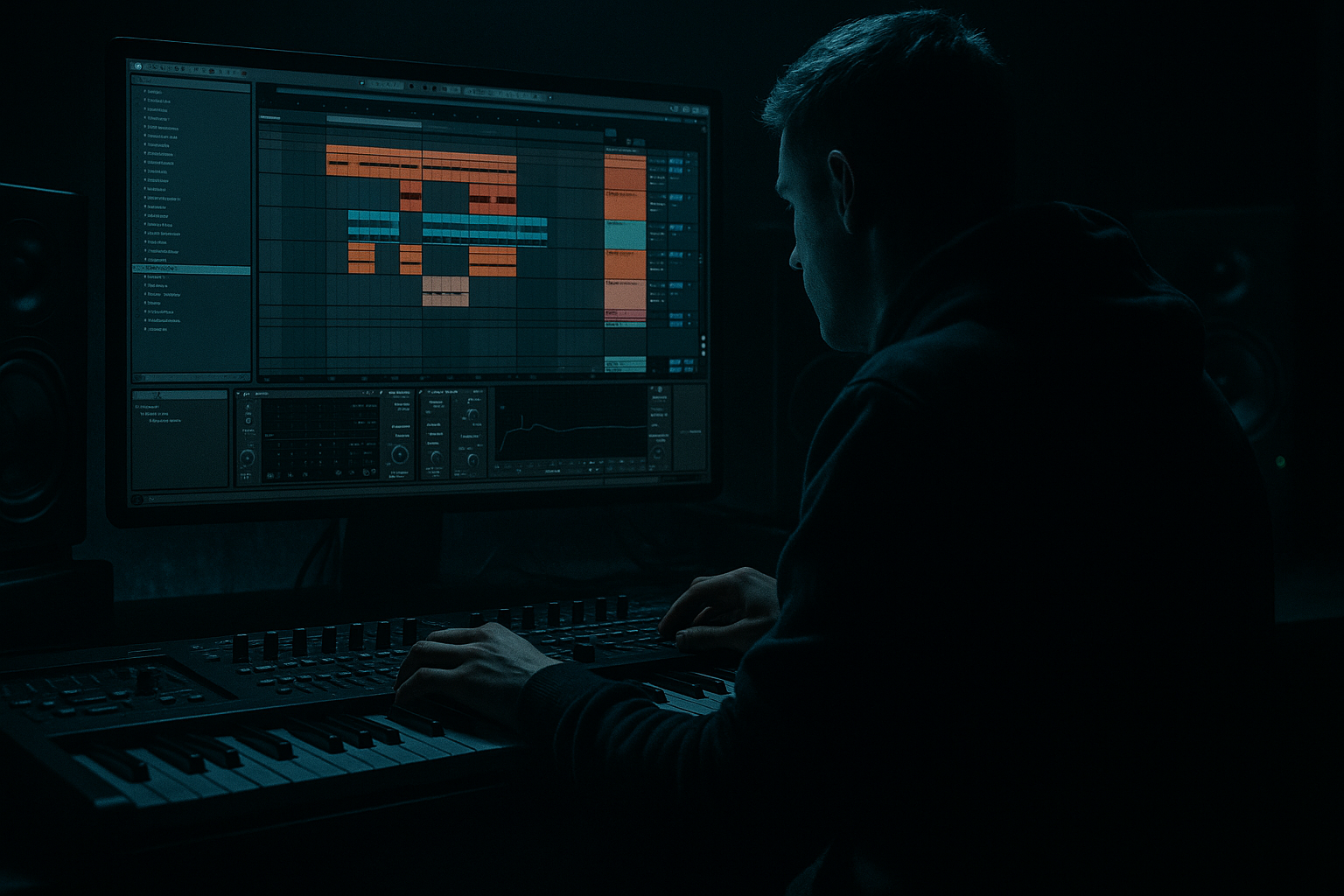
Call-and-response is one of the fastest ways to make a DnB track feel alive—especially in rolling, jungle-influenced, or darker neuro-leaning music. You’ll create two contrasting melodic “voices” that talk to each other across the 2-step groove: one is the call (usually more stable, hooky), the other is the response (more rhythmic, distorted, or syncopated).
This lesson is advanced: we’ll lean on strong arrangement logic, tight rhythmic placement, MIDI editing discipline, and Ableton stock devices to build contrast without needing external plugins.
---
2) What you will build
A 16-bar DnB musical loop with:
- A Call lead (cleaner, slightly wider, memorable motif)
- A Response lead (grittier, tighter, more rhythmic)
- Both working around a rolling bass and break/2-step drums
- Automation that makes the conversation evolve every 8 bars
- Stock device chains using:
- Osc 1: Basic Shapes → Sine or Triangle (Position ~10–25%)
- Osc 2: Basic Shapes → Saw (Position ~70–90%), -12 semitones, Volume low (10–20%)
- Unison: 2–4 voices, Amount 10–25% (keep it controlled)
- Filter: LP24, Cutoff around 2–5 kHz, Drive 2–5 dB
- Amp Env: Attack 3–10 ms, Decay 250–600 ms, Sustain 0–20%, Release 80–200 ms
- Work in 2-bar phrases first.
- Make the call land clearly on bar starts (strong rhythmic identity).
- Example rhythm idea (in 1/16 grid, swing optional):
- Use a tight pitch set: root + minor 3rd + 5th + ♭7 (classic DnB/minor color).
- Keep the call mostly in one register (e.g., C4–G4) so it reads as one “speaker.”
- Add Compressor on the call track
- Sidechain from kick/snare group or a dedicated ghost trigger
- Ratio 2:1 to 4:1, Attack 1–5 ms, Release 60–140 ms
- Gain reduction: ~2–5 dB on hits
- Algorithm: A→B (simple FM for edge)
- Osc A: Sine, Level 0 dB
- Osc B: Sine, Level -12 to -24 dB, Frequency 2.00–4.00
- Env (A):
- Add Filter in Operator:
- Add a little Pitch Env (if desired):
- Copy the call clip to the response track.
- Delete the notes that hit on the main downbeats.
- Keep notes that fall after the snare (classic DnB pocket):
- Make the response shorter and more syncopated:
- Pitch: respond using neighbor tones (minor 2nd / perfect 4th) for tension, but resolve back to chord tones.
- 3–7 dB ducking so it punches between drums.
- Bars 1–4: Call is prominent, response minimal
- Bars 5–8: Response becomes more active (extra notes, more distortion)
- Bars 9–12: Call returns with variation (pitch or rhythm tweak)
- Bars 13–16: Both interlock (but automate space so it doesn’t smear)
- Call track:
- Response track:
- Both:
- No real contrast: If both patches are wide + wet + sustained, it’s not a conversation—just a crowd.
- Fighting the bass: DnB bass owns the low-mid. High-pass your leads and check 200–500 Hz carefully.
- Overwriting: Advanced trap: too many notes. Leave air so the drums and bass still feel dominant.
- Ignoring snare pocket: If your response steps on the snare transient, it will sound amateur fast.
- Stereo chaos: Wide call + wide response + wide reverb = mono collapse. Use Utility to keep one voice tighter.
- Make the response “mechanical”:
- Tension notes done right:
- Resampling workflow (huge for heavy DnB):
- Noise layers for bite (stock):
- Mid/side discipline:
- Build call-and-response by designing contrast: tone, stereo, rhythm, and placement.
- In DnB, the response often lives between snare hits and feels more percussive.
- Use stock devices to create identity:
- Arrange in 8/16-bar arcs and automate like a DJ-friendly progression 🔥
- Wavetable (or Operator)
- Echo
- Auto Filter
- Saturator
- Hybrid Reverb
- Utility
- Drum Buss
- EQ Eight
- Sidechain Compression (Compressor)
---
3) Step-by-step walkthrough
Step 0 — Session setup (DnB fundamentals)
1. Tempo: 174 BPM (±2 depending on vibe).
2. Key choice: pick a dark-friendly key like F minor, G minor, or E♭ minor.
3. Create a basic groove scaffold:
- Drum track with a 2-step or rolling pattern (kick on 1, snare on 2 & 4, ghost notes/amen toppings).
- Bass track (sub + mid bass) already playing a simple pattern (even a 1-note rhythm is fine).
> The goal: write call/response against real DnB movement, not in a vacuum.
---
Step 1 — Write the Call motif (stable + hooky)
Track: MIDI track → Wavetable
Sound goal: clean but present, slightly “liquid” or techy depending on your taste.
#### 1A) Wavetable patch (stock, reliable)
(This helps it “speak” in short phrases without tail clutter.)
#### 1B) MIDI writing (DnB phrasing)
- Bar 1: notes on 1.1, 1.2.3, 1.3, 1.4.2
- Bar 2: simplify and leave a gap for the response.
Pitch approach (advanced but effective):
#### 1C) Call processing chain (stock)
Place devices after Wavetable:
1. EQ Eight
- HP at ~150–250 Hz (24 dB/Oct) to avoid fighting bass/sub
- Small dip around 2–4 kHz if it’s harsh (depends on patch)
2. Saturator
- Mode: Analog Clip
- Drive: 2–6 dB
- Soft Clip: On
3. Echo (stereo rhythm glue) 🎚️
- Time: 1/8 dotted or 1/4 (choose one)
- Feedback: 15–30%
- Filter: HP ~300 Hz, LP ~6–9 kHz
- Keep it subtle—this is a call, not a wash.
4. Utility
- Width: 120–160% (only if it still feels mono-safe)
- If it’s too wide, reduce width and rely on Echo for space.
Sidechain it (important in DnB):
---
Step 2 — Write the Response motif (gritty + rhythmic)
Track: MIDI track → Operator (or Wavetable if you prefer)
Sound goal: sharper, more percussive, more mid-focused. The response should answer and contrast.
#### 2A) Operator patch (snappy, techy)
- Attack 0–2 ms
- Decay 120–250 ms
- Sustain 0%
- Release 40–120 ms
- Type: LP12
- Cutoff ~1.5–4 kHz
- Res ~0.2–0.5
- Amount 3–12
- Decay 50–120 ms
This creates a “yip / chirp” response that reads clearly in a busy mix.
#### 2B) Response MIDI placement (answer the gaps)
Great zones: 2.3–2.4, 4.3–4.4 in each bar.
- Use 1/16s and occasional 1/32s for little flams (sparingly).
> Think like an MC + crowd: call is the chant, response is the hype ad-lib.
#### 2C) Response processing chain (grit + control)
1. EQ Eight
- HP at 200–400 Hz
- Add a narrow boost at ~1.2–2.5 kHz if it needs “bite”
2. Auto Filter (movement) 🔄
- Type: Bandpass or HP
- Map cutoff to a Macro (if using Instrument Rack)
- Add subtle LFO: Rate 1/8 or 1/16, Amount small (5–15%)
3. Saturator or Pedal (stock, heavier)
- Saturator Drive 4–10 dB (Soft Clip on)
- Or Pedal: OD mode, Gain low, Tone to taste
4. Drum Buss (yes, on melodic responses!) 🥁
- Drive 5–15%
- Crunch 5–20%
- Damp if it gets fizzy
This makes the response feel “percussive” and DnB-ready.
Sidechain the response too—often more than the call:
---
Step 3 — Make them talk using arrangement + automation (8/16 bar logic)
Now build a 16-bar loop:
#### 3A) Arrangement blueprint (practical DnB)
#### 3B) Automation moves that scream “pro”
- Auto Filter cutoff slowly opens over 8 bars (e.g., 2 kHz → 6 kHz)
- Echo send increases slightly at phrase ends (bar 4 and bar 8)
- Saturator drive increases in bars 5–8 and 13–16
- Utility width stays tighter (80–110%) to keep it “pointed”
- Use clip gain or track volume to enforce hierarchy:
Call louder in A sections, response louder in B sections.
---
Step 4 — Glue with a “Conversation Bus” (advanced workflow)
Group both melodic tracks into LEADS GROUP.
On the group:
1. EQ Eight
- Small cut where bass dominates (often 200–400 Hz, depends on bass)
2. Glue Compressor
- Attack 10 ms, Release Auto, Ratio 2:1
- Just 1–2 dB GR on peaks
3. Hybrid Reverb (very controlled space) 🌌
- Use a short plate or room (0.6–1.2s)
- Predelay 10–25 ms (keeps transients clear)
- HP 400 Hz, LP 7–10 kHz
This makes the two voices feel like they exist in the same world.
---
4) Common mistakes
---
5) Pro tips for darker/heavier DnB 🖤⚙️
Use Arpeggiator (stock) at 1/16 with low Gate (10–25%) only on the response, then resample.
Add brief ♭2 or tritone hits in the response, but resolve to root/5th by the end of the 2-bar phrase.
1. Freeze + Flatten the response track (or resample to audio).
2. Chop the best 1/8–1/4 bar bits.
3. Re-trigger them as answers in later bars.
In Wavetable add Noise oscillator quietly, then filter + saturate. Keeps presence on small speakers.
Put Utility after reverb and set Bass Mono to ~120–200 Hz (or do it on the group) to avoid low-end smear.
---
6) Mini practice exercise (15 minutes) ⏱️
1. Pick one note (root) and write a 2-bar call rhythm using only that pitch.
2. Duplicate it and turn it into a response:
- Remove downbeats
- Move notes to after the snare (2.3–2.4 / 4.3–4.4 zones)
3. Add one pitch variation note to each:
- Call: minor 3rd or 5th
- Response: ♭2 (brief) then resolve
4. Add only two automations:
- Call: Echo send up at the end of bar 4
- Response: Saturator drive up in bars 5–8
5. Render a quick 16-bar bounce and listen on low volume:
Can you hear the conversation without focusing?
---
7) Recap
- Call: Wavetable + controlled width + musical echo
- Response: Operator/FM edge + saturation + Drum Buss for punch
If you want, tell me your sub/bass style (rollers, foghorn, reese, jungle) and I’ll suggest specific call/response note ranges and device settings to avoid clashes.
```

