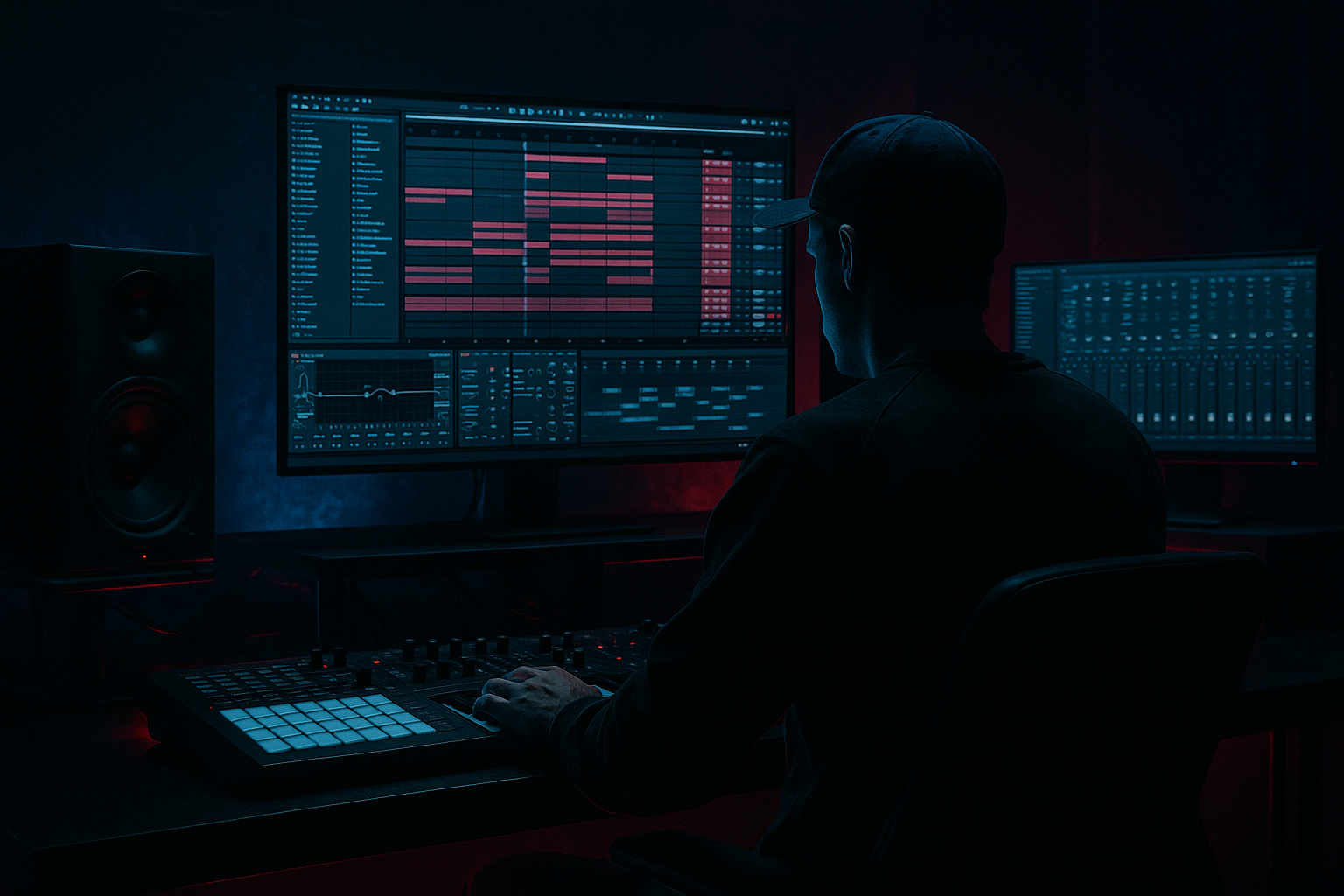
Main tutorial
Call-and-Response Riff in Ableton Live 12 (VHS-Rave Stretch for Jungle / Oldskool DnB) 🎛️📼
1. Lesson overview
In this lesson you’ll build a call-and-response riff that screams early jungle / ragga-leaning oldskool DnB, then “stretch” and degrade it into VHS-rave color using Ableton Live 12 stock devices.
We’ll focus on musical phrasing, timing, and texture—so your riff feels like it’s answering itself across the bar, the way classic pirate-radio-era tunes do.
---
2. What you will build
You’ll end up with:
- A 2-bar call-and-response riff (Call = bright/forward, Response = darker/warped)
- A resampled “tape-stretched” version of the response for that VHS wobble 📼
- An arrangement-ready structure that drops cleanly over jungle drums (think Amen chops + sub)
- A clean workflow for printing + mangling audio without losing groove
- Create MIDI Track → Wavetable
- Osc 1: Saw (or a wavetable with bite)
- Unison: 2–4 voices, Amount 20–40%
- Filter: MS2 (or PRD) low-pass
- Amp Env:
- Add Portamento/Glide: 60–120 ms for that slur between notes.
- Load a short stab, organ hit, vocal chop, or orchestral stab (very 90s).
- In Simpler → Classic mode:
- Duplicate your instrument track:
- Solo just the bar 2 response:
- Set Track B input:
- Record the response into Track B (or Freeze + Flatten on Track A and cut bar 2).
- Enable Warp
- Try these modes for different flavors:
- Stretch bar 2 response slightly longer (e.g., make it 2.0.0 → 2.2.0 length) then fit it back rhythmically by cutting/repitching.
- Or: keep the length, but pull Warp Markers to smear specific syllables (end-of-phrase works best).
- Algorithmic Hall, Decay 1.2–2.5s, Pre-delay 10–25ms
- High Cut 4–7 kHz, Low Cut 250–500 Hz
- Call (MIDI track): cleaner, more forward
- Response (Audio VHS track): darker, warped
- Intro (16 bars): tease the call only (filter it in)
- Drop (32 bars): full call-and-response
- Mid-section: remove call; let the VHS response echo out with delays
- Second drop: swap roles (make response the main riff for 8 bars)
- Both phrases sound identical: call-and-response needs contrast (tone, rhythm, register, or space).
- Over-warping the whole riff: warp the response, not everything, or the hook loses impact.
- Too much Redux/Chorus: VHS is a seasoning. If transients vanish, back off.
- Riff fights the snare: if your main accents land on 2 and 4, it can mask the snare—shift accents around it.
- No low-cut: jungle riffs with low mids can cloud the sub + kick fast.
- Pitch the response down 3–7 semitones after resampling (audio transpose). Dark instantly.
- Use Roar (stock) subtly on the response:
- Add dissonant passing notes (minor 2nd or tritone) as quick grace notes—keep them short so it feels menacing, not wrong.
- Layer a quiet noise bed (Analog → Noise Osc, or a noise sample) and gate it with the riff:
- “Rave stab darkness”: in the call, use higher mids; in response, emphasize 300–800 Hz and remove sparkle.
- You built a call-and-response riff that feels like classic jungle phrasing.
- You kept the call clean and printed the response to audio for controlled warping.
- You created VHS-rave stretch using Warp modes (Texture/Complex Pro) plus stock color (Chorus, Shifter, Redux, Echo).
- You made it mix-ready with sidechain, EQ cuts, and contrast—the real secret to oldskool hooks. 📼🔥
---
3. Step-by-step walkthrough
A) Session setup (DnB-ready foundation)
1. Tempo: set to 165–172 BPM (try 170 BPM).
2. Groove Pool: load a swing that fits jungle:
- Try MPC 16 Swing 57 or SP1200-ish grooves (whatever you have), start with:
- Timing 30–45%, Random 5–10%
3. Drum context (quick loop):
- Drop in a simple jungle drum loop (Amen/Think break) or build one:
- Drum Rack: kick on 1, snare on 2 & 4 (half-time feel in the bar), add shuffled hats.
- This is just to audition the riff in context.
> Goal: Your riff should lock with the drums, not float on top.
---
B) Choose a sound source for the riff (ragga-friendly)
You want a tone that can go stabby and vocal-ish.
Pick one:
Option 1 (Fast): Wavetable (stock)
- Cutoff ~ 1–2.5 kHz
- Drive 10–25%
- Attack 0–5 ms, Decay 250–450 ms, Sustain 0–20%, Release 80–150 ms
Option 2 (More “sample-era”): Simpler (stock)
- Warp ON
- Filter: low-pass around 1–3 kHz, add a bit of resonance.
- Voices: 1 (mono) for tight phrasing.
> Jungle riffs often feel like they’re “spoken.” Short envelopes + glide + midrange grit gets you there.
---
C) Write the call-and-response pattern (2 bars that “talk”)
1. Create a 2-bar MIDI clip.
2. Set grid to 1/16 (and be ready to nudge off-grid later).
3. Pick a key that suits dark jungle vibes:
- F minor or G minor are classic-feeling.
4. Write the CALL (Bar 1):
- Make it simple, confident, and rhythmic.
- Example rhythm idea (not exact notes—focus on placement):
- Hit on 1.1, then 1.2.3, then a little 1.3.3–1.4 syncopation.
- Pitch idea:
- Use root + minor 3rd + 5th (e.g., F–Ab–C) as a “statement.”
5. Write the RESPONSE (Bar 2):
- Answer the rhythm, but change the contour:
- Either go lower (darker) or use a falling phrase.
- Add a pickup note near the end of bar 1 or start of bar 2 to “pull” into the response.
Key DnB trick:
Make the response slightly busier OR more delayed than the call. The contrast is the hook.
---
D) Groove it like jungle (micro-timing + velocity)
1. Velocity shaping:
- Accents on the “spoken” syllables (like a toaster cadence):
- Strong hits: 95–115
- Ghost hits: 45–70
2. Nudge timing (manual > robotic):
- In the MIDI editor, select a few notes and shift them late by 5–15 ms (Cmd/Ctrl + arrow with small grid, or use track delay).
- Common pocket:
- Let the riff sit a hair behind the hats, but not behind the snare.
3. Add groove from Groove Pool:
- Commit at 30–50% if it helps.
- Don’t over-swing the main accents.
---
E) Build the “VHS-rave stretch” response (print → warp → degrade) 📼
Now we’ll turn only the response into a stretched, tape-wobbly answer.
#### 1) Resample the response cleanly
- Track A: Riff (MIDI master)
- Track B: Response Print (Audio)
- Easiest: consolidate response notes into a separate clip, or automate track mute.
- Audio From: Track A
- Monitor: In
#### 2) Warp the audio for “stretched” character
On the audio clip (Track B):
- Complex Pro: smoother time-stretch for “tape smear”
- Formants: 0–20
- Envelope: 80–128
- Texture: grainy VHS-rave magic
- Grain Size: 80–200
- Flux: 15–35%
- Tones: hollow, reedy, old sampler vibe
Now do the classic move:
#### 3) Add the VHS color chain (stock devices)
Put this on the Response Print track:
Device Chain (in order):
1. Auto Filter
- Mode: LP12 or LP24
- Cutoff: 1.2–3 kHz
- Drive: 3–8 dB
- Envelope Amount: small (+5 to +15) so hits open slightly
2. Chorus-Ensemble
- Mode: Chorus
- Rate: 0.25–0.6 Hz
- Amount: 15–35%
- Mix: 10–25%
- This is your “worn tape width.”
3. Shifter (for VHS wobble)
- Mode: Ring OFF (use frequency shifting subtly)
- Frequency: 0–30 Hz (tiny!)
- Fine: ±2–8 Hz
- Mix: 5–15%
- It adds that unstable “off” quality without obvious chorus.
4. Saturator
- Drive: 2–6 dB
- Soft Clip: ON
- Color: Analog Clip (or warm setting)
5. Redux (careful—small doses!)
- Downsample: 1.2–2.5
- Bit Reduction: 10–14 bit
- Dry/Wet (or Device Amount): keep subtle—aim for “old sampler,” not destruction.
6. Echo
- Time: 1/8 or 3/16 (sync)
- Feedback: 15–35%
- Filter: HP around 200–400 Hz, LP around 3–6 kHz
- Wow/Flutter: 10–25%
- This is the “tape delay in a rave tunnel” moment. 🕳️
Optional:
Add Hybrid Reverb on a send for space:
---
F) Make the call clean and the response dirty (contrast = hook)
Now you’ll split roles:
- Add EQ Eight: gentle boost at 1–3 kHz if needed
- Keep saturation minimal
- Roll off highs (LP around 4–7 kHz depending on taste)
- Add movement (chorus/shifter/echo)
Arrangement idea (classic jungle phrasing):
---
G) Make it sit with bass + drums (DnB mix moves)
1. Sidechain against kick/snare (classic DnB clarity)
- On both call and response tracks:
- Compressor with Sidechain from Drum Bus or Snare channel
- Ratio 2:1–4:1, Attack 5–15 ms, Release 60–120 ms
- Gain reduction: 1–4 dB (light, musical)
2. Carve room for sub
- EQ Eight: high-pass riffs at 120–200 Hz (depends on riff tone)
3. Mono management
- Utility:
- Response track width: 80–120% (if it gets too wide, pull it back)
- Keep sub (below ~120 Hz) mono (on bass track, not necessarily here)
---
4. Common mistakes
---
5. Pro tips for darker/heavier DnB 🖤
- Gentle distortion + movement, then low-pass it.
- Use Gate keyed by the riff track for rhythmic grit.
---
6. Mini practice exercise (15 minutes)
1. Write a 1-bar call and duplicate it.
2. On the duplicate, change only two things:
- Rhythm: move 2 notes to different 16ths
- Pitch: end on a lower note (root or 5th)
3. Resample the duplicate and apply this 3-device VHS chain only:
- Chorus-Ensemble (Mix 15%)
- Echo (3/16, Wow/Flutter 20%)
- Saturator (Drive 4 dB, Soft Clip ON)
4. Arrange:
- 8 bars call only
- 8 bars call+response
- 4 bars response only (with delay tails)
Export a quick bounce and listen on low volume: does the conversation still read?
---
7. Recap
If you tell me what vibe you want (more ragga vocal-stabby, more dark techstep, or more happy hardcore rave), I can suggest a specific scale, riff rhythm template, and a tighter stock-device chain.

