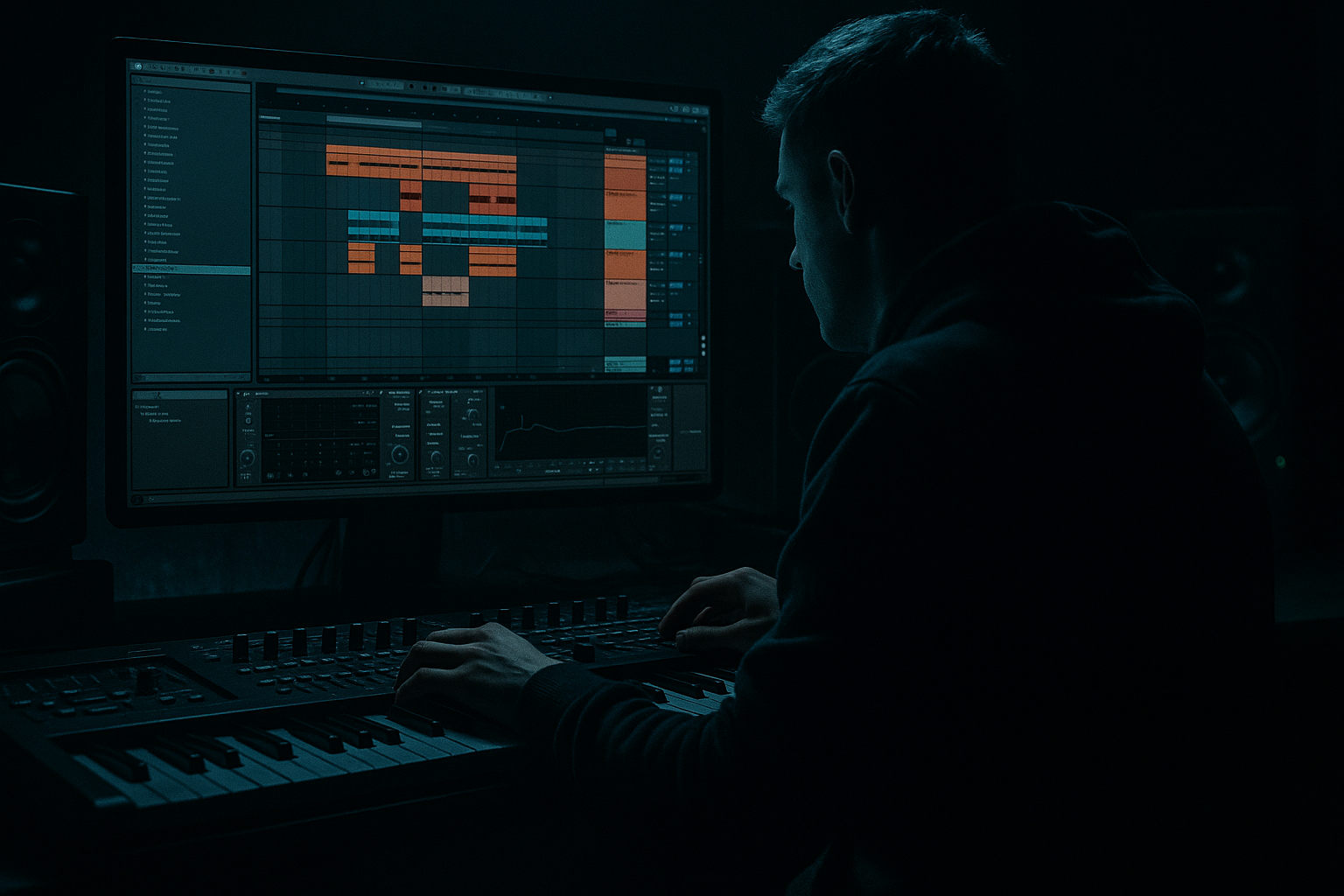
Main tutorial
```markdown
Classic Darkcore Bass Foundations (Ableton Live) 🖤🔊
Skill level: Beginner
Category: Basslines (Drum & Bass / Jungle / Darkcore)
---
1. Lesson overview
Classic darkcore (and early jungle) basslines are simple, heavy, and functional: they lock to the drums, sit under breakbeats, and feel menacing without needing 20 layers. In Ableton Live, you can nail this sound using mostly stock devices: Operator / Wavetable, Saturator, EQ Eight, Auto Filter, Compressor, and a touch of reverb for vibe (kept under control!).
In this lesson you’ll build a sub + mid bass system that:
- hits hard on a club system,
- reads clearly on small speakers,
- and stays out of the kick/snare.
- SUB layer (clean + controlled): pure sine/triangle, mono, tightly EQ’d
- MID layer (dirty character): distorted/reese-ish “bite” + filtered movement
- Both layers grouped with glue, sidechained to the kick, and arranged into a rolling 2-step / breakbeat-friendly pattern.
- Hit the root (F1) on beat 1
- Answer with C2 or D#1 syncopations
- Leave space right before the snare hits
- Bar 1: F1 (1.1), F1 (1.3), D#1 (1.4&), F1 (2.3)
- Bar 2: F1 (1.1), C2 (1.2&), D#1 (1.3), F1 (2.3)
- Add Reverb (very subtle)
- Time: 1/8 or 1/16
- Feedback: 5–12%
- Filter it dark (low-pass)
- Intro (8 bars): drums + atmos, tease MID filtered
- Drop (16 bars): full drums + SUB + MID
- Variation (16 bars): change last 2 notes of the bass phrase, or open filter slightly
- Break (8 bars): remove SUB, keep MID filtered + reverb throws
- Second drop (16–32 bars): bring SUB back, add one extra ghost note or octave jump
- Every 4 bars, add a short pickup note (1/16) into beat 1
- Swap one note to the minor 7th for tension (in F minor: Eb/D# is already a vibe)
- Use distortion in parallel:
- Resample for grit:
- Sub note choice matters more than sound design:
- Keep bass mostly mono below ~120 Hz:
- Tiny pitch drops = menace:
- You built a classic darkcore bass foundation using SUB + MID layers.
- SUB: Operator sine/triangle, mono, minimal processing.
- MID: saw-based, filtered + saturated, high-passed to avoid sub clashes.
- You glued it together with sidechain compression, smart EQ, and controlled atmosphere.
- You arranged it in a DnB-friendly 8/16 bar format with simple variations.
---
2. What you will build
A two-layer darkcore bass in Ableton:
You’ll end up with a bass that works in classic vibes: Foul Play / early Moving Shadow energy, but usable in modern rolling DnB too.
---
3. Step-by-step walkthrough
Step 0 — Set the project up (so the bass “behaves”)
1. Tempo: set to 165–170 BPM (start at 168).
2. Key: choose something dark-friendly like F minor (easy range for sub).
3. Add a Drum Rack with a basic DnB kit (kick, snare, hats).
- Keep it simple: kick on 1, snare on 2 & 4 (half-time feel) or classic DnB snare on 2 and 4 in 4/4.
4. Create a Bass Group (Cmd/Ctrl+G) with two MIDI tracks: `SUB` and `MID`.
> Workflow tip: Color your bass group dark + label clearly. This saves you later when mixing gets real. 🎛️
---
Step 1 — Build the SUB (Operator: clean, strong, mono)
1. On the `SUB` track, add Operator (stock).
2. Set Algorithm to simple A only (no FM needed).
3. Oscillator A waveform: Sine (or Triangle if you want a tiny bit more harmonic).
4. Voices: 1 (mono), Legato ON, Glide/Portamento: 50–120 ms (taste).
5. Amp Envelope:
- Attack: 0–5 ms
- Decay: ~300 ms
- Sustain: -inf (if you want plucky notes) OR ~-6 to -12 dB (if you want held notes)
- Release: 80–180 ms (avoid clicks)
Sub device chain (SUB track):
1. EQ Eight
- HP filter off (don’t cut your sub accidentally)
- Optional gentle dip: -2 to -4 dB around 200–300 Hz if it gets boxy (usually more relevant after saturation)
2. Saturator (subtle)
- Mode: Soft Sine or Analog Clip
- Drive: 1–3 dB
- Output: reduce to match level (don’t “win” by being louder)
3. Utility
- Bass Mono: ON (or just Width 0%)
- Gain: adjust for headroom
> Goal: the SUB should sound almost boring solo — but huge with drums. That’s darkcore discipline. 🧱
---
Step 2 — Write a classic darkcore bass pattern (simple, rolling)
Create a 2-bar MIDI clip on `SUB`. Use notes around F1–A#1 (43–58 Hz-ish zone depending on octave).
Starter pattern idea (2 bars, 1/8 note grid):
Example groove concept (not strict notation):
Key darkcore move: repeat small cells and shift one note in bar 2 for tension.
> Keep notes short-ish at first (1/8–1/16). You can lengthen later if the groove needs weight.
---
Step 3 — Build the MID layer (Operator or Wavetable: gritty + filtered)
On the `MID` track, you’ll create the “speaker translation” and menace.
#### Option A (Beginner-friendly): Operator “Reese-ish” mid
1. Add Operator
2. Use two oscillators: A + B
- Osc A: Saw
- Osc B: Saw
3. Detune slightly:
- Set B Detune around +5 to +15 cents (small!)
4. Turn on Filter inside Operator:
- Type: LP24
- Freq: start 300–800 Hz
- Res: 10–25%
- Drive: a bit if available
5. Copy the same MIDI clip from SUB to MID, but:
- Transpose MID up +12 (one octave) sometimes helps it speak
- Shorten notes slightly to stay punchy
#### Option B: Wavetable (if you prefer)
1. Add Wavetable
2. Osc 1: Saw (Basic Shapes -> saw)
3. Unison: 2 voices, Amount low (10–20%), keep it controlled
4. Filter: LP24, add a little drive
---
Step 4 — Add classic dirt + control (MID chain)
Device chain (MID track):
1. Auto Filter
- Type: Low-pass 12 or 24
- Freq: 300–1.5kHz depending on taste
- Envelope amount: small (5–15%) for “pluck” response
2. Saturator
- Drive: 4–10 dB
- Turn on Soft Clip
3. Amp (optional but very darkcore-friendly) 🎸
- Start with Clean or Blues
- Gain low to medium; don’t fizz it out
4. EQ Eight
- High-pass at ~120–180 Hz (important: leave sub to the SUB track)
- Find harshness around 2–5 kHz, dip if needed
5. Utility
- Width: 0–30% (keep bass mostly mono)
- Gain: level match
> The MID should add character, not compete with sub energy.
---
Step 5 — Group processing + sidechain (make it pump with the kick) 🥊
1. Put both tracks into a Bass Group.
2. On the Bass Group, add Compressor:
- Enable Sidechain
- Audio From: your Kick track
- Ratio: 4:1
- Attack: 5–15 ms (let bass transient exist slightly)
- Release: 80–180 ms (tempo-dependent)
- Adjust Threshold until you get 2–6 dB gain reduction on kicks
3. Add EQ Eight on the Bass Group:
- If it’s muddy, small dip around 250–400 Hz
- If it’s too dull, gentle shelf +1–2 dB around 1–2 kHz (only if needed)
> Darkcore bass often “breathes” around the kick. Sidechain is your friend, not a crutch.
---
Step 6 — Add controlled space (dark vibe without washing out)
Classic darkcore has atmosphere, but the bass stays readable.
On the MID track (not the SUB):
- Decay: 0.6–1.2 s
- Size: small/medium
- Low Cut: 300–600 Hz
- High Cut: 2–6 kHz
- Dry/Wet: 3–8%
Or use Echo with tiny settings:
> If you hear reverb “tail” on the sub, you’ve gone too far. Keep SUB dry. 🌑
---
Step 7 — Arrangement ideas (classic 8/16 bar DnB structure)
A simple darkcore-friendly structure:
Easy variation tricks:
---
4. Common mistakes
1. Sub and mid fighting each other
- Fix: High-pass the MID at 120–180 Hz, keep SUB clean.
2. Too much detune/unison = blurry low end
- Fix: detune small; keep width low; mono your bass group if needed.
3. Over-saturating the SUB
- Fix: 1–3 dB drive max on sub, and level match output.
4. Notes are too long and overlap awkwardly
- Fix: use Legato and controlled release; shorten MIDI lengths.
5. No sidechain so kick and bass collide
- Fix: simple sidechain compression on the Bass Group.
---
5. Pro tips for darker/heavier DnB 🕳️
Put Saturator/Amp on a return track, send MID to it lightly. You get aggression without destroying the core tone.
Freeze/Flatten the MID, then warp it slightly, EQ, and re-saturate. Classic jungle workflow.
Darkcore often feels heavy because the pattern is hypnotic and the root hits right.
Use Utility or EQ Eight (M/S mode) to keep lows centered.
Add subtle pitch envelope (Operator pitch env amount small) for that “fall into the note” feel.
---
6. Mini practice exercise (15–20 minutes) ⏱️
1. Build the SUB exactly as above.
2. Write 3 different 2-bar bass patterns in F minor:
- Pattern A: lots of space (minimal)
- Pattern B: more syncopation (rolling)
- Pattern C: one octave jump (energy)
3. For each pattern, duplicate your MID layer and try:
- MID #1: more filter (darker)
- MID #2: more saturation (heavier)
4. A/B them with your drums:
- Pick the one that feels best at low volume (that’s usually the winner).
---
7. Recap
If you tell me your target vibe (more early jungle vs modern rolling dark), I can suggest a specific note pattern and a tighter device chain for that direction. 🎚️
```

