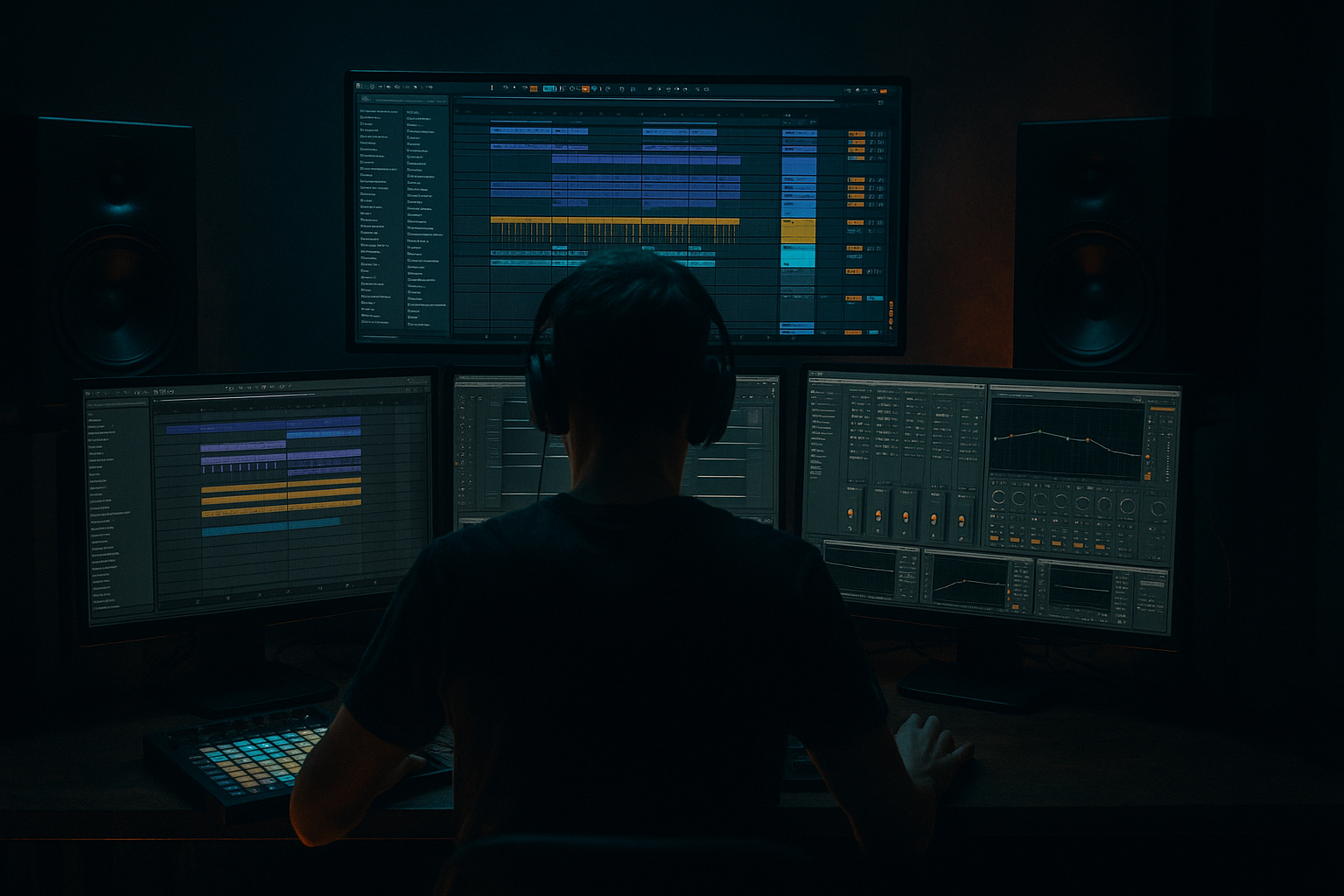
Main tutorial
Lesson Overview
In this lesson, you’ll build a Color oldskool DnB call-and-response riff that hits like a heavyweight sub weapon in Ableton Live 12. The goal is to create a bass idea that feels rooted in classic jungle / oldskool drum & bass energy, but with enough modern low-end control to work in a contemporary rollers, darker DnB, or neuro-leaning track.
The key idea is call-and-response: one bass phrase “asks a question,” and the next phrase “answers” it. In DnB, this keeps the drop moving without overcrowding it. Instead of a constant bassline fighting the drums, you create a conversation between hits, gaps, and sub notes. That space is what makes the sub feel bigger.
Why this matters: in drum & bass, the bass and drums are the lead instruments. If the bass never breathes, the groove loses impact. If it leaves too much space, the drop feels empty. A good call-and-response riff gives you rhythm, tension, and punch, while keeping the sub focused and mono-solid.
You’ll use mostly Ableton stock devices like Operator, Wavetable, Saturator, Auto Filter, Utility, Drum Rack, and Simplers/Samplers if needed. The lesson is designed to be beginner-friendly, but it still lands in a real DnB workflow you can use straight into a drop.
---
What You Will Build
By the end, you’ll have a short 2-bar or 4-bar bass riff with:
- a deep mono sub layer anchoring the low end
- a mid-bass call phrase with a slightly gritty oldskool texture
- a response phrase that answers with a different rhythm or pitch movement
- subtle movement from saturation and filter automation
- a groove that sits naturally against a breakbeat / roller drum pattern
- enough contrast between notes and rests to make the drop feel heavier
- Bar 1: a short bass call, maybe two or three notes with a syncopated rhythm
- Bar 2: a response using a different contour or a slightly lower octave
- Sub layer: follows the root notes tightly, often with longer notes than the mid layer
- Drums: a chopped break and kick/snare backbone leaving room for the bass hits
- Making the bass too continuous
- Letting the mid-bass and sub fight each other
- Using too much stereo widening on low bass
- Overdriving the bass until the low end disappears
- Ignoring the drums
- Making every bass phrase identical
- Using too many notes
- Use note length as a weapon
- Layer a very quiet distorted mid
- Try tiny pitch movement
- Automate filter cutoff in phrases, not constantly
- Resample a few hits
- Check the bass against a reference
- Keep the sub simple when the mid is busy
- Build DnB bass around call-and-response, not constant motion.
- Keep the sub in mono and let the mid-bass carry the character.
- Use Operator for a clean sine sub and Wavetable or Operator for the mid layer.
- Make the bass work with the breakbeat and snare, not against them.
- Use filter automation, saturation, and note spacing to create weight and tension.
- Keep the arrangement phrase-based so the riff feels like a real drop section.
Musically, think of it like this:
The end result should feel like something you could loop under a DJ-friendly intro, then use as the main drop riff once the drums fully open up.
---
Step-by-Step Walkthrough
1. Set up a simple DnB drop template
Start with a clean Ableton Live 12 set at 174 BPM. Create these tracks:
- Track 1: Drums
- Track 2: Sub Bass
- Track 3: Mid Bass / Reese
- Track 4: FX / Atmosphere
For beginners, this structure keeps things clear and fast. Put your drums and bass into separate tracks so you can shape the low end properly.
For the drum foundation, load a Drum Rack with a kick, snare, and a chopped break sample. You do not need a complex drum program yet. A classic DnB groove works best when the bassline and drums have space to interact.
Keep the master channel quiet. Aim for headroom around -6 dB while building. That helps you hear the bass without clipping everything too early.
2. Program a simple oldskool-inspired drum pattern first
Before designing the bass, place the drums so the bass knows where to dance. A beginner-friendly DnB foundation is:
- kick on the downbeat
- snare on beat 2 and 4, or a strong backbeat feel
- chopped break hits around the snare for movement
- a few ghost notes or shuffled hats for swing
If you’re using a breakbeat sample, slice it in Simpler using Slice mode or manually place clips on the grid. Add a small amount of groove using Ableton’s Groove Pool if the break feels too rigid. A light swing can make the bass riff feel more human and oldskool.
Why this works in DnB: the drums create a strong rhythmic frame, so your bass can answer the gaps instead of masking the transients. That contrast is what makes the sub hit harder.
3. Build the sub layer with Operator
Create a new MIDI track and load Operator. This will be your pure sub.
Suggested starting settings:
- Oscillator A: Sine
- Octave: -2 or -3
- Volume: start around -12 dB, then adjust by ear
- Filter: off or very gentle low-pass if needed
- Glide/portamento: very light, around 10–40 ms if you want note connection
Write a simple MIDI pattern that follows the root notes of your riff. Keep the sub notes longer than the mid-bass notes. For example:
- Bar 1: C1 held, then a short D1
- Bar 2: F1 held, then a short G1
The sub should usually be mono. Add Utility after Operator and set Width to 0% if needed. Keep the sub clean and centered.
Beginner tip: if you’re unsure of notes, use just 2 or 3 root notes. In DnB, a simple sub pattern can sound huge when the rhythm is right.
4. Create the mid-bass call with Wavetable or Operator
Now make the “call” phrase. Load Wavetable on a new MIDI track. A great beginner starting point is a saw-based or slightly harmonically rich patch that can be shaped into an oldskool-style bass.
Suggested Wavetable starting settings:
- Oscillator 1: saw or square-like wave
- Oscillator 2: detune very slightly, around 3–10 cents
- Filter: Low Pass 24
- Filter cutoff: around 150 Hz to 600 Hz, depending on how bright you want it
- Envelope to filter: moderate amount for punch
- Unison: low or off at first to keep the low end stable
For the rhythm, place short MIDI notes that leave gaps. Try a 1-bar phrase with 2–4 hits, like:
- hit on beat 1
- quick answer on the “and” of 2
- another hit before beat 4
Keep the notes short, around 1/8 to 1/4 note lengths, and let the spaces do the work. This is where the oldskool call-and-response feel begins.
If you want a dirtier tone, place Saturator after Wavetable and push Drive to 2–6 dB. Turn Soft Clip on for a smoother hardening of the tone.
5. Design the response phrase with a different contour
The “response” should not be a copy of the call. It should feel like an answer. You can do this in one of three simple beginner ways:
- move the notes lower
- use a different rhythm
- open the filter slightly more or less than the call
Copy the bass MIDI clip and change it so the response uses:
- a different octave
- a longer held note
- a small pickup note before the snare
- a rest where the call was busy
For example, if the call is punchy and short, make the response more sustained. If the call sits on the offbeat, let the response hit right before the snare or after it.
This kind of contrast is classic in jungle and oldskool DnB because it creates momentum without needing a more complex melody. The listener hears a repeating identity, but the phrase keeps evolving.
6. Shape movement with filter automation and saturation
Use automation to give the riff life. In Ableton Live 12, automate the following:
- Wavetable Filter Cutoff
- Saturator Drive
- Auto Filter Frequency
- Utility Gain for small drop-ins or accent hits
Simple automation ideas:
- open the filter slightly on the response phrase
- add more drive to the second hit of a call
- pull the bass down 1–2 dB before a snare to make the next hit feel bigger
- automate a low-pass filter sweep over 4 or 8 bars for arrangement movement
Keep the motion subtle. If the filter opens too much, you lose the underground low-mid weight. A good beginner range is to move the cutoff only 20–30% across the phrase.
If you want extra grit, add Redux very lightly after Saturator. Use very small amounts only; too much will destroy the sub relationship fast.
7. Lock the low end with EQ and mono discipline
Add EQ Eight to both bass tracks if needed.
On the sub track:
- use a low-pass only if there is unwanted top end
- cut any accidental rumble below the useful range if necessary
- keep it clean and centered
On the mid-bass track:
- high-pass gently around 80–120 Hz so it does not fight the sub
- if the bass feels boxy, make a small cut around 200–400 Hz
- if it feels harsh, tame any nasty upper spikes around 2–5 kHz
Add Utility to the mid-bass and check stereo width. For heavier DnB, keep the low end mostly mono. If you widen the mid layer, do it carefully and mostly above the sub range.
A quick check: toggle the master to mono using Utility or your monitoring setup. If the riff still feels powerful in mono, you’re on the right track.
8. Make the bass talk to the drums
Now test the riff against the drums. This is where the track becomes DnB instead of just a bass sound.
Listen for these interactions:
- does the bass hit leave space for the snare?
- do kick and bass collide on the same exact transient?
- is the sub note too long and washing over the next drum hit?
- does the response phrase answer the break’s rhythm?
If the bass feels too crowded, shorten the MIDI notes or move one note later by a 16th. If the kick disappears, reduce the bass velocity on that note or shorten the sub slightly.
In oldskool and roller styles, the best basslines often “dance around” the snare rather than fighting it. That is a huge reason the groove feels heavy even when the actual MIDI pattern is simple.
9. Arrange it like a real drop section
Turn the riff into a usable 8-bar or 16-bar drop idea.
A simple arrangement example:
- Bars 1–4: call-and-response riff with moderate filter
- Bars 5–8: repeat with slightly more drive or a higher response note
- Bars 9–12: strip the bass for 1 bar, then bring it back harder
- Bars 13–16: add a variation with a new sub note or extra pickup
This kind of phrasing works well in a DnB track because it gives the DJ and dancer a clear sense of tension and release. It also makes your drop feel like it is developing instead of looping endlessly.
For extra movement, automate:
- a short riser into the first bass return
- a downlifter into the 8-bar change
- a reverb throw on the last note of a phrase
Keep intros and outros DJ-friendly by filtering the bass out gradually before the drop and after the breakdown.
10. Freeze, resample, and simplify if needed
Once the bass idea works, don’t be afraid to resample it. In Ableton, you can Freeze/Flatten or print the bass to audio on a new track. This is a very useful DnB workflow because it lets you:
- see the waveform
- trim the notes more precisely
- add audio fades or small edits
- commit to the sound and move faster
If the patch feels too complicated, simplify it. A great DnB bassline often sounds massive because the arrangement and low-end discipline are strong, not because the synth patch is overloaded.
---
Common Mistakes
- Fix: add more rests. Let the call-and-response breathe.
- Fix: high-pass the mid layer gently and keep the sub clean in mono.
- Fix: keep sub centered and only widen higher frequencies if needed.
- Fix: reduce Saturator/Redux and check the sub still reads clearly.
- Fix: always program bass against the break and snare pattern, not in isolation.
- Fix: change the response phrase rhythm, octave, or note length.
- Fix: in beginner DnB, fewer notes often hit harder.
---
Pro Tips for Darker / Heavier DnB
- Short notes create aggression.
- Longer notes create pressure.
- Alternate them for call-and-response weight.
- Keep it low in the mix, just enough to add bite above the sub.
- Use Saturator or Amp lightly for roughness.
- A small pitch envelope or pitch drop at the start of the note can add attack.
- Keep it subtle so it still sounds oldskool, not gimmicky.
- Bigger DnB energy often comes from clear phrase changes.
- Move the sound in 2-bar or 4-bar blocks.
- Once you hear a bass hit you love, print it.
- Chopping audio hits can make the riff feel more classic jungle and more intentional.
- Compare your low-end balance with a track you know well.
- Focus on sub weight, not loudness.
- If the mid-bass rhythm is complex, the sub should stay more stable.
- That separation is a major reason heavier DnB stays powerful.
---
Mini Practice Exercise
Set a timer for 15 minutes and do this:
1. Load a 174 BPM project with a basic kick/snare/break pattern.
2. Create a sub track in Operator using a sine wave.
3. Write a 2-bar sub pattern using only 2 root notes.
4. Create a mid-bass patch in Wavetable with a low-pass filter and light Saturator.
5. Write a call phrase in bar 1 with 2–3 short notes.
6. Write a response phrase in bar 2 that uses a different rhythm or octave.
7. Add one automation move:
- open the filter slightly on the response, or
- increase saturation on one hit
8. Listen in mono and adjust the sub so it stays clear.
9. Loop the idea for 4 bars and make one variation in bar 4.
10. Save the rack or resample the best 2-bar loop.
Goal: finish with a loop that already feels like the start of a drop, not just a sound design test.
---
Recap
If you can make a bassline answer itself while the sub stays solid, you’re already thinking like a DnB producer.

