Main tutorial
Lesson Overview
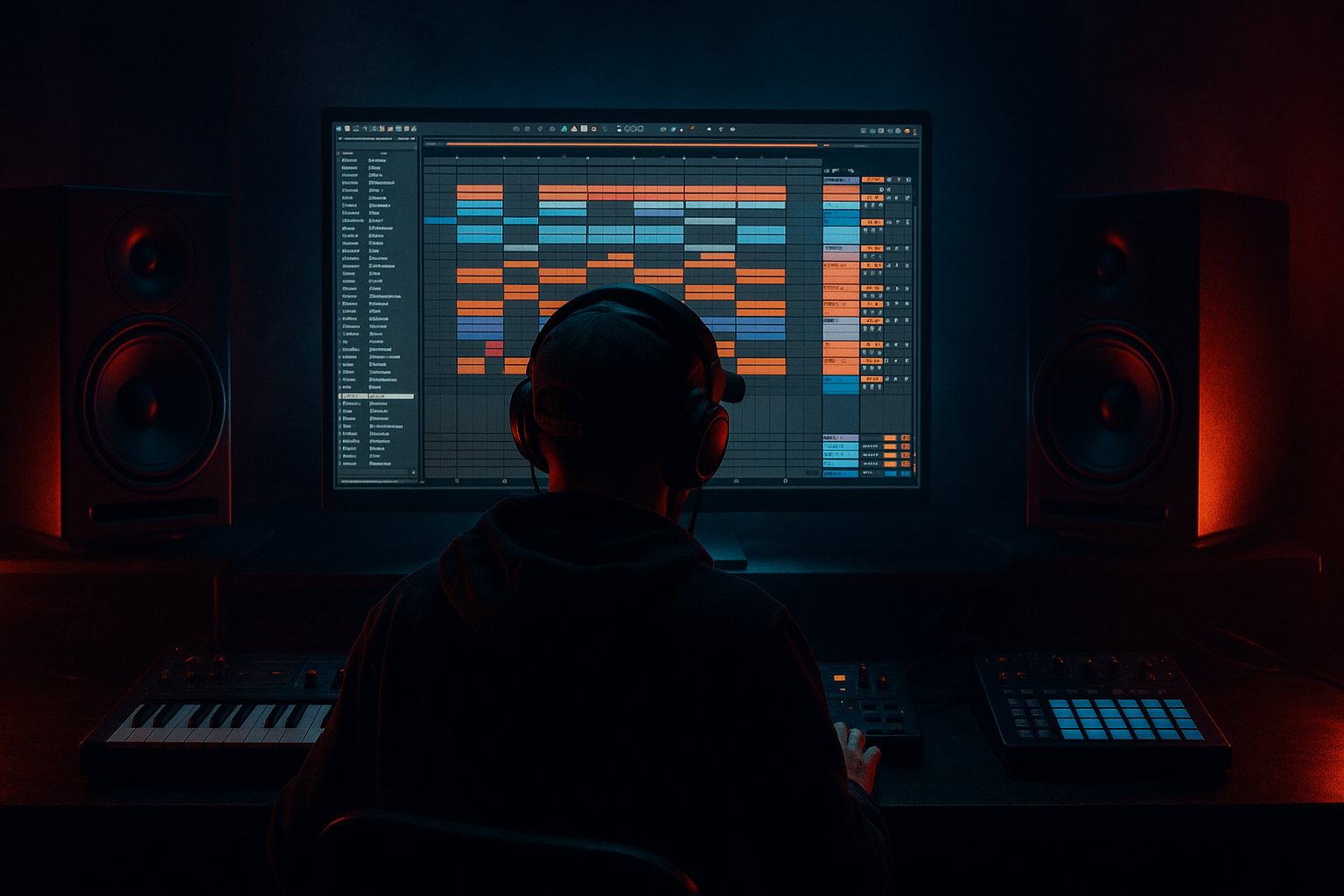
In this lesson, you’ll learn how to compose an Amen-style ghost note in Ableton Live 12 to add sunrise-set emotion to a Drum & Bass track. This is a small sound with a big role: it sits inside or around the Amen break and gives the groove a human, ragga-jungle feel while still working in a modern DnB arrangement.
Why this matters: in liquid, rollers, jungle, and even darker bass music, the difference between a flat drum loop and a track that feels alive is often in the micro-ghost notes. These tiny hits create motion, anticipation, and emotional lift without cluttering the mix. For sunrise energy, you want the ghost note to feel like a memory of the break — not a full extra snare, but a soft, syncopated accent that adds warmth and swing.
We’ll build this using Ableton stock devices and simple editing techniques, so you can drop it into your own DnB sessions fast. The result should work in a break-led intro, a rolling drop, or a breakdown-to-drop transition. 🌅
What You Will Build
You will create a short Amen-style ghost note pattern that:
- Sits quietly behind the main break
- Adds a ragga/jungle bounce without overpowering the groove
- Feels slightly emotional and uplifting for a sunrise set
- Works in a 174 BPM DnB session
- Can be used as:
- Making the ghost note too loud
- Putting too much low-end in the ghost hit
- Using a full snare instead of a ghost note
- Ignoring timing
- Too much reverb
- Not checking with the bass
- Trying to make it work in every section
- Add subtle grit with Saturator
- Use Drum Buss for weight
- Filter automate for tension
- Layer with a reversed tail
- Keep stereo discipline
- Pair it with bass call-and-response
- Use it to disguise edits
- An Amen-style ghost note is a small drum detail that adds swing, emotion, and jungle character.
- In sunrise DnB, keep it soft, warm, and slightly airy rather than aggressive.
- Use Ableton Live stock tools like Drum Rack, EQ Eight, Saturator, Drum Buss, Reverb, and Auto Filter.
- Focus on timing, velocity, and arrangement more than loudness.
- Always check the ghost note with the main break and bass so it supports the groove instead of cluttering it.
- In DnB, tiny rhythmic choices can make a track feel either flat or legendary.
- a ghost snare hit
- a break edit accent
- a call-and-response drum detail
- a light transition tool before the drop
Musically, think of a soft snare-like tick or brushed hit placed just before or after the main backbeat, often around the “e” or “a” of the beat. In a sunrise context, it should feel airy and nostalgic, not aggressive. The emotion comes from timing, tone, and restraint.
Step-by-Step Walkthrough
1. Set up a clean DnB drum group
- Open a new Live 12 set and set tempo to 174 BPM.
- Create a MIDI track called Amen Ghost.
- Load Drum Rack on the track.
- Put a simple snare sample on one pad — ideally a short, punchy snare or a trimmed hit from an Amen-style break.
- If you already have an Amen break in another track, duplicate the break track and mute everything except the snare-related slice you want to use as a ghost note source.
Keep your session organized early. In DnB, a clean workflow helps you make fast decisions, especially when layering breaks, bass, and FX.
2. Choose the ghost note sound source
- For a beginner-friendly setup, use one of these two stock approaches:
- Sample-based: drag a short snare or break slice into Drum Rack.
- Synth-based: load Operator or Wavetable and create a very short noise hit.
- If using a sample, trim it so it is tight and short:
- Start with 10–60 ms attack
- Short decay or fade out
- Remove any long tail that competes with the main snare
For a sunrise feel, a sample with a little room tone or tape character works well. If the hit is too dry, add a tiny bit of ambience later with reverb.
3. Program the ghost note rhythm inside the Amen feel
- Open a new MIDI clip with your Amen Ghost drum rack.
- Set the clip to 1 or 2 bars.
- Start by placing the ghost note in a space that complements the break, not on top of the main snare.
- Good beginner placements:
- Just before beat 2
- Just after beat 4
- On a quiet offbeat between kick and snare
- Try velocity values around:
- 20–45 for a subtle ghost note
- 50–65 if you want it more obvious in an intro or breakdown
A classic jungle trick is to make the ghost note feel like it is “answering” the main snare. That call-and-response pattern is very ragga and very effective in sunrise music because it gives the listener forward motion without aggression.
4. Nudge timing for human swing
- Turn on Groove Pool and try a subtle swing feel.
- You can start with:
- An Amen-style groove if you have one in your library
- Or a stock groove such as a light MPC swing-type feel
- Apply only a little groove at first:
- 10–25% Groove Amount
- If you prefer manual timing, nudge the ghost note slightly:
- A few milliseconds late for laid-back emotion
- A few milliseconds early for nervous energy
Why this works in DnB: groove is a huge part of jungle identity. A ghost note that lands perfectly on-grid can sound stiff, but a slightly human placement creates the rolling tension that makes breaks feel alive at high tempo.
5. Shape the ghost note with a Drum Rack chain
- Add an EQ Eight after the sample or instrument.
- Suggested starting points:
- High-pass at 120–250 Hz to keep low-end clean
- Small cut around 300–600 Hz if it sounds boxy
- Gentle presence boost around 2–5 kHz if it needs more snap
- Add Saturator for light harmonic weight:
- Drive: 1.5–4 dB
- Turn on Soft Clip if needed
- If the hit feels too sharp, use Drum Buss:
- Drive very lightly, around 5–15%
- Transients slightly down if the click is too hard
For a sunrise vibe, avoid making the ghost note too bright or too distorted. You want texture and emotion, not a fake loud snare. Keep the transient soft enough that it feels like part of the break.
6. Add space with controlled ambience
- Put Reverb after the ghost note, but keep it subtle.
- Start with:
- Decay: 0.4–1.2 s
- Pre-delay: 5–20 ms
- Dry/Wet: 5–15%
- If the reverb gets muddy, use the built-in EQ Eight on the reverb return or directly after the reverb:
- High-pass around 250–400 Hz
- Low-pass around 6–10 kHz
In sunrise DnB, a tiny bit of air can make the drum phrase feel emotional and wide. The key is that the reverb should suggest space, not wash out the break.
7. Blend it against the main break and bass
- Play the ghost note together with your main Amen break and sub/bass.
- Lower the ghost note level until you barely miss it when muted.
- Good starting level:
- About -12 to -20 dB quieter than the main snare
- Check the low-end relationship:
- The ghost note should not interfere with the sub
- Keep it out of the sub range with EQ
- If the bass is a reese or mid-bass, make sure the ghost note sits in a pocket where it doesn’t trigger masking around 1–4 kHz
This is where the emotion becomes musical. The ghost note should add movement to the groove while leaving the kick, snare, and sub in control.
8. Use automation for arrangement and sunrise tension
- In your arrangement, automate the ghost note’s:
- Volume
- Reverb send
- Filter cutoff if you are using Auto Filter
- A strong arrangement idea:
- Keep the ghost note very low in the intro
- Increase its presence in the build
- Let it open up slightly in the first drop
- Pull it back during a heavier second drop if you want contrast
Example context:
- In a 16-bar intro, use only the ghost note and filtered break fragments.
- In the drop, bring in the full Amen break and let the ghost note sit behind the snare as a subtle emotional detail.
- In a sunrise breakdown, automate more reverb and a gentle high-pass sweep to make it float.
That arrangement arc is important because the ghost note works best when it feels like it’s evolving through the track.
9. Turn the ghost note into a ragga-style answer phrase
- Duplicate the note and create a small 2-note or 3-note answer:
- One hit slightly softer
- One hit slightly later
- Use variations in velocity:
- First hit: 30
- Second hit: 22
- Third hit: 38
- If you want a more ragga/jungle flavour, place the second hit in a syncopated spot that mimics a vocal chop or rim response.
This can make the drum pattern feel like a conversation, which is a classic ragga element. It also keeps the groove interesting without adding another full percussion layer.
10. Resample if you want a more finished, track-ready texture
- Once the ghost note feels good, route the track to a new audio track and resample it.
- Then edit the resampled audio:
- Trim the start tightly
- Fade the tail if needed
- Warp only if absolutely necessary
- You can now:
- Layer it under the original
- Reverse a copy for a transition
- Chop it into a fill before a drop
Resampling is very useful in DnB because it helps you turn a tiny drum idea into an arrangement tool. It also makes the sound feel more “recorded” and less like a sterile MIDI note.
Common Mistakes
- Fix: mute the main break briefly and compare. If the ghost note still feels obvious, lower it.
- Fix: high-pass it more aggressively, usually above 120–250 Hz.
- Fix: shorten the sample, reduce velocity, and soften the transient.
- Fix: move the note slightly off-grid and test with the break.
- Fix: shorten decay and reduce wet amount. Ghost notes should add depth, not smear the groove.
- Fix: always audition the note with sub and bass on. DnB mix balance is everything.
- Fix: use arrangement. Sometimes the ghost note should only appear in intros, fills, or breakdowns.
Pro Tips for Darker / Heavier DnB
- Drive at 2–6 dB can make the ghost note feel more urgent without turning it into a main snare.
- Small amounts of Drive and Transients can help the hit cut through a dense mix.
- Put Auto Filter on the ghost note and slowly open it in a build. This keeps the note dark at first and brighter as the drop arrives.
- Reverse a tiny ambience or reverb tail into the ghost note for a spooky jungle lift.
- Keep the ghost note mostly mono or narrow. Save width for FX, atmospheres, and upper percussion.
- If your bassline leaves gaps, let the ghost note fill one of those spaces. That makes the rhythm feel intentional and powerful.
- A well-placed ghost note can hide a transition between break patterns, making the track feel smoother and more professional.
Mini Practice Exercise
Spend 10–20 minutes doing this:
1. Set Ableton to 174 BPM.
2. Load a simple Amen break or a break-inspired drum loop.
3. Create a duplicate drum track and isolate one snare slice or short drum hit.
4. Place a ghost note:
- once before beat 2
- once after beat 4
- once as a 2-note answer phrase
5. Make two versions:
- Version A: very subtle and emotional
- Version B: slightly more gritty and forward
6. Use EQ Eight, Saturator, and a touch of Reverb to shape both.
7. Bounce or resample the best version and listen back in context with bass.
Your goal is to hear how a tiny rhythmic detail changes the emotional feel of the whole groove.

