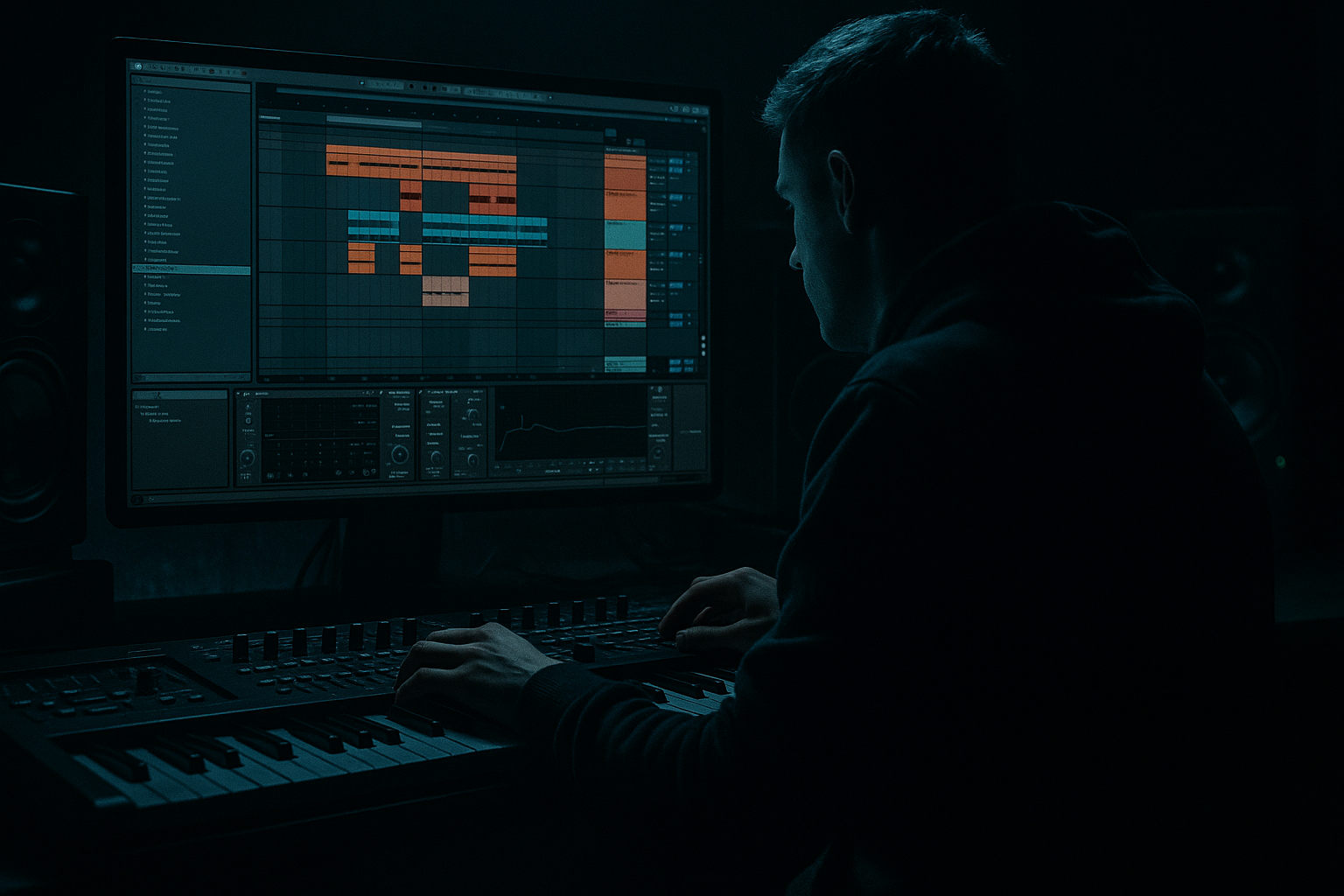
Main tutorial
Compose a Jungle Top Loop for VHS-Rave Color in Ableton Live 12 🧨📼
1. Lesson overview
In this lesson, you’ll build a jungle top loop designed to sit above the bass and drums and give your tune that grainy VHS-rave, rewind-tape, late-night warehouse energy.
In drum & bass, the top loop is more than percussion decoration. It’s the motion layer: the part that adds shuffle, tension, stereo movement, and old-school jungle attitude without fighting the kick, snare, or sub. For this sound, we’re aiming for:
- Crunchy, lo-fi, broken-rhythm percussion
- Fast edits and micro-stutters
- Vinyl/VHS-style instability
- A rolling, euphoric but slightly damaged top end
- Enough grit to feel vintage, enough clarity to stay modern
- A swinging shaker/hat layer
- A break-derived top percussion layer
- A reverse or ghost texture layer
- Tape/VHS-style processing
- A loop that can evolve across an intro and drop
- A half-time or roller drum pattern
- A chopped amen-style break
- A modern clean sub with jungle percussion on top
- Closed hat
- Shaker
- Ride or tambourine
- Small percussion hit or rim
- Closed hat on offbeats
- Shaker filling gaps with slight syncopation
- Occasional ride accents at phrase ends
- Tiny velocity changes on almost every hit
- EQ Eight: high-pass at around 250–400 Hz
- Saturator: Drive 1–3 dB, Soft Clip on
- Drum Buss: very lightly, Drive around 5–10%
- Utility: narrow or widen as needed
- Hats: short decay, sharp transient
- Shakers: a little longer decay for movement
- Velocity variation: aim for 20–30% differences between hits
- An amen-style break
- A funk break with strong hats and ghost notes
- Any dusty break loop you can slice
- Hat hits
- Ghost snare taps
- Tiny break fragments
- Reverse-feeling edits
- Repeat a 1/16 slice twice for a stutter
- Place a ghost chop just before the main hit
- Use one bar with more density and one bar with less
- Offset a few slices slightly late for groove
- A reversed cymbal
- A noise burst
- A detuned percussion hit
- A sampled room tone or vinyl hiss
- Simpler or Sampler
- Frequency Shifter set very subtly
- Auto Pan for movement
- Redux for low-bit character
- Reverb with short decay and high-cut
- Utility to keep it under control
- Reverb: Decay 0.4–1.2 s, Low Cut on, High Cut around 7–10 kHz
- Frequency Shifter: fine shift only a few Hz for unstable tape vibe
- Auto Pan: Rate synced at 1/2 or 1 bar, Amount 20–40%
- Use the Groove Pool
- Try classic swing templates or subtle MPC-style groove
- Apply groove to hats and break slices, but not too much to the kick/snare foundation
- Apply 10–25% groove amount to the top loop
- Shift select hits a few milliseconds late by ear
- Let some hits stay on-grid for contrast
- Tight anchor hits
- Loose filler hits
- Slightly delayed accents
- EQ Eight
- Saturator
- Transient shaping via Drum Buss
- Limiter if peaks get spiky
- Remove rumble below 150–300 Hz
- Watch harshness at 6–9 kHz
- Add bite carefully around 4–7 kHz if needed
- Use Auto Filter with a gentle low-pass
- Cut a narrow band around resonant fizz
- Lower the gain before saturation
- Add a tiny shelf boost around 8–10 kHz
- Use Exciter-style saturation via Saturator or Erosion
- Layer a brighter shaker very quietly
- Filter cutoff
- Reverb send
- Redux bit depth
- Auto Pan amount
- Break chop mute/unmute
- Send levels to delay or reverb
- Bar 1–4: full loop
- Bar 5–6: thin out hats, increase texture
- Bar 7: insert a fill/stutter
- Bar 8: open filter or add a riser into the next phrase
- The snare backbeat
- The kick transient
- The sub movement
- The mid-bass rhythm
- Keep most top-loop energy above 250 Hz
- Avoid overloading 2–5 kHz if the snare already has presence there
- Make room for the bass by cleaning low mids on percussion
- EQ Eight
- Glue Compressor
- Saturator
- Optional Drum Buss
- Drop one hi-hat hit every 2 bars
- Swap a shaker for a rim
- Add a 1-beat fill at the end of every 4 bars
- Reverse a single hit into the downbeat
- Introduce a secondary pattern in the second half of the phrase
- Main loop version
- Busier drop version
- Thinned intro version
- Fill version
- High-pass more aggressively, sometimes up to 400 Hz
- Reduce bright fizz around 8–12 kHz
- Keep the loop sharp but narrow
- Saturator with Soft Clip
- Roar if you want modern aggressive coloration
- Redux at very subtle settings for digital edge
- Use shorter, more surgical hits
- Add metallic percussion sparingly
- Automate filters to create tension rather than constant brightness
- Thin the top loop during drops
- Push more detail into fills and transitions
- Keep the main loop simpler during the bass’s busiest phrase
- Dense and frantic
- Sparse and threatening
- Clean version
- Grimy version
- Sparse intro version
- Tight hat and shaker programming
- Chopped break fragments
- VHS-style degradation
- Swing and microtiming
- Filter and saturation movement
- Arrangement variations that evolve over time
We’ll do this in Ableton Live 12 using stock devices and a practical DnB workflow.
---
2. What you will build
By the end, you’ll have a 2-bar jungle top loop that includes:
This loop will work over:
Think of it as the upper-frequency engine of a VHS-rave section. 🌀
---
3. Step-by-step walkthrough
Step 1: Set the project and tempo
1. Open Ableton Live 12.
2. Set the tempo to 170–174 BPM for classic jungle energy.
3. If you’re leaning more modern DnB, try 174 BPM exactly.
4. Create a 2-bar MIDI clip on a drum/percussion group.
Tip: Work in 2-bar or 4-bar phrases. Jungle top loops feel better when they breathe in musical phrases, not just one-bar repetition.
---
Step 2: Build the core top layer with hats and shakers
Start with a simple rhythmic foundation.
#### Option A: Drum Rack approach
Create a Drum Rack and load:
#### Suggested pattern
Use 16th-note energy, but don’t make it robotic.
Example idea:
#### Devices to use
On the hat/shaker chain:
#### Practical settings
Important: Don’t let the top loop become a pure metronome. Jungle needs human inconsistency, even if it’s programmed.
---
Step 3: Add a chopped break-derived top layer
This is where the jungle character really appears.
#### Source
Use a break sample or a top-half break chop. You can use:
#### Workflow in Ableton
1. Drag the break into Simpler.
2. Switch to Slice mode.
3. Slice by Transient or 1/8 notes depending on the source.
4. Trigger slices from MIDI.
Now you can program:
#### Make it feel “VHS-rave”
Use these techniques:
#### Suggested processing chain
On the break-top track:
1. EQ Eight
- High-pass: 180–300 Hz
- Small notch cuts if needed around 2.5–4 kHz if harsh
2. Drum Buss
- Drive: moderate
- Crunch: light
3. Redux or Erosion
- Very subtle bit reduction or noise texture
4. Auto Filter
- Gentle low-pass automation for motion
5. Glue Compressor
- 1–2 dB reduction to bind it together
Tip: If the break feels too clean, slightly degrade it before EQing so the grime stays musical, not muddy.
---
Step 4: Create the VHS-rave color layer
This is the “memory of a rave tape” layer — not the main rhythm, but the atmosphere that makes the loop feel special.
#### Use one of these:
#### Ableton devices
Try a chain like this:
#### Settings to try
This layer should feel like a ghost of the rave, not a lead sound.
---
Step 5: Add swing and microtiming
Jungle top loops live and die by groove.
#### In Ableton Live 12:
#### Practical groove approach
A good top loop often has:
That contrast creates motion.
---
Step 6: Shape the transient and brightness
Top loops need energy, but not pain.
#### Use this chain to control presence:
#### Frequency targets
#### If the loop is too bright:
#### If the loop is too dull:
---
Step 7: Add movement with automation
A static top loop won’t feel like jungle for long.
Automate these parameters over 4 or 8 bars:
#### Great arrangement trick
For every 8 bars:
This makes your loop feel like it’s evolving inside the rave tape instead of looping mechanically.
---
Step 8: Glue the loop into the track
Now make sure the top loop supports the low-end architecture.
In DnB, your top loop should not clash with:
#### Check these balance points:
#### Bus processing idea
Route all top percussion to a group and add:
This gives the loop one unified identity instead of a stack of random sounds.
---
Step 9: Make it loop like a producer, not a programmer
Once the pattern works, add small variations.
#### Variation methods
#### Best practice
Create:
This way you can arrange like a real DnB record, not just paste the same loop across the timeline.
---
4. Common mistakes
1. Overcrowding the top end
Too many hats, rides, shakers, and break slices can turn into white noise.
Fix: Mute anything that doesn’t add a rhythmic role. Every layer must have a purpose.
2. Making it too clean
A jungle top loop that sounds polished but sterile loses the VHS-rave vibe.
Fix: Add subtle saturation, degradation, or unstable modulation.
3. Overdoing swing
Too much groove can make the loop feel lazy instead of driving.
Fix: Use swing in moderation and keep some hits tightly anchored.
4. Ignoring the snare
If the top loop fights the snare’s main transient area, the groove will feel blurry.
Fix: Carve space around the snare’s presence range and avoid placing busy hits directly on the snare unless intentional.
5. Too much reverb
Reverb can flatten the rhythm and make the loop less urgent.
Fix: Use short rooms, filtered reverbs, or send-based ambience rather than washing every hit.
---
5. Pro tips for darker/heavier DnB
If you want the top loop to work in a darker, heavier context, try these moves:
Tighten the spectral footprint
Use gritty distortion carefully
Emphasize mechanical menace
Make space for bass brutality
If your bassline is huge and growly:
Create contrast
Heavy DnB works when the top loop alternates between:
That contrast makes the drop feel more powerful.
---
6. Mini practice exercise
Exercise: Build a 2-bar VHS-jungle top loop
Do this in Ableton Live 12:
1. Create a Drum Rack with:
- Closed hat
- Open hat
- Shaker
- Rim
- Break slice track in Simpler
2. Program a 2-bar rhythm at 174 BPM
3. Add:
- 1 main hat pattern
- 1 shaker layer
- 3–5 chopped break hits
- 1 reverse texture hit at the end of bar 2
4. Process with:
- EQ Eight
- Saturator
- Drum Buss
- Auto Filter
- Optional Redux
5. Apply subtle swing from the Groove Pool
6. Bounce it and listen in context with:
- kick/snare
- sub
- a simple bassline
Challenge
Make 3 versions:
Then compare how each one changes the energy of the track.
---
7. Recap
A strong jungle top loop is about rhythm, texture, and attitude. In Ableton Live 12, you can build it by combining:
If you get the balance right, the top loop becomes the spark and motion layer that gives your DnB track that unmistakable old-school rave footage meets modern bass pressure vibe. 📼🔥
If you want, I can also turn this into a Live 12 device chain template, or show you how to make the bassline sit under this top loop without masking the snare.

