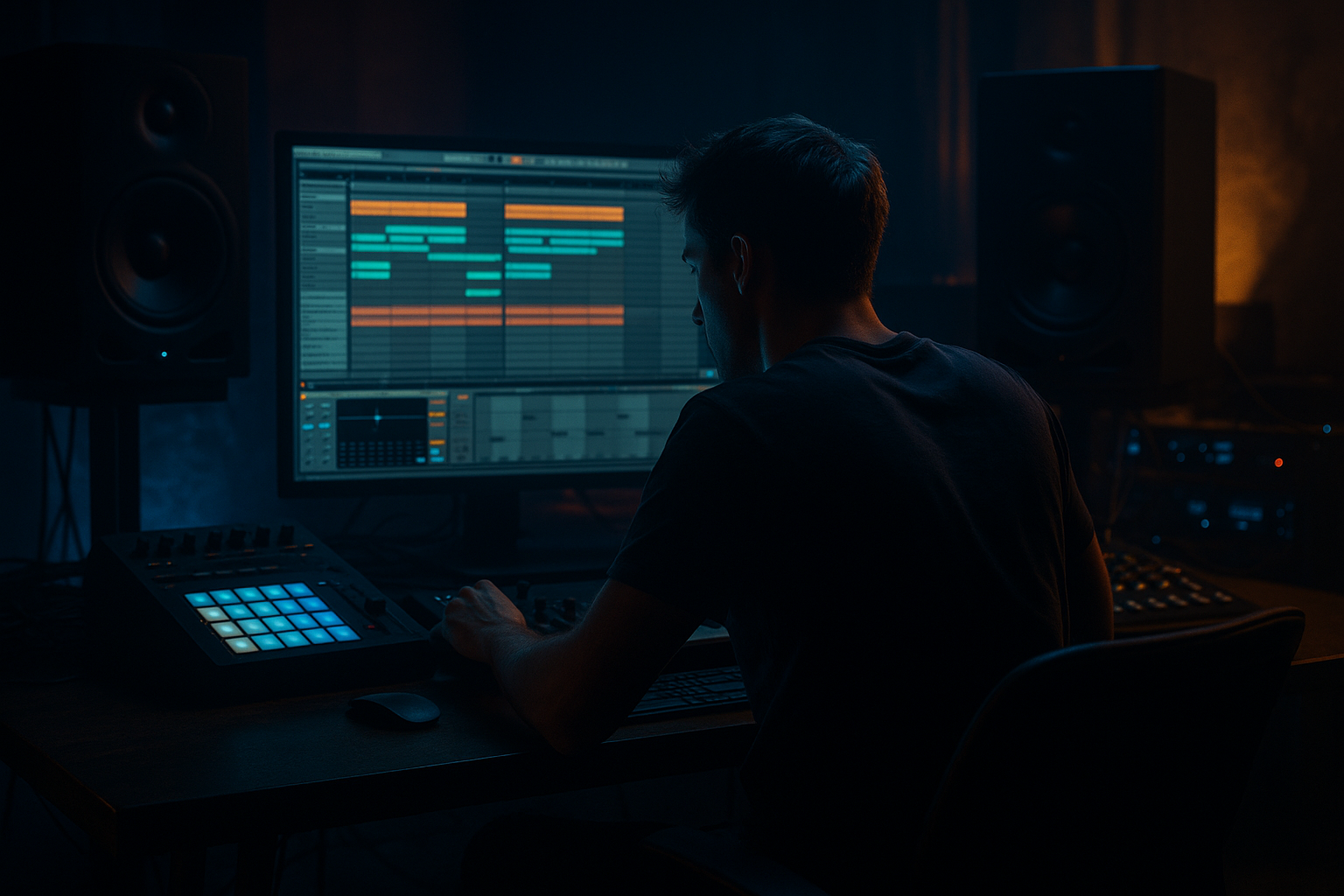
Main tutorial
Creating Chord Washes from Break Tails (DnB in Ableton Live) 🌊🥁
1. Lesson overview
In drum & bass and jungle, the space between hits is just as important as the hits themselves. This lesson shows you how to steal the reverb/room tail from an amen-style break (or any breakbeat), then stretch, pitch, harmonize, and resample it into a lush (or menacing) chord wash that glues your drop together.
You’ll do this using Ableton Live stock devices with a clean, repeatable workflow—perfect for rolling minimal, atmospheric jungle, or heavy halftime sections.
---
2. What you will build
By the end, you’ll have:
- A playable chord-wash instrument made from a break tail (in Simpler/Sampler)
- A resampled audio layer you can drop into your arrangement (for instant vibe)
- A DnB-ready processing chain that sits behind drums + bass without muddying the mix
- Right click track → Freeze Track → Flatten.
- Write a chord progression in MIDI (DnB-friendly):
- In Simpler, adjust Transpose or use MIDI notes directly.
- Drop Chord before Simpler:
- Duplicate the Simpler track 2–3 times:
- Group them and process together.
- Add Compressor after reverb
- Sidechain from Kick + Snare group
- Settings:
- Intro (16 bars): Filtered wash + distant break chops → sets tone immediately.
- Pre-drop (8 bars): Bring in wash slowly with rising cutoff + increasing send to reverb.
- Drop (32 bars): Keep wash quiet but wide; automate subtle pitch drift or filter movement.
- Breakdown: Resample a chord wash, reverse it, and use it as a riser into the second drop.
- Leaving transient clicks in the sample → you’ll hear rhythmic “ticks” in the pad.
- Too much low-mid content (200–800 Hz) → instantly muddy with reese/sub.
- Over-widening → phasey mess in mono (clubs).
- Reverb on top of reverb → endless haze with no definition.
- No sidechain → wash fights drums and kills roll.
- Make it “rusty” with Redux (subtle):
- Pitch it down + filter up:
- Use Corpus for metallic room resonance:
- Turn washes into tension sweeps:
- Glue it to the break:
- You extracted (or printed) break tails and turned them into a loopable sustained source in Simpler.
- You made it harmonic using Chord MIDI, layered pitch, or resample + stretch.
- You shaped it with EQ Eight, Saturator, modulation, reverb, and—crucially—sidechain to keep the roll punchy.
- You placed it in a DnB arrangement so it adds vibe and glue without stealing space from drums and bass. ✅
Think: those ghostly, smeared harmonic beds behind crispy breaks—but made from your actual drum loop so it feels glued and “in the same world.” 🎛️
---
3. Step-by-step walkthrough
Step 0 — Session setup (DnB defaults)
1. Set tempo to 170–176 BPM.
2. Create tracks:
- `Audio: Break`
- `Audio: Tail Print`
- `MIDI: Tail Wash (Simpler)`
- `Return A: Wash Verb` (optional)
Workflow tip: Turn on Warp for the break so the tail stays consistent when you stretch.
---
Step 1 — Choose the right break section (tail hunting)
1. Drag in a break (Amen, Think, Funky Drummer, modern DnB top loop…).
2. Find a section with:
- A snare hit with room tone
- A crash/ride with natural decay
- A busy fill that ends with a clean tail
What you’re listening for: “air” after the transient—room, noise, cymbal shimmer, reflections.
---
Step 2 — Extract the tail cleanly (the key move)
1. Duplicate the break clip.
2. Zoom in and slice out just after the transient, where the tail is mostly decay.
- Usually: 20–80 ms after the hit (varies).
3. Consolidate it:
- Select the tail region → `Cmd/Ctrl + J` (Consolidate)
4. Fade edges to avoid clicks:
- Enable Clip Fades (in Live 11/12) or apply tiny fades manually.
Target length: Start with 150–600 ms. Too short = thin; too long = messy transients sneak in.
---
Step 3 — “Print” a longer wash tail (optional but powerful)
This is where you manufacture a lush tail even if the source is dry.
Method A: Return track reverb print (fast)
1. Put Hybrid Reverb or Reverb on `Return A: Wash Verb`.
2. Suggested Hybrid Reverb settings:
- Algorithm: Hall or Shimmer (if you want brighter)
- Decay: 4–10 s
- Pre-Delay: 10–25 ms
- High Cut: 6–10 kHz (to keep it smooth)
- Low Cut: 200–500 Hz (avoid mud)
3. On `Audio: Break`, send only the snare or break tail moment to the return (automate the send if needed).
4. Create `Audio: Tail Print` and set Audio From = `Return A`.
5. Arm `Tail Print` and record the reverb tail.
Now you’ve got a big, clean tail that still belongs to your break.
Method B: Freeze/Flatten
If you used reverb directly on the tail clip:
---
Step 4 — Turn the tail into an instrument (Simpler)
1. Drag your consolidated tail (or printed tail) into Simpler on `MIDI: Tail Wash`.
2. In Simpler:
- Mode: Classic
- Loop: ON
- Loop region: find the smoothest sustained part (avoid the “bumpy” start)
- Fade: 50–200 ms (prevents loop clicks)
- Warp: Try ON (Live 12 can handle this nicely), but you can also keep it OFF and use Transpose.
3. Filter section:
- Enable Filter
- Type: LP24
- Cutoff: 1.5–6 kHz depending on brightness
- Resonance: low (0.1–0.3)
Goal: A steady, pad-like sustain from drum air/cymbal grain.
---
Step 5 — Make it “chords” (three practical methods)
#### Method 1: MIDI chords + pitch (simple and musical) 🎹
- i–VI–VII (minor key vibe)
- Example in F minor: Fm → Db → Eb
Tip: Keep voicings tight and mid-high. This is a wash, not a piano.
---
#### Method 2: Create chords from one note using a device chain (fast)
Add these after Simpler:
1. Pitch (Audio Effect) OR Shifter (if available in your Live version)
2. Chord (MIDI Effect) if you want to generate triads from single notes
Option A: MIDI Chord device
- Shift 1: +3 semitones (minor third)
- Shift 2: +7 semitones (perfect fifth)
- (Optional) Shift 3: +10 for minor 7th
Now you can play single notes and get instant minor chords.
Option B: Audio pitch layers (thicker, more washed)
- Track 1: 0 semitones
- Track 2: +3
- Track 3: +7
This “stacking” feels very classic in atmospheric jungle.
---
#### Method 3: Resample a chord hit, then stretch (most “washy”) 🌫️
1. Play a chord (e.g., Fm9) for 1 bar.
2. Resample it to audio (arm a resample track).
3. Warp the audio:
- Warp Mode: Texture
- Grain Size: 80–200
- Flux: 10–30
4. Stretch to 4–16 bars.
This is the “instant pad bed” move used in loads of deep DnB.
---
Step 6 — DnB-ready processing chain (stock devices)
Here’s a practical chain that sits behind drums/bass:
On the Tail Wash track (post-Simpler):
1. EQ Eight
- High-pass: 200–500 Hz (steeper if bass is heavy)
- Dip: -2 to -5 dB around 300–800 Hz if boxy
- Gentle shelf: -1 to -3 dB above 10 kHz if harsh
2. Saturator
- Mode: Soft Sine or Analog Clip
- Drive: 1–6 dB
- Output: adjust so you don’t gain-lift
3. Chorus-Ensemble (or Chorus)
- Amount: subtle (aim for movement, not seasick)
4. Auto Filter
- Map cutoff to a Macro
- Add slow movement: LFO rate 1/4 to 2 bars
5. Hybrid Reverb (or Echo into Reverb)
- Keep it controlled:
- Low Cut: 250–600 Hz
- Decay: 2.5–6 s
6. Utility
- Width: 120–170% (careful!)
- Bass Mono: if needed (or just keep lows cut)
Sidechain (super important):
- Ratio: 2:1 to 4:1
- Attack: 5–20 ms
- Release: 80–200 ms (set to groove with the break)
- Gain reduction: 2–6 dB
This keeps the wash moving with the roll and prevents “blanket over the drums.” 🧠
---
Step 7 — Arrangement ideas (where to use it in DnB)
DnB trick: Automate the wash to duck harder on snare hits. That gives the snare more snap while the wash stays huge.
---
4. Common mistakes
Fix: cut later into the tail + crossfade + loop fade.
Fix: aggressive HPF + mid dips in EQ Eight.
Fix: cut lows, check mono, use Utility carefully.
Fix: shorten decay, EQ the verb return, or use less wet.
Fix: sidechain to kick/snare or even the whole drum bus.
---
5. Pro tips for darker/heavier DnB 😈
Add Redux after Saturator:
- Bit Reduction: very light (e.g., 12–14 bits)
- Downsample: small amount (1.2–2.0)
Then low-pass again. Gives that industrial grain without ruining it.
Pitch tail -7 to -12 semitones, then high-pass to remove mud. The darkness stays in the texture, not the low-end.
Put Corpus lightly (Membrane/Tube) to add ominous resonances around 200–600 Hz, then EQ it.
Automate Auto Filter resonance slightly up near transitions. Don’t overdo—just enough to feel pressure.
Sidechain from the break track, not just kick/snare. The wash will breathe with the exact groove.
---
6. Mini practice exercise (15–25 minutes)
1. Pick a classic break (Amen or Think) and set project to 174 BPM.
2. Extract 3 different tails:
- Snare tail
- Crash/ride tail
- A room-ish tail from a tom/fill
3. Make 3 Simpler instruments (one per tail).
4. Write a 2-chord loop (e.g., Fm → Eb) and play it with all 3 layers.
5. Group them and apply:
- EQ Eight (HPF at 300 Hz)
- Saturator (3 dB drive)
- Hybrid Reverb (4 s, low cut 400 Hz)
- Sidechain compressor from kick/snare
6. Resample 8 bars of the result to audio and:
- Reverse the first half
- Stretch the second half with Texture warp
7. Drop it into:
- Intro (quiet)
- Pre-drop (automate filter open)
- Drop (ducked and wide)
Deliverable: a 16-bar loop that sounds like a proper DnB intro → drop bed.
---
7. Recap
If you want, tell me what subgenre you’re aiming for (liquid, techstep, neuro, jungle, minimal) and what break you’re using, and I’ll suggest a matching chord progression + exact processing values.

