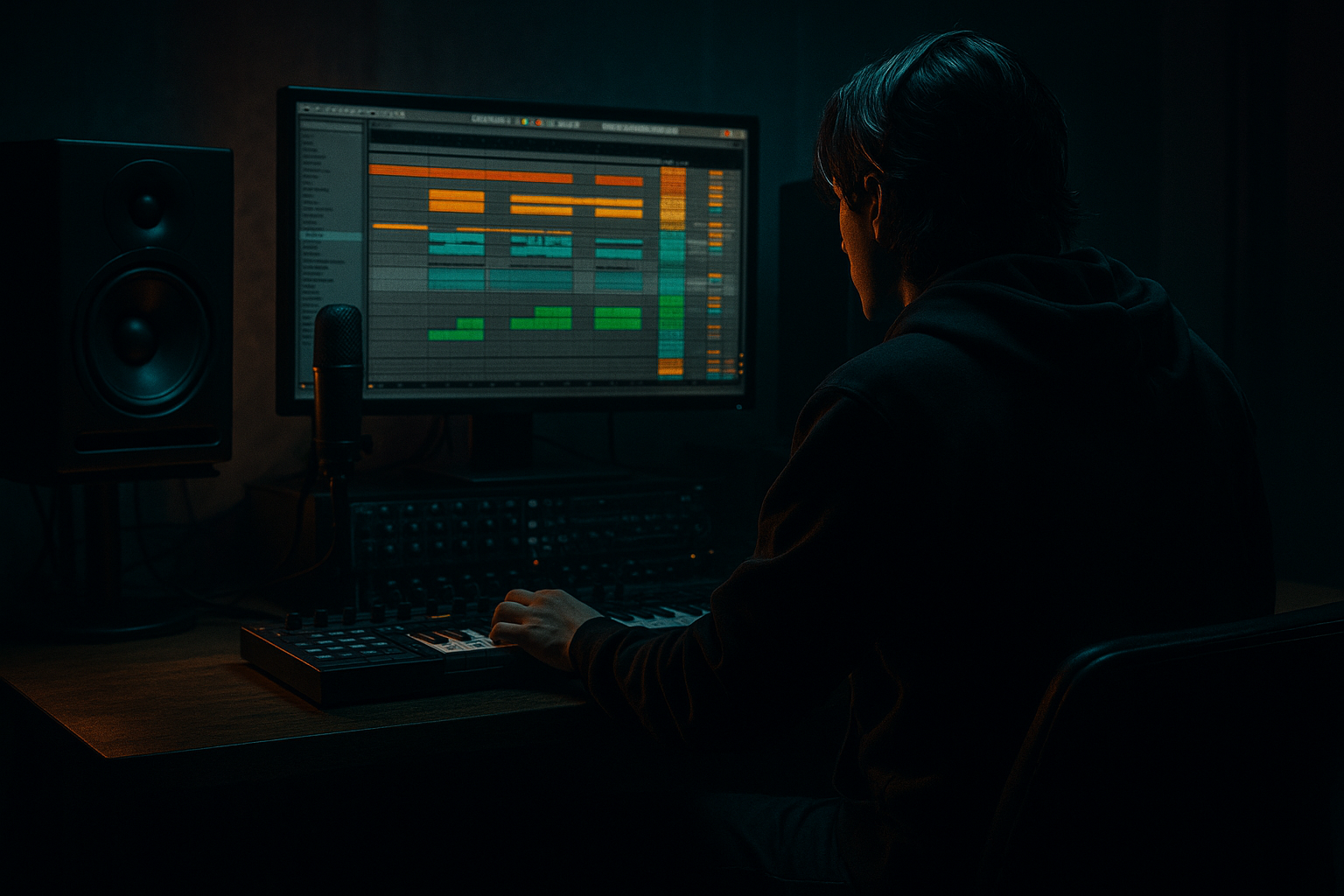
Main tutorial
Creating Crackly Impacts from Paper and Cloth (DnB in Ableton Live) 🥁📄🧵
1. Lesson overview
In drum & bass, impacts aren’t just “big booms”—they’re character. Crackly, papery transient layers and gritty cloth “thwumps” can make drops feel heavier, intros more tactile, and fills more alive. In this lesson you’ll record (or source) paper/cloth sounds and turn them into punchy, crackly impacts that sit perfectly in a rolling DnB mix—using Ableton Live stock tools.
We’ll focus on:
- Transient design (snap + crackle + body)
- Layering for weight without mud
- Resampling for fast iteration
- Arrangement placement for jungle/DnB energy
- A paper crack impact (sharp, noisy, percussive—great for drop hits and fills)
- A cloth thump impact (mid/low “whoomph” body—great under snares or for intro hits)
- A combined “DnB impact rack” you can reuse: Transient + Crackle + Body + Tail
- A few arrangement templates: pre-drop riser hit, drop slam, and mid-phrase punctuation
- Tear paper slowly (crackle)
- Crumple paper (dense noise)
- Snap a folded sheet (sharp transient)
- Slide paper quickly near the mic (air + hiss)
- Hit a hoodie/sweater on a table (thump)
- Punch a pillow/blanket (soft body)
- Whip a towel (snap + air)
- Use your phone recorder if needed (works fine), then drag audio into Live.
- Record 10–20 hits in one take: variation is gold.
- Keep levels safe: aim for -12 dBFS peaks.
- Create an Audio Track → set input → arm → record.
- Add Utility on the recording track: set Gain -6 dB as a safety pad.
- Load your sharpest paper snap into Simpler (One-Shot).
- Simpler settings:
- Load a crumple/tear slice into Simpler.
- Simpler settings:
- Load cloth hit into Simpler (One-Shot).
- Simpler settings:
- Hybrid Reverb
- After reverb: EQ Eight
- Create a new Audio Track named RESAMPLE.
- Set input to Resampling.
- Record 10–20 variations (different velocities, different chain balances).
- Consolidate and save your favorites into a folder:
- Put a papery crack impact on bar 7 beat 4 (or last 1/8 before drop)
- Automate reverb send up just for that one hit
- Layer impact with kick + sub drop (if you have one)
- Keep impact short so the kick transient stays king
- Sidechain cloth body to kick if needed (Compressor sidechain)
- Every 8 bars, add a quieter paper crack hit on an offbeat
- Great for neuro/rollers to keep momentum without adding drums
- Too much low end in the cloth layer: it’ll fight your sub and make the limiter work overtime. HPF is your friend.
- Over-transient shaping: Drum Buss Transient too high makes impacts sound like cheap clicks.
- Reverb is too long or too wide: it smears the groove. Keep decay under ~1.2s for most DnB contexts.
- No variation: repeating the exact same impact every 16 bars sounds programmed. Resample 10 variants.
- Harsh top end build-up: paper + saturation can get brittle around 6–10 kHz—tame with EQ or gentle high cut.
- Parallel distortion on crackle only:
- Metallic “sheet” texture:
- Make impacts feel “deeper” without more sub:
- Stereo control:
- DnB timing trick:
- Paper gives you crackly transient + texture, cloth gives you organic body.
- Build impacts as layers: Snap (attack) + Crackle (noise) + Cloth (thump) + short controlled Verb (space).
- Use EQ Eight, Drum Buss, Saturator, Redux, Hybrid Reverb, Utility, Glue/Compressor, Limiter to shape and place them.
- Resample multiple variations and treat impacts like part of the groove, not decoration.
---
2. What you will build
You’ll end up with:
---
3. Step-by-step walkthrough
Step 0 — Prep: source & record sounds (fast + clean)
Goal: short, bright paper transients + deeper cloth hits.
Paper ideas:
Cloth ideas:
Recording tips:
Ableton setup (if recording directly):
---
Step 1 — Chop and pick the best transients
1. Drop the recording into an Audio Track.
2. Right-click the clip → Slice to New MIDI Track…
- Slicing preset: Transient
- Create: One Sampler per Slice (or Simpler is fine depending on version)
3. Audition slices and pick:
- 1–3 best paper snaps (bright + short)
- 1–3 best paper crackles (noisy + textured)
- 1–3 best cloth hits (low-mid “thump”)
DnB mindset: you want fast attack + controlled tail so it doesn’t fight your snare reverb or sub.
---
Step 2 — Build the paper “crack impact” (Transient + Crackle)
Create a new MIDI Track with an Instrument Rack. Inside, make 2 chains:
#### Chain A: “Snap” (paper transient)
- Mode: One-Shot
- Warp: Off (unless it’s weirdly long)
- Start: move slightly forward if there’s pre-noise
- Fade In: 0.5–2 ms (prevents clicks but keeps snap)
Processing (stock devices):
1. EQ Eight
- HP filter: 150–300 Hz (paper doesn’t need lows)
- Small boost: 3–6 kHz +2 to +4 dB (snap presence)
2. Saturator
- Drive: 2–6 dB
- Soft Clip: On
- This adds “bite” without needing more volume.
3. Transient shaping (stock method):
- Use Drum Buss
- Drive: 0–10%
- Transient: +10 to +30 (careful—this gets spiky fast)
- Boom: OFF (for this chain)
#### Chain B: “Crackle” (paper noise texture)
- One-Shot
- Adjust Length to be short (100–400 ms usually)
Processing:
1. EQ Eight
- HP: 500–1200 Hz (keep it airy)
- Optional shelf: +2–3 dB at 8–12 kHz for fizz
2. Redux (for crunchy digital grit, very DnB-friendly)
- Bit Reduction: 6–10 bits (taste)
- Downsample: 1.5–4 (taste)
- Mix subtly: if it’s too obvious, reduce input level or blend with chain volume
3. Auto Filter (movement option)
- Filter: HP12
- Frequency: 1–3 kHz
- Envelope: small positive amount so louder parts open a bit
Balance: Snap should hit first; crackle should feel like it “flares” around it.
---
Step 3 — Add the cloth “body” (weight without sub chaos)
Add a third chain in the same Instrument Rack: “Cloth Body”.
- Start: trim to the hit
- Transpose: try -12 to -24 semitones if you need more weight (watch artifacts)
- Fade In: 1–3 ms
Processing:
1. EQ Eight
- HP: 30–50 Hz (don’t invade your sub)
- Gentle boost: 120–220 Hz +1 to +3 dB if it needs “chest”
- Dip: 250–500 Hz -2 to -4 dB if it gets boxy
2. Drum Buss
- Drive: 5–20%
- Boom: 0–20% (use carefully)
- Boom Freq: 50–80 Hz (only if it’s not fighting your sub)
- Damp: to tame harshness
3. Glue Compressor (optional, for “impact clamp”)
- Attack: 10 ms
- Release: Auto
- Ratio: 4:1
- Aim for 1–3 dB GR on loud hits
DnB note: If the track already has a huge sub, keep this chain mostly 80–250 Hz and let your sub handle the true low end.
---
Step 4 — Add a controlled reverb tail (DnB-sized, not washed)
Impacts often need a tail so they feel cinematic, but DnB needs tight timing.
Create a Return Track (or a chain inside the rack) for reverb:
Return A: “Impact Verb”
- Algorithmic or Convolution (your choice)
- Decay: 0.6–1.2 s
- Pre-Delay: 10–25 ms (keeps transient clean)
- Low Cut: 200–400 Hz
- High Cut: 7–12 kHz (optional darker vibe)
- HP: 250–500 Hz
- Notch harsh rings if needed
Send only the crackle and a touch of cloth. Keep snap mostly dry.
---
Step 5 — Make it hit like a DnB record (bus processing + resample)
Group your impact rack to an Impact Bus and add:
1. EQ Eight
- HP at 25–35 Hz (clean the rumble)
- Tiny dip if harsh: 3–5 kHz
2. Saturator
- Drive: 1–4 dB
- Soft Clip: On
3. Limiter
- Ceiling: -0.8 dB
- Just catching peaks (don’t squash the life)
#### Resample workflow (fast iteration 🔥)
`Samples/Impacts/PaperCloth_DnB/`
This turns your custom impact into a sample pack you actually use.
---
Step 6 — Place impacts in a rolling DnB arrangement
Here are practical placements that work in jungle/rolling DnB:
A) Pre-drop “warning shot”
B) Drop slam
C) Mid-phrase punctuation
---
4. Common mistakes
---
5. Pro tips for darker/heavier DnB 🕶️
Duplicate crackle chain → add Overdrive + Auto Filter LP (3–6 kHz) → blend quietly. Adds menace without fizz.
Add Corpus to paper chain:
- Type: Tube/Plate
- Tune around 200–600 Hz
- Dry/Wet low (5–15%)
Use Hybrid Reverb convolution of a small room + EQ the return to emphasize 150–250 Hz slightly.
Keep transient mono-ish:
- Add Utility on Snap chain: Width 0–50%
- Let crackle be wider: Width 120–160% (careful in mono)
Nudge crackle chain +5 to +15 ms later than snap (Track Delay or sample start) so the transient stays clean and the texture blooms after.
---
6. Mini practice exercise (15–20 minutes)
1. Record or find 10 seconds of paper + 10 seconds of cloth.
2. Slice to MIDI and pick:
- 1 snap, 1 crackle, 1 thump
3. Build the 3-chain rack (Snap/Crackle/Cloth).
4. Create 5 impact variations by changing:
- Crackle level
- Cloth pitch (-12 vs -24)
- Reverb send amount
5. Place them in a simple DnB sketch:
- 174 BPM
- Impacts at: bar 1, bar 9, bar 17, bar 33 (drop), plus one quiet offbeat hit every 8 bars
Deliverable: bounce a 16-bar loop and check it in mono.
---
7. Recap
If you tell me what sub style you’re using (clean sine, reese, foghorn-ish, etc.) and your snare type (punchy/metallic), I can suggest exact crossover points and chain balances so the impact lands perfectly in your mix.

