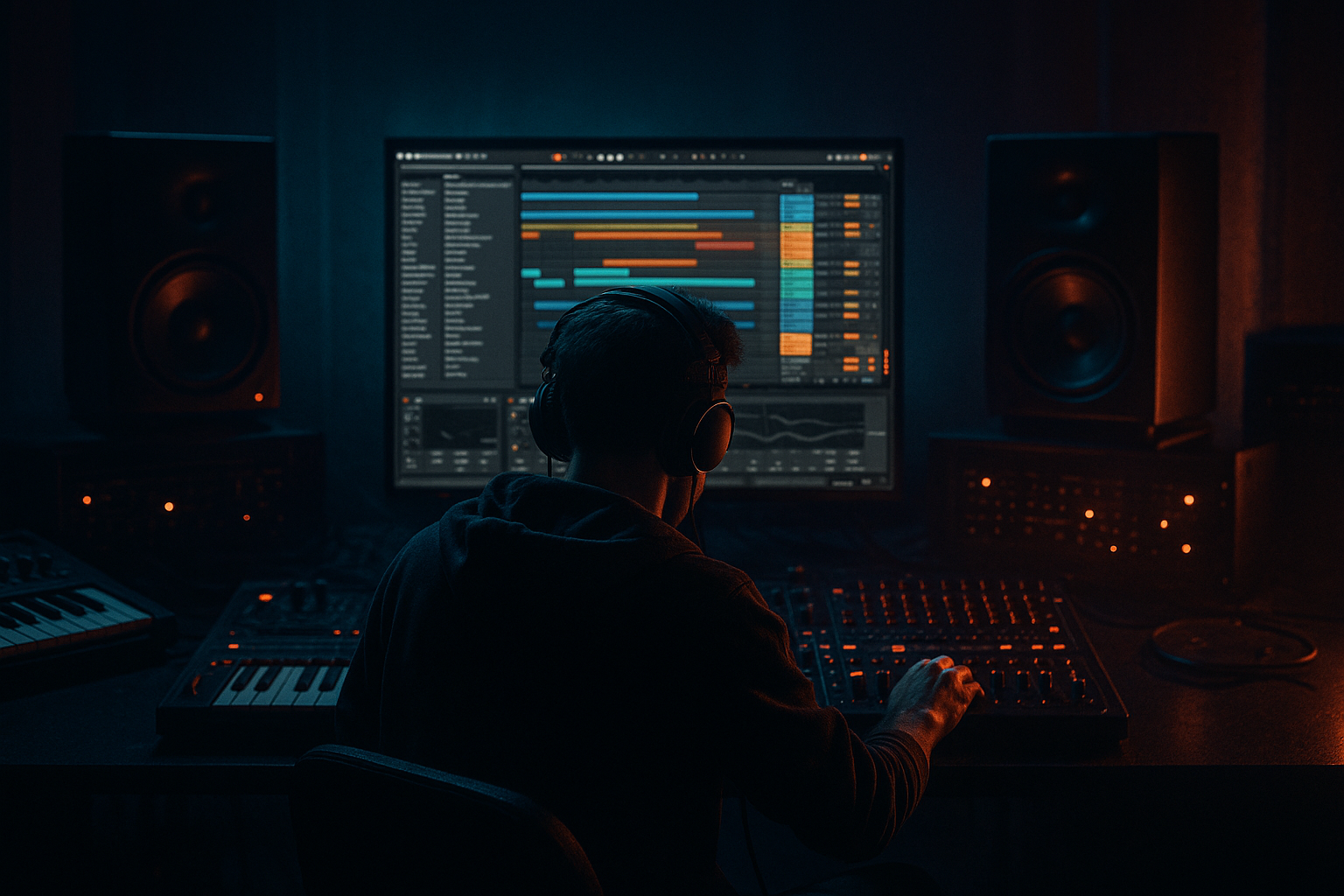
Main tutorial
```markdown
Creating Texture Loops from Crowd Noise (DnB in Ableton Live) 🔊🧪
1. Lesson overview
Crowd recordings are gold for drum & bass texture: constant movement, random micro-transients, and a “live energy” you can bend into atmospheric beds, reese-friendly noise layers, or gritty top loops. In this lesson you’ll take raw crowd noise (field recording / phone audio / sample pack) and turn it into tight, tempo-locked texture loops that sit behind rolling drums and bass without masking them.
We’ll focus on Ableton Live stock devices and DnB-ready workflows: resampling, warping, filtering, movement, and “dark club” vibe processing. 🎛️
---
2. What you will build
By the end you’ll have:
- A 16-bar crowd texture loop locked to your DnB tempo (170–176 BPM)
- 2–3 variations:
- A practical device chain you can reuse in future projects
- Arrangement ideas: drops, breakdowns, and “between-hit” glue
- Constant energy (not just a single cheer)
- Some high-frequency detail (claps, air)
- Not overly distorted
- This layer should feel like air behind hats, not a “lead sound.”
- If it fights your cymbals, duck it (see Step 6).
- Use Gate with sidechain for more “chopped” textures (cool for jungle swing).
- Clip Gain automation: tiny moves (±1–2 dB) every 8 bars
- Auto Filter automation: open slightly in fills / pre-drop
- Beat Repeat (subtle!)
- Resample a “processed pass”
- Intro: dark reverb-heavy crowd (Mid/Dark) + lowpass movement
- Pre-drop: slowly widen + brighten (Hi layer fades in)
- Drop: both layers quieter, sidechained harder
- Breakdown: remove sidechain, increase reverb decay for cinematic lift
- Too much low end in the crowd loop → destroys headroom and muddies the bass. High-pass earlier than you think.
- Over-warping with tons of warp markers → unnatural “swimmy” artifacts.
- Textures too loud → if you notice them constantly in the drop, they’re probably too hot.
- No sidechain/ducking → ambience masks your kick/snare transient definition.
- Over-stereo widening → can collapse badly in mono; check with Utility (Width 0% test).
- Make “industrial air” with Corpus
- Parallel distortion rack
- Hype the drop impact by removing texture on bar 1
- Reverb throws only on select moments
- Crowd noise becomes a powerful DnB texture when you warp lightly, loop seamlessly, and control frequency + dynamics.
- Build at least two layers: Hi air and Mid/Dark grit, then duck them to the drums.
- Add life with slow modulation (Auto Filter/Chorus) and arrangement automation every 8–16 bars.
- Keep the sub and snare space clean—your textures should support the roller, not fight it.
- Airy high-bed (for openness around hats)
- Mid-range grit layer (for density and vibe)
- Dark washed atmosphere (for intros/breakdowns)
---
3. Step-by-step walkthrough
Step 0 — Prep your DnB session
1. Set project tempo to 174 BPM (classic rolling sweet spot).
2. Create three audio tracks:
- `Crowd RAW`
- `Crowd Texture (Hi)`
- `Crowd Texture (Mid/Dark)`
3. Set your project Warp Mode defaults (optional but helpful):
- Preferences → Record/Warp/Launch → Auto-Warp Long Samples: Off (often safer for field recordings)
---
Step 1 — Choose and clean a crowd recording
Drag a crowd sample into `Crowd RAW`. Look for:
Clean-up chain (on `Crowd RAW`):
1. EQ Eight
- HP filter at 80–150 Hz, 24 dB/oct (remove sub rumble)
- If harsh: dip 2–5 kHz by -2 to -5 dB (Q ~1.5)
2. Gate (if the recording has obvious pauses/hiss you want controlled)
- Threshold: set so it closes during silence but stays open on activity
- Return: ~150 ms, Release: 200–500 ms (avoid chattering)
3. Utility
- Set Width to 120–160% if it’s narrow (don’t overdo)
> Goal: get a stable, mixable “raw bed” before creative processing.
---
Step 2 — Warp it to tempo (without killing the vibe)
1. Enable Warp on the clip.
2. Try Complex Pro first (best for natural ambience).
- Formants: 0
- Envelope: 128 (adjust if it smears too much)
3. Find a clean section of crowd noise (no obvious loud scream if you want consistency).
4. Set Loop brace to 4 or 8 bars.
5. Warp markers:
- Put one at the beginning of your chosen loop region.
- If it drifts, add minimal warp markers—too many will create weird “wobbles.”
DnB tip: You don’t need the crowd to “hit on the grid” like drums. You just need the loop length to be consistent so it repeats seamlessly.
---
Step 3 — Turn raw crowd into a seamless texture loop
This is where most people fail: the loop clicks or “resets” obviously.
Method A: Crossfade looping
1. In Clip View → enable Fade.
2. Add a short fade-in and fade-out:
- Fade In: 10–40 ms
- Fade Out: 50–150 ms
3. Nudge the loop points until the tail and start feel continuous.
Method B: Resample + glue
1. Create a new audio track called `Crowd PRINT`.
2. Set `Crowd PRINT` input to Resampling.
3. Arm `Crowd PRINT`, solo `Crowd RAW`, record 16 bars.
4. Consolidate (Cmd/Ctrl+J), then loop it.
> Printing stabilizes warp artifacts and makes the loop easier to process like a “bed.”
---
Step 4 — Build a Hi texture (air + movement, no mud) 🌫️
Duplicate your printed/looped crowd clip to `Crowd Texture (Hi)`.
Device chain (recommended):
1. EQ Eight
- HP at 300–600 Hz, 24 dB/oct (keep it out of snare/bass territory)
- Optional: gentle shelf +2 dB at 10–12 kHz if it’s dull
2. Auto Filter
- Mode: HP or Bandpass
- Freq: start around 1.5–4 kHz
- Resonance: 0.8–1.4
- LFO: 0.10–0.25 Hz, Amount 10–25%
- Phase: try 180° for different stereo motion
3. Chorus-Ensemble (or Flanger if you want more bite)
- Chorus-Ensemble: Amount 15–35%, Rate 0.20–0.50 Hz
4. Utility
- Width: 140–200%
- Gain: trim so it sits quiet (often -18 to -24 dB RMS territory)
Mix placement:
---
Step 5 — Build a Mid/Dark texture (grit + club density) 🕳️
Duplicate to `Crowd Texture (Mid/Dark)`.
Device chain:
1. EQ Eight
- HP at 120–200 Hz
- Optional: notch 300–500 Hz if boxy (-2 to -4 dB)
2. Saturator
- Mode: Analog Clip
- Drive: 2–8 dB
- Soft Clip: On
- Output: reduce to match level (don’t just make it louder)
3. Amp (optional but great for darkness)
- Preset vibe: start with Clean or Blues
- Gain low-medium (you’re adding tone, not guitar amp fizz)
4. Redux (optional for jungle grit)
- Bit Depth: 10–14
- Sample Rate: 12–20 kHz
- Keep it subtle; blend via Dry/Wet 10–30% if available (or rack it)
5. Reverb
- Size: Medium
- Decay: 1.2–3.5 s
- Predelay: 10–25 ms
- High Cut: 6–10 kHz
- Dry/Wet: 10–25% (less in drops, more in breakdowns)
DnB goal: a dark “room tone” that makes the drop feel like it’s in a sweaty club—without masking your snare crack.
---
Step 6 — Make it pump with the drums (sidechain ducking) 🥁➡️🌫️
Texture loops become pro when they breathe with the break/2-step.
Option 1: Compressor sidechain (classic)
1. Add Compressor to each texture track.
2. Enable Sidechain.
3. Input: your Drum Buss or a dedicated Kick+Snare Ghost track.
4. Settings (starting point):
- Ratio: 3:1 to 6:1
- Attack: 1–10 ms (fast enough to clear transient space)
- Release: 80–200 ms (match groove; faster for 2-step, slower for rollers)
- Threshold: adjust for 2–6 dB gain reduction on hits
Option 2: Gate sidechain (snappier, rhythmic)
---
Step 7 — Create loop variations (so it doesn’t feel copy-pasted) 🔁
DnB arrangement needs evolution every 8/16 bars.
Easy variation tools:
- Interval: 1 Bar
- Chance: 5–15%
- Grid: 1/8 or 1/16
- Mix: keep low
1. Solo texture track
2. Resample 8–16 bars
3. Re-import and chop/select best moments
Arrangement idea (very DnB):
---
Step 8 — Make it sit in the mix (final polish)
On a Texture Group (group both texture tracks):
1. EQ Eight
- HP at 120–200 Hz (keep sub clean for reese)
- Optional: gentle dip at 1–3 kHz if it fights snare presence
2. Glue Compressor
- Attack: 10 ms
- Release: Auto
- Ratio: 2:1
- Aim for 1–2 dB GR (just glue)
3. Limiter (optional safety)
- Ceiling: -1 dB
- Only catching peaks; don’t squash ambience
---
4. Common mistakes 🚫
---
5. Pro tips for darker/heavier DnB 🖤
- Add Corpus on Mid/Dark
- Try Tube/Plate, Decay low
- Tune it subtly to the key (or to the reese root) for ominous resonance
- Audio Effect Rack:
- Chain A: clean (EQ + light reverb)
- Chain B: Saturator (Drive 8–12 dB) + Redux + EQ (bandpass 500 Hz–6 kHz)
- Blend B at 10–30% for menace without wrecking dynamics
- Automate texture volume down on the very first kick/snare, then bring it back on bar 2
- That tiny “vacuum” makes the hit feel bigger
- Use a Return track with a long dark reverb
- Automate send from the crowd only at phrase ends (every 8/16 bars)
---
6. Mini practice exercise 🎯
1. Find a 30–60 sec crowd recording (phone footage works).
2. Build:
- One 4-bar Hi texture
- One 8-bar Mid/Dark texture
3. Requirements:
- Both loops must be seamless
- Both must be sidechained from the drum bus
- Create two 16-bar arrangement sections:
- Section A: “Intro/build” (more reverb, less sidechain)
- Section B: “Drop” (less reverb, more ducking)
4. Bounce both sections and A/B them:
- Does the drop feel cleaner?
- Can you still feel the “room energy” behind the drums?
---
7. Recap ✅
If you want, tell me what kind of crowd sample you’ve got (clean stadium, cramped club, distorted phone audio), and I’ll suggest an exact chain tailored to that vibe and your sub/bass style (rollers, techstep, jungle, neuro). 🔥
```

