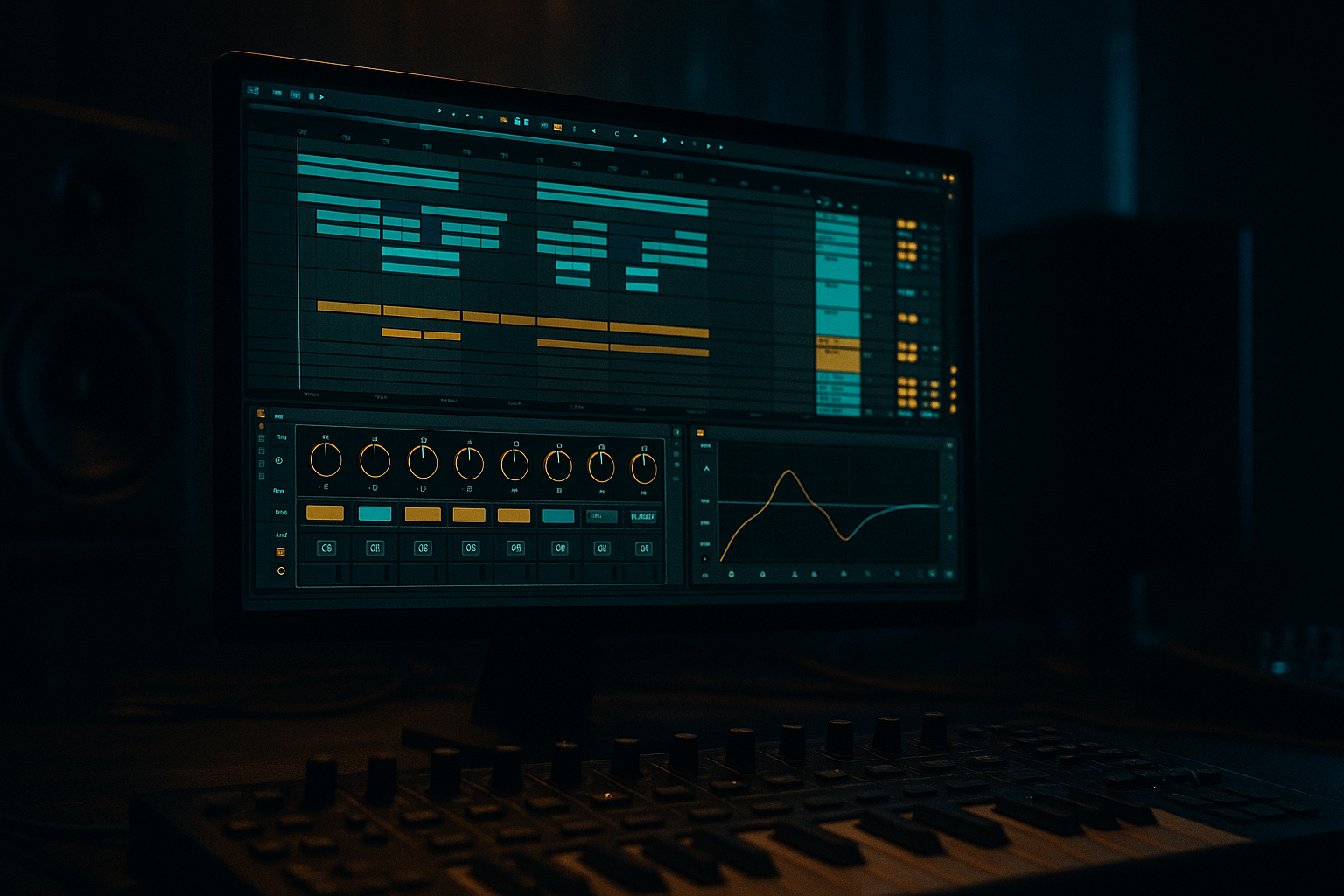
Main tutorial
Creative Warping of Breaks From Scratch (Clean Routing) — Ableton Live (DnB/Jungle) 🥁⚡
1) Lesson overview
In drum & bass, the break is often the engine: it provides groove, swing, “air,” and attitude. This lesson shows you a clean, repeatable routing system in Ableton Live to:
- Warp a break creatively (not just “match tempo”)
- Extract tight drum hits, ghost notes, and grime
- Build variation across a DnB arrangement without losing punch
- Keep your session organized, mix-ready, and resample-friendly 🎛️
- Beats mode can give that edgy, “sliced but not sliced” jungle urgency.
- Complex Pro is smoother but can smear hats if pushed.
- Hybrid Reverb (or Reverb)
- Keep it subtle: breaks should stay forward.
- Delay (or Echo)
- Saturator (Analog Clip on) → Compressor (or Glue) → EQ Eight
- Add warp markers around snare hits.
- Slightly pull the snare late (1–5 ms) for laid-back swagger, or push early for aggression.
- Apply asymmetrically: Bar 2 can be tighter than Bar 1.
- Duplicate the clip:
- Low-pass Clip B around 8–10 kHz and blend under A for texture.
- Interval: 1 Bar
- Grid: 1/16
- Variation: 10–20%
- Chance: 10–25%
- Pitch: 0 (or small -3 for darker)
- Filter: enable and set to band/LP for grit
- Duplicate a break clip and change Warp Mode:
- Automate Transpose down -2 to -7 semitones into a drop (classic tension move).
- Add warp markers on a few ghost hits.
- Tighten only those.
- This keeps it feeling like one performance but locks the pocket.
- Intro (8–16 bars): filtered break + room send, no sub yet
- Build (8 bars): add resampled stutters every 4 bars
- Drop (16–32 bars): main break clean + parallel crush + occasional fills
- Mid-drop variation (every 8 bars):
- Outro: strip to tops + room tail
- Break group HP filter frequency (EQ Eight)
- Return Crush send amount
- Beat Repeat Chance (only in fills)
- Clip Transpose for tension moments
- Over-warping every transient → kills groove and adds artifacts. Use fewer markers.
- Wrong Warp mode for the job → hats can smear (Complex Pro) or get too choppy (Beats). A/B quickly.
- No resample lane → you end up with 12 devices and no commitment. Print audio and edit.
- Too much low-end in the break → fights the sub/bass. High-pass responsibly (often 25–60 Hz depending on the break).
- Parallel crush too loud → sounds exciting solo, wrecks the mix. Blend it in quietly.
- Layer “dark air”: Duplicate break → low-pass at 3–6 kHz, add Saturator + Redux (bit reduction 6–10) very subtly, blend underneath.
- Snare weight without mud: On break bus, use EQ Eight: small boost around 180–220 Hz (wide) only if needed, then dip 300–450 Hz to keep it clean.
- Aggressive transient control:
- Reese-friendly pocket: Make a tiny dip around 90–140 Hz on the break bus if your bass lives there—keeps the drop massive.
- Print “wrecked” fills: Texture warp mode + Beat Repeat + heavy Saturator → resample → cut to 1/2-bar fills. Instant neuro/jungle hybrid energy.
- You learned a clean Ableton routing approach: source break + resample lane + break bus + returns.
- You warped breaks like a producer: tight where it matters, loose where it grooves.
- You used stock devices to generate DnB-ready variation: Beat Repeat, Saturator, Drum Buss, EQ Eight, Glue.
- You turned warping into arrangement fuel: fills, transitions, and darker/heavier textures—without trashing your mix.
You’ll use mostly stock devices: Simpler/Sampler, Drum Rack, EQ Eight, Saturator, Drum Buss, Auto Filter, Beat Repeat, Redux, Compressor, Glue Compressor, plus Return tracks.
---
2) What you will build
A Break Processing Bus and two-layer break system:
1. Break (Clean) Track
- The warped break, tightened and shaped
2. Break (Resample/FX) Track
- A resampling lane for creative warps, stutters, pitch drops, and distortion
3. Break Bus Group
- Consistent glue, EQ, transient control, and level management
4. Returns for DnB-friendly space:
- Short room ambience
- Tempo-synced delay “spray”
- Parallel crush (distortion/compression)
Result: a break that can go from tight roller to jungle chaos with clean gain staging and fast variation.
---
3) Step-by-step walkthrough
Step 0 — Project setup (quick but important)
1. Set tempo to a DnB range: 170–176 BPM.
2. Set Global Quantization to 1 Bar (easy arrangement) or 1/4 (more performance-based).
3. Create a group structure:
- Group: `BREAKS`
- Inside: `Break Clean`, `Break Resample`
- Optional later: `Break Tops`, `Break Ghosts`, `Break Fills`
Why: DnB sessions get dense fast. The group gives you one fader to ride and one place to process.
---
Step 1 — Import and choose the right Warp mode
1. Drag a break (e.g., an Amen-style or tight funk break) into Arrangement View on `Break Clean`.
2. In Clip View:
- Enable Warp
- Set Seg. BPM correctly if Live guesses wrong
- Warp Mode:
- For classic breaks: start with Complex Pro (good overall)
- For more transient punch: try Beats mode with:
- Preserve: Transients
- Transient Loop Mode: Off (for clean) or Forward (for grit)
- Envelope: 0–15 (lower = more choppy/punchy)
DnB tip:
---
Step 2 — Warp like a drummer (not a grid robot)
The goal is groove: you want it tight enough to roll, but not sterile.
1. Right-click the clip → Warp From Here (Straight) on the first downbeat.
2. Find key hits (kick/snare) and place Warp Markers:
- Bar 1 beat 1: Kick
- Bar 1 beat 2: Snare
- Bar 1 beat 3: Kick
- Bar 1 beat 4: Snare
3. Instead of hard-quantizing every transient, do this:
- Tighten snare backbeats (2 and 4) close to grid
- Let ghost notes breathe (small timing drift = groove)
4. Use Ctrl/Cmd + drag a warp marker to micro-stretch between hits.
Workflow suggestion:
Zoom in and adjust only 6–10 markers for a 2-bar loop. Over-warping destroys vibe.
---
Step 3 — Create a clean routing foundation (bus + parallel)
#### A) Group & bus
1. Select `Break Clean` + `Break Resample` → Group Tracks (Cmd/Ctrl+G) → name `BREAKS`.
2. On the `BREAKS` group, add:
- EQ Eight
- HP filter around 25–35 Hz (remove sub rumble)
- Small dip 250–400 Hz if boxy
- Gentle shelf 8–12 kHz if hats need air (optional)
- Glue Compressor
- Attack: 3–10 ms
- Release: Auto or 0.1–0.3 s
- Ratio: 2:1
- Aim: 1–3 dB gain reduction
- Drum Buss
- Drive: 3–8
- Boom: 0–10% (be careful with sub)
- Transients: +5 to +20 if you need snap
Why on the group: it keeps your break layers coherent and stops you from fighting levels later.
#### B) Returns (DnB-friendly)
Create 3 Return tracks:
Return A — “Room”
- Short decay: 0.3–0.7 s
- Low Cut: 200–400 Hz
- High Cut: 7–10 kHz
Return B — “Delay Spray”
- Time: 1/8 or 1/16
- Feedback: 15–30%
- Filter the delay (HP ~300 Hz, LP ~6–8 kHz)
Return C — “Crush Parallel”
- Saturator Drive: 6–12 dB
- Compressor: fast-ish attack, medium release
- EQ after to tame fizz (LP ~10–12 kHz)
Send your breaks lightly to Room + Crush; use Delay only for fills/transitions.
---
Step 4 — Make a resample lane for creative warps (the secret weapon) 🔥
This is where you get stutters, pitch dives, time-stretch chaos, and clean commit.
1. Create `Break Resample` audio track.
2. Set its input:
- Audio From: `Break Clean` (or `BREAKS` if you want the whole group)
- Monitor: In
3. Arm `Break Resample` and record 4–16 bars while you tweak warping/FX.
Clean routing rule:
Keep `Break Clean` as your “source of truth.” Do wild stuff on `Break Resample` so you can always go back.
---
Step 5 — Creative warp techniques (that still roll)
#### Technique 1: “Elastic push-pull” for jungle urgency
#### Technique 2: Hat smear vs hat chop
- Clip A: Warp Complex Pro (smoother hats)
- Clip B: Warp Beats (choppier)
#### Technique 3: Beat Repeat “controlled damage” 🎚️
On `Break Resample`, add Beat Repeat:
Record a pass into audio. Then cut the best moments into fills.
#### Technique 4: Warp mode switching inside arrangement
For fills/transitions:
- Main groove: Beats
- Fill section: Tones or Texture for weird time-stretch artifacts
#### Technique 5: “Micro-slice without slicing”
Still in an audio clip:
---
Step 6 — Turn the break into a playable DnB kit (optional but powerful) 🧩
This is how you get modern “break-informed” drums that punch like one-shots.
1. Right-click the break clip → Slice to New MIDI Track
2. Settings:
- Slice by: Transients
- Preset: Built-in → Sliced (or blank)
3. You get a Drum Rack with slices.
4. Clean up:
- In Drum Rack, group similar hits (kicks, snares, hats)
- Add Simpler per slice and adjust:
- Start to tighten
- Fade to avoid clicks
- Filter for tone
5. Create a MIDI pattern that mimics the original break, then:
- Swap kick/snare slices with your own one-shots
- Keep break hats/ghosts for vibe
Routing tip:
Route the Drum Rack output into the same `BREAKS` group so your bus processing stays consistent.
---
Step 7 — Arrangement ideas for rolling DnB (8–32 bar thinking)
Try this structure:
- 1 bar: switch to warped “Texture mode” break
- Last 1/2 bar: pitch drop + stop-time
Automation targets that matter:
---
4) Common mistakes
---
5) Pro tips for darker/heavier DnB 🖤
- Drum Buss Transients up, but watch harshness
- If hats get spitty, tame with Multiband Dynamics (gentle high band control) or EQ notch around 7–9 kHz.
---
6) Mini practice exercise (15–25 minutes) 🎯
1. Pick one 2-bar break and warp it to 174 BPM.
2. Create the clean routing:
- `Break Clean` + `Break Resample` → group `BREAKS`
- Add EQ Eight → Glue → Drum Buss on the group
- Create Returns: Room, Delay Spray, Crush
3. Record a 16-bar resample pass while:
- Switching Warp mode for fills (Beats → Texture)
- Turning Beat Repeat Chance up only on bar 8 and 16
4. Edit the resampled audio:
- Keep two 1-bar fills
- Keep one 1/2-bar stutter
5. Arrange:
- 8-bar intro, 16-bar drop
- Place fills at bar 8 and 16
Deliverable: one clean, rolling loop and one resampled variation, both routed through the same break bus.
---
7) Recap ✅
If you tell me which break you’re using (Amen, Think, Funky Drummer-style, modern pack, etc.) and your target sub style (rolling liquid vs dark neuro), I can suggest exact warp modes and a bus chain tuned to it.

