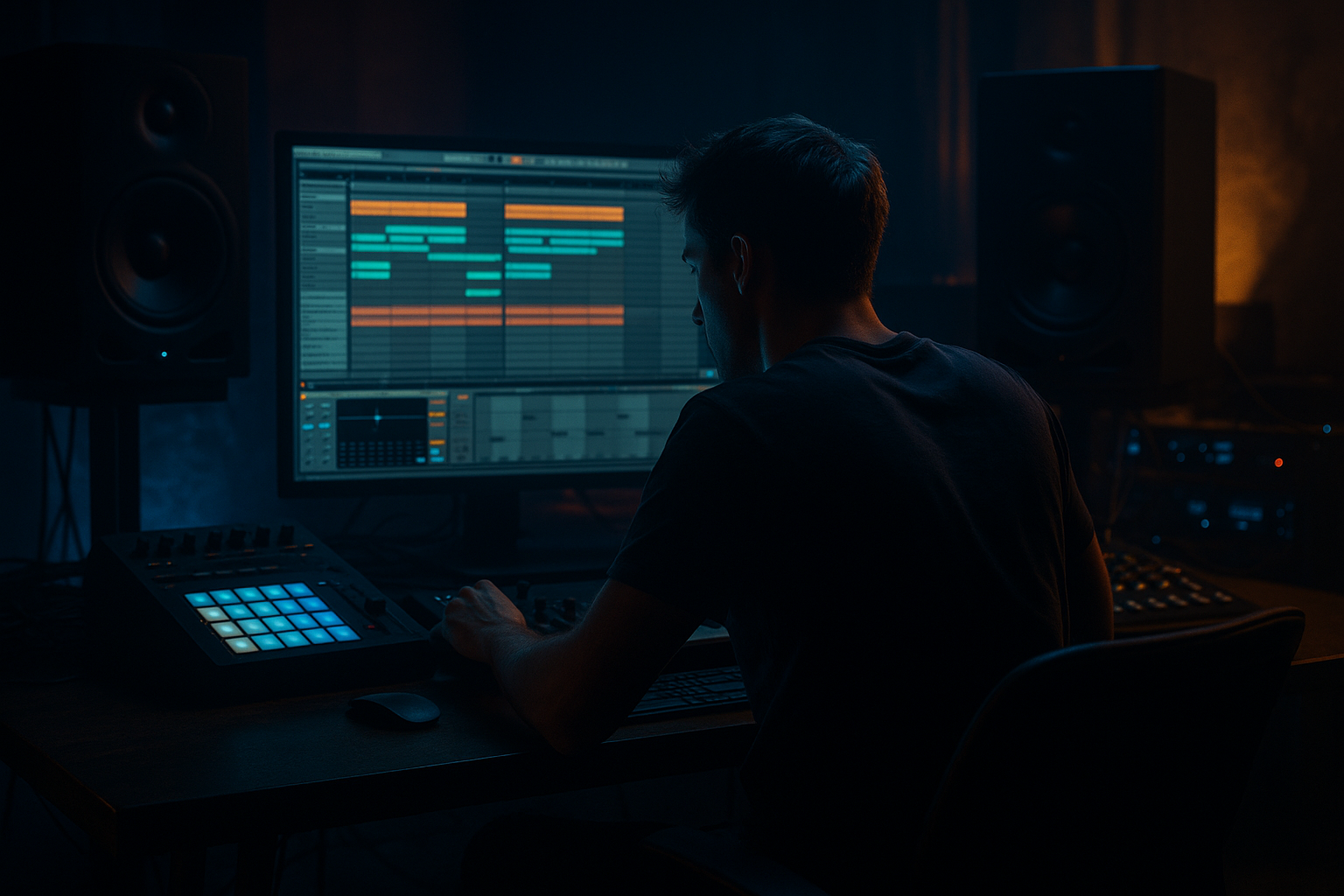
Main tutorial
```markdown
Dark Jungle Chord Progressions in Arrangement View (Ableton Live) 🕳️⚡
Skill level: Beginner • Category: Composition • Focus: Drum & Bass / Jungle vibe
---
1) Lesson overview 🎛️
In jungle and dark DnB, chords are rarely “happy pop progressions.” Instead, you’ll hear minor keys, tense intervals, short stabs, and moody sustained pads, often arranged with call-and-response around the drums and bass.
In this lesson you’ll learn how to:
- Pick a dark key and build simple, effective chord movements
- Create classic jungle chord stabs and a deeper pad layer
- Arrange them in Arrangement View so they support rolling drums and bass
- Use stock Ableton devices to get gritty, atmospheric weight
- Chord stab hook (syncopated, classic jungle)
- Pad/atmos layer (wide, dark, slow movement)
- A basic 8-bar chord progression that loops and evolves
- Automation and arrangement tricks so it feels like a real track section (intro → drop → variation)
- Notes in F natural minor:
- Use minor chords and occasionally add a flat 2 feel (G♭/F# vibe) by borrowing notes outside the scale sparingly.
- Use minor 7ths for lush darkness.
- 1.2.2 (the “&” after beat 2)
- 1.4.1 (beat 4)
- MIDI Note Editor → Random (tiny, 3–7) for velocity
- Nudge a few stabs slightly late (literally a few ms)
- Analog or Wavetable with a smoother waveform
- Slower envelope for sustained tone
- High-pass filter around 150–250 Hz
- Bars 1–9 (Intro):
- Bars 9–17 (Build):
- Bars 17–33 (Drop / Main loop):
- Filter Freq: start ~500 Hz, rise to ~2 kHz by bar 17.
- Dry/Wet lower during drop (8–15%)
- Higher in intro (18–25%) for space
- High-pass at ~180–300 Hz
- If harsh: small dip at 2.5–5 kHz
- If boxy: dip 300–500 Hz
- Using long, sustained chords as the main hook: jungle usually prefers stabs + pads, not constant sustained harmony.
- Too many chord changes: DnB often sits on 1–4 chords and uses rhythm/texture for movement.
- No low-cut on chords: if your chords have sub/low mids, your bass will feel weak and muddy.
- Over-reverb during the drop: it kills punch and speed.
- Perfect quantization: DnB benefits from micro-timing and velocity variation.
- Try minor 7ths and add9 sparsely:
- Pitch one stab up occasionally (+12 semitones) for tension, then return.
- Resample stabs (right-click track → Freeze → Flatten) and chop audio like old-school jungle.
- Add subtle noise/texture:
- Parallel grit:
- Use automation for menace:
- Choosing a minor key and using a simple 4-chord progression
- Turning block chords into syncopated stabs
- Layering a pad for atmosphere and depth
- Arranging in Arrangement View with automation for energy
- Using stock Ableton tools (EQ Eight, Auto Filter, Saturator, Reverb, Compressor sidechain) to make it sit in a DnB mix
---
2) What you will build 🔥
A short 32-bar DnB/jungle musical arrangement containing:
We’ll aim for 170–174 BPM and a dark minor key (example: F minor).
---
3) Step-by-step walkthrough ✅
Step 0 — Project setup (DnB-ready) 🥁
1. Set tempo to 172 BPM.
2. Set time signature to 4/4.
3. In Arrangement View, turn on the grid:
- Right-click grid → Fixed Grid
- Start with 1/8 for stabs, 1/4 for chord blocks.
Workflow tip: Use Arrangement View from the start. DnB is about energy over time, so arranging early helps you hear what your chords actually do in context.
---
Step 1 — Choose a dark key + scale (simple and reliable) 🎹
Pick a minor key: F minor works great for weighty DnB.
F, G, Ab, Bb, C, Db, Eb
Quick “darkness” cheat codes:
---
Step 2 — Make a chord instrument: “Jungle Stab” rack 🌩️
Create a MIDI track: Cmd/Ctrl + Shift + T
Name it: CHORD STAB
#### Option A (super quick): Wavetable stab
1. Load Wavetable (stock).
2. Set:
- Osc 1: Saw (or Basic Shapes → Saw-ish)
- Voices: 4–6
- Unison: ~20–40% (don’t overdo—stabs need bite)
3. Amp Envelope:
- Attack: 0–5 ms
- Decay: 300–600 ms
- Sustain: 0%
- Release: 80–150 ms
#### Add a classic DnB chord chain (stock devices):
Put these after Wavetable:
1. Saturator
- Drive: 2–6 dB
- Soft Clip: On
2. Auto Filter
- Filter: Low-pass 24
- Freq: ~1.2–3 kHz (adjust to taste)
- Resonance: 10–20%
3. Chorus-Ensemble (subtle width)
- Amount: 10–25%
- Rate: slow
4. Reverb
- Size: Medium
- Decay: 1.2–2.5 s
- Predelay: 10–25 ms
- Dry/Wet: 10–20%
5. Utility
- Width: 120–150%
- (Optional) Bass Mono: On (if available in your version)
DnB rule: Keep the chord stab wide, but don’t let it fight the bass. We’ll cut low end later.
---
Step 3 — Write a dark 8-bar progression (beginner-friendly) 🎼
Create an 8-bar MIDI clip on CHORD STAB.
Here are two proven dark jungle progressions in F minor. Pick one.
#### Progression 1 (classic minor movement)
Each chord lasts 1 bar (then we’ll “stab” rhythmically):
1. Fm (F–Ab–C)
2. Db (Db–F–Ab)
3. Eb (Eb–G–Bb) (note: G is outside F natural minor, but common in DnB for lift)
4. Cm (C–Eb–G)
Repeat for 8 bars.
#### Progression 2 (darker, more “haunted”)
1. Fm7 (F–Ab–C–Eb)
2. Ebm7 (Eb–Gb–Bb–Db) (borrowed color = darker)
3. Dbmaj7 (Db–F–Ab–C)
4. Cm7 (C–Eb–G–Bb)
Repeat.
Beginner method: Start with triads (3 notes). Add the 7th later if you want more mood.
---
Step 4 — Convert block chords into jungle stabs (rhythm matters) 🥁🎹
In jungle/DnB, chords often hit off-beats and leave space for drums.
In the MIDI clip:
1. Draw your chord notes as long blocks (1 bar each).
2. Now slice them into stabs:
- Use 1/8 grid.
- In each bar, try this pattern:
- Hit on beat 2 “and” (2.2)
- Hit on beat 4 (4.1)
- Make each stab about 1/8 to 3/16 long.
Example stab placement per bar (simple):
Then repeat with small variations.
Human feel:
Select all notes → Groove Pool (or just use:
---
Step 5 — Add a pad layer for depth (Arrangement glue) 🌫️
Create a second MIDI track: PAD / ATMOS
Instrument idea (stock):
Suggested chain:
1. Wavetable (or Analog)
- Amp Attack: 20–60 ms
- Release: 1.5–4 s
2. Auto Filter
- LP12 or LP24
- Freq: 400 Hz – 2 kHz (automate later)
3. Reverb
- Larger than stabs
- Decay: 3–6 s
- Dry/Wet: 20–35%
4. Echo
- Time: 1/4 or 3/16
- Feedback: 15–30%
- Filter the echo (hi-cut ~4–8k)
Copy the same chord progression but hold chords for 2 bars each (less busy).
Important: Add EQ Eight at the end:
This keeps the pad out of your bass/sub zone.
---
Step 6 — Arrange it in Arrangement View like a real DnB section 🧱
Now we’ll place clips and create a “mini track” structure.
#### A simple 32-bar layout:
- PAD only (filtered down)
- Very occasional STAB (1 hit every 2 bars)
- Bring in STAB rhythm (simple pattern)
- Open PAD filter slightly
- Full STAB pattern (more syncopation)
- PAD continues but slightly quieter
#### Automation moves (stock devices):
On the PAD Auto Filter, automate:
On STAB Reverb, automate:
DnB arrangement rule:
At the drop, things often get tighter and punchier, not washier. Save huge reverb for intros/breaks.
---
Step 7 — Make the chords sit with drums + bass (basic mix moves) 🎚️
Even in composition lessons, this is essential in DnB.
On CHORD STAB, add EQ Eight near the end:
Add Compressor sidechain (classic DnB pump):
1. Add Compressor to CHORD STAB
2. Enable Sidechain
3. Input: your Kick (or a drum bus)
4. Settings:
- Ratio: 2:1 to 4:1
- Attack: 1–10 ms
- Release: 80–150 ms
- Lower threshold until you see 2–5 dB gain reduction
This keeps your chords moving around the drums without fighting them.
---
4) Common mistakes 🚫
---
5) Pro tips for darker/heavier DnB 🖤
Fm7, Dbmaj7, Cm7 can sound instantly “cinematic jungle.”
Put Vinyl Distortion very lightly or layer a low-level field recording.
Send stabs to a return track with Saturator + Reverb, then keep the send low. You’ll get darkness without losing clarity.
Automate Auto Filter resonance or Saturator drive in the 2 bars before the drop.
---
6) Mini practice exercise 📝
Do this in 15 minutes:
1. Pick a key: F minor or G minor.
2. Create two chord tracks:
- CHORD STAB (short, punchy)
- PAD (wide, long)
3. Write a 4-chord loop (8 bars total).
4. Arrange:
- Bars 1–9: PAD only, filtered
- Bars 9–17: add sparse stabs
- Bars 17–33: full stabs
5. Add:
- EQ Eight high-pass on both chord tracks
- Sidechain compression on STAB from kick
6. Export a quick 32-bar bounce and listen away from the project.
Ask: “Do the chords feel dark and rhythmic, or just ‘there’?”
---
7) Recap ✅
You built a dark jungle chord idea by:
If you want, tell me what key you like and what bass style you’re using (Reese, sub + mid, neuro-ish, etc.), and I’ll suggest a progression + stab rhythm that matches it.
```

