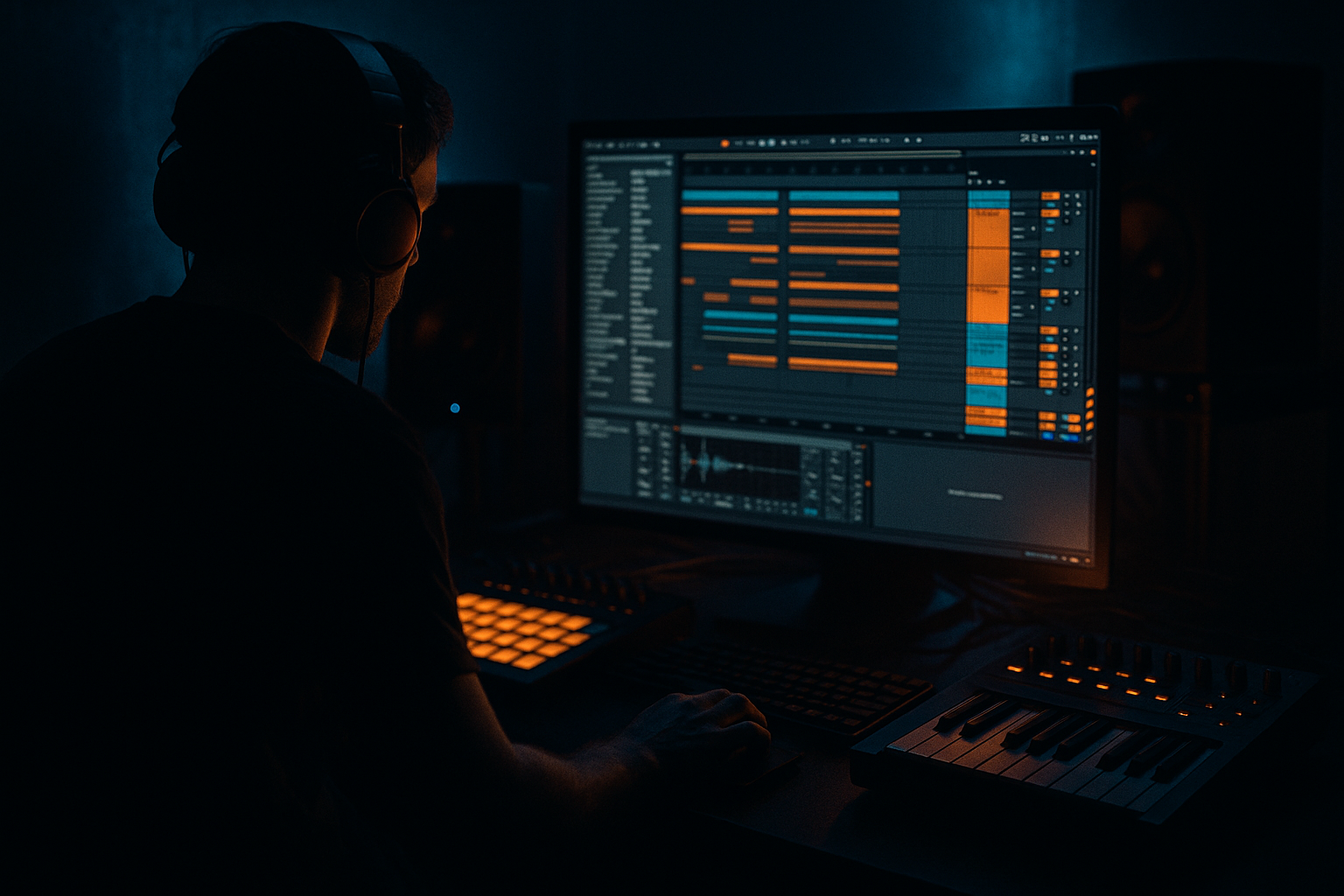
Main tutorial
```markdown
Darkside Jungle Impact: Flip & Arrange in Ableton Live 12 (Intermediate) 🖤🥁
1) Lesson overview
In this lesson you’ll take a classic jungle-style break, flip it into a darkside drum & bass groove, and then arrange it into a full, high-impact track section inside Ableton Live 12.
We’ll focus on: tight slicing, aggressive edits, punchy layering, gritty resampling, and arrangement techniques that make the drop hit.
---
2) What you will build
By the end, you’ll have:
- A 2-bar darkside jungle break loop (tight, swung, and heavy)
- A reinforced kick/snare layer that translates on big systems
- A “dark pressure” reese/sub foundation (simple but effective)
- A 32–64 bar arrangement with intro tension, drop impact, and variation
- A resampling workflow so you can commit edits and keep moving 🚀
- Add swing via Groove Pool:
- Use filtered break (high-passed) + atmos.
- Bring in percussion fragments (tiny break slices, low volume).
- Add a “warning” element: distant horn stab / noise swell.
- Auto Filter (HP sweep)
- Reverb (large, 20–40% wet on sends)
- Echo (dotted 1/8 or 1/4, feedback 20–40%)
- Start introducing the snare on 2 & 4 more clearly.
- Add a riser (noise + pitch automation).
- Create a 1-bar gap at bar 32:
- Full break + one-shot layers + bass.
- Every 4 or 8 bars, do one change:
- Introduce a new reese modulation or octave jump.
- Add an extra percussion layer (ride pattern) or remove hats for “airless” darkness.
- Consider a half-bar breakdown at bar 56:
- Over-warping the break: if it loses punch, try different warp modes (Beats vs Tones) or reduce transient artifacts.
- Layering without phase checking: kick layers can cancel. Flip polarity (Utility → Phase invert L/R) or nudge one layer by a few ms.
- Too much distortion too early: dark ≠ blurry. Keep a cleaner “core” layer and distort a duplicate in parallel.
- No arrangement variation: a sick 2-bar loop isn’t a drop until it evolves every 4–8 bars.
- Sub fighting the break: breaks often contain low thump—high-pass the break so your sub owns 30–80 Hz.
- Parallel menace bus 😤
- Resample your fills
- Use silence as impact
- Dark tone shaping
- Stereo discipline
- Warp cleanly, then Slice to MIDI for full break control.
- Build a 2-bar darkside jungle pattern with swing + ghost notes.
- Layer modern kick/snare for translation and punch.
- Resample + distort for character, then edit audio for impact.
- Arrange in 8-bar blocks with small but frequent variations.
- Keep sub mono, carve lows out of breaks, and use sidechain for space.
---
3) Step-by-step walkthrough
A. Session setup (so your groove lands)
1. Tempo: set to 170–174 BPM (try 172 as a sweet spot).
2. Create groups:
- DRUMS (break)
- DRUMS (one-shots)
- BASS
- FX / ATMOS
3. Set your master headroom:
- Put Utility on Master and set Gain -6 dB (temporary).
Keeps you from “mixing into red” while you build.
---
B. Choose a break and prep it (the jungle DNA)
1. Drag a breakbeat sample into an audio track (e.g., Amen-type, think classic jungle energy).
2. In the Clip view:
- Warp: ON
- Warp Mode: Beats
- Preserve: Transients
- Transient Loop Mode: Off
- Set Seg. BPM if Live guesses wrong, then right-click → Warp From Here (Straight) on the first clean downbeat.
3. Tighten the start:
- Zoom in and place the Start Marker exactly at the first transient.
- Add a tiny Fade In (1–3 ms) to avoid clicks.
Goal: a clean, in-time break that responds well to slicing.
---
C. Slice to MIDI for real control (the flip begins) ✂️
1. Right-click the warped clip → Slice to New MIDI Track.
2. Settings:
- Slice by: Transients
- Create one slice per: Transient
- Slicing preset: Built-in → Sliced Beat
3. Live creates a Drum Rack with slices.
Now you can rewrite jungle like it’s Lego.
---
D. Build a darkside 2-bar pattern (impact + movement)
Target vibe: rolling DnB drive with jungle swing, but darker and heavier.
1. Create a 2-bar MIDI clip on the new Drum Rack track.
2. Find the key hits:
- Identify the main snare slice (usually on 2 and 4 feel).
- Identify a kick slice and a ghost note slice (small hat/shuffle bits).
3. Program this structure (starting point):
- Snare: hard hits on beat 2 and 4 (DnB backbone).
- Kick: place on 1, plus syncopated hits around 1.3 / 3.3 (ear-driven).
- Ghost notes: sprinkle fast little bits before the snare (classic jungle urgency).
Groove tip:
- Try MPC 16 Swing 57–62
- Apply at 30–60%, then commit if it feels right.
---
E. Reinforce with one-shots (modern weight, old-school rhythm)
Classic breaks often need modern low-end consistency.
1. Create a new MIDI track: DRUMS (one-shots).
2. Load a Drum Rack with:
- Kick (clean, short, sub-compatible)
- Snare (body + crack)
- Optional: ride/hat layer
3. Layer strategy:
- Kick layer: follow your break’s main kicks (not every tiny hit).
- Snare layer: match the break snare placements (2 and 4).
4. Processing chain ideas (stock devices):
- Kick chain:
- EQ Eight: HP at 25–30 Hz, small dip around 200–300 Hz if boxy
- Drum Buss: Drive 5–15, Boom 0–20 (tune Boom to track key)
- Saturator: Soft Clip ON, Drive 2–6 dB
- Snare chain:
- EQ Eight: add 180–220 Hz (body) or 2–5 kHz (crack)
- Glue Compressor: 2:1, Attack 10 ms, Release Auto, 1–3 dB GR
- Redux (optional): subtle grit, Downsample 1.2–2.5, Dry/Wet 5–15%
---
F. Make it “darkside”: resample + distort the break (controlled chaos) 😈
Here’s where the character happens.
1. On the break Drum Rack track, create an Audio track called BREAK RESAMPLE.
2. Set its input:
- Audio From: Break track (Post-FX) or Resampling
3. Add a processing chain to the Break group (or the break track):
- EQ Eight: cut sub below 40–60 Hz (leave sub space for bass)
- Saturator: Analog Clip, Drive 3–8 dB
- Roar (Live 12):
- Mode: try Tape or Distort
- Drive: 10–30%
- Filter: low-pass around 10–14 kHz if it gets fizzy
- Mix: keep it 30–70% depending on aggression
- Compressor (or Glue): fast control
- Attack 3–10 ms, Release 50–120 ms, 2–5 dB GR (listen!)
4. Record 4–8 bars of your break into audio.
5. Now re-edit the audio:
- Chop out a 1-bar “money loop”
- Add stutters (1/16, 1/32) right before snares
- Reverse a tiny percussion tail into the snare hit
- Pitch a slice -2 to -5 semitones for darker weight (warp OFF for clean pitch, or use Complex/Complex Pro for vibe)
Why resample? It commits tone and makes arrangement faster (and more “record-like”).
---
G. Bass foundation (simple, dark, effective)
Even though the lesson is break-focused, the impact comes from bass + drums together.
Option 1: Reese with stock devices
1. Add a MIDI track: BASS.
2. Load Wavetable:
- Osc 1: Saw
- Osc 2: Saw (detune slightly)
- Unison: 2–4, Amount moderate
3. Add processing:
- EQ Eight: low shelf if needed, small notch around 250–400 Hz if muddy
- Saturator: Drive 2–6 dB, Soft Clip ON
- Auto Filter: low-pass at 80–200 Hz, automate for movement
4. Add Sub (separate track is best):
- Operator: sine wave, keep it clean
- Low-pass (if needed), minimal processing
DnB habit: keep sub mono.
Use Utility on sub track: Width 0%.
---
H. Sidechain / space: let the drums punch
1. On your bass (or bass group), add Compressor:
- Sidechain: from Kick layer (or a dedicated ghost kick)
- Ratio 3:1–5:1
- Attack 1–5 ms
- Release 50–120 ms
- Aim for 2–6 dB gain reduction on kick hits
This makes the kick feel louder without turning it up.
---
I. Arrangement: build impact like a proper darkside roller 🧱
Let’s sketch a 64-bar structure you can repeat and extend.
#### Bars 1–16: Intro tension (DJ-friendly)
Ableton devices for tension:
#### Bars 17–32: Pre-drop lift
- Mute the kick on the last beat
- Add a tape-stop feel: use Pitch envelope or automate filter down
- Short impact hit (sub drop + crash)
#### Bars 33–48: Drop (main loop + variation)
- Swap one snare ghost
- Add a 1/16 stutter
- Add a quick reverse cymbal into snare
- Alternate between “clean” and “distorted” resample
Practical method:
Duplicate your 8-bar drop loop 2–4 times, then edit only 2–3 moments per block. Minimal work, maximum movement.
#### Bars 49–64: Second phrase / darker twist
- Kill bass for 2 beats → bring it back hard.
---
J. Drum bus glue (final punch without killing dynamics)
On the DRUMS group:
1. Glue Compressor:
- 2:1
- Attack 10 ms
- Release Auto
- 1–2 dB GR (don’t crush jungle transients)
2. Drum Buss:
- Drive 3–10
- Crunch 0–15
- Boom subtle (or OFF if you already have sub weight)
3. Limiter (optional, gentle):
- Just catching peaks, not loudness-maxing
---
4) Common mistakes
---
5) Pro tips for darker/heavier DnB
Send drums to a return with:
- Roar (heavier)
- EQ Eight (cut lows)
- Compressor (squash)
Blend return at -18 to -10 dB for controlled aggression.
Print a fill, then re-chop it. You’ll get “designed” fills that feel intentional and heavy.
A 1/8 or 1/4 beat mute right before a snare makes the snare feel twice as loud.
- Low-pass noisy tops slightly (10–14 kHz)
- Boost “threat” zones carefully: 180–250 Hz (weight), 2–4 kHz (bite)
- Sub mono always
- Break high-end can be wide (use Utility or subtle widening), but don’t widen the whole drum bus too much.
---
6) Mini practice exercise (20 minutes) ⏱️
1. Pick one break and Slice to MIDI.
2. Make three different 2-bar patterns:
- A: rolling standard
- B: more syncopated (extra kicks)
- C: darker (pitched-down ghost slices, fewer hats)
3. Resample each pattern to audio.
4. Arrange 32 bars:
- 8 intro (filtered)
- 8 build
- 16 drop
5. Add two fills:
- One stutter fill (1/16)
- One reverse/stop fill
Export a rough bounce and listen on headphones + speakers. Note what disappears.
---
7) Recap
If you want, tell me what break you’re using and your target vibe (90s darkside, modern neuro-jungle, techstep edge), and I’ll suggest a specific 2-bar MIDI pattern + device chain tailored to it. 🥁🖤
```

