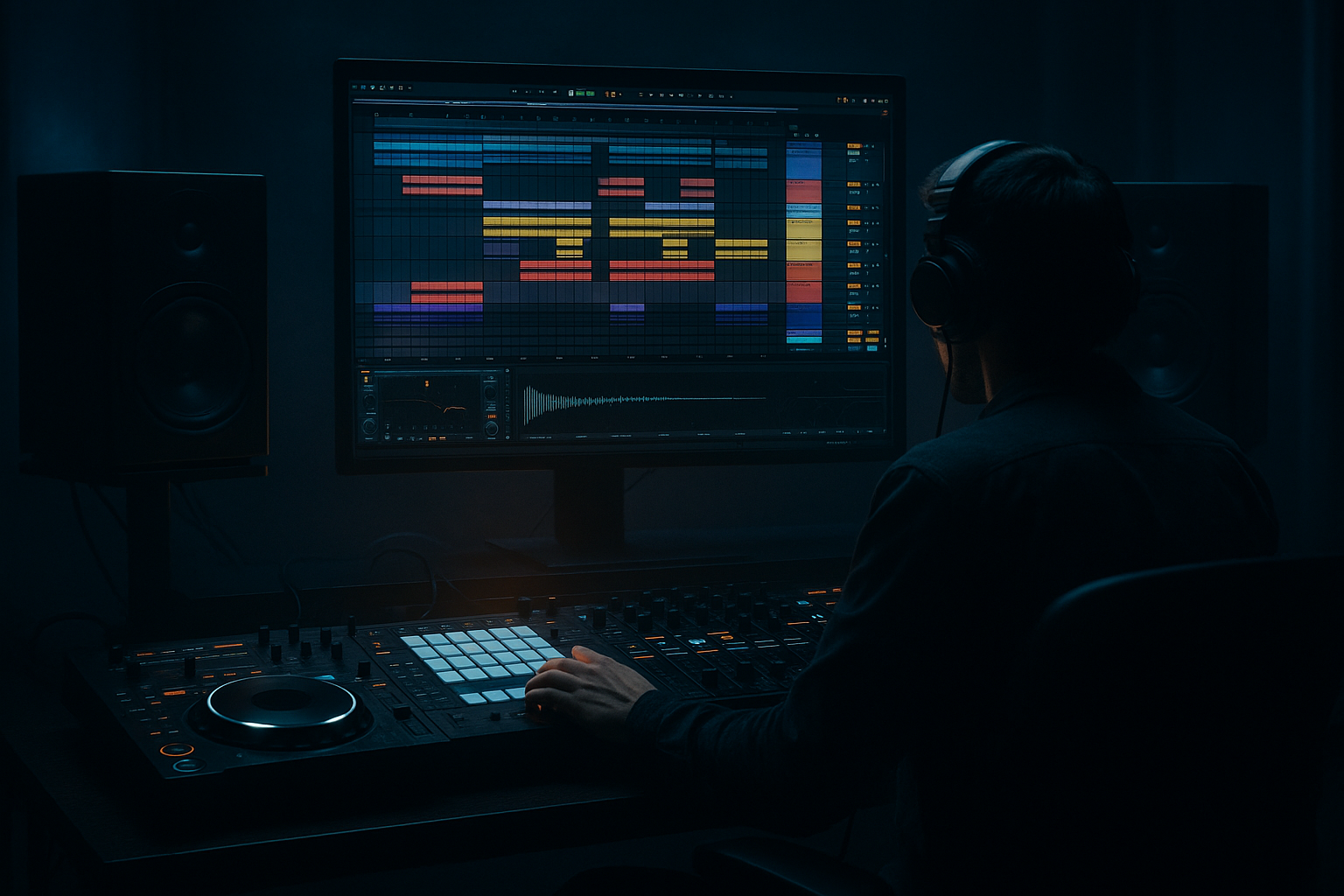
Main tutorial
1. Lesson overview
This is an advanced, practical Ableton Live tutorial focused on arranging drum & bass tracks so they’re DJ-friendly in a club context. You’ll learn concrete arrangement templates, device chains and settings, workflow tactics for exportable DJ tools (long intros/outros, stems, cue points), and tricks to make your tracks mix cleanly in a DJ set. Expect explicit Ableton stock-device chains (EQ Eight, Compressor, Drum Buss, Utility, Saturator, Glue Compressor, Reverb/Echo, Multiband Dynamics), precise setting suggestions, and concrete clip/arrangement examples rooted in rolling DnB/jungle.
Be ready to apply this to 174–176 BPM material, heavy sub-bass, and fast, punchy drums. Let’s make your tracks easy to mix and devastating on a big system. 🎛️🔥
2. What you will build
- A DJ-friendly arrangement skeleton for a 2–3 minute club edit plus a full track arrangement.
- A reusable Ableton Arrangement/Session workflow: long intro/outro (loopable), DJ tools (stems and FX returns), and a master chain optimized for club loudness without killing mix dynamics.
- Device chains and mix bus settings for punchy drums, controlled sub, and dark/heavy DnB tones.
- A short export routine to produce DJ-ready WAV stems and a 64-bar DJ intro.
- Arrangement View: Intro (64 bars) → Build → Drop → Main → Outro (64 bars)
- Session View: Scenes for DJ Intro loop, Drop loop, FX only, Bassless Intro (for quick live mixing)
- Return tracks: Long Echo/Verb + Short Smasher + Vinyl/Noise DJ FX
- Drum Rack (or imported drum stems) → Drum Buss → Saturator → Glue Compressor → EQ Eight → Limiter (optional)
- Suggested Drum Buss settings: `Drive: 2–5`, `Boom: 1–3` (for character), `Transient: 2–4` (adds punch).
- Saturator: `Medium Curve`, `Drive: 1–3 dB`, `Dry/Wet: 30–50%` — subtle grit.
- Glue Compressor (on bus): `Ratio 4:1`, `Threshold` set to yield `2–4 dB` of GR, `Attack: 1–10 ms` (lower for transients), `Release: Auto` or `50–100 ms`.
- EQ Eight: High-pass at 30–40 Hz to clean sub rumble from non-sub elements; gentle `–1 to –3 dB` cut at 300–500 Hz if muddy. Use linear phase if doing heavy processing (toggle if latency acceptable).
- Bass group chain: Saturator -> EQ Eight (surgical) -> Multiband Dynamics -> Utility (width)
- Multiband Dynamics: Use it to compress mid/high bands slightly so the sub stays clean. Set low band crossover ~120 Hz. On the low band, set soft compression: `Threshold` to get 1–3 dB of GR, `Release` 80–150 ms.
- Utility: Set `Width 100%` for full stereo elements, but set low frequencies (<120 Hz) to mono before exporting: use Utility with `Width 0%` on a sub-send or using EQ Eight’s L/R separation (or a simple duplicating route where a low-pass copy is inserted with Utility Width 0%).
- Use `Compressor` on bass group triggered by kick (or drum bus) for tightness:
- For multi-band sidechaining: use Multiband Dynamics and sidechain the top/mid band so sub doesn’t get pumped too much.
- Goal: Create 32/64-bar loops with DJ-friendly elements separated so DJs can mix.
- Build a 64-bar intro composed of:
- For outro: Mirror the intro but gradually strip elements to allow the incoming track to win the frequency space. Keep full kick and claps for easy mixing.
- Create Session View scenes corresponding to arrangement sections: `DJ Intro 64`, `Bassless Intro`, `Drop Loop`, `Main Loop`, `Outro 64`.
- For each main arrangement part, create a duplicate lane with one element removed (e.g., drums only, drums+bass, drums+bass+lead). These are “mixing strips” DJs love.
- Create dummy clips (MIDI or audio) that automate a track device (Auto Filter cutoff, Utility gain, Send levels). Set `Launch` quantization to 1 bar and `Loop` to 8 bars for DJ-friendly trigger timing.
- Use Follow Actions on an FX-only clip to randomly throw filter open/closed every 8 bars for dynamic intro playability.
- Return A (Long Echo): `Reverb (Hall settings)` -> `Echo` (or Delay with feedback) -> `EQ Eight` (cut lows)
- Return B (Smash/Short): `Saturator` -> `Compressor (Glue light)`, short decay reverb. This is your “smasher” for DJ-friendly punctuations.
- Return C (Noise/Vinyl): `Utility` + `EQ` to keep only top end >1kHz, `Volume` automation to smear mixes.
- Keep send knobs on main tracks and automate or map to a controller for live performance.
- Use 8-bar phrasing everywhere. DJs expect sections to loop by 8/16/32 bars. Mark clip names and place Arrangement Locators at start of each 8-bar block (`Cmd/Ctrl+K` for key mapping, or use locators).
- Place cue markers and add a `_DJIntro` and `_Outro` label in the clip titles.
- Stems to export: `01_Drums.wav`, `02_Bass.wav`, `03_LeadsPads.wav`, `04_Vocals.wav`, `05_FX.wav`
- Export settings: `WAV`, `24-bit`, `Sample Rate: 48 kHz` (common for club systems), `Normalize: Off`, `Dither: Off` if 24-bit. Export with an additional 4 bars of silence at the beginning and end.
- For DJ Intro export: render a 64-bar `DJ_Intro.wav` version with a quiet -6 dB master so it sits well in club mixers.
- Insert on Master: `Utility` -> `EQ Eight` -> `Glue Compressor` -> `Multiband Dynamics` (sub control) -> `Saturator` (subtle) -> `Limiter`
- Utility: `-1.0 to -3.0 dB` gain staging if needed.
- EQ Eight: high-pass at ~20 Hz, notch any obvious resonances.
- Glue Compressor: `2–3 dB` of GR, `Attack 30 ms`, `Release: Auto`.
- Multiband Dynamics: Slightly tame mids/high if they poke.
- Limiter: `Ceiling -0.3 dB`, `Lookahead 1–2 ms`, Threshold to give 1–4 dB of gain reduction for club loudness. Avoid over-limiting — preserve transient energy for DnB.
- Short intros/outros: DJs need 32–64 bars to mix. Make them too short and your track becomes unmixable.
- Over-compressing/making the master too loud: kills transients and makes tracks muddy on club rigs. Preserve 1–4 dB of master GR with Glue and limit carefully.
- Not mono’ing the sub: Stereo sub can phase out on club systems. Keep <120 Hz mono.
- No loopable structure: If sections aren’t cleanly loopable in 8/16/32 bars, DJs can’t create stable mixes.
- Too much low end in top loops/FX: send all big reverb tails and long delays through HP filters so they don’t collide with sub.
- Neglecting cues and labeling: DJs work fast — name intro/outro/stems and place locators.
- Sub handling: keep a dedicated routed sub channel (low-pass <100–120 Hz) and process it separately. Use `EQ Eight` low-shelf and `Utility` width 0% on this channel.
- Aggressive mid saturation: Duplicate your bass into a mid-layer, run it through `Saturator (Drive 6–12 dB)` + `Glue` to make snarling mids that cut through the mix while leaving the sub untouched.
- Multiband distortion: On the bass group, use `Multiband Dynamics` then `Saturator` only on the mid band — this gives nasty harmonics without bloating sub.
- Dark atmos & space: Use `Reverb` with `Predelay 80–150 ms`, very low high cut (~3–5 kHz), and low wet (10–25%). Automate sends for accents.
- Drum aggression: on the drum bus add `Transient shaping` via `Drum Buss` and two layered parallel chains — dry (natural punch) and heavy (Saturator + Overdrive + short Glue compression) blended by `Utility`.
- Dynamic sub-drop: for the drop, automate a short cutout of the bass's low end (HP filter at 90 Hz for 2 bars) then slam it back in — creates violence and weight when sub returns.
- Stereo imaging: leave top-end FX wide (Utility width 100–180% via chorus style tricks) but keep 20–120 Hz mono. If you want a wider low mid, automate small widening (Utility width 110–120%) on non-sub bands for huge club spread.
- Each 8-bar chunk should loop cleanly.
- No bass content in the intro (sub is muted).
- Sends are audible but roll off below ~400 Hz.
- Make long, loopable 32–64 bar intros and outros arranged in 8-bar phrases so DJs can mix easily. 🎚️
- Use clear device chains: drum bus (Drum Buss → Saturator → Glue → EQ), bass bus (Saturator → Multiband Dynamics → Utility mono low), and sensible master chain (Utility → EQ → Glue → Multiband → Limiter).
- Separate stems and create Session View Scenes for quick manual mixing in a DJ context; export a dedicated DJ intro with headroom (-6 dB) and stems (24-bit, 48 kHz).
- Keep subs mono, avoid over-limiting, use sidechain intelligently, and put long FX on returns (HP filtered) for club-ready tails.
- For darker/heavier DnB, emphasize multiband distortion, parallel saturation on drums, and aggressive dynamic automation for drops.
- Provide a downloadable template Ableton Live set with the exact track/return routing, clip names, and device chains.
- Walk you through converting a full track into a DJ intro/outro via screen-share-style step instructions.
Files/layout you’ll end up with:
3. Step-by-step walkthrough
Prereqs: Ableton Live (preferably Suite), a finished mix of your track elements (drum stems, bass, lead, pads, vocals). Set BPM to the DnB sweet spot (174–176 BPM).
A. Project and tempo setup
1. Set project tempo: `174–176 BPM`.
2. Create tracks and groups: Drums (Group), Bass (Group), Synths/Leads (Group), FX & Atmos (Group), Vocals (if any). Create Return tracks: `A: Long Echo (Reverb+Echo)`, `B: Short Smash (Saturator->Glue)`, `C: Noise/Vinyl`. Enable `Sends` visible.
B. Drum bus chain (stock devices)
Chain on the drum group (apply to both stems and Drum Rack outputs):
C. Bass bus chain
D. Sidechain and ducking
- Compressor: `Sidechain: On (from Drum Bus or Kick audio)`, `Ratio 3–6:1`, `Attack 1–8 ms`, `Release 60–160 ms`, `Threshold` to taste so the bass ducks noticeably under the kick transient. For heavier pumping set faster release (80–120 ms).
E. Long intro & outro strategy (DJ-friendly)
- Bars 1–16: Kick + closed hats + low percussive top loop (no bass), low-pass the synths at ~4kHz and hold minimal fill.
- Bars 17–32: Add percussion layers (open hats, shakers), subtle top-end FX (vinyl clicks, hi-hat rolls).
- Bars 33–48: Drop a minimal melodic stab or filtered pad (low volume), introduce a long reverb/echo send automation to create tails.
- Bars 49–64: Add snare rolls or tom builds culminating in a small hiccup before the drop (if present). This 64-bar block should be loopable every 8 bars and very easy to beatmatch.
F. DJ Tools: session clips and variation lanes
G. Returns and FX for DJ mixing
- Echo suggested: `Ping Pong off`, `Delay Time: 1/4 or dotted 1/4` (at 174 BPM choose musical divisions), `Feedback 30–60%`, `Filter: Low cut ~400 Hz` to avoid mud.
H. Arrangement placement & loopability
I. Exporting DJ stems & club WAV
J. Master chain (stock devices)
4. Common mistakes
5. Pro tips for darker/heavier DnB
6. Mini practice exercise (30–60 minutes)
Goal: Create a 64-bar DJ-friendly intro that loops and a 64-bar outro from existing track stems.
Step-by-step:
1. Create a new Ableton set at 174 BPM and import your drum stems and one bass stem (mute the bass for the intro).
2. Make a 64-bar MIDI marker in Arrangement view. Set the global grid to 1 bar.
3. Build the intro:
- Bars 1–16: Place Kick on every quarter, closed hat 16th groove, top percussion loop (light), send levels to Long Echo at 10%.
- Bars 17–32: Add open hats, rhythmic percussion fills every 8 bars, increase Echo send to 15–20% on a percussion roll.
- Bars 33–48: Add filtered pad (Auto Filter with LPF freq 2.5 kHz, resonance 2), automate cutoff slowly open from 50% to 35% cutoff (slow sweep).
- Bars 49–64: Add snare roll using a short snare loop or MIDI, modulate a Utility volume rise of +3 dB over 8 bars, then quick drop to silence for 1 bar before the drop.
4. Create Session duplicate of this 64-bar block as a Scene called `DJIntro_64`.
5. Export the 64 bars as `DJIntro_64.wav` at 24-bit 48kHz, with master at -6 dB to keep headroom.
6. Test: Load the exported file into a new Live set, warp in `Beats` mode, set transient preservation to 16 samples, and trigger looping. Ensure loops align perfectly.
Checkpoints:
7. Recap
If you want, I can:
Want that Live set template? I’ll include track names, return device racks, and export slices ready to paste into your project. 🚀

