Main tutorial
1. Lesson Overview
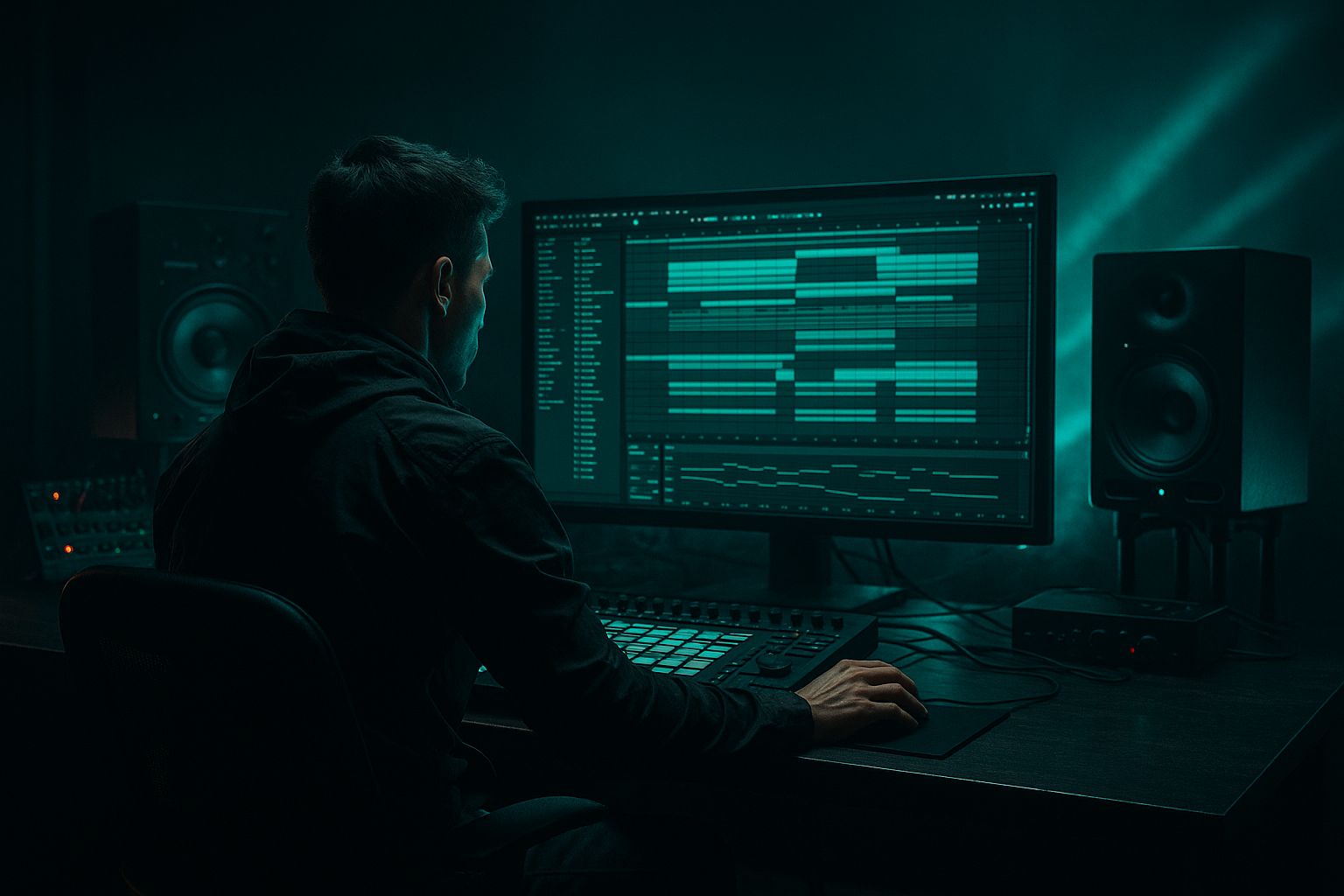
"DJ Marky approach: warp a breakdown in Ableton Live 12 for 90s-inspired darkness" — a beginner-friendly mastering lesson that shows how to take the breakdown section of a Drum & Bass track and treat it in the final master so the break breathes darker, older-school, and slightly off-grid in the spirit of 90s jungle/DnB. We’ll use Ableton Live 12 stock devices and clip-warping tools, work on a duplicated breakdown clip (non-destructive), and finish with gentle mastering chain moves so the warped breakdown sits naturally in the final master without trashing dynamics.
2. What You Will Build
- A non-destructive, warped breakdown clip inside your master session that:
- Over-warping the full mix: dragging warp markers too far ( >40 ms) makes the mix sound phasing and unnatural.
- Using Re-pitch or extreme transpose on the full master: large pitch shifts will change vocal formants and tempo perception — keep transpose small and prefer Complex Pro for full mixes.
- Applying heavy saturation/distortion on the master bus while also using a saturated Breakdown Bus — results in clipped or overly harsh sound.
- Forgetting to match loudness: the processed breakdown may sound louder purely from saturation or compression; always A/B by matching RMS or subjective loudness.
- Applying wide Width increases on the low-end: widening sub-bass destroys mono-compatibility. Keep low frequencies narrow.
- Use Automation: automate the Clip Transpose or Formant slightly through the breakdown (very subtle) to create movement rather than a static pitch shift.
- Use Sends for Warble Effects: put Grain Delay or Frequency Shifter on a Send and send only a small amount from the breakdown bus — this helps keep control and invites parallel blending.
- Reference a DJ Marky-era track: load a reference track into Live’s reference channel and compare spectral shape (Spectrum) and transient response while you tweak.
- Use the Utility device’s Width automation to narrow lows (set a Utility after EQ on the breakdown bus and automate Width from 60% in lows to 100% in highs using clip or envelope automation).
- Keep an eye on phase: after warping and slight pitch changes, flip the phase to check mono compatibility. Use Utility’s Phase Flip to audition.
- Working non-destructively (duplicate the mix and isolate the breakdown clip)
- Using Live’s Warp (Complex Pro), warp markers, and small transpose/formant changes to push a laid-back 90s groove
- Building a parallel processing bus with stock devices (EQ Eight, Saturator, Grain Delay/Frequency Shifter, Multiband Dynamics, Reverb) to darken and age the breakdown while preserving dynamics
- Finishing with subtle compressor/limiter steps and careful loudness matching so the warped breakdown sits coherently in the final master
- Sits slightly behind the beat for a laid-back 90s feel
- Is subtly pitch-lowered and spectrally darkened
- Uses parallel (bus) processing so the main master remains intact
- Ends with a conservative mastering chain (EQ, multiband control, saturation, limiter) to keep loudness and tone consistent
3. Step-by-Step Walkthrough
Preparation (project setup)
1. Duplicate your full mix/master audio track: select the master mix clip (or export/import the full mix as a single audio file) and create a new audio track titled "Breakdown Warp Bus". Drop only the breakdown audio region into that track in Arrangement view.
2. Mute or deactivate transient automation on the master while you work, and set global tempo to your track BPM. Save a versioned project (e.g., songname_master_v1) so changes are non-destructive.
Warping the breakdown clip
3. Double-click the breakdown clip to open Clip View. Enable Warp (button top-left of Clip View).
4. Set Warp Mode to Complex Pro — this preserves timbre for full mix sections. If you’re working with a single drum loop or heavily percussive break, try Beats mode with low Transient setting; for full stereo breakdowns, stick with Complex Pro.
5. Match Seg. BPM to your set BPM if Live didn’t detect it correctly. Right-click → ‘Warp From Here (Straight)’ if needed to anchor the clip at the bar grid.
6. Add warp markers sparingly: Cmd/Ctrl + Click on the transient you want to move, then drag the warp marker slightly backward (10–40 ms) on key kicks/snaps to push the feel slightly behind the beat — this is a hallmark of the relaxed, dark break feel used by many DJs/producers of the early era. Keep changes subtle — large shifts sound unnatural in a full mix.
7. If you want a slight pitch warble: use the Clip Transpose control. Try -0.5 to -2 semitones. In Complex Pro you’ll also see Formant control — modestly lower formant (-0.5 to -1.5) for a darker, fuller tone without unnatural chipmunking.
Create a parallel-processing bus (non-destructive)
8. Create an Audio Track called "Breakdown Master Bus". Send the breakdown clip track to this bus using the track’s Send or route the clip only to this track (Set Input to the breakdown track and arm/record-monitor Off). This keeps the main master intact and lets you blend the processed breakdown in and out.
9. Place a Utility device first on the Breakdown Master Bus to control level and width while you audition.
Darkening chain using stock devices (on Breakdown Master Bus)
10. EQ Eight (gentle shaping):
- Low-cut at 25–30 Hz (to remove sub rumble).
- Slight mid boost around 200–600 Hz (+1 to +2 dB) to add warmth/analog feel.
- Low-pass automation: place an EQ Eight Resonant Low-Pass (slope 6–12 dB) controlled by automation or an LFO to sweep highs down slightly (roll-off above 8–10 kHz by -1 to -3 dB) during the breakdown to create darkness.
11. Saturator:
- Insert Saturator after EQ. Set Drive low (1–3 dB), Soft Clip on, and use the Dry/Wet around 20–35% for parallel warmth rather than full distortion.
12. Vinyl Distortion or Redux (option):
- Vinyl Distortion with amount 1–4 to create subtle crackle and analog grit. Or use Redux at low rate/bit reduction values for lo-fi character — keep the effect subtle.
13. Grain Delay or Frequency Shifter for micro-variance:
- Use Grain Delay with very short delay (1–10 ms) and small pitch shift or use Frequency Shifter with tiny modulation (Hz set to <0.5 and dry/wet 5–15%) to add small warble/instability — classic aging tape/dub warble.
14. Reverb (conservative):
- Place Reverb with Dry/Wet 5–12%, Decay short (0.8–1.5s). Low-cut the reverb by 300–600 Hz to avoid muddying the lows.
15. Dynamics control (Multiband Dynamics):
- Insert Multiband Dynamics to slightly tighten the low band (threshold where the kick sits), ratio mild (1.5–2.5), make-up gain modest. The goal is to keep the breakdown’s low end under control without flattening it.
16. Final limiter and matching to master:
- Add Glue Compressor or Compressor in glue-style to slightly glue the bus (-1 to -2 dB gain reduction). Then a limiter (Limiter device) set with ceiling -0.3 dB. Use the bus output fader to A/B match the processed breakdown level with the original to avoid loudness bias.
17. Blend back to taste:
- Use the Breakdown Master Bus track volume and the original master track unmuted. Toggle the processed bus in/out (hot key: track enable) to compare. Aim for the darker, warped version to sit naturally rather than overpowering.
Master bus touches (safe for beginner mastering)
18. On the main master track use Spectrum to compare tone balance before/after. If overall tone shifted dark, add a subtle high-shelf (+0.5–1.5 dB) on EQ Eight after the master chain to restore presence only if the whole mix needs it.
19. Bounce/export both versions (original vs. warped breakdown) and compare on different systems.
4. Common Mistakes
5. Pro Tips
6. Mini Practice Exercise
A short, 20–30 minute practice you can follow:
1. Load a full mix audio file with a clear breakdown (or export a rough mix of yours and import it).
2. Duplicate the track and isolate a 16-bar breakdown on a separate audio track named "Practice Breakdown".
3. Warp the breakdown in Complex Pro, add 3 warp markers to nudge the kick and snare back by 15–25 ms.
4. Transpose the clip -1 semitone, formant -0.8.
5. Create a bus and add EQ Eight (low cut 30 Hz, +2 dB at 350 Hz, low-pass -2 dB above 10 kHz), Saturator (Drive 2 dB, Dry/Wet 25%), Grain Delay set to 4 ms with dry/wet 10%, Multiband Dynamics on low band with gentle compression.
6. Switch the processed bus on/off and export two WAVs (original vs processed). Listen on headphones and on monitors and note what changed.
7. Recap
This lesson showed how to apply the "DJ Marky approach: warp a breakdown in Ableton Live 12 for 90s-inspired darkness" by:
Follow the practice exercise twice: once conservative, once slightly bolder. Save both results and A/B them in different listening environments to internalize what small timing and spectral changes do for a 90s-inspired DnB breakdown.

