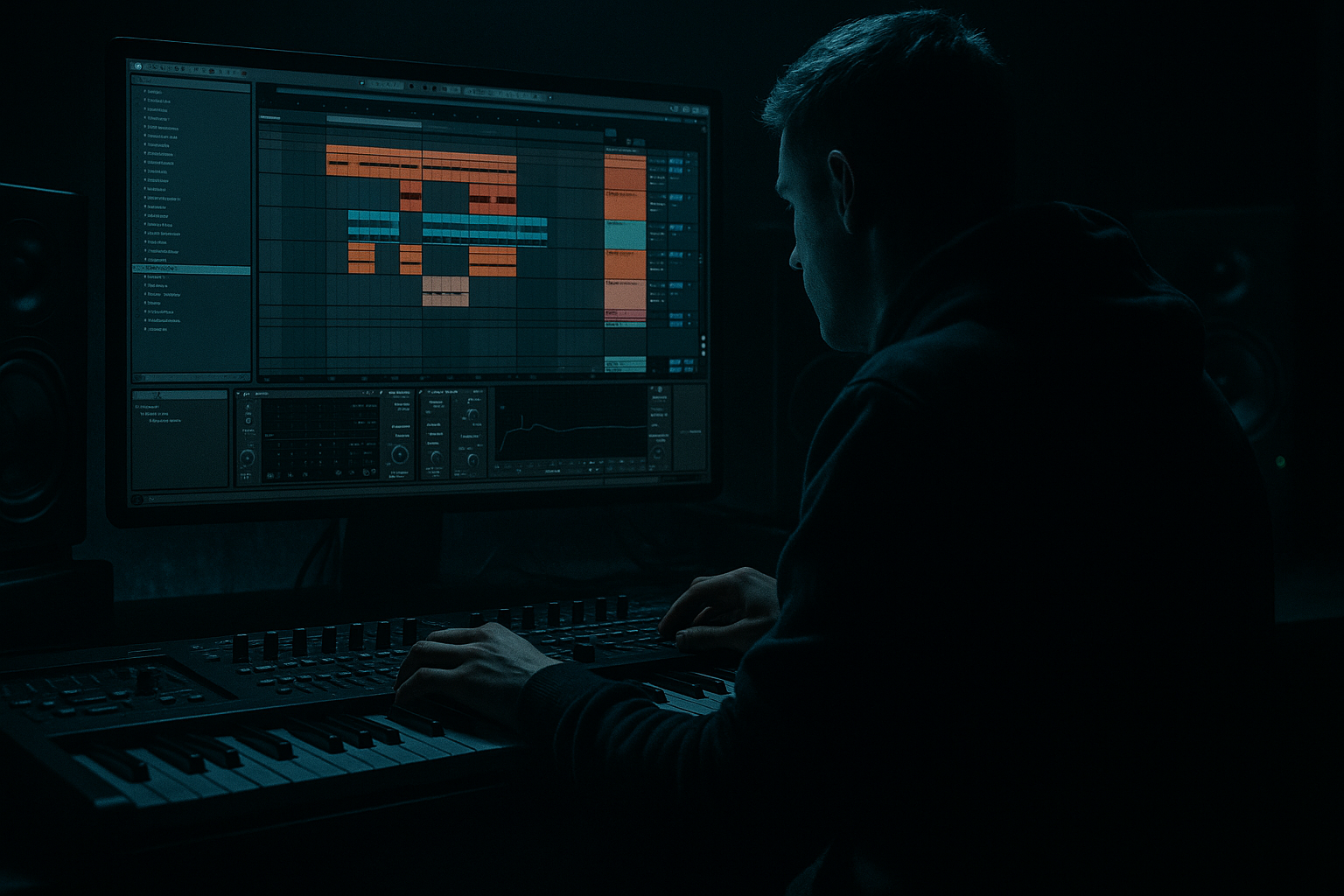
Main tutorial
Lesson Overview
Drop offset is one of the simplest ways to make a DnB drop hit harder without just turning the sub up louder. In this lesson, you’ll learn how to create a heavyweight offset effect in Ableton Live 12 by resampling a bass hit, shifting the playback slightly off the grid, and using that tiny timing move to create more impact, swagger, and pressure. This works especially well for jungle, oldskool DnB, rollers, and darker bass music where the drop needs to feel rude, rolling, and alive rather than perfectly clean.
In a DnB track, the drop offset technique usually shows up right at the first bar of the drop, or on a key answer phrase after a drum fill. The idea is to let the kick/drum energy land first, then bring in the sub or bass a hair later, so the listener feels a stronger contrast between the empty space and the arrival of low-end. That contrast is what makes the sub feel huge. 🎛️
Why this matters in DnB: our genre lives and dies on low-end timing. A bassline that is technically “on time” can sometimes feel smaller than one that is offset by just a few milliseconds or a 16th-note delay. In jungle and oldskool DnB, that slightly late or displaced bass movement can also create that gritty, human, breakbeat bounce that instantly makes a drop feel more underground.
---
What You Will Build
By the end of this lesson, you’ll build a simple but powerful drop moment in Ableton Live 12:
- A tight drum loop with a break-inspired feel
- A resampled sub hit and bass stab
- A slightly offset bass entry that lands after the drums for extra weight
- A clean arrangement idea for a one- or two-bar drop phrase
- A resampling workflow you can repeat for future DnB drops
- Making the bass too late
- Offsetting the whole low end without checking the drums
- Using a wide stereo sub
- Leaving clicky audio edits after resampling
- Letting the bass overpower the kick and snare
- Forgetting that the offset should feel musical
- Over-processing before printing
- Print multiple versions
- Use the offset only on certain phrases
- Pair the offset with a break edit
- Add subtle saturation before resampling
- Use call-and-response
- Keep the sub and mid bass separate
- Use tension in the bar before the drop
- Reference real DnB phrasing
- Drop offset is a timing trick that makes bass feel heavier by letting drums hit first.
- In DnB, small timing shifts can create a huge groove difference.
- Build a clean mono sub first, then offset it by a few milliseconds.
- Resample the result so you can edit it like audio.
- Keep the bass and drums tight, simple, and musical.
- Use the offset as part of the drop arrangement, not just a random delay.
- For heavier DnB, contrast is everything: space, timing, and then impact.
Musically, the result will feel like this: the first kick/snare or break chop hits, the sub stays back for a split second, then the bass slams in with more perceived size. Think oldskool jungle energy with modern bass control. You’ll also learn how to print the result to audio so you can edit it like real drum and bass material instead of endlessly tweaking a MIDI clip.
---
Step-by-Step Walkthrough
1. Set up a simple DnB drop skeleton
Start a new Live set and set the tempo to something in the DnB range, like 170 BPM. For an oldskool jungle vibe, you can also work around 160–172 BPM depending on the feel you want.
Build a basic loop:
- Drums: use an Ableton Drum Rack with a kick, snare, and a chopped break layer
- Bass: create one MIDI track with Operator, Wavetable, or Analog
- FX: add a noise riser or impact on a separate audio track if needed
Keep the first test loop very simple: 1 bar of drums and a bass note on the drop. You want the timing difference to be obvious before you make it musical.
Good beginner target:
- Kick on 1
- Snare on 2 and 4
- Bass note starting on the “and” of 1 or slightly after beat 1 depending on the groove
2. Make a clean heavyweight sub in Operator or Wavetable
For the sub source, use a stock Ableton synth that can stay stable and mono.
Easy starting point with Operator:
- Oscillator A: sine wave
- Turn off extra oscillators
- Envelope attack: 0–5 ms
- Decay: 200–400 ms
- Sustain: full or near full
- Release: 50–120 ms
Or use Wavetable:
- Choose a sine or clean basic waveform
- Filter mostly open
- Keep it mono if possible
- Reduce unneeded movement at first
Put Utility after the synth and set:
- Width: 0% for mono sub discipline
- Gain if needed, but keep headroom
Add Saturator after Utility if the sub needs harmonics:
- Drive: 1–4 dB
- Soft Clip: On
- This helps the sub translate on smaller systems without making it fuzzy
Why this works in DnB: the sub is the foundation, but if it’s too wide, too distorted, or too long, the offset trick won’t feel punchy. You need a solid low-end “anchor” before shifting it in time.
3. Program a short bass phrase with a deliberate gap
Now write a one- or two-bar bass phrase in MIDI. Keep it simple:
- One long note on the first bar
- One short answer note later in the bar
- Leave space around the snare hits
For jungle and oldskool DnB, try phrasing like:
- Bass note starts just after the first kick
- Another note answers after the snare
- Leave a tiny gap before the main bass movement returns
Suggested note lengths:
- Long note: 1/2 bar to 1 bar
- Short stab: 1/8 to 1/4 bar
Keep velocity changes small but intentional if your synth responds to them.
If you want more movement, add Auto Filter or use Wavetable’s filter:
- Cutoff around 100–250 Hz for a muffled intro note
- Open up the filter on the second note for more aggression
4. Create the offset feel before resampling
This is the key move. The “drop offset” is usually not about making everything late. It’s about shifting the bass arrival so the drums hit first.
Try one of these beginner-friendly methods:
- Move the bass MIDI note 10–30 ms late
- Or nudge the whole bass clip a tiny amount to the right
- Or leave the MIDI on-grid but delay the audio track using Track Delay in the mixer by +5 to +20 ms
Best beginner starting range:
- +10 ms for subtle push
- +20 ms for more obvious drag
- Avoid going too far unless you want a very sloppy, dubby feel
Listen with just kick, snare, and bass. The goal is to feel the kick and snare “speak” first, then the sub arrives and feels larger because of the space around it.
5. Resample the bass hit into audio
Now print the sound so you can edit it like real DnB audio. This is where the technique gets fun.
In Ableton Live 12:
- Create a new audio track
- Set Audio From to your bass synth track
- Choose Post-FX if you want the full processed sound
- Arm the track
- Record the bass phrase into audio
Alternatively, use Freeze and Flatten if you want a quick printed version, but standard resampling gives you more freedom to capture exactly the timing you hear.
Once recorded, you now have a bass audio clip that can be:
- Trimmed
- Time-shifted
- Faded
- Reversed
- Chopped into pieces
This is especially useful in jungle and oldskool DnB because so much of the energy comes from editing audio like a sampler, not just relying on MIDI playback.
6. Trim the audio so the offset hits with impact
Open the resampled clip and zoom in. Find where the sub actually starts audibly, not just where the MIDI note began.
Then do this:
- Trim the clip so the first strong low-end transient lines up where you want it
- Leave the clip slightly late if that creates more punch
- Add tiny fades at the start/end to prevent clicks
Two practical placement ideas:
- Bar 1: drums only or drums plus a tiny atmospheric pickup
- Beat 2 or the “and” of 2: bass arrives with more force after the early drum hit
- Bar 2: full bassline phrase opens up after the initial tension
If the bass is too soft after trimming, raise the clip gain a little or use Saturator before printing next time.
This is the heart of the technique: the offset is created by the relationship between the drums and the bass audio, not just by turning a knob.
7. Shape the low end with stock Ableton devices
Put a few finishing tools on the resampled bass if needed:
- EQ Eight
- High-pass only if there is unwanted rumble below 25–30 Hz
- Use a gentle cut if one note blooms too much around 80–120 Hz
- Saturator
- Drive: 1–3 dB for extra density
- Soft Clip: On
- Utility
- Width: 0% on the sub layer
- Use the Gain control for level matching
- Drum Buss on the drum group, not the sub itself
- Drive lightly for extra snap
- Boom only if it doesn’t cloud the sub
If your bass has higher mids or a Reese layer, split it:
- Keep the sub mono and clean
- Let the mid bass have movement, distortion, or stereo width
- This keeps the offset punchy without making the mix messy
8. Arrange it like a real DnB drop
A practical arrangement for this idea:
- Intro: filtered drums or a break loop, no full sub
- Pre-drop fill: snare roll, reverse crash, or drum pickup
- Drop bar 1: drums land first, bass comes in slightly offset
- Drop bar 2: more bass movement or a second phrase
- Bar 4 or bar 8: switch-up with a different bass rhythm or break edit
For jungle / oldskool energy, use the offset bass as a call-and-response:
- First half of the bar: drums answer the silence
- Second half: bass slams in and locks to the break
If you’re building a roller, keep the bass more repetitive and let the offset create the groove.
If you’re making a darker neuro-leaning section, use the offset on a heavier bass stab, then automate extra filter movement or distortion on the repeat.
9. Use automation to make the offset feel more intentional
Once the audio is printed, automate a few small changes:
- Auto Filter cutoff: open slowly across the first 4 bars
- Reverb send on a snare or impact: short and subtle
- Utility gain: tiny level lift into the drop if needed
- Saturator drive: automate more drive on the second phrase for extra aggression
Keep automation simple. Beginner rule: one or two clear changes is enough.
A nice DnB trick is to automate the bass slightly brighter in the second half of the phrase so the offset doesn’t stay static. That gives the drop more forward motion without losing the low-end foundation.
10. Check the groove in context and print your final choice
Now listen to the full loop with drums and bass together.
Check:
- Is the kick still clear?
- Does the snare punch through?
- Does the bass feel bigger when it comes in late?
- Is the low end still mono and controlled?
Compare:
- Bass exactly on the grid
- Bass 10 ms late
- Bass 20 ms late
Pick the version that makes the drop feel strongest, not the one that looks neatest in the grid. In DnB, feel wins. If the offset creates more head-nod and the sub seems larger, that’s your winner. Then resample that final choice again so you can commit and move on with the arrangement.
---
Common Mistakes
- Fix: stay in the 5–20 ms range for most subtle DnB offset work
- Fix: solo drums and bass together; the groove must still lock
- Fix: use Utility to keep the sub mono
- Fix: add tiny fades at the start and end of clips
- Fix: lower the bass clip gain and add mild saturation instead of more volume
- Fix: test the bass against the snare and break chop, not in isolation
- Fix: keep the source sound simple, then shape the printed audio after resampling
---
Pro Tips for Darker / Heavier DnB
- Resample the same bass phrase with offsets at 0 ms, 10 ms, and 20 ms
- Choose the version that makes the drop feel most dangerous 😈
- Keep the first hit late, then bring the next one tighter
- This contrast makes the drop feel more alive
- A chopped amen or classic break tail before the bass entry makes the sub feel even heavier
- Saturator or Drum Buss can help the bass read on smaller systems
- Don’t overdo it; you want pressure, not fuzz soup
- Let the drums answer the bass and the bass answer the drums
- This is a huge part of jungle and oldskool DnB phrasing
- Print the clean sub first
- Add a second audio layer for distorted mids if needed
- Remove the sub briefly, automate a filter, or leave a silence pocket
- The offset hits harder when the ear expects full low end and gets it a hair later
- Oldskool and rollers often leave more space than beginners expect
- The “weight” comes from timing and contrast, not constant bass density
---
Mini Practice Exercise
Set a timer for 15 minutes and do this:
1. Create a new 170 BPM set.
2. Build a 1-bar drum loop with kick, snare, and a chopped break.
3. Program a simple sub bass in Operator using a sine wave.
4. Duplicate the bass clip three times.
5. Nudge the three versions by:
- 0 ms
- +10 ms
- +20 ms
6. Resample each version to audio on separate tracks.
7. Loop the drums and bass together and compare all three.
8. Pick the version that hits hardest and bounce it to a new audio track.
9. Add Saturator and EQ Eight if needed.
10. Listen once in mono using Utility to check low-end discipline.
Goal: by the end, you should know which offset amount gives your drop the most weight for jungle or oldskool DnB vibes.
---

