Main tutorial
Lesson Overview
A dub siren is one of those sounds that instantly signals oldskool jungle energy: tense, playful, and a little bit dangerous. In Drum & Bass, it works especially well as a call-and-response device, a transition hook, or a rude little warning signal right before a drop, break edit, or bass switch.
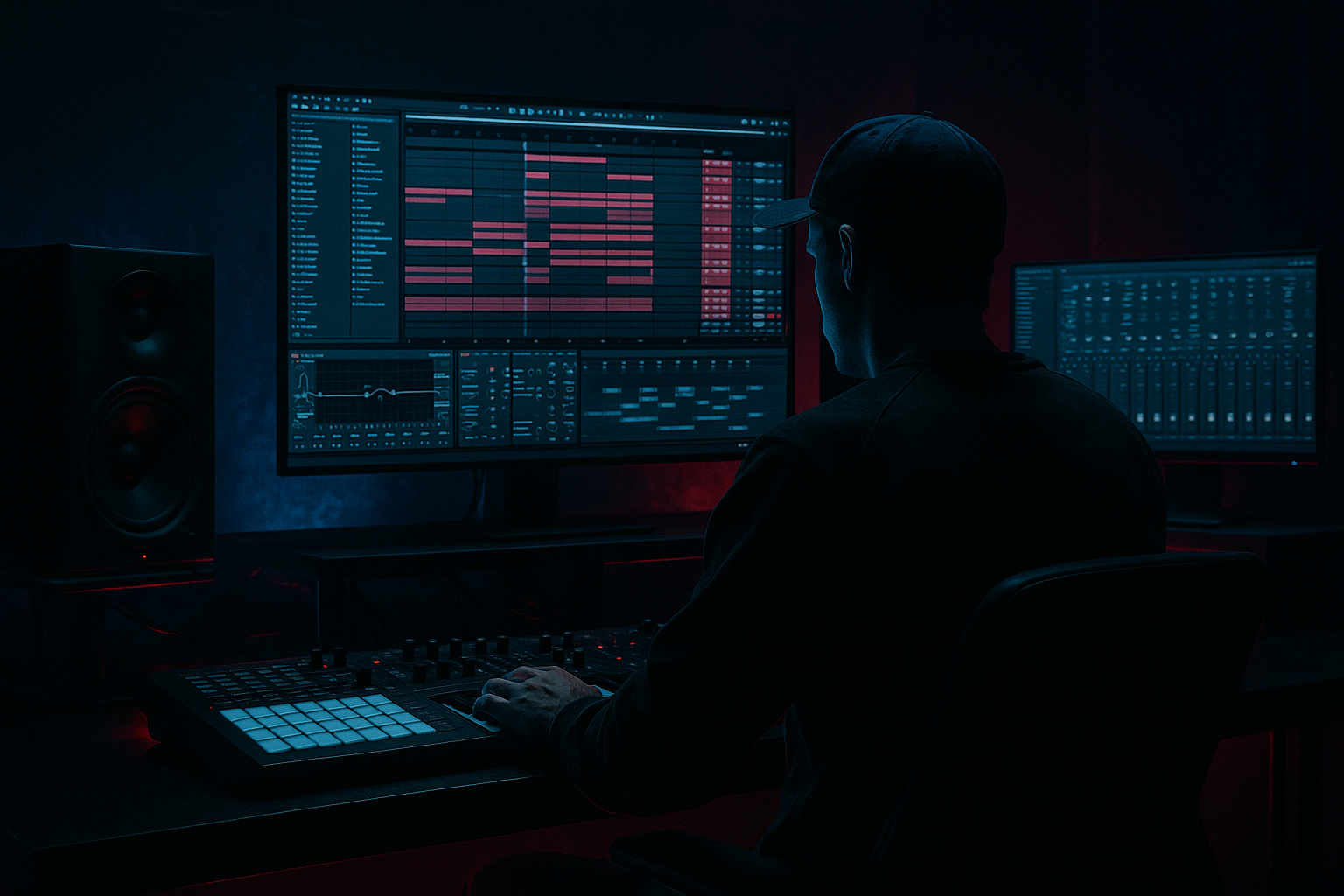
In this lesson, you’ll build a dub siren inside Ableton Live 12, then perform it in Session View and carve it into a proper Arrangement View part so it feels intentional, musical, and ready for a real DnB track. The focus is not just on making the siren sound good in isolation, but on making it sit inside a jungle/rollers context with drums, bass, and movement.
Why this matters in DnB: the genre lives on contrast and tension. A siren can cut through dense breakbeats, signal a phrase change, and add that raw sound-system vibe without needing a huge amount of notes. If you control its pitch, filter, timing, and automation, it becomes a powerful arrangement tool rather than just a novelty effect.
---
What You Will Build
By the end, you’ll have:
- A dub siren instrument made from stock Ableton devices
- A Scene-based Session View performance using short phrases and automation
- An Arrangement View pass with:
- A siren tone that works in oldskool jungle, rollers, and darker DnB
- A version that can sit over breaks, reese bass, and sub without clogging the mix
- Making the siren too bright
- Using too much reverb
- Playing too many notes
- Ignoring the drum groove
- Leaving the low end in the siren
- Not automating it
- Use band-pass filtering for more menace
- Resample the siren
- Stack a second octave quietly
- Drive into saturation before delay
- Use siren call-and-response with the bass
- Automate silence
- Keep it DJ-friendly
- Build the dub siren with stock Ableton devices
- Keep the source simple, then add saturation, filtering, and controlled delay
- Use Session View to perform phrases before committing to the arrangement
- Place the siren where it supports drum phrasing and drop tension
- High-pass it, automate it, and keep it clear against sub and break transients
- In DnB, the best sirens feel like energy signals, not just sound design tricks
- intro warning hits
- pre-drop tension
- drop punctuation
- a mid-track call-and-response moment
- a DJ-friendly tail-out
Musically, the result will feel like a reggae-inflected alarm bell riding over chopped breaks: short notes, pitch wiggles, delay throws, and filter moves that create energy without overwhelming the drums.
---
Step-by-Step Walkthrough
1. Build the siren synth with stock Ableton devices
Start with a new MIDI track and load Wavetable or Operator. Both work, but for a classic dub siren, Operator is fast and clean. Use a simple waveform that can be driven and shaped.
Suggested starting point in Operator:
- Oscillator A: Sine or Saw
- Pitch: keep at 0 semitones
- Amp envelope: Attack 0–5 ms, Decay 500 ms–1.5 s, Sustain 0–20%, Release 100–300 ms
- Filter: low-pass around 1.5–4 kHz, with moderate resonance
- LFO: assign to pitch with a slow rate for wobble, or use an envelope to create the “wah” effect
If using Wavetable:
- Use a simple waveform like Basic Saw or a sine-like table
- Add a small amount of filter resonance
- Modulate pitch slightly for that classic siren bend
Keep it raw. A dub siren is supposed to feel like it’s coming from a speaker stack, not a polished pop lead.
2. Shape the siren with pitch movement and envelope control
The iconic dub siren feel comes from pitch bends and simple phrase movement. In a MIDI clip, write short notes that jump between 1–3 pitches, often centred around a root and one or two intervals.
Try this pattern idea:
- Note 1: root note
- Note 2: up a perfect 4th or 5th
- Note 3: back to root
- Note 4: octave up as a peak moment
Set note lengths short-to-medium: around 1/8 to 1/2 bar, depending on tempo. For jungle, a short siren stab often works best because it leaves space for the breaks.
Use clip automation or MIDI pitch bend if you want a more authentic wobble. If you stay inside the MIDI note grid, use:
- Portamento/Glide if available in your instrument
- Filter envelope depth of around 20–40%
- Slight resonance boost, but not enough to whistle painfully
Why this works in DnB: the siren’s movement creates tension while the drums keep the forward momentum. The ear locks onto the high-mid call, and the breakbeat maintains drive underneath.
3. Add grit and character with Ableton stock FX
Now put the siren through a short FX chain. In DnB, the siren needs edge so it survives against breaks and bass.
Suggested chain:
- Saturator
- Drive: 2–6 dB
- Soft Clip: On
- Dynamic Tube or Overdrive
- Keep it subtle
- Use to thicken harmonics, not destroy the tone
- Auto Filter
- Use low-pass or band-pass movement
- Cutoff sweeps in the 300 Hz–6 kHz range can make the siren feel alive
- Echo or Delay
- Delay time: try 1/8, 1/8 dotted, or 1/16 depending on tempo
- Feedback: 15–35%
- Filter the delay so repeats don’t clutter the mix
If the sound gets too harsh, tame the top end with EQ Eight:
- High-pass around 150–250 Hz
- Reduce any nasty resonance around 2.5–5 kHz if it stings too much
- If needed, add a gentle shelf cut above 8–10 kHz
Keep the siren gritty, but not brittle. You want character, not ear fatigue.
4. Design it for Session View performance first
This is where the lesson gets useful. Create multiple MIDI clips in Session View so you can perform the siren like an instrument rather than committing too early.
Make 3–4 clips:
- Clip A: Intro call
- Sparse notes, lots of space
- Clip B: Pre-drop rise
- Faster note rhythm, higher register
- Clip C: Drop punctuation
- One- and two-hit stabs
- Clip D: Breakdown echo line
- Longer notes with more delay feedback
Use clip envelopes to automate:
- Filter cutoff
- Delay feedback
- Reverb dry/wet
- Pitch bend, if your instrument supports it cleanly
In Session View, perform the siren across scenes while your drums loop underneath. This gives you a live sense of what hits hard and what gets in the way. For DnB, especially jungle, this step helps you find phrases that feel rude, syncopated, and DJ-friendly.
5. Pair the siren with drums so it becomes part of the groove
Load or program a breakbeat loop—think Amen-style edits, Think break textures, or tight roller drums—and place the siren against the drum phrasing. The siren should answer the break, not fight it.
Good placement ideas:
- On the last beat of bar 4 before a drop
- On the offbeat after a snare
- Between chopped break hits so it leaves the transient space intact
- As a short call over a ghost-note-heavy drum fill
If your break is busy, shorten the siren notes. If the break is sparse, you can let the siren ring longer. A classic jungle trick is to use the siren as a phrase marker, not a lead melody.
Consider grouping drums in a Drum Bus and putting a light Glue Compressor or Drum Buss on it:
- Glue Compressor: 1–2 dB gain reduction, slow attack, medium release
- Drum Buss: subtle drive and crunch
This makes the break feel unified so the siren can sit on top as the “announcement” without needing excessive volume.
6. Route the siren into its own return-style space for depth
Instead of drowning the siren directly in reverb, give it controlled space using a return track or a carefully mixed device chain.
Practical options:
- Return A with Hybrid Reverb
- Short-to-medium decay
- Darker tone
- Keep it tucked back
- Return B with Echo
- Filtered repeats
- Sync to tempo
- Or keep everything on the track and automate dry/wet
A good arrangement trick is to automate the siren’s space:
- Dry and present in the drop
- More reverb and delay in breakdowns
- Less echo during dense bass sections
This is especially important in DnB because the low end and break transients need room. If the siren’s ambience is too wide or too long, it will blur the rhythmic punch.
7. Carve the Session View performance into Arrangement View
Now record your live Session View performance into Arrangement View. This is where the siren becomes part of a real track structure.
Build a simple DnB arrangement arc:
- Intro (16–32 bars): one or two siren warnings, filtered and spacious
- Build (8–16 bars): increasing note density and rising filter cutoff
- Drop (16–32 bars): short siren hits at phrase ends
- Midtrack switch-up: stop-start siren call after a drum fill
- Breakdown: longer, more echo-heavy phrase
- Outro: reduced siren motifs for DJ mix-out
Use Arrangement View automation to shape the journey:
- Filter cutoff rises over 4–8 bars
- Delay feedback increases briefly before drops, then snaps back
- Reverb wet increases in breakdowns and reduces on the downbeat
- Volume automation to keep the siren from overpowering the drums
A strong musical example: in a 174 BPM jungle track, place a siren stab on bar 15, let it trail into bar 16 with delay, then cut it hard on the drop so the Amen edit slams through cleanly. That contrast feels very oldskool.
8. Lock the mix so the siren sits with sub, reese, and breaks
Finally, make sure the siren doesn’t fight the rest of the record.
Use EQ Eight:
- High-pass at 150–300 Hz
- If the siren is piercing, dip a little around 3–4.5 kHz
- Keep the sound mono-compatible enough that it doesn’t collapse weirdly
Use Utility:
- Reduce width if needed
- Check Mono to make sure the siren doesn’t disappear or get harsh
- Pull the gain down before the FX chain if the chain is overdriving too much
This matters in DnB because your low-end real estate belongs to the sub and kick. The siren should live in the midrange narrative, not take over the mix.
---
Common Mistakes
- Fix: low-pass or gently cut high mids around 3–5 kHz
- If it still hurts, reduce saturation drive and shorten delay repeats
- Fix: keep the siren fairly dry in drops, and use sends sparingly
- In jungle, clarity beats wash almost every time
- Fix: reduce the phrase to 2–4 strong notes
- The best dub sirens often feel like warnings, not melodies
- Fix: line the siren up with phrase endings, fills, or offbeat gaps
- If the siren masks snares or break transients, it’s too busy or too long
- Fix: high-pass aggressively
- The siren needs to live above the kick/sub zone
- Fix: use filter, delay, and reverb movement in Arrangement View
- A static siren gets boring fast
---
Pro Tips for Darker / Heavier DnB
- A band-pass around 700 Hz–2.5 kHz can make the siren feel narrower and more sinister, especially in darker rollers.
- Record a few bars, then chop the audio into hits and tails.
- You can reverse a tail, layer it under a fill, or pitch it down for a gritty transition element.
- Duplicate the instrument and pitch one layer an octave up or down.
- Keep the second layer low in the mix so it adds body without sounding cheesy.
- A more distorted source makes the echoes feel dirtier and more authentic.
- Great for neuro-inspired tension moments without turning into a synth lead.
- Let the siren answer a reese bass stab, then cut both on the next bar.
- That stop-start pattern is deadly in darker DnB and gives the arrangement more drama.
- Don’t just automate level.
- Remove the siren entirely for a bar, then bring it back hard. That absence creates impact.
- In the intro/outro, make sure the siren doesn’t dominate every bar.
- Leave enough clean drum space for mixing.
---
Mini Practice Exercise
Spend 10–20 minutes making a mini jungle performance:
1. Create a siren instrument using Operator or Wavetable.
2. Write two 1-bar MIDI clips:
- one sparse intro call
- one more intense pre-drop call
3. Add Saturator, Auto Filter, and Echo.
4. Perform the clips in Session View over a looped breakbeat at 170–174 BPM.
5. Record the performance into Arrangement View.
6. Automate:
- filter cutoff rising over 8 bars
- delay feedback hitting briefly before a drop
- a hard mute on bar 1 of the drop
7. Export a rough 16-bar loop and listen for:
- Does the siren support the drums?
- Does it feel like tension, not clutter?
- Does it leave room for bass?
If you have extra time, resample the best 4 bars and chop them into a second audio track for transition fills.
---

