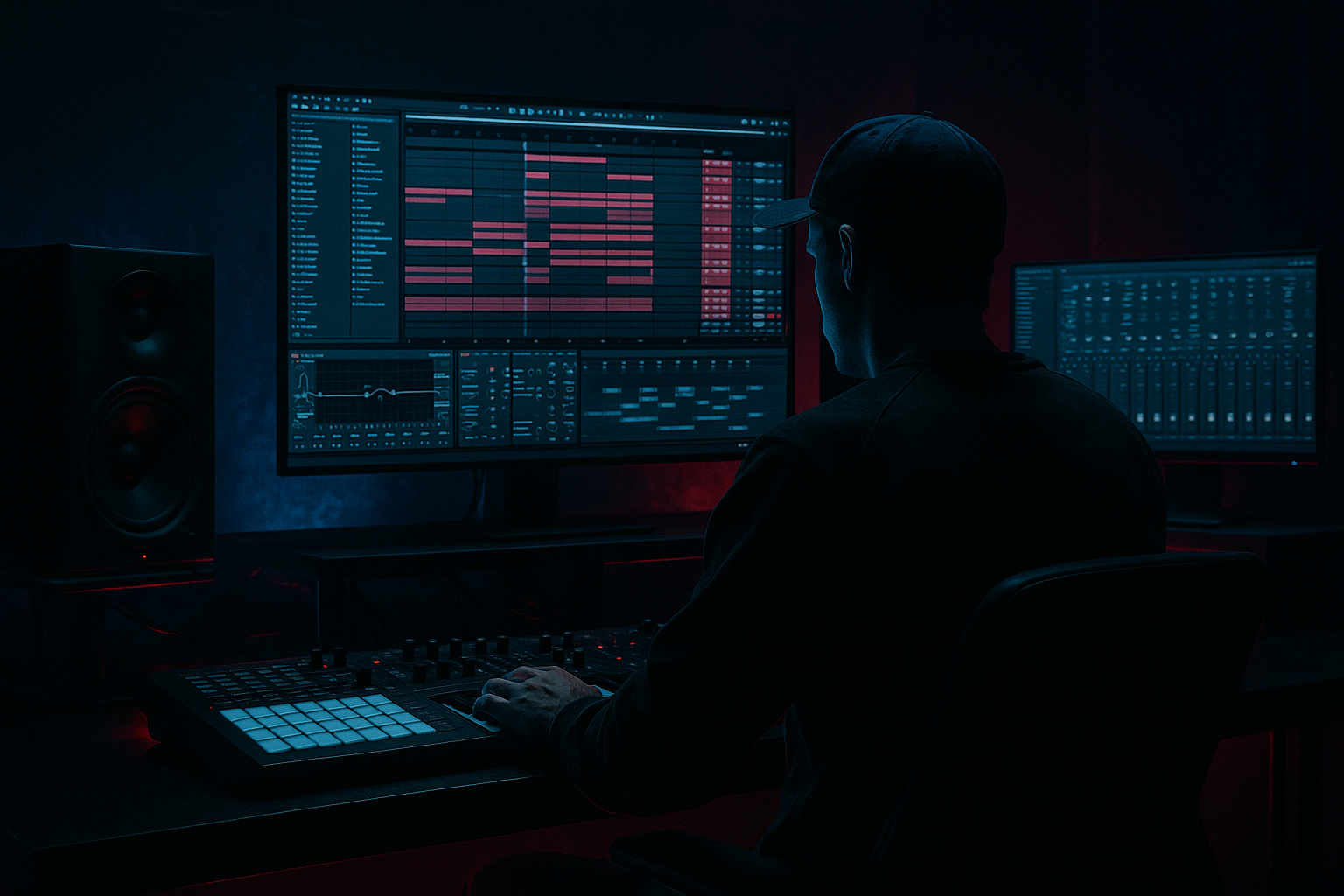
Main tutorial
```markdown
Dub Stab Send Rides by Phrase (DnB Automation in Ableton Live) 🎛️⚡
1) Lesson overview
In rolling drum & bass, dub stabs are often simple sounds that feel alive because they move through space. One of the cleanest pro moves is riding your dub stab into delays/reverbs by phrase, not just leaving FX on constantly.
In this lesson you’ll build a practical Ableton Live workflow using Return tracks + automation to make your dub stabs “bloom” at the end of 4/8/16-bar phrases—classic jungle/dubwise energy without washing out the groove.
---
2) What you will build
You’ll create:
- A Dub Stab track (any chord stab sample or synth stab)
- Two FX Returns:
- Phrase-based Send automation rides (A/B) that:
- Optional: a “Dub Freeze” moment using Capture/Freeze-style moves (Delay feedback automation)
- Tempo: 172–176 BPM
- Arrangement grid idea: 16-bar sections (Intro → Drop → 2nd phrase → Variation)
- Put your drums and bass in first (even rough), because send rides should serve the groove.
- Example pattern (1 bar): hits on 1.2, 1.3.3, 1.4.2 (adjust to taste)
- Send A (delay): start at -inf (off)
- Send B (reverb): start at -inf (off)
- Keep the track mostly dry by default.
- Put an EQ Eight on the Dub Stab track itself:
- Put Utility at the end:
- 4 bars: micro-change (little ear candy)
- 8 bars: noticeable movement
- 16 bars: major change/fill/transition
- End-of-4-bar push (subtle):
- End-of-8-bar lift (classic):
- End-of-16-bar transition (bigger):
- Feedback
- Filter cutoff
- Ceiling: -0.5 dB
- This prevents sudden feedback spikes from clipping your master.
- Bars 1–8 (Drop start): minimal sends, dry stabs → tight and heavy
- Bars 9–16: start small Send A rises every 4 bars
- Bar 16 (turnaround): big Send A + small Send B lift
- Second 16: introduce a new stab rhythm OR same rhythm but different send curve
- Pre-breakdown: exaggerate sends, then hard cut them for impact on next drop
- Leaving sends up constantly → your groove gets washed and “far away.”
- Too much low end in the returns → mud fights the sub and kick. High-pass your returns.
- Over-automating both delay + reverb at once → loses definition. Pick a “lead FX” per phrase.
- Runaway delay feedback → sudden screech/clipping. Use a Limiter and keep feedback rides short.
- Automation not snapping back → tails spill into the next phrase and blur the drop.
- Make the returns darker than you think:
- Saturate the FX, not the dry stab (or both subtly):
- Add subtle pitch drift for dread:
- Use mid/side control:
- “One-hit send spike” for impact:
- You built two controlled return FX chains (dub delay + dub reverb).
- You used send automation rides by phrase (4/8/16 bars) to create movement without clutter.
- You kept DnB clarity by filtering returns and sidechaining FX to drums.
- You added dub character with feedback + filter automation (carefully, with limiting).
- Return A: Dub Delay (tempo-synced, filtered, dubby)
- Return B: Dub Verb (short/plate-ish, filtered, controlled)
- keep stabs tight in the main groove
- push them wider/longer at phrase ends (fills, transitions, drops)
---
3) Step-by-step walkthrough
Step 0 — Set your DnB context (so the automation makes sense)
---
Step 1 — Build/choose a dub stab that suits DnB
Option A: Audio sample stab (fastest)
1. Create Audio Track → drop in a dub chord stab sample.
2. Warp mode: Beats (Preserve: Transients) for tight timing.
3. Add Simpler (optional if you want MIDI control): right-click sample → Slice to New MIDI Track or drag into Simpler.
Option B: Synth stab (clean + controllable)
1. Create MIDI Track → load Wavetable (stock).
2. Start with a simple patch:
- Osc 1: Saw, 2–4 voices, slight detune
- Filter: LP24, cutoff around 300–1.5kHz depending on tone
- Amp Env: Short decay (150–400ms), low sustain
3. Add Chord (MIDI effect) to get instant dub voicing:
- Try +7 semitones and +10 semitones (minor 7-ish color)
4. Add Saturator (stock) lightly:
- Drive: 2–6 dB, Soft Clip ON
DnB feel tip: Place stabs on offbeats or syncopated gaps around the snare:
---
Step 2 — Create Return A: “Dub Delay” (tempo-synced space)
1. Create Return Track A
2. Add devices (in this order):
- Echo
- Sync: ON
- Time: try 1/8 dotted or 1/4 (classic dub bounce)
- Feedback: 25–45% (start safe)
- Character: Noise OFF, Wobble 5–15% for movement
- Filter: HP around 250–500 Hz, LP around 4–7 kHz
- Dry/Wet 100% (because it’s a return)
- Auto Filter
- Mode: Band-Pass or Low-Pass
- Map cutoff later if you want evolving tails
- Compressor (optional but useful)
- Just catch peaks from feedback: Ratio 2:1, fast attack, medium release
Goal: A delay return that is mid-focused and doesn’t fight the bass or hats.
---
Step 3 — Create Return B: “Dub Verb” (controlled wash)
1. Create Return Track B
2. Add devices:
- Hybrid Reverb (or Reverb if you prefer)
- Algorithmic side: Plate or Room
- Decay: 1.2–2.8s (DnB usually wants shorter than dub techno)
- Pre-delay: 10–30 ms (keeps stab punch)
- Dry/Wet 100%
- EQ Eight
- HP filter: 200–400 Hz (steeper if needed)
- Optional dip around 300–600 Hz if it’s boxy
- Gentle LP around 8–12 kHz to keep it dark
- Saturator (optional)
- Drive 1–3 dB to thicken the verb tail
Goal: Width and tail, but not a constant fog.
---
Step 4 — Route your dub stab into the returns (and keep it clean)
On your Dub Stab track:
Optional but highly recommended:
- HP around 150–300 Hz to leave room for rolling bass
- If it’s too wide and fights the mix, reduce Width to 80–120% depending on source.
---
Step 5 — Automate send rides “by phrase” (the main technique) 🧠
This is where it becomes musical.
#### A) Decide your phrase structure
Common DnB phrasing:
#### B) Write basic automation lanes
1. Go to Arrangement View
2. Hit A (Automation Mode)
3. On the Dub Stab track, choose:
- Sends Only → Send A (Echo return)
- Draw automation so it rises at the end of every 4 or 8 bars
4. Do the same for Send B (Reverb return), but usually less often.
Practical automation shapes (use these as templates):
- Send A: from -inf → -18 dB over the last 1/2 bar
- Snap back to -inf right after the phrase resets
- Send A: -inf → -12 dB over 1 bar
- Send B: -inf → -20 dB over 1 bar (just a hint of wash)
- Send A: ramp up to -8 to -6 dB
- Send B: ramp up to -14 to -10 dB
- (Optional) do this on the last stab hit only by drawing a quick spike
Why this works in DnB: You keep the rolling momentum clean, then let the space “answer” the stab at phrase ends—like a call-and-response with the room.
---
Step 6 — Make the delay dub (feedback rides + filtering)
If you want that proper dub engineer vibe, automate inside the return too.
On Return A (Echo) automate:
- Normal: 25–35%
- Phrase end: push to 45–60% for 1 beat or 1/2 bar
- Drop back quickly to avoid runaway chaos
- Close it down during heavy sections (darker)
- Open slightly on transitions to lift energy
Safety tip: If you push feedback, add a Limiter at the end of Return A:
---
Step 7 — Glue it into the drums: sidechain the returns (DnB clarity hack) 🥁
To keep your snare and hats clean:
1. On Return A add Compressor
- Sidechain: From your Drum Bus or Snare track
- Ratio: 3:1
- Attack: 1–5 ms
- Release: 80–200 ms
- Aim for 2–5 dB gain reduction when snare hits
2. Do the same on Return B (reverb), usually lighter.
This gives you massive atmosphere while the break/2-step stays punchy.
---
Step 8 — Arrangement ideas (very DnB / jungle rooted)
Try these placements:
---
4) Common mistakes
---
5) Pro tips for darker/heavier DnB 🖤
- Low-pass the delay/reverb to 5–9 kHz so cymbals stay crisp in the dry mix.
- Saturator on returns adds density without making the dry hit harsh.
- In Echo, add a touch of Wobble or use Chorus-Ensemble very lightly on the return.
- Add Utility on returns: set Width 120–160% while keeping dry stab more mono.
- Instead of ramping a whole bar, spike Send A on just the last 1/16 stab before a fill—super effective in rollers.
---
6) Mini practice exercise (10–15 minutes) ⏱️
1. Load any dub stab and program a 2-bar loop with 3–5 hits.
2. Create Return A (Echo) + Return B (Hybrid Reverb) using the settings above.
3. Duplicate your loop to 16 bars in Arrangement.
4. Automate:
- Send A: small rise on bars 4, 8, 12, bigger rise on 16
- Send B: only on 8 and 16
5. Add sidechain compression on both returns keyed from the snare.
6. Bounce a quick audio export and listen:
- Does the groove stay tight?
- Do phrase endings feel bigger without getting louder?
---
7) Recap
If you want, tell me what style you’re aiming for (liquid roller, jungle, neuro-ish minimal, etc.) and I’ll suggest exact send curves and Echo timings that match the vibe.
```

