Main tutorial
Lesson Overview
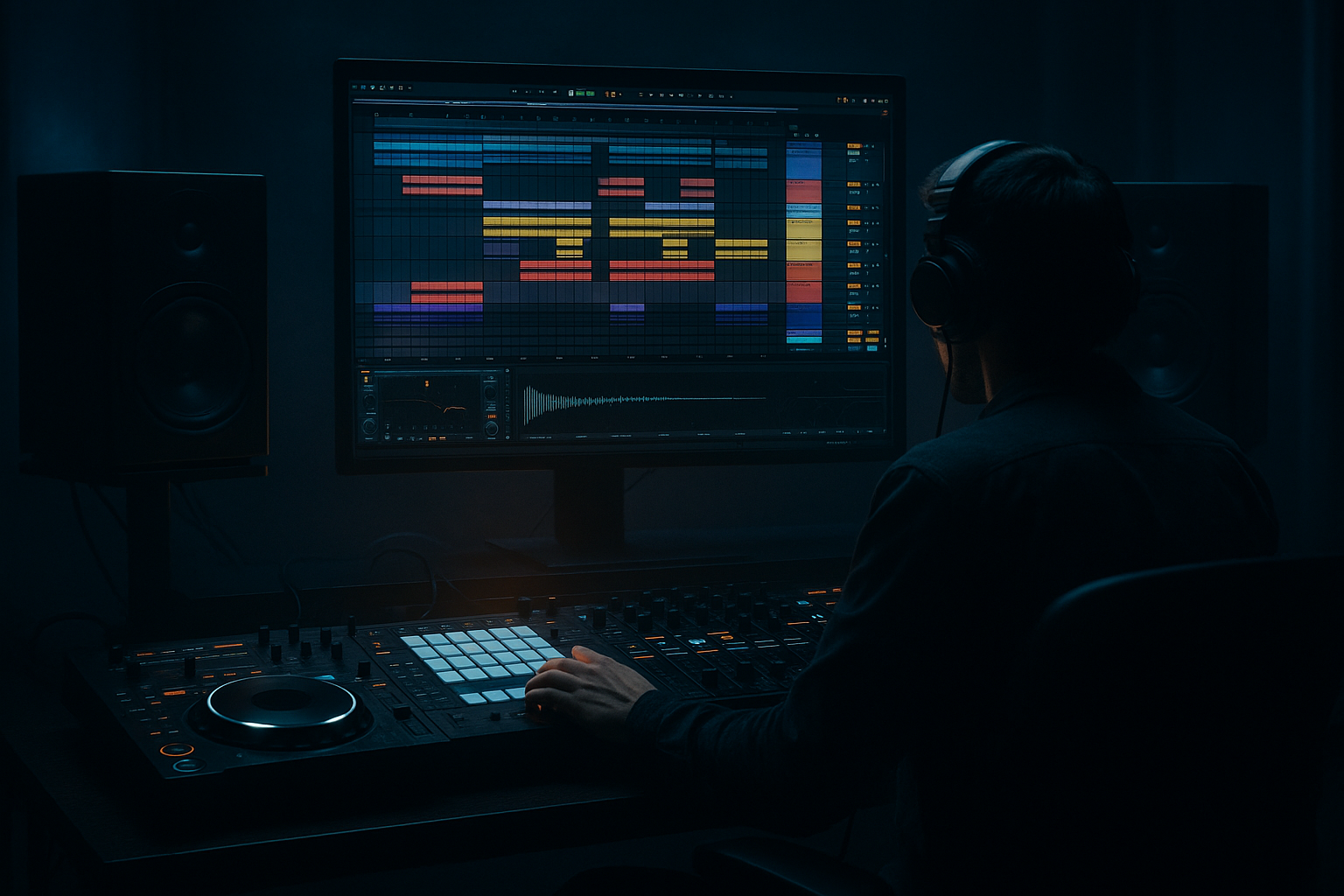
This lesson is about building a DJ intro blueprint in Ableton Live 12 that feels like a smoky warehouse opening: dark, spacious, tension-heavy, and built for the first 16 to 32 bars of a DnB tune before the drop lands. The focus is not on making a full breakdown or a random atmospheric loop — it’s on constructing an intro that a DJ can mix in cleanly, that gives the dancefloor enough mood to lock in, and that still preserves the low-end space and phrase clarity needed for a proper DnB transition.
In practice, this lives in the arrangement intro and first tension section of a track: the zone where you establish key, texture, groove hints, and identity without giving away the full payload. For darker rollers, neuro-leaning intro material, jungle-inflected weight, or warehouse-style halftime tension before the full drum statement, this technique is especially effective. It matters musically because the intro sets the emotional temperature; it matters technically because the intro must leave room for drums, bass, and DJ mixing without muddying the low end or crowding the groove.
By the end, you should be able to hear a finished intro that feels like fog drifting through a warehouse before the system opens up: controlled, ominous, rhythmically alive, and mix-ready. It should sound intentional, not like random ambience pasted onto a track.
What You Will Build
You will build a 16-bar or 32-bar DJ intro in Ableton Live 12 with:
- a restrained atmospheric bed
- a filtered or implied drum groove
- subtle bass-related motion without full sub commitment
- tension FX that support DJ blending
- clean headroom and mono-safe low end
- a phrase structure that leads naturally into the drop
- Let the intro imply the sub rather than declare it. A low harmonic cue in the 100–300 Hz zone can suggest weight while leaving the true sub for the drop. That keeps the intro ominous and prevents low-end blur.
- Use one destabilizing element, not five. In dark DnB, menace often comes from a single unstable texture: detuned metal, filtered noise, a broken reese fragment, or a warped room tone. One strong character reads better than a pile of generic atmospheres.
- Resample your intro texture once it works. Print the atmosphere and movement to audio, then chop or reverse tiny pieces for fills. This is faster than endlessly automating five devices and often gives the intro a more “found in the warehouse” quality.
- Keep the groove readable in mono. If your intro depends on stereo widening for its identity, it may collapse on a club system. Check with Utility in mono, especially for any bass-related layer and the core rhythmic hints.
- Use high-mid tension surgically. A little energy around 1.5–4 kHz can create anxiety and presence, but too much makes the intro feel thin and harsh. Add it as a temporary build, then remove it before the drop for contrast.
- Let silence do some of the menace. A bar with less movement right before a transition can feel heavier than constant noise. In dark DnB, negative space often makes the system feel larger.
- Use only stock Ableton devices.
- Limit yourself to 4 tracks maximum.
- Include exactly one main atmosphere, one rhythmic hint, one bass cue, and one transition effect.
- Your intro must be phrase-based in 4-bar sections.
- Can you count the phrases in 4s?
- Does the intro still work when auditioned in mono?
- Can you hear space for the drop to feel bigger?
- If you muted the atmosphere, would the groove still make sense?
The sonic character should be smoky, dubby, industrial, and nocturnal, with enough rhythmic movement to keep the intro from feeling static. The rhythmic feel should hint at the track’s groove rather than fully expose it, so the DJ can blend from the previous record without clashing. The role in the track is to set mood and cue the incoming energy while leaving the main impact for the drop.
A successful result should sound like this: if you loop the intro in a club context, it feels atmospheric and usable for mixing, and when you mute the drums/bass in your mind, the texture still suggests a dark DnB record rather than generic cinematic ambience.
Step-by-Step Walkthrough
1. Choose the intro length and decide what the DJ needs
Start by deciding whether your intro is 16 bars or 32 bars. For a more direct roller, 16 bars is often enough. For deeper, darker, more atmospheric material, 32 bars gives the DJ more room to phrase in and out.
In Ableton’s Arrangement View, mark the intro as its own section and think in 4-bar chunks. A strong DnB intro usually evolves every 4 bars: bar 1–4 establishes tone, 5–8 adds motion, 9–12 adds tension, 13–16 prepares the transition, and 17–32 if you are extending the mix window.
Why this works in DnB: DJs rely on phrase clarity. DnB is often mixed in long blends, and your intro needs to be easy to count and easy to layer over a previous tune. If the intro changes too randomly, it becomes awkward to mix.
What to listen for: does the section feel countable in 4s, and does each new phrase feel like a small step forward instead of a reset?
2. Build the atmospheric bed first, but keep it disciplined
Start with one audio or MIDI track holding the mood. This can be a texture sample, a field recording, a resampled synth pad, or a processed noise layer. Keep it simple: one main atmosphere, one optional support layer.
A strong stock-device chain here is:
- Auto Filter: low-pass around 6–10 kHz, with slow cutoff movement
- Saturator: subtle Drive, often around 1–4 dB
- Echo or Reverb: short-to-medium decay, with filtered high end
- Utility: trim level and check mono behavior
If the atmosphere feels too clean, add a little Saturator before the reverb. If it feels too wide and floaty, pull back the stereo spread and keep more of it centered. For a warehouse vibe, the atmosphere should feel like space with grit, not “lush pad in the background.”
Decision point — A versus B:
- A: More foggy and cinematic — use a wider texture, slower filter motion, longer reverb tail, less rhythmic definition.
- B: More industrial and DJ-practical — keep the texture narrower, shorter decay, more midrange texture, and more space for drum hits.
If you want the intro to work as a cleaner mix-in tool, choose B. If you want a deeper mood statement before the drop, choose A.
3. Add a hinted groove using chopped percussion or break fragments
The intro should not be rhythmically empty. Add a light drum hint using either:
- chopped break fragments
- isolated hats
- rim/wood hits
- muted ghost snare patterns
Keep the drums filtered and understated. An EQ Eight high-pass around 150–250 Hz on the top percussion is often enough to leave space for the incoming kick and sub later. If using a break, strip it down to the transient language: one or two ghosts, a hat tick, a snare ghost, a tiny shuffle element.
Use Clip Envelopes or Simpler to trim tails if needed. If the break feels too busy, reduce it until it reads more like movement than a full beat.
What to listen for: the groove should suggest momentum without forcing the listener to commit to a full drum pattern yet. If the intro already feels like the drop, you’ve gone too far.
4. Shape the tension with one central bass cue, not full bassline commitment
A DJ intro can hint at the bass identity without unleashing the full low-end pattern. This is where many intermediate producers overdo it. Instead of dropping the main bassline immediately, create a single motif, low pulse, or filtered reese fragment that appears in the intro and becomes more obvious later.
A realistic stock-device chain for a bass cue:
- Operator or Wavetable: simple wave or detuned layer
- Auto Filter: low-pass opening slowly, or band-pass for a narrow vibe
- Saturator: light to moderate drive for harmonics
- Utility: keep the sub centered, use Width carefully or not at all on the low layer
Keep the sub information controlled. If you want low-end suggestion, let the bass cue live mostly in the 100–300 Hz harmonic zone and imply the fundamentals rather than blasting a full sub note. If you do include actual sub notes, keep them sparse and short.
A practical rule: if the bass cue is on during the intro, it should sound like the record is breathing in before the drop, not already flexing the full main phrase.
5. Create movement with automation, not clutter
Now automate the intro’s emotional shape. Use Auto Filter cutoff, reverb send amount, delay feedback, and possibly volume fades on the atmosphere and bass cue. Small automation moves go a long way in DnB because the arrangement is already fast; you do not need giant cinematic ramps.
Good starting points:
- filter cutoff slowly opening over 4 or 8 bars
- reverb send rising just before phrase changes
- echo feedback nudging up briefly for a transition hit
- dry level of atmosphere dropping by a few dB when drums enter more clearly
Keep the movement directional. Every 4 bars should feel like it is “turning the screw” a little tighter.
What to listen for: the intro should gain intensity without getting louder across the whole band. If the mix just gets bigger and messier, reduce the automation depth and let the arrangement do the work.
6. Design the DJ-friendly transition space
A usable intro needs a section where a DJ can blend cleanly. Leave a space in the first 4 to 8 bars where the texture is interesting but not overpacked. Avoid putting your loudest transient or most distinctive bass hit right at bar 1 unless you specifically want a hard opening.
A strong arrangement move is:
- bars 1–4: atmosphere plus light percussive hint
- bars 5–8: add a more defined hat or ghost break
- bars 9–12: introduce the bass cue or a stronger filtered hit
- bars 13–16: prepare the first clear drum statement or pre-drop tension
- bars 17–32: extend with variation, if needed, for longer mixes
If the intro is for club play, it should be easy for a DJ to count and layer over another track’s drums. That means no uncontrolled wide sub, no overbusy top loop, and no surprise full-drop energy too early.
Workflow efficiency tip: once you get a good 4-bar core, duplicate it and build the rest as variations. Don’t rewrite the intro from scratch in every phrase; evolve it.
7. Check the intro against the incoming drums and bass context
This is where you stop treating the intro like a standalone mood loop. Bring in the first real drum section or at least a test loop of your main drum/bass elements and check the handoff.
Ask:
- does the intro leave enough space for the kick/snare contrast?
- does the bass cue fight the main sub?
- does the filtered percussion still make sense once the full break arrives?
If your track has a strong snare on 2 and 4, your intro should not already be saturating that exact frequency zone. If your drop sub is heavy around 45–60 Hz, keep the intro’s low movement lighter or more harmonic so the transition doesn’t blur.
Why this works in DnB: the intro’s real job is not just mood — it is compatibility. A DJ intro that collides with your own drop in key frequencies will feel heavy in the wrong way and reduce impact.
8. Use one decisive transition hit, then stop overloading the lead-in
You need a clear cue into the drop, but only one or two cues. This can be a reverse cymbal, a noise lift, a tape-stop style moment, an impact, or a chopped vocal/metallic stab. Keep it short and readable.
Use Echo or Reverb throws on the last wordless hit of the intro, then cut the tail so the drop arrives with clean contrast. If your transition effect is too long, it will smear the first kick/snare of the drop.
Stop here if the intro already has enough character. In darker DnB, more layers do not equal more tension. If the groove, atmosphere, and one bass cue are already speaking clearly, commit the section to audio and move on. Printing the intro to audio can also help you see whether the phrase feels lean and mixable rather than endlessly tweakable.
9. Polish the mix: low-end discipline, mono check, and headroom
The intro should not consume the master bus. Use Utility on atmosphere layers to check stereo width, and keep any real low-end information centered. If you have a bass cue with width, split the role conceptually: let the low component remain mono-safe, while any stereo character lives above the low end.
Use EQ Eight to carve:
- high-pass atmospheres around 120–250 Hz, depending on source
- reduce mud around 250–500 Hz if the intro clouds the snare zone
- tame harshness around 2–5 kHz if the texture gets brittle
- roll unnecessary top end above 10–14 kHz if the hiss distracts
Leave headroom so the drop can actually feel bigger. If the intro is already pushing your master, the arrangement loses contrast.
A good mix-ready intro feels slightly restrained on its own but becomes powerful in context. It should not sound finished only because it is loud.
10. Decide whether the intro needs a second-drop evolution
If your track has a 32-bar intro or a long mix section, make the second half evolve. This can be as simple as:
- adding a new ghost rhythm
- opening the filter slightly more
- bringing in a new metallic texture
- shifting the bass cue up an octave for 2 bars
- inserting a small drum fill before the drop
The point is to avoid repetition without breaking DJ usability. The second half should feel like the tunnel getting narrower before the room opens.
A versus B again:
- A: DJ utility first — keep changes subtle, phrase-consistent, and blend-friendly.
- B: Atmosphere-first drama — make the second half more cinematic and tension-heavy, with stronger automation and one bigger transition hit.
For club rollers, A is usually the safer choice. For darker, more narrative tracks, B can be the winning move if the drop still lands hard.
Common Mistakes
1. Making the intro too full too early
This hurts the result because the drop loses contrast and the DJ has less room to mix.
Fix: mute half the layers for the first 4 bars, then add them back in phrase by phrase.
2. Letting atmosphere eat the low mids
This muddies the mix and weakens the kick/snare entry.
Fix: use EQ Eight to high-pass the ambience and cut a little 250–500 Hz if the intro feels cloudy.
3. Using a wide stereo bass cue with too much low end
That creates mono problems and can smear the intro on club systems.
Fix: keep bass width above the sub only, or collapse the low layer with Utility and keep it centered.
4. Not phrasing the intro in 4-bar units
The section feels random and awkward for DJ mixing.
Fix: build clear 4-bar changes: add, remove, or automate one element every 4 bars.
5. Overusing reverb and delay on transition effects
This can blur the first impact of the drop.
Fix: shorten decay, filter the return, or cut the tail before the drop hits.
6. Using a full break before the main drum statement
The track starts sounding like the drop too soon.
Fix: strip the break to ghost notes, hats, and texture until the real groove is ready.
7. Forgetting to check the intro with the main bass and drums
What sounds good solo can clash badly in context.
Fix: audition the intro while the main drop drums/bass are armed in the arrangement so you can hear the handoff.
Pro Tips for Darker / Heavier DnB
Mini Practice Exercise
Goal: Build a 16-bar smoky warehouse DJ intro that can lead into a DnB drop without crowding the low end.
Time box: 15 minutes.
Constraints:
Deliverable: Export or freeze a 16-bar intro loop that sounds mixable and intentionally dark, with a clear final transition into the drop.
Quick self-check:
Recap
A strong Echo Chamber style DJ intro in Ableton Live is about controlled atmosphere, hinted rhythm, restrained bass identity, and clean phrase design. Build it in 4-bar blocks, keep the low end disciplined, and make sure the intro serves the mix as well as the mood.
If it feels like a smoky warehouse opening that a DJ can actually use — dark, countable, spacious, and ready for the drop — you’ve nailed it.

