Main tutorial
Fast Workflow Templates for DnB Production in Ableton Live
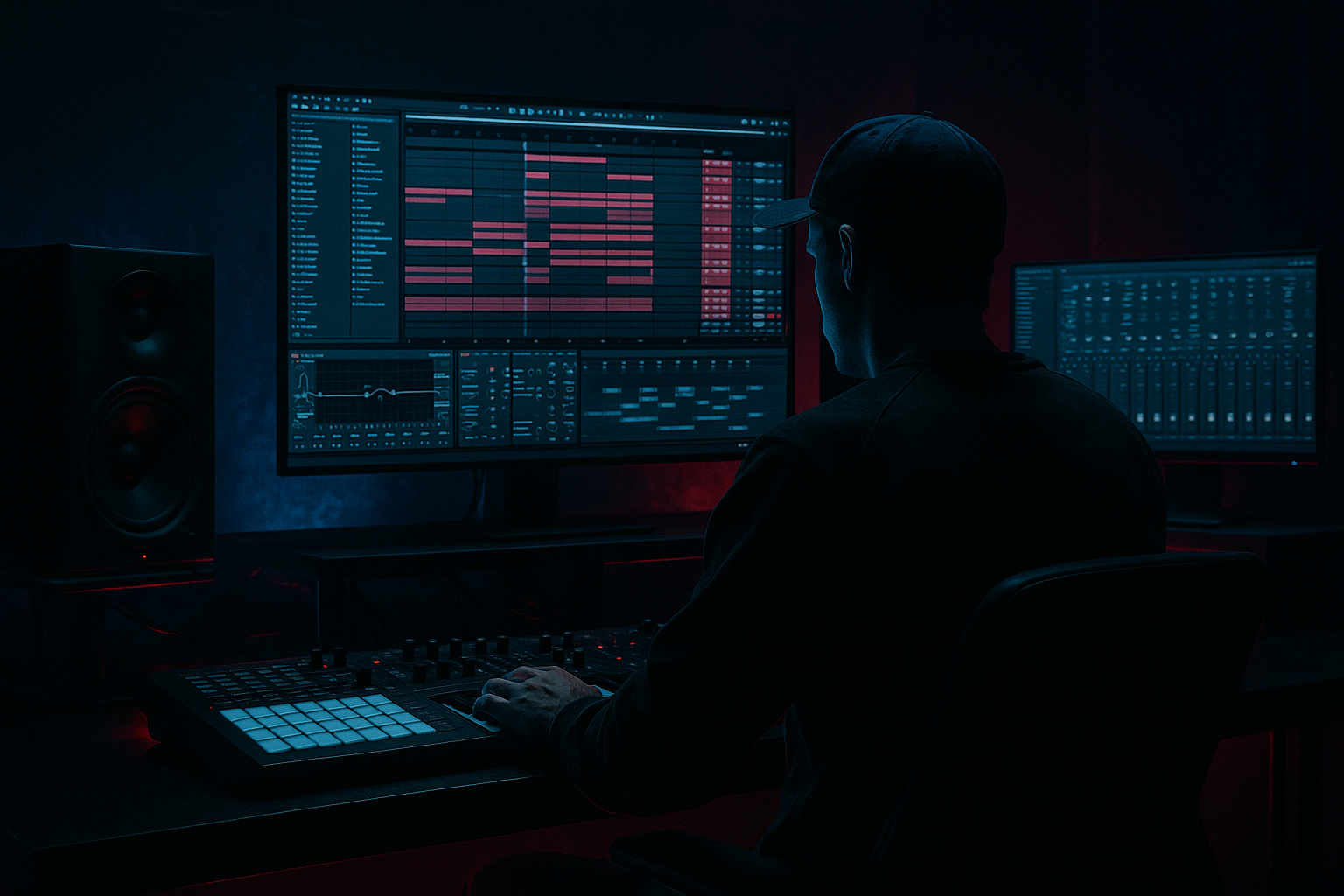
Energetic, professional, and practical — this lesson gives you an advanced, actionable template you can build in Ableton Live right now to make rolling drum & bass tracks faster. Expect ready-to-go busses, instrument racks, macros, arrangement skeletons, CPU-saving tricks and specific device chains geared for jungle / rolling DnB at 170–175 BPM. Let’s get ruthless and fast. ⚡️🥁
---
1) Lesson overview
What this lesson gives you:
- A step-by-step build of a fast DnB template in Ableton Live (Session + Arrangement-ready)
- Concrete device chains for drums, bass, FX and master buss using stock Ableton devices
- Workflow and routing choices that let you go from idea to 64-bar sketch in under an hour
- Template saving and usage tips so your next track starts at full velocity
- Project tempo and view presets: 172 BPM, Session view with Scenes for Intro / Build / Drop / Break / Outro
- Drum system: Drum Rack (multi-layered) + Break Group with pre-chopped Amen/Swing loop, ready-to-go bus chain (Transient shaping, Saturation, Glue)
- Bass Instrument Rack: 3 chained layers (Sub / Mid / Texture) with mapped macros for quick sound design
- FX returns: short reverb, big reverb, ping delay, a stereo width/utility return, pre-mapped send levels
- Sidechain / Ducking system: dedicated Kick bus and Compressor sidechain routing ready-to-use
- Master chain: EQ Eight (low shelf cut), Multiband Dynamics + Glue + Saturator + Limiter
- Arrangement skeleton with marker scenes and dummy clips for automated transitions
- CPU management: freeze tracks, pre-render sample-chops, quick-resample lanes
- Over-processing the master bus: avoid heavy saturation + glue + limiter chain with 6–10 dB gain reduction at all stages. Keep headroom (-6 to -10 dBFS total) until mastering.
- Not tuning the sub: subs mis-tuned to the root make the bass and kick fight. Use Tuner device or tune to the project key.
- Sidechain too aggressive: too much ducking kills groove; aim for 3–6 dB of ducking for clarity.
- Cluttered routing: don’t create dozens of return sends. Start with 3–4 useful returns and add as needed.
- Ignoring phase: layering reese and sub without phase-checking causes cancellations. Flip phase or nudge samples where necessary.
- Not labeling tracks/macros: slows you down fast. Name everything and set macro colors for quick identification.
- Sub emphasis: use the Sub chain only mono (Utility width 0%). Route the Sub chain to a dedicated return if you want parallel processing.
- Distortion chain for aggression:
- Use downward compression on bass (Multiband Dynamics): heavily compress mid/high band to bring forward the bite; let the low band breathe.
- Frequency-specific sidechain: sidechain only the mid/high bands of the bass to the kick. Use an EQ before the Compressor to isolate the range you want ducked, then route into the compressor sidechain (or use a separate track with split frequencies).
- Add motion with slow LFOs: map LFO to detune or filter cutoff (Wavetable) at very low rates (0.05–0.3 Hz) for evolving texture.
- Use gated reverb snare stabs for jungle vibe: Reverb -> Gate (with sidechain from drum bus) gives that chopped reverb tail.
- Noise/texture layering: add a separate Texture chain in the Bass rack with high-passed noise and heavy transient shaping to give top-end bite without messing sub.
- For heavier drops: automate low-pass on drums to open up over the drop (filter sweep 2–4 bars), and use short tempo-synced pitch down on break loops for aggression.
- Build a template with: Tempo 170–175, scenes for sections, Drum Rack + Breaks, 3-layer Bass Rack, 3–4 FX returns, and a sensible Master chain.
- Use macros to perform big sound changes fast (Filter, Sub level, Drive, Width).
- Route sidechain properly and duck bass only where needed (3–6 dB).
- Save as a Live template and use Scene-based sketching to get arrangement skeletons quickly.
- For heavier DnB: keep subs mono, use parallel distortion, and do frequency-specific compression for grit and punch.
Assumes Live 10/11 knowledge (racks, returns, grouping, macros). If you’re on Live 11 you’ll benefit from Drum Buss and updated devices — still works in Live 10.
---
2) What you will build
---
3) Step-by-step walkthrough
Follow these steps in your Live set. I’ll call out exact devices and suggested settings.
A. Start set and global settings
1. Set tempo to 172 BPM (common DnB speed). Turn off Metronome if distracting.
2. Preferences -> Record/Warp/Launch: set Launch Quantization to 1 Bar for scene triggering.
3. Create a new scene row per section: label them INTRO / BUILD / DROP / BREAK / OUTRO. This lets you sketch the arrangement in Session view instantly. 🎯
B. Create core tracks & routing
1. Create tracks:
- Audio: KICK BUS (Audio track) — will host your one-shot kick or transient trigger for sidechain.
- MIDI: DRUM RACK (named "DRUMS_MAIN")
- Audio: BREAKS (Audio track)
- MIDI: BASS RACK (named "BASS_MAIN")
- Return tracks: A — SHORT_REV, B — BIG_REV, C — PING_DELAY, D — WIDTH/UTILITY
- Master track
2. Set send pre/post:
- Returns should be post-fader (default). For pre-fader FX (if you want constant tail), right-click send and set pre.
C. Build the Drum Rack + Breaks system
1. Drum Rack (DRUMS_MAIN):
- Create a Drum Rack with cells: Kick, Snare, Hat Closed, Hat Open, Percs.
- For complexity, load a Simpler in Slicing mode into one pad for one-shot amen chops if you want live slice playback.
- Set chain volumes so that Kick sits around -8 to -6 dBFS within track (leave headroom).
- Map macros: Macro 1 = Global Drive (Saturator Dry/Wet), Macro 2 = Transient (Transient Shaper / Drum Buss), Macro 3 = High Shelf (EQ8), Macro 4 = Filter cutoff for hats/percs.
2. Breaks track:
- Drop a classic break (Amen, Think, Apache). Warp mode: Beats, preserve transients, 1/32 or 1/16 markers preserved.
- Duplicate the break track into two lanes inside an Audio Track (Breaks A/B) for quick layer switching.
- Place an Audio Effect Rack with chains: Clean (low-pass 12dB), Chopped (Beat Repeat or stutter), Distorted (Saturator + EQ8), and map a chain selector Macro to switch styles.
- Pre-process: Compressor (light) -> EQ Eight cut below 40Hz -> Utility gain staging.
3. Drum Buss (group/FX chain):
- Group DRUMS_MAIN and BREAKS into a group "DRUM BUS".
- On Drum Bus insert: Drum Buss (if Live 11) — set Drive 3–6, Boom 60–80 for glue; otherwise use Saturator (Drive 3–6 dB soft clip) -> Glue Compressor (Gain Reduction 2–4dB).
- Next: EQ Eight: High-pass 30Hz (48dB slope) — low shelf cut below 30–40Hz if needed.
- Multiband Dynamics: lightly compress mids/highs for glue (Low band threshold -10dB, Mid -6dB, High -4dB — adjust by ear).
- Optional: Redux for grit (bit reduction) on a parallel return for crunchy jungle aesthetic.
D. Bass Instrument Rack (BASS_MAIN)
1. Create an Instrument Rack with 3 chains:
- Sub chain: Sampler/Simpler sine/triangle or low reese oscillator, low-pass at 150Hz, Utility width 0%, Saturator gentle, EQ Eight cut above 200–300Hz. Map Macro SUB LEVEL to chain volume and Macros for Tunings (+/-).
- Mid chain: Wavetable/Sampler reese: bandpass 120–800Hz, slight detune, Chorus/Flanger (Chorus-Ensemble), small amount of Saturator, map MACRO FILTER CUTOFF and MID LEVEL.
- Top/Texture chain: FM-ish stab, noise, or sample: high-pass at 800Hz, add Echo or short Reverb for presence. Map TOP LEVEL and SPICE (Drive).
2. Macro layout (example):
- Macro 1 = SUB LEVEL (Volume)
- Macro 2 = MID LEVEL
- Macro 3 = SPICE / SATURATION (Saturator Dry/Wet)
- Macro 4 = FILTER (global cutoff affecting Mid + Top)
- Macro 5 = Width (Utility stereo width on Mid/Top)
- Macro 6 = Pitch Shift (semitone up/down for stabs)
3. Sidechain bussing:
- Create a send from BASS_MAIN to KICK BUS (or send directly to a Compressor sidechain on the BASS track).
- On BASS_MAIN insert Compressor (stock), enable Sidechain, set input from KICK BUS, Ratio 4:1, Attack 0.5–3ms, Release 80–200ms, Threshold so you get 3–8 dB of ducking. For more musical pumping set Release to sync (1/8–1/4) depending on groove.
E. FX Returns setup (fast-access presets)
1. RETURN A SHORT_REV:
- Reverb, Size: 20–30%, Dry/Wet 30–40%, Pre-Delay 10–30ms. EQ Eight after the Reverb to cut below 300Hz and above 8kHz. Use for snares/pads.
2. RETURN B BIG_REV:
- Reverb, Size 60–80%, Decay 3–6s, Pre-Delay 20ms, Dry/Wet ~25%, filter out low end. Use for dramatic build tails.
3. RETURN C PING_DELAY:
- Echo device: Sync 1/8 dotted and 1/16 (tap tempo if needed), feedback 30–50%, filter the repeats with High Cut ~6kHz, Low Cut ~200Hz. Place Utility after for stereo spread.
4. RETURN D WIDTH/UTILITY:
- Auto Pan set to slow LFO values (0.1–0.3 Hz) for stereo motion; or use Utility for 0% width when you need mono compatibility. Map a macro to toggle width.
F. Master Chain (stock devices)
1. Insert chain on Master:
- EQ Eight: High-pass at 18–25Hz (12–24 dB). Tame any big LF.
- Multiband Dynamics: gentle glue (reduce extremes)
- Glue Compressor: Threshold -6 to -12 dB (use bus glue), Attack 3ms, Release Auto, Makeup as needed.
- Saturator: Drive 1–3 dB, Curve "soft clip" for mild harmonics.
- Limiter (Limiter last): Ceiling -0.3 dB, Gain to taste.
2. Save this as a Master Preset and copy it to every project.
G. Session view/Arrangement skeleton
1. Preload MIDI clips: 1–2 bars of basic drum MIDI for kick/snare/hats patterns and a 1-bar bass idea. Place these in the first scene (INTRO).
2. Scene rows: map Scenes to arrangement sections. For each scene, leave dummy clips (no sound) that control automation lanes (dummy clips can automate send levels or macro changes). This makes building transitions fast.
3. Create a RESAMPLE track: Route audio from master to Resampling, set Monitor to In/Off, and label it "RESAMPLE_FREEZE". Use it to record rough sections and free CPU.
H. Save template
1. File > Save Live Set As Template...
2. Name: "DnB_Fast_Template_172" and include Notes: "Drum Rack + Breaks + 3-band Bass Rack + FX returns + Scenes skeleton".
3. Open it whenever you start a new track.
---
4) Common mistakes
---
5) Pro tips for darker/heavier DnB
- Use Saturator -> EQ Eight (boost between 150–800Hz) -> Redux (low bitrate) -> Overdrive emulation (Saturator with hard curve) on a parallel bus. Blend with the mid chain.
---
6) Mini practice exercise (20–40 minutes)
Goal: produce a 16-bar rolling DnB loop using the template.
1. Load the template and set tempo to 174 BPM if you want faster energy.
2. Scene: INTRO — Load a one-bar amen chop into BREAKS. Set Breaks chain selector to “Chopped”.
3. DRUMS_MAIN: Program a 2-bar kick/snare pattern. Use quantized offsets (drag 1–2 ms on hats) to humanize.
4. BASS_MAIN: Load a preset into the Instrument Rack:
- Macro SUB LEVEL = -6 dB, MID LEVEL = -2 dB.
- Map FILTER to Macro 4 and set cutoff to give a small sweep.
5. Sidechain: ensure BASS_MAIN sidechain is listening to KICK BUS. Adjust threshold for ~4dB duck.
6. Add RETURNS: Send snare to SHORT_REV at 20% and to PING_DELAY at 15%, add a quarter-note delay on hats.
7. Build: Copy the 4-bar loop across 4 scenes and create variation in scene 3 by switching Breaks chain to Distorted and bumping SPICE macro to +2.
8. Record a resampled version of the whole 16-bar into RESAMPLE (Arm and record).
9. Freeze Drum Bus and flatten if CPU spikes. You now have a ready 16-bar sketch.
Time yourself — aim for 20–40 minutes to do all steps. Repeat until you can switch macros and chains without thinking. ⚡
---
7) Recap
Go create: load your new template and make three different 16-bar ideas in an hour. Then pick the best and turn it into a full track. If you want, I can export a checklist you can paste into Live's Info View as a start-up script, or provide a downloadable rack/preset zip with the specific macro mappings described. Want that? 🎛️🔥

