Main tutorial
Lesson Overview
This lesson is about taking an Amen-style jungle arp and flipping it into a smoky warehouse vibe that feels tense, wet, and slightly hallucinated — the kind of texture you’d hear tucked between rolling subs, clipped breaks, and dark atmosphere in an advanced DnB arrangement. The goal is not just “make it sound lo-fi.” It’s to turn a bright, rhythmic arp into a controlled FX feature that supports the track’s momentum, deepens the space, and creates that underground feel without cluttering the low end.
In a real DnB track, this kind of treatment usually works as a transition device, a pre-drop hook, a call-and-response layer over a roller, or a shadowy top-line that appears in the breakdown and then mutates through the drop. The technique matters because jungle and darker DnB rely heavily on contrast: dry vs wet, clean vs destroyed, forward motion vs suspended tension. A flipped Amen-style arp can become a signature movement element that makes the arrangement feel alive while still leaving room for the kick, snare, sub, and main bass.
Why it works in DnB: the genre is built on rhythmic tension and selective emphasis. If you keep the arp’s timing related to the break, preserve its transient identity, and process it as an FX layer rather than a lead melody, it can enhance groove and atmosphere without fighting the drum/bass core. That’s the sweet spot.
What You Will Build
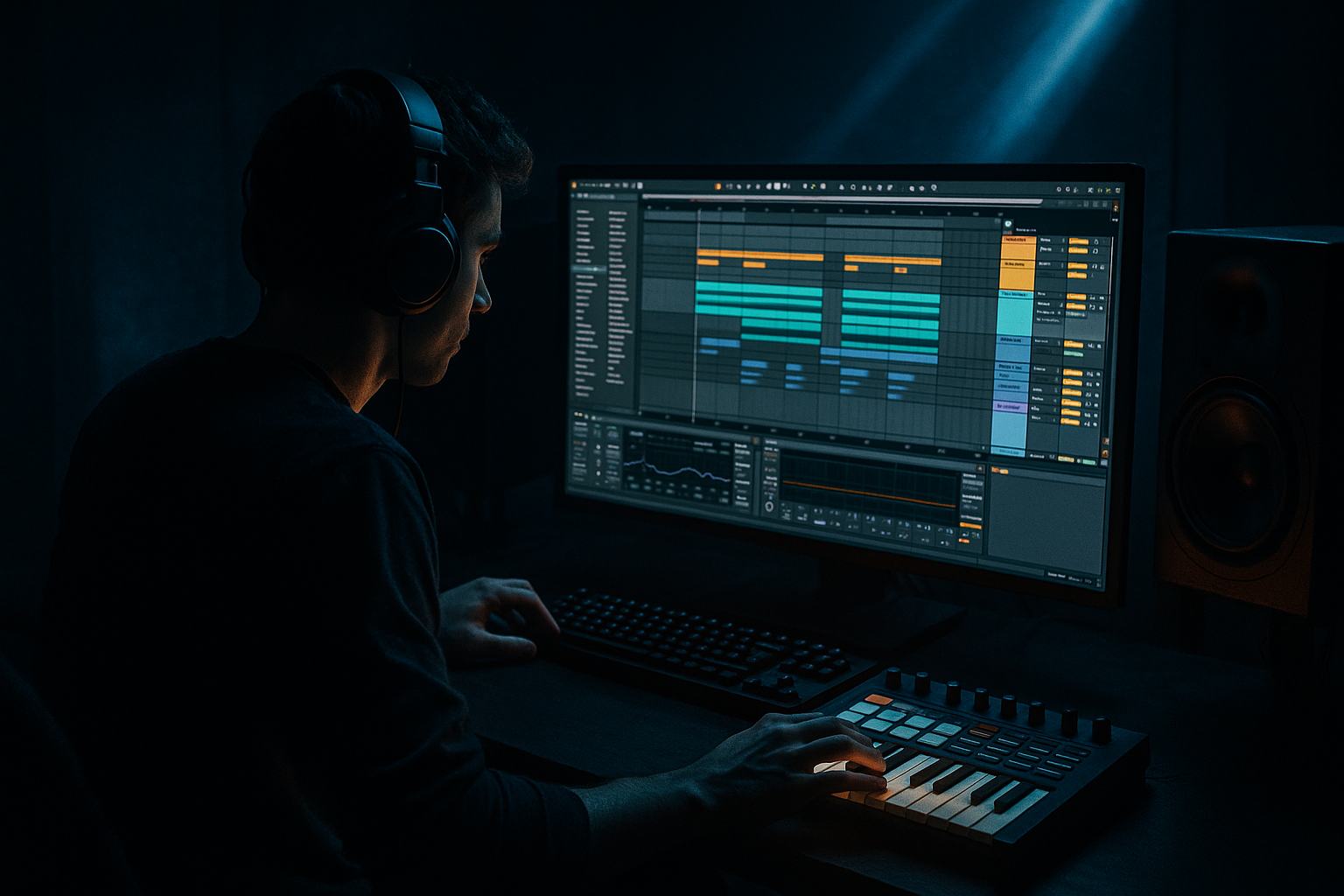
You’ll build a smoky, warehouse-grade Amen arp texture in Ableton Live 12 that starts as a tight rhythmic motif and ends as a damaged, spacey FX layer. The final result should feel like:
- A chopped, syncopated arp with Amen-inspired motion
- Filtered mids and upper-mids with controlled transient bite
- Dubby delay tails and dark reverb wash
- Saturation, resampling grit, and subtle pitch instability
- Stereo width in the atmosphere, but mono discipline in the low end
- A version that can sit over a roller, help bridge 8/16-bar phrases, or intensify a drop switch-up
- 1
- 1e
- 2&
- 3
- 3a
- 4&
- High-pass around 120–200 Hz depending on the patch
- Small dip around 300–500 Hz if the patch is boxy
- Gentle peak around 1.5–3 kHz if you want more articulate attack, but keep it modest
- Slice transients more aggressively
- Reverse selected hits
- Warp timing for eerie drag
- Treat sections differently across arrangement
- Add FX automation to audio clips for more control
- Beats for tighter rhythmic chopping
- Complex Pro only if you need tonal stretching, but it can smear transients, so use sparingly
- Texture for a grainy, smeared atmosphere if the source becomes more ambient
- Version A: rhythmic and more percussive
- Version B: heavily effected and washed out
- Drum Buss
- Saturator
- Echo
- Hybrid Reverb
- Auto Filter
- Utility
- Drive: 5–15%
- Crunch: low to moderate, around 5–20%
- Damp: adjust to tame top-end fizz
- Transients: slightly up if the rhythm lost impact in resampling
- Drive: 3–8 dB
- Analog Clip or Soft Clip on
- Base tone: slightly darker if the chain is getting brittle
- Delay time synced to 1/8, 3/16, or dotted 1/8
- Feedback around 20–45%
- Filter the repeats aggressively with low-pass around 2–6 kHz
- Add some modulation, but keep it subtle enough to avoid seasick pitch wobble
- Decay: 1.2–3.5 s for a musical wash, longer if it’s only for breakdowns
- Pre-delay: 10–30 ms to keep the front edge clear
- Low-cut: around 200–400 Hz
- High-cut: around 5–8 kHz
- Keep lows in mono
- Widen only the upper layer if needed
- Use Width cautiously, especially if the arp is busy
- Ratio: 2:1 to 4:1
- Attack: 1–10 ms
- Release: 50–140 ms
- Gain reduction: 1–4 dB on hits
- EQ Eight
- Saturator
- Hybrid Reverb
- Echo
- Redux or Erosion if needed
- Downsample lightly, just enough for texture
- Bit reduction only if you want a more broken edge
- Breakdown: more send, around 20–40%
- Build: automate upward to 30–50%
- Drop: cut it back to 5–15% so the core groove stays sharp
- 8-bar intro: filtered arp and distant reverb
- 16-bar breakdown: arp becomes more obvious, with rising filter and delay feedback
- Drop A: arp mostly tucked, only recurring every 2 or 4 bars
- Drop B switch-up: arp reappears with heavier distortion or pitch shift
- Filter cutoff
- Echo feedback
- Reverb decay or dry/wet
- Saturator drive
- Utility width
- Warp position or clip gain if you’re using audio variations
- Start narrow and filtered
- Open up over 4–8 bars
- Pull back hard right before the drop
- The sub remains clean and centered
- The arp has almost no energy below 150–200 Hz
- The reverb return is not washing over the snare transient
- The stereo width is mostly in the upper layer, not the core rhythm
- Over-widening the entire arp. Fix: keep the dry rhythmic core narrower and widen only the reverb/echo layer.
- Leaving too much low end in the FX chain. Fix: high-pass the source and returns aggressively, usually above 150–400 Hz depending on the chain.
- Too much delay feedback. Fix: lower feedback and automate it only for transitions, not continuously.
- Making the arp brighter instead of darker. Fix: use Auto Filter, EQ Eight, and darker reverb/delay filtering.
- Letting the FX fight the snare. Fix: sidechain ducking or reverb return compression keyed from the drum bus.
- Processing only in solo. Fix: always check against the kick, snare, sub, and main bass.
- Keeping the arp static across the arrangement. Fix: automate cutoff, send amount, feedback, and clip variations over sections.
- Destroying transients with excessive warping. Fix: use resampling carefully and preserve the attack with Drum Buss or transient-friendly editing.
- Layer a very quiet noise layer under the arp, then low-pass it hard. It adds air without sounding like a synth pad.
- Use two returns: one short, dirty room and one longer, darker wash. Blend them differently by section.
- Try Echo with ping-pong only on the wet layer, not the dry core, to avoid smearing the groove.
- If the arp feels too melodic, reduce note variety and lean into rhythmic repetition. DnB tension often comes from pattern, not harmony.
- Saturation before reverb usually sounds heavier than reverb before saturation, because the reverb then inherits the dirt.
- Use clip envelopes on the resampled audio to add tiny gain pulses. This can fake rhythmic modulation without needing more devices.
- For extra underground character, automate a very small pitch offset on one duplicated layer, then tuck it low in the mix. Detune ranges around 3–8 cents are enough.
- If the track is neuro-leaning, keep the arp’s movement more mechanical and let the automation feel almost machine-controlled. If it’s jungle-leaning, allow more swing and looser echo timing.
- EQ Eight
- Saturator
- Echo
- Hybrid Reverb
- Utility
- Make Version A work in the drop without masking the drums.
- Make Version B appear only in the breakdown and the last 2 bars before the drop.
- Automate at least three parameters across 8 bars.
- Create one reverse or chopped audio moment as a transition.
Musically, imagine a D minor or F minor track at 172 BPM where the arp accents the off-grid energy of an edited Amen break and answers the bassline with small stabs. It should feel like it’s coming from a damp warehouse corner, not a polished synth lead in front of the mix.
Step-by-Step Walkthrough
1. Create the source arp and make it rhythmically “Amen-adjacent”
Start with a MIDI track and load Operator, Wavetable, or Analog — Operator is great here because you can get a clean, simple tone that responds well to FX. Use a short pluck or a nasal saw-like timbre, but don’t make it too glossy.
Set up a simple 1-bar arp pattern with 1/16 notes, then edit the rhythm so it has the same chopped, broken feel as an Amen edit. For example, try a pattern that hits on:
This gives you the ghosted, staggered feel associated with jungle break programming. Keep the notes within a small range — one or two chords’ worth of pitch movement is enough. Advanced tip: use MIDI velocity variation between roughly 55–110 so the FX chain reacts differently to each note.
If you want a stronger jungle connection, borrow the contour from a break edit rather than a traditional arp run. Think in terms of drum phrasing: call, response, gap, fill. That structure is what makes the part feel authentic.
2. Shape the source so it leaves room for the processing
Before FX, clean the arp so the later chain can do the heavy lifting. Add EQ Eight first:
Then insert Auto Filter with a low-pass or band-pass starting around 2.5–6 kHz. Automate the cutoff rather than leaving it static. For warehouse vibes, movement matters more than brightness. A slowly opening filter over 8 bars can build tension beautifully.
If the patch feels too clean, add Saturator before heavy modulation. A Drive range of 2–6 dB with Soft Clip on can give the source enough edge without collapsing it. This is especially useful because the rest of the chain will likely add more distortion later.
Why this works in DnB: the groove only lands if the midrange remains readable. By controlling the source before effects, you protect the mix and make the later dubby treatments feel intentional rather than washed out.
3. Resample the arp into audio for surgical FX control
Once the MIDI pattern is working, resample it. Create a new audio track and set its input to Resampling, or route the arp track internally. Record 4–8 bars of the performance.
This is the point where you commit to the movement and get away from “notes” thinking. In dark DnB workflows, resampling is huge because it lets you:
In Clip View, try Warp modes:
For an advanced move, duplicate the resampled audio and make two versions:
Blend them like a dry/wet send structure, but as audio layers. This gives you punch plus atmosphere.
4. Build the warehouse FX chain with stock Ableton devices
On the audio track, create a chain that moves from damage to space in a controlled order. A strong starting point:
Drum Buss is not just for drums — it can thicken the arp and add transient push. Start with:
Then use Saturator for more character:
Echo is where the smoky warehouse feel starts to appear. Try:
Hybrid Reverb can add the warehouse size. Use a darker convolution or algorithmic space with:
Finish with Auto Filter and Utility. Use Auto Filter to automate the movement through phrases, and Utility to control width:
5. Carve the FX into the drum/bass pocket with sidechain and dynamic movement
This part is crucial. The arp can’t just sit on top; it needs to breathe with the drums and bass.
Add Compressor to the arp track and sidechain it from the kick or the full drum bus, depending on the arrangement. For a darker roller, subtle pumping is usually enough:
If your kick is very short and punchy, use the snare or drum bus for rhythmic ducking instead. This can make the arp “dance” around the break rather than simply disappear under the kick.
Advanced option: put Multiband Dynamics or a second Compressor after the reverb return to duck the wash whenever the snare hits. This keeps the ambience from crowding the backbeat, which is a common issue in jungle and half-time-dark crossover tracks.
You can also use Envelope Follower mapped to Auto Filter cutoff or Echo feedback if you want the FX to respond dynamically to the arp’s own level. This is especially effective when the source has strong ghost notes or uneven velocity.
6. Create a parallel “smoke” return and push the atmosphere without muddying the source
Set up a Return track for your warehouse wash. On it, build a return chain like:
EQ Eight first: high-pass around 250–400 Hz. This keeps the return from interfering with your sub and kick drum. Then Saturator for grit, followed by Hybrid Reverb and Echo in that order if you want the delay to feed into space. If the tail becomes too polite, add Redux with:
Send the arp to this return in varying amounts per section:
This is where the “smoky warehouse” illusion becomes convincing. The source stays partially dry, while the return paints the room around it.
7. Make the arp interact with the Amen-style drums
Now connect the arp to the drum language. If you’ve got an edited Amen break, let the arp answer the snare ghosts, open hats, or break fills. Use Arrangement View to place short arp bursts between break phrases.
Good structural options:
You can also slice the resampled arp and use it like a percussive fill. For example, cut a 1-bar phrase into 2 or 4 clips and reverse the last hit before the drop. That tiny reverse swell can make the transition feel much bigger.
For drums, make sure the break and arp share rhythmic vocabulary. If the break has a busy 16th-note hat cluster, leave holes in the arp. If the break opens up, the arp can become denser. This call-and-response logic is very DnB.
8. Automate motion for tension, release, and warehouse scale
Automation is what stops this from becoming a static texture. Focus on a few high-value parameters:
A strong approach is to automate the arp through three stages:
For extra movement, automate Echo feedback up during the last 1–2 bars before a transition, then cut it instantly on the drop. That “tail chopped off by the impact” feeling is classic underground arrangement language.
If your audio clip has a long resonant section, automate clip gain or track volume to create a fake “tape stop” feel without actually using a gimmicky effect. Just a quick 2–4 dB dip or swell can make the phrase feel more alive.
9. Check mix discipline so the FX stays dark, not mushy
At this stage, solo is your enemy. Check the arp in context with the sub and drums. Make sure:
Use Utility on the arp or return and compare width at 100% vs around 70–85%. If the part gets too wide, it can lose the warehouse illusion and sound cheap. In dark DnB, controlled width feels bigger than exaggerated width.
Also keep an eye on harshness. If the distorted arp gets painful around 2.5–5 kHz, use EQ Eight with a narrow cut of 2–4 dB. The goal is grit, not glass.
Common Mistakes
Pro Tips for Darker / Heavier DnB
Mini Practice Exercise
Spend 10–20 minutes building two versions of the same Amen-style arp:
1. Version A: dry, rhythmic, and close.
2. Version B: resampled, destroyed, and spacious.
Use the same MIDI pattern, then process Version B with:
Challenge:
At the end, A/B both versions in the full mix. If the track feels bigger but the drum clarity stays intact, you nailed it.
Recap
The core idea is to turn an Amen-style arp into a rhythmic FX layer that supports the drum/bass engine of a dark DnB track. Resample it, shape it with stock Ableton devices, darken it with filtering and reverb, and control it with automation and sidechain ducking. Keep the low end clean, the movement intentional, and the atmosphere narrow enough to feel underground. That’s how you get smoky warehouse vibes without losing the punch of the tune.

