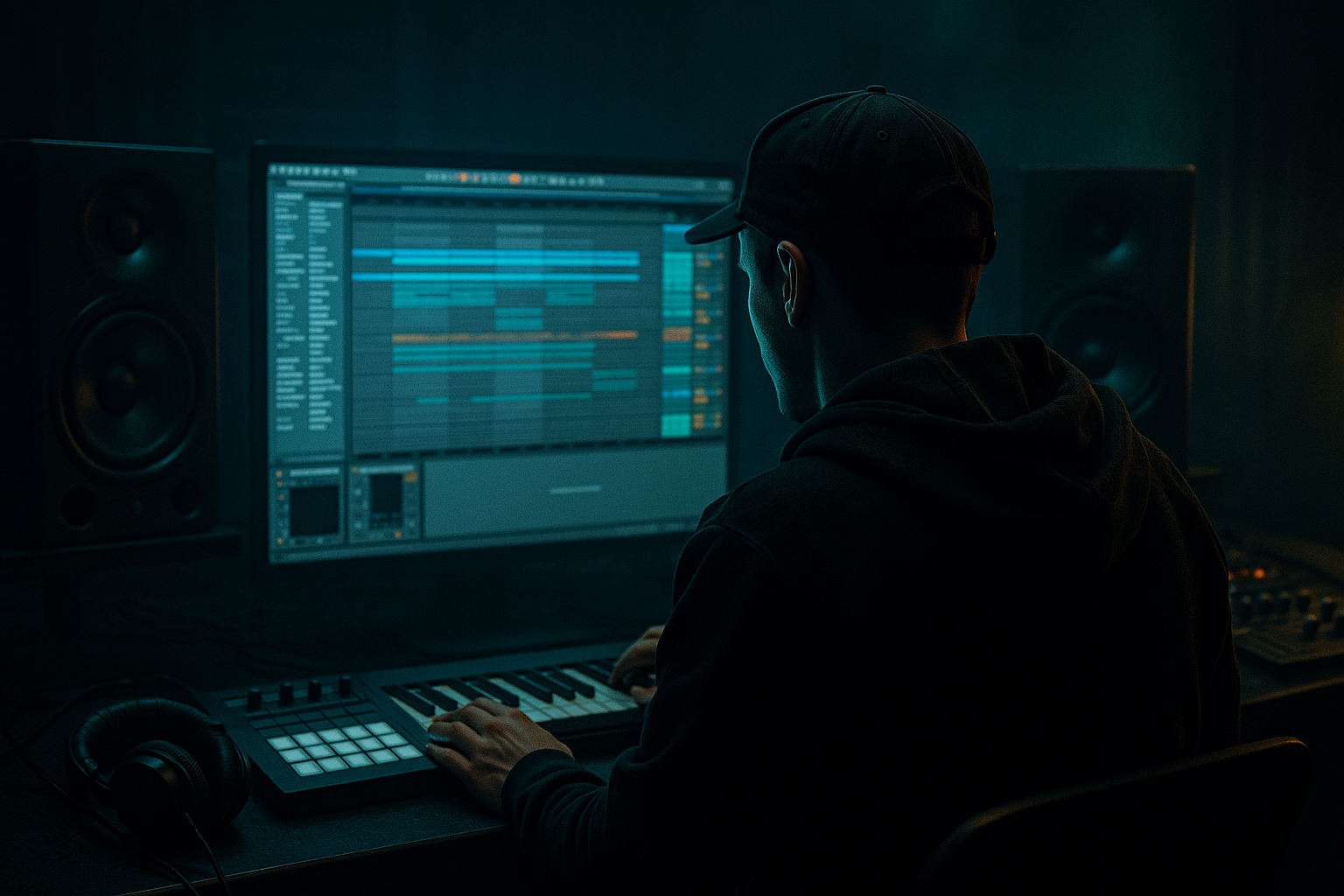
Main tutorial
Lesson Overview
This lesson is about building a Future Jungle edit that starts from an oldskool DnB breakbeat shape and feels like it belongs in a proper jungle or rough-edged oldskool roller. The goal is not just to chop a break: it’s to shape a break so it drives the track, leaves space for the sub, and still has enough grit and swing to feel alive in Ableton Live 12.
This technique lives right at the heart of a DnB drop. It’s the kind of drum/bass idea that can sit under a reese, a sub line, or a call-and-response bass stab, and it matters because oldskool-inspired DnB lives or dies on groove. If the break is too rigid, it loses the jungle feeling. If it’s too loose or too noisy, it collapses the low end and fights the bass.
By the end, you should be able to hear a tight, syncopated break shape that has weight, swing, ghost-note motion, and a clear pocket for sub. In a finished track, it should feel like the drums are speaking with the bassline, not just looping beside it.
Best fit: future jungle, oldskool DnB, rave-leaning rollers, darker jungle-infused club tracks, especially where you want heritage drum energy without sounding like a raw sample dump.
What You Will Build
You will build a 4-bar oldskool break edit in Ableton Live that sounds like a Future Jungle foundation: chopped, reshaped, and processed so it hits with a classic jungle feel but still translates in a modern mix.
Sonically, it should have:
- a solid kick/snare backbone
- ghost notes and shuffle that keep it moving
- controlled top-end crackle and hat texture
- enough grit to feel vintage, but not so much that it gets brittle
- a clear low-end pocket for the sub or bassline
- fast but not rushed
- slightly human, slightly ragged, but still locked to the grid
- able to push and pull against the bass without losing the drop
- can be the main drum loop in the drop
- can sit under a sub-heavy bassline
- can be resampled into variations for fills, switch-ups, and second-drop evolution
- not fully mastered, but clean enough to sit against bass immediately
- punchy in mono
- controlled enough that the kick and snare read clearly on club systems
- Use ghost notes as tension, not decoration. A low-velocity snare pickup or hat flutter before a main hit creates menace because it hints at motion without fully revealing it.
- Keep the kick body short if the bass is large. In darker DnB, a shorter kick often works better than a huge one because it leaves more room for the sub and keeps the groove fast.
- Let one texture be ugly and the others be clean. If the break has grit, keep the bass tone controlled. If the bass is filthy, make the drums slightly cleaner so the drop doesn’t blur into noise.
- Use tiny arrangement absences. One missing ghost note before a snare can feel heavier than adding a fill. Negative space is part of the pressure.
- Resample a version with more crunch, then blend it quietly. A lightly printed layer can add age and density, but keep it low in the mix so it enhances the main break rather than replacing it.
- Check the drop in mono early. If the break disappears or the snare weakens, your stereo processing is too much. Keep width mainly in the top-end texture, not the core drum weight.
- For extra menace, automate a subtle filter move into the last 2 bars before the drop. A gentle opening from darker to brighter creates payoff without needing a big riser.
- Use only one break source
- Use only stock Ableton devices
- Keep the break audible in mono
- Make at least one variation in bars 3–4
- Add only a simple sub note or two for context
- a 4-bar loop with a main break and one variation
- a basic processing chain using EQ Eight, Saturator, Drum Buss, or Glue Compressor
- a bass context check with the drums playing together
- Can you clearly hear the snare anchor?
- Does the break still swing after editing?
- Does the sub feel separated from the drum low end?
- Would this loop make sense at full drop volume in a club?
Rhythmically, it should feel:
Role in the track:
Mix-ready target:
Success should sound like this: a break that feels chopped with intent, not randomly sliced; energetic, grimy, and danceable, while leaving a stable lane for the sub to hit hard.
Step-by-Step Walkthrough
1. Start with one strong break and place it on a single audio track
Drag in a classic breakbeat or oldskool-style drum loop into an Audio Track in Ableton Live 12. If you have a break that already has character, even better. The point here is not to stack five drum layers yet — it’s to build a shape from one source so the groove stays coherent.
Warp the clip so it sits cleanly in tempo. For oldskool jungle energy, you want the break to feel fast and elastic, not overly quantized into sterile perfection. If the break naturally has swing, keep it. If it’s drifting badly, tighten it just enough that the snare lands predictably.
What to listen for:
- the snare should still crack on the main backbeat
- the kick should not disappear when the clip is warped
- the hi-hats should keep a sense of roll rather than becoming robotic
If the break is too busy, choose a more open one. If it’s too thin, choose one with a stronger body in the low-mids. You are building the drum identity here.
2. Slice the break into usable hit-level chunks
In Ableton, right-click the clip and use Slice to New MIDI Track if you want to play the break from pads/notes, or duplicate the clip and manually cut it into pieces if you want more direct control on the timeline. For beginners, manual slicing is often easier to understand first.
Focus on the important hits:
- kick
- snare
- hat or ghost note details
- any useful little tail or pickup
Trim obvious dead space between slices, but do not remove all air. Oldskool jungle works because the break still breathes. If you chop too tightly, you lose that push-pull feel.
A useful workflow tip: once you find a good slice pattern, duplicate the clip and label versions clearly like “break_main,” “break_fill,” and “break_variation.” This saves you from getting stuck in one loop.
3. Build a 1-bar drum phrase first, then expand it to 4 bars
Don’t start by trying to make the whole drop at once. Build a single bar that has:
- a strong downbeat
- a snare anchor
- one or two ghost notes leading into the next hit
In DnB, the groove usually works best when the first bar establishes the pattern and the following bars add subtle evolution. Duplicate that 1-bar idea into 4 bars, then vary bars 2–4 with tiny changes:
- remove one hat slice
- move a ghost note slightly later
- add a snare pickup into bar 4
- leave one beat empty before a drop return
Why this works in DnB: the listener needs repetition to lock into the rhythm, but jungle energy comes from tiny drum mutations. That balance keeps the loop exciting without ruining DJ usability.
4. Shape the break with Ableton’s Clip Envelopes or simpler note editing
If you are using the break as audio slices, use clip gain or fades to control individual hits. If you converted slices to MIDI, adjust velocity to control impact.
Start with this kind of control:
- main snare hits: full or near-full velocity
- ghost notes: lower velocity, roughly 30–70% of the main hit strength
- pickup hats: medium velocity so they guide the groove without over-hissing
If a snare tail is too long, shorten it a bit so it doesn’t blur the next kick or bass note. If a kick has weak attack, bring up the front of the slice slightly or use a cleaner slice point.
What to listen for:
- the groove should feel like it is leaning forward
- the snare should punch through even when the bass enters
- ghost notes should be felt as motion, not heard as clutter
If the break starts sounding too chopped and unnatural, back off. The goal is not surgical perfection — it is controlled character.
5. Add a drum processing chain that preserves punch but adds grime
Use a simple stock-device chain on the break. Two good starting options:
Chain A: cleaner, tighter oldskool
- EQ Eight: high-pass gently around 30–40 Hz if there’s rumble; small cut around 250–400 Hz if the break feels boxy
- Drum Buss: low drive, careful boom control, and a touch of transient emphasis if needed
- Saturator: subtle drive, often around 1–4 dB, to thicken the break
- Utility: reduce width slightly if the top end gets too wide or messy
Chain B: rougher, more Future Jungle
- EQ Eight
- Saturator
- Drum Buss
- Glue Compressor with light gain reduction, just enough to bind the hits
- optional Redux very lightly for texture, not destruction
Start subtle. If the break is losing its snap, you’re probably pushing saturation too hard or compressing too aggressively.
Decision point:
- Choose Chain A if you want a tighter, more disciplined roller feel.
- Choose Chain B if you want a grimier, more warehouse, chopped-up future jungle edge.
6. Lock the break against the sub before you get hypnotized by the loop
This is the important context check. Put your sub or bassline under the break and listen together. A Future Jungle edit only works if the drums leave a clear lane for the low end.
Try a simple sub test:
- a sustained root note
- a short two-note movement
- or a call-and-response bass hit
Then check:
- does the kick still punch?
- does the snare feel central?
- does the sub feel like it owns the bottom, or is the break swallowing it?
If the low end feels crowded, carve space with EQ Eight on the break:
- high-pass gently above 30–40 Hz if needed
- reduce muddy energy around 120–250 Hz if the break and sub are fighting
- avoid over-cutting the kick body unless the sub is very heavy
Mono-compatibility note: if you add stereo to the break later, keep the lowest parts mono. In jungle and DnB, a wide low end can make the whole drop feel unstable in clubs.
7. Create movement with subtle time and tonal variation, not constant FX
Future Jungle feels alive because the break evolves. But the evolution should be deliberate. Use small automation moves:
- automate a low-pass or high-cut slightly more open into a transition
- add a little saturation increase in the last half of bar 4
- mute a ghost note for one bar to create a hole
- reverse one small drum tail into the next phrase if you want a lift
A useful Ableton move: duplicate your 4-bar break and make a “variation” version where one or two slices are changed. Then switch between them in arrangement view every 8 or 16 bars.
Arrangement example:
- Bars 1–8: main break edit
- Bars 9–16: same edit, but remove one pickup hat and add a snare push into bar 16
- Bars 17–24: bring in a denser variation or a fill
- Bars 25–32: strip back for a DJ-friendly breath before the next section
This gives the track phrasing, not just a loop.
8. Build a bass interaction around the drum pocket
Once the break works, write the bass around it. Don’t make the bass line ignore the drum edit. In jungle and oldskool DnB, the bass often answers the drums or sits in the gaps between snare phrases.
Two strong choices:
- A: long sub note with restrained mid bass movement for a darker roller feel
- B: short reese stab pattern with gaps for a more aggressive call-and-response feel
If you pick A, let the drums do more of the talking.
If you pick B, simplify the break a little so the bass has room to slap.
A good rule: if the bass hits on a busy drum moment, shorten either the bass note or the drum detail. Don’t let both compete for attention at once.
Stop here if the groove already feels strong. If the drum-bass pocket is working, commit the break to audio and move forward. In a real session, printing a good loop keeps you from endlessly re-editing the same bars.
9. Print or resample once the shape is right
When the edit starts feeling good, resample or consolidate the break so you can treat it like a performance piece instead of a permanent construction zone. This is especially useful if you want to make fills, reverse hits, or chopped transitions later.
Why this helps:
- it speeds up arrangement
- it makes it easier to create fills from the same source
- it prevents you from over-tweaking the original loop
After printing, create:
- one clean main loop
- one fill loop with extra movement
- one stripped loop for breakdowns or DJ-style transitions
This is a big workflow win in Ableton because it turns one break idea into several usable sections fast.
10. Finish the loop as a track-ready drum identity
Now check the break in the actual song context, not just solo. Put it against the intro, drop, and a bass section. Ask one practical question: does this drum edit support the arrangement?
A successful result should:
- hit hard in the drop
- leave space for the sub
- keep the oldskool energy without sounding dated or cluttered
- feel good enough that you could loop it in a club and still want to move
If the loop feels exciting in solo but weak in context, that usually means the bass is too busy, the snare is too soft, or the break has too much low-mid buildup. Fix those before adding more parts.
Common Mistakes
1. Chopping the break too tightly
- Why it hurts: the groove loses its human swing and starts sounding like a grid exercise.
- Fix: leave tiny tails on hats and ghost notes. Use fades instead of hard cuts when needed.
2. Letting the break and sub fight in the same low range
- Why it hurts: the drop feels heavy but not clear, and club systems blur the bottom.
- Fix: use EQ Eight on the break to clean rumble and muddy low-mids, and keep the sub simple and centered.
3. Over-compressing the break
- Why it hurts: the snare loses impact and the rhythm stops breathing.
- Fix: back off Glue Compressor amount; aim for light glue, not squash. If needed, use Drum Buss more for character than compression.
4. Making every bar equally busy
- Why it hurts: there’s no phrasing, so the loop feels repetitive instead of evolving.
- Fix: remove one element every few bars and bring it back later as a payoff.
5. Using too much stereo width on the drum loop
- Why it hurts: the break can sound impressive in headphones but shaky in clubs, especially in the low end.
- Fix: use Utility to narrow the image slightly, or keep the deepest parts mono.
6. Pushing saturation until the snare turns fizzy
- Why it hurts: you lose transient clarity, and the top end becomes harsh.
- Fix: reduce drive, then add a small EQ cut around the harsh upper-mid area if needed.
7. Ignoring the bass/drum relationship while editing
- Why it hurts: the break may sound great solo but fail once the bassline enters.
- Fix: regularly audition the loop with the bass playing. In DnB, context is the real test.
Pro Tips for Darker / Heavier DnB
Mini Practice Exercise
Goal: Build one convincing 4-bar Future Jungle break edit that works with a sub bassline.
Time box: 15 minutes
Constraints:
Deliverable:
Quick self-check:
Recap
A strong Future Jungle edit is not just chopped drums — it is a controlled oldskool groove shaped for modern DnB impact. Keep the break rhythmic, leave space for the sub, use saturation and compression lightly, and build variation through phrasing rather than constant complexity. If the drums feel alive in context with the bass, you’re on the right track.

