Main tutorial
Lesson Overview
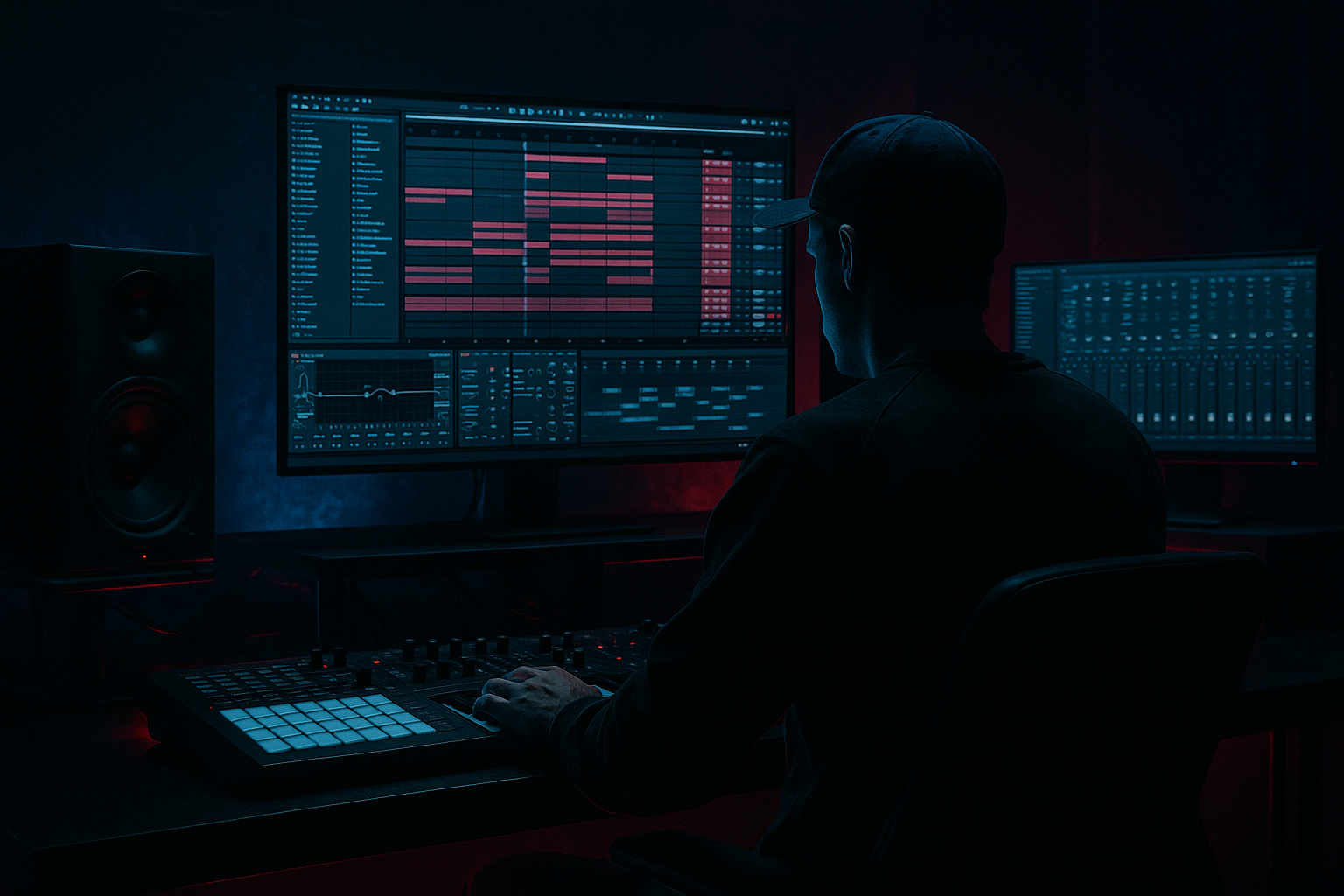
Ghosting an Amen-style breakbeat is one of the most important composition skills in Drum & Bass because it makes a loop feel alive instead of robotic. In DnB, the break is often the emotional engine of the track: it carries swing, tension, forward motion, and that unmistakable jungle energy. When you “ghost” a break, you’re adding very quiet in-between hits, micro accents, and implied rhythm that fills the gaps without cluttering the groove.
In Ableton Live 12, this is perfect beginner material because you can build the whole thing with stock tools: Drum Rack, Simpler, Warp, EQ Eight, Utility, Saturator, Drum Buss, and basic MIDI editing. The goal is not just to copy the Amen break, but to recreate the feel of it in a way that works for modern DnB, rollers, darker jungle, and halftime-adjacent arrangements.
Why this matters: a ghosted Amen break gives your track motion even when the bassline is simple. It helps the drop breathe, makes fills more musical, and gives your loop that “producer knew what they were doing” energy. ✅
What You Will Build
You will build a 1- or 2-bar Amen-style drum loop in Ableton Live 12 with:
- A kick and snare backbone
- Ghost notes placed around the main backbeat
- Light hat and ride movement
- Small timing variations for human feel
- A layered break that sounds broken, not copy-pasted
- Basic drum bus processing for weight and glue
- A simple arrangement idea that can become an intro loop, drop loop, or 8-bar phrase
- Ghost notes too loud: If the break sounds busy but not groovy, lower ghost velocities first before changing the pattern.
- Everything locked perfectly to grid: Tiny timing offsets make the rhythm breathe. Pure grid can sound flat.
- Too much low end in break layers: Use EQ Eight and high-pass ghost snare layers so they don’t fight the sub.
- Overprocessing the drum bus: Heavy compression or saturation can kill the snap of the Amen feel.
- No arrangement movement: A loop that never changes becomes boring fast in DnB.
- Too many ghost notes with no hierarchy: Main hits must stay obvious. Ghosts should support them, not compete.
- Ignoring mono compatibility: Keep low-end and core drum impact centered so the drop translates on club systems.
- Use darker sample choices: A snare with a dry crack and a little noise often works better than a bright pop snare.
- Filter ghost layers: On ghost snares or textures, use Auto Filter or EQ Eight to shave off harsh highs and unnecessary lows.
- Subtle distortion adds weight: A touch of Saturator or Drum Buss can make quiet ghost hits audible without turning them up.
- Make the break answer the bass: Leave tiny pockets where the bass can hit alone, then bring the ghost notes back in.
- Use atmospheric contrast: A dark pad, vinyl texture, or field ambience behind the drums makes the ghosting feel deeper and more cinematic.
- Keep the stereo image disciplined: Let hats and ambience widen, but keep kick, snare core, and sub centered.
- Automate small changes: A little filter movement on the break during a 4- or 8-bar phrase can create tension without extra notes.
- Try resampling later: Once your loop works, bounce it to audio and chop it again. That’s a classic jungle workflow and can reveal new ghost rhythms.
- Build a strong kick/snare backbone
- Add quiet ghost notes around the main hits
- Use small timing differences for human feel
- Layer and process lightly for punch and texture
- Think in phrases, not just loops
- Leave space for the bassline and sub
By the end, you should have a loop that feels suitable for a dark DnB track, jungle roller, or a sparse neuro-influenced groove. It won’t just “play drums” — it will suggest momentum, tension, and space for a sub-heavy bassline to speak.
Step-by-Step Walkthrough
1. Set the project up for a DnB groove
Start a fresh Ableton set and set the tempo to 170–174 BPM. For this lesson, 172 BPM is a great middle ground for Amen-style DnB.
Create a MIDI track and load a Drum Rack. You can keep things simple:
- Pad 1: Kick
- Pad 2: Snare
- Pad 3: Closed hat
- Pad 4: Open hat
- Pad 5: Ride or percussion
- Optional: one extra pad for a break slice or ghost snare layer
If you have an Amen break sample, drag it into Simpler on a pad or place it on an audio track for slicing later. If not, you can still build the feel from individual drum hits. The important thing is the rhythm, not the source.
Set your clip to 1 bar first. Beginner tip: shorter loops make ghosting easier to hear and adjust.
2. Lay down the core DnB backbeat
In your MIDI clip, place the foundation:
- Kick on 1
- Snare on 2 and 4
- Add an extra kick or snare pickup if needed near the end of the bar
For a more Amen-like feel, don’t make the loop too clean. The classic break feel comes from slightly off-grid movement and imperfect accents.
Try these basic starting velocities:
- Main snare: 110–127
- Kick: 90–115
- Ghost hits: 20–60
Why this works in DnB: the heavy backbeat gives the listener something solid to latch onto, while the ghost notes create the “rolling” sensation that keeps the track moving between the big hits.
3. Add ghost notes around the main snare hits
This is the key step. Ghost notes are very quiet drum hits that sit before or after the main accents. In an Amen-style break, they often live around the snare and between kick placements.
Add ghost hits in these places:
- Just before beat 2
- Just after beat 2
- Just before beat 4
- A few light hits in the 16th-note gaps between main accents
On the MIDI grid, use 1/16 notes as your starting point. Then experiment with a few 1/32 notes for tiny lead-ins.
Keep ghost velocities low:
- 18–35 for very subtle ghost taps
- 35–55 if you want them to be clearly audible in a sparse mix
Good beginner rule: if you can hear the ghost notes as separate “drums,” they may be too loud. They should mostly feel like pressure and motion, not a second groove fighting the main one.
If you’re working from a chopped Amen sample in Simpler, duplicate slices and lower velocity or clip gain on the ghost hits. If you’re building from one-shots, use a quieter snare sample or a filtered snare layer for the ghosts.
4. Nudge the timing for human feel
Straight grid ghosting can sound stiff. In DnB, the magic is often in the tiny timing differences.
In Ableton Live:
- Select the ghost notes and move some slightly late by a few milliseconds
- Leave the main snare hits more locked
- Push one or two pickup notes slightly early if you want a rushing jungle feel
A safe beginner method is:
- Main snare: on the grid
- Ghosts before the snare: slightly early
- Ghosts after the snare: slightly late
You can also use Groove Pool with a subtle swing groove. Keep it gentle:
- Groove Amount: 10–25%
- Timing variations: small enough that the loop still feels tight
Use this carefully. Too much swing will make your DnB loop feel lazy instead of driving.
5. Layer your break for texture and weight
Now make the loop sound like a real DnB drum performance. If you’re using one-shots, layer the main snare with a second snare or clap. If you’re using an Amen slice, layer a clean transient on top.
Suggested layering approach:
- Main kick: short, punchy, low-mid controlled
- Main snare: crisp transient + body layer
- Ghost snare layer: filtered, lower volume, less transient
- Hat layer: airy top-end to keep the break alive
In Ableton, use:
- Simpler for individual samples
- EQ Eight to shape each layer
- Utility to narrow or mono the low end
- Drum Buss on the drum group for punch and drive
Two useful starter settings:
- On ghost snare layer, use EQ Eight to high-pass around 180–300 Hz
- On Drum Buss, start with Drive 5–15% and Boom 0–10% to keep weight without overblowing the low end
If your break feels too polite, a little saturation goes a long way. Use Saturator lightly on the drum group to bring up harmonics and make the ghost details audible.
6. Use arrangement thinking, not just looping
Even as a beginner, think like a DnB arranger. A ghosted Amen loop should change over time, not stay identical for 16 bars.
Try this 8-bar movement idea:
- Bars 1–2: basic ghosted loop
- Bars 3–4: add one extra kick pickup or hat lift
- Bars 5–6: remove one ghost note for tension
- Bars 7–8: add a small fill or snare roll into the next section
This creates call-and-response energy. The drums ask a question with the ghost notes, then answer with the snare or kick.
For a dark roller, keep the break restrained in the first 4 bars and let the bassline carry the tension. For a jungle track, let the break be busier and more chopped.
A useful composition rule: if the bassline is dense, simplify the ghost notes. If the bassline is sparse, the break can carry more movement.
7. Shape the drum bus for glue and clarity
Route all drum tracks to a Drum Group. This helps you treat the break as a performance instead of separate samples.
On the drum group, try this simple chain:
- EQ Eight: cut unnecessary sub rumble below 30–40 Hz
- Drum Buss: gentle drive and transient control
- Utility: keep low-end centered, width only if needed above the mids
Good beginner settings:
- Drum Buss Transients: slightly up, around 5–15
- Saturation/Drive: low to moderate
- Utility Width: 100% or slightly narrower if the break is too wide
Keep the drum bus punchy, not crushed. In DnB, the kick and snare need to hit hard enough to survive fast tempos, but you still need headroom for the bassline.
8. Make room for the sub and bassline
Ghosted breaks are powerful because they leave space for sub pressure. A common beginner problem is letting the drums and bass fight in the same range.
When you add your bass later, remember:
- Keep the sub mono
- Use EQ Eight to carve some space in the drum bus if needed
- Let the bassline phrase around the drum accents instead of under every hit
Composition example: in a 172 BPM roller, place the bass stabs after the main snare, then let a ghost snare or hat fill the gap before the next kick. That creates a conversation between drums and bass instead of a wall of sound.
If your bass is reese-heavy or distorted, keep the ghost notes a little cleaner and thinner. That helps the drum texture stay readable in the mix.
9. Add one simple transition or fill
Every good DnB loop needs a reason to move forward. Create a small fill at the end of bar 4 or 8.
Easy beginner fill ideas:
- Two quick ghost snares into the next snare
- A short hat roll with rising velocity
- One extra kick before the downbeat
- A reversed cymbal or noise swell into the next phrase
In Ableton, use:
- Automations for filter opening
- Reverb sends for a short tail on the fill only
- Auto Filter on a hat or break slice for a subtle lift
Keep the fill short. In DnB, fills are often effective because they’re brief and functional, not because they’re flashy.
10. Print and compare your loop like a producer
Once your loop is working, duplicate it and make two versions:
- Version A: more ghost notes, busier
- Version B: fewer ghost notes, more space
Then listen to both against an imagined bassline. Which one feels more “drop-ready”?
This is a real composition habit. DnB producers make decisions based on energy, not just pattern complexity. A strong loop usually has:
- A clear snare anchor
- Enough ghost motion to feel alive
- Enough space for sub and bass call-and-response
Save both versions. One may be better for the main drop, the other for the second drop or variation section.
Common Mistakes
Pro Tips for Darker / Heavier DnB
Mini Practice Exercise
Spend 15 minutes making two versions of the same 1-bar Amen-style loop.
1. Set Ableton to 172 BPM.
2. Build a kick/snare backbone in Drum Rack.
3. Add 4–8 ghost notes around the main snare hits.
4. Make Version A with ghost velocities around 20–35.
5. Make Version B with ghost velocities around 40–60 and one extra pickup note.
6. Apply a light Drum Buss and EQ Eight on the drum group.
7. Listen for which version feels better for a dark DnB drop.
8. Duplicate the better version into 4 bars and add one fill at the end.
Goal: by the end, you should be able to hear how ghost notes change the energy of the groove without needing more instruments.
Recap
Ghosting an Amen-style break in Ableton Live 12 is about making the drums feel alive, not crowded. The essentials are:
If you get the balance right, even a simple loop can sound like a proper DnB foundation: gritty, rolling, and ready for a drop.

