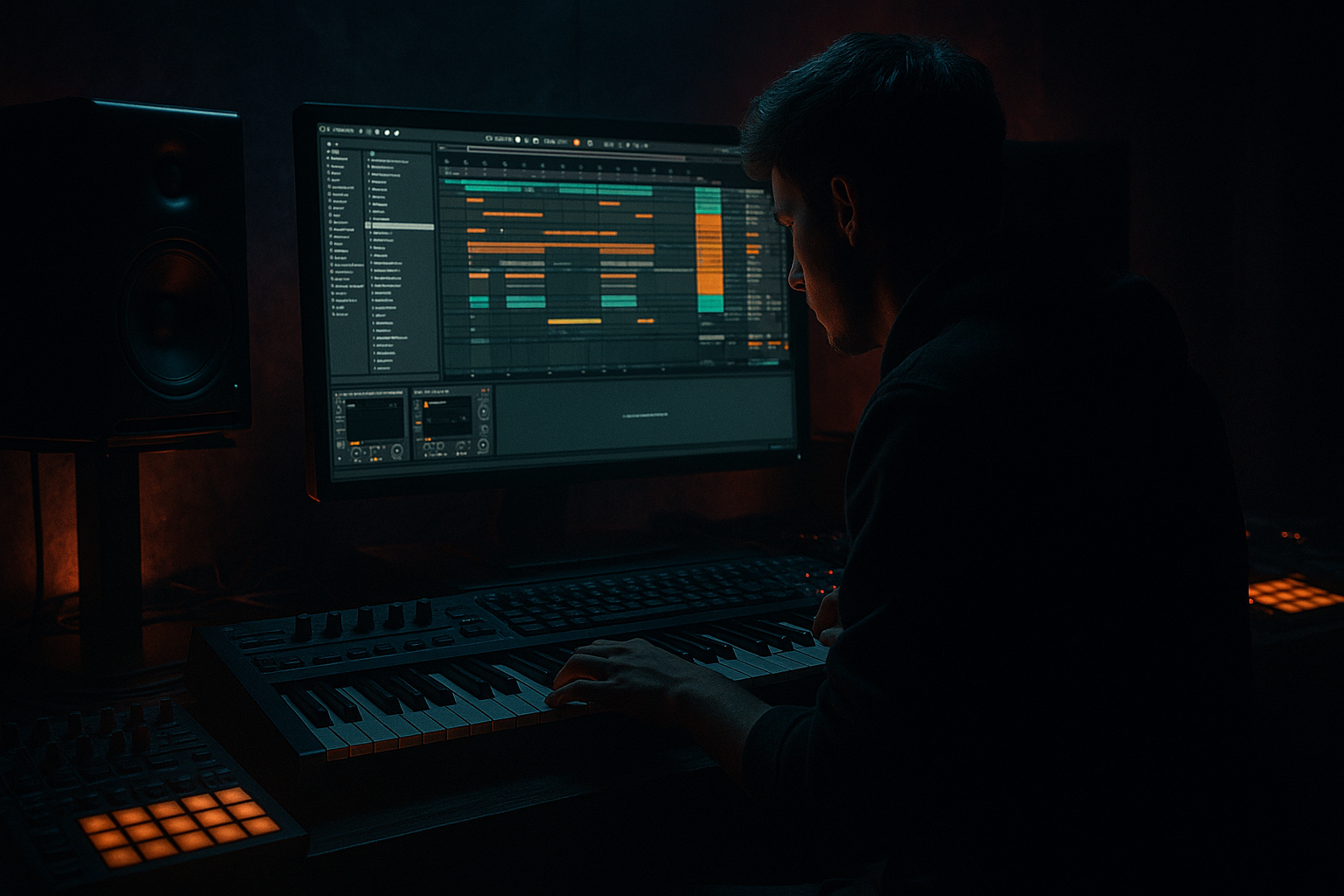
Main tutorial
Ghost Oldskool DnB Bassline with Jungle Swing in Ableton Live 12
1. Lesson overview
In this lesson you’ll build a ghostly, oldskool drum & bass bassline with a jungle-style swing feel — the kind of line that sits under fast breaks, feels movement-heavy, and still leaves space for the kick, snare, and chopped drums to breathe.
We’re aiming for:
- A rolling sub foundation with a slightly unstable, human feel
- Ghost notes and off-grid movement that hint at classic jungle / early DnB phrasing
- Oldskool character using simple synthesis, filtering, and saturation
- Swing that feels musical, not like generic shuffle
- Arrangement-ready movement so the loop can evolve into a full tune
- Wavetable or Operator
- Auto Filter
- Saturator
- Drum Buss
- Glue Compressor
- Utility
- EQ Eight
- MIDI effects like Velocity, Random, and Note Length
- Groove Pool for swing feel
- A root-note sub phrase
- Ghost notes between main notes
- A syncopated jungle bounce
- Optional call-and-response movement
- A bass patch that can be layered into:
- Key: F minor, G minor, or A minor
- Tempo: 165–174 BPM
- Bass style: mono, short-decay, slightly resonant, filtered
- Groove: laid-back but urgent
- Osc 1: Basic Shapes or Saw
- Osc 2: Sine or Triangle, lower in level
- Filter: Low-pass 24 dB
- Amp envelope:
- Use Osc A as a sine
- Add a second oscillator softly for harmonic presence
- Keep phase stable if you want tighter low-end
- Use short envelope decay for punch
- Sub track: pure sine or filtered bass
- Mid track: harmonics, saturation, movement
- Ghost layer: high-passed texture or filtered duplicate with shorter notes
- F
- C
- Eb
- G (as a passing note if it fits the vibe)
- repetitive enough to be hypnotic
- syncopated enough to feel alive
- sparse enough to let breaks breathe
- Bar 1
- Bar 2
- off-grid note placement
- short note lengths
- velocity variation
- call-and-response with drums
- Keep the main root note fairly tight
- Place ghost notes slightly late:
- Push some pickup notes slightly early if they lead into a snare or kick
- manually nudge notes with Alt/Option + arrow
- use the Groove Pool
- or program the bass with slightly human timing
- MPC 16 Swing
- MPC 16 Swing 57–62%
- Light MPC-style shuffle
- Or extract groove from your break if you have a chopped loop
- Groove Amount: 20–50%
- Avoid overdoing it or the bass will sound drunk instead of dancing 🥁
- very short
- lower velocity
- sometimes filtered more than the main notes
- often placed between main hits
- set velocity lower, around 20–50
- shorten note length to 1/16 or less
- place them on weak subdivisions:
- lowering filter cutoff on those notes
- reducing velocity-to-filter amount
- using a second MIDI lane or rack chain to trigger a more muted sound
- duplicate the bass instrument chain
- make one chain brighter and one chain darker
- use Chain Selector or velocity mapping to switch between them
- Out Hi: around 100
- Out Low: around 35–50
- Drive/Random gently if needed
- Shorten note length for tighter phrasing
- Keep ghost notes very short
- Leave main notes slightly longer
- Chance: low
- Random pitch amount: very small, or off
- Better for slight variation on repeated patterns than for the main bassline
- simple tonal centers
- slight detuning or movement
- filtered harmonics
- contrast between sub and presence
- Saturator for harmonics
- Auto Filter with gentle cutoff movement
- chorus-like width only on the mid layer if needed
- sampled texture or vinyl noise very quietly in the background
- Drive: 3 dB
- Analog Clip: On
- Soft Clip: On
- Cutoff: start around 180 Hz on the mid layer
- Resonance: 10–20%
- LFO: subtle, if used at all
- Cut some mud around 200–400 Hz if the bass gets boxy
- Keep sub clean below 100 Hz
- Don’t overboost the low end; let the kick and bass share space
- Kick hits leave space for bass entrances
- Snare hits are strong anchors
- Ghost bass notes often answer the snare
- Hat patterns create momentum, so bass can “lean into” them
- the gap after the snare
- the pickup into the next kick
- the last 1/16 before bar change
- Bar 1–2: main motif
- Bar 3–4: add a ghost pickup
- Bar 5–6: remove one note to create space
- Bar 7: add a small fill or octave hit
- Bar 8: lead into the next phrase with a note change or filter open
- filter cutoff opening slightly every 4 or 8 bars
- distortion amount increasing in breakdown-to-drop transitions
- one extra mid-bass note before a drop
- the filter opens slightly
- saturation increases just a touch
- the sub remains stable
- add distortion
- shorten the notes
- push it back in the mix
- Bar 1: F, C, Eb, F
- Bar 2: F, C, Eb, G
- Main notes: on strong beats or syncopated anchors
- Ghost notes: on offbeats and 16th pickups
- Main notes: 85–110
- Ghost notes: 25–50
- EQ Eight
- Saturator
- Auto Filter
- Utility
- Start with a simple mono bass sound
- Write a sparse, root-led phrase
- Add ghost notes with careful velocity and timing
- Use swing lightly and musically
- Keep the sub clean and centered
- Shape movement with saturation, filtering, and arrangement automation
- Always work against the drums, not in isolation
- rolling
- haunted
- classic
- and properly DnB/jungle ⚡
You’ll use Ableton Live 12 stock tools, mainly:
This is an intermediate composition lesson, so we’ll focus on actually writing the bassline, not just sound design. 🔥
---
2. What you will build
By the end, you’ll have a 1- or 2-bar bass loop that includes:
- sub layer
- mid-bass layer
- textural ghost layer
Think of it as a bassline that feels like it’s lurking behind the drums, rather than constantly shouting.
Musical target
A typical vibe might be:
---
3. Step-by-step walkthrough
Step 1: Set up your project
Start with a clean Live 12 set.
1. Set tempo to 170 BPM.
2. Create:
- 1 MIDI track for bass
- 1 drum track or audio loop for breaks
3. Drag in a classic breakbeat or build a simple break pattern with:
- kick
- snare on 2 and 4
- shuffled hats or chopped amen-style hits
You want the bassline to respond to the drums, not ignore them.
Step 2: Create the bass instrument
#### Option A: Wavetable
This is great for a flexible oldskool-style bass with movement.
Basic Wavetable setup:
- Attack: 0–5 ms
- Decay: 150–300 ms
- Sustain: 0–30%
- Release: 50–120 ms
#### Option B: Operator
This is excellent for a clean sub-heavy classic DnB tone.
Basic Operator setup:
If you want a more authentic early jungle bass, start with Operator, then add texture later.
---
Step 3: Build a practical device chain
Here’s a strong stock chain for this style:
1. Instrument: Wavetable or Operator
2. EQ Eight
- High-pass only if needed on the mid layer
- Low-cut below 20–30 Hz if the sub gets messy
3. Saturator
- Drive: 2–6 dB
- Soft Clip: On
4. Auto Filter
- Low-pass around 120–300 Hz on the sub layer
- Use envelope or automation for movement
5. Utility
- Bass mono: Width 0%
- Keep lows centered
6. Drum Buss on the mid layer only if you want extra grit
7. Glue Compressor if the bass is too spiky
- Ratio: 2:1
- Attack: 10–30 ms
- Release: Auto or 0.3–0.6 s
- Aim for gentle gain reduction, not pumping chaos
#### Suggested split:
This split gives you control and keeps the low end solid.
---
Step 4: Write the bassline skeleton
Start with a 2-bar MIDI clip.
Choose a root note, for example F minor.
#### Simple foundation idea
Use the tonic and fifth as the core:
A classic jungle bassline often works because it is:
#### Example phrasing concept
Try this rhythmic idea over 2 bars:
- F on beat 1
- short ghost note on the “&” of 1
- C on beat 2.5
- Eb on beat 4
- F on beat 1.75
- ghost note on beat 2
- C on beat 3
- quick pickup note into bar 3
Don’t think of it as a full melody. Think pressure and release.
---
Step 5: Add jungle swing with note placement
This is where the groove comes alive. Jungle swing is not just “late notes.” It’s a combination of:
#### Try this:
- around 10–25 ms behind the grid
In Live, you can:
#### Good groove choices
Open the Groove Pool and try:
Apply groove subtly:
---
Step 6: Add ghost notes correctly
Ghost notes should feel like shadow notes, not extra lead notes.
They are usually:
#### How to program them
Use a duplicate MIDI clip or keep them in the same clip but:
- eighth-note offbeats
- 16th-note pickups
- between kick/snare gaps
#### Sound design for ghost notes
You can make them more ghostly by:
A nice trick:
That creates a very oldskool, animated bass feel.
---
Step 7: Humanize with MIDI effects
Ableton’s MIDI effects are perfect for this style.
#### Use Velocity
Put Velocity before the instrument and adjust:
This helps ghost notes stay soft without manual editing every time.
#### Use Note Length
This is excellent for jungle-style bass stabs.
#### Use Random
Use sparingly.
#### Use Scale
If you’re working quickly, add Scale before the bass instrument to stay in key while experimenting with dark note choices.
---
Step 8: Make it feel like oldskool DnB
Oldskool jungle basslines often have:
#### Add character with:
##### Example settings:
Saturator
Auto Filter
EQ Eight
---
Step 9: Lock it to the drums
This style works when bass and drums are arranged together.
#### Typical drum relationship
Try making the bassline react to:
If your bass is fighting the break, simplify it.
A classic mistake is trying to write a bassline that is too busy for the drum loop.
---
Step 10: Create movement across 8 bars
A good DnB loop should evolve.
Use 4- or 8-bar variation ideas:
#### Arrangement idea
Automate:
This gives the bassline a living, rolling quality.
---
4. Common mistakes
1. Making the bassline too melodic
Oldskool DnB bass is often more about groove than melody. Too many different notes can weaken the identity.
2. Using too much swing
If the groove is over-shuffled, the bass will drag and lose urgency. Keep swing subtle.
3. Ignoring note lengths
Long notes can blur the low end and fight the break. Short, controlled notes usually work better.
4. No sub discipline
If the bass layer is stereo, wide, or overly distorted in the sub range, your mix will fall apart quickly.
5. Ghost notes that are too loud
Ghost notes should support the phrase, not compete with the main notes.
6. Writing bass without the drums
This style absolutely needs the drums in context. Always compose with your break or drum pattern playing.
---
5. Pro tips for darker/heavier DnB
Use octave pressure
Try hitting a note an octave higher very briefly before dropping back to the root. This adds menace without clutter.
Automate filter and drive separately
A dark bass often gets heavier when:
Layer a mid-bass ghost
Duplicate the bass and high-pass the copy around 120–180 Hz.
Then:
This makes the bass feel bigger without destroying the sub.
Use negative space
For darker DnB, silence is power. Leave gaps before the snare or after a heavy kick. The bass will feel more threatening when it returns.
Try rhythmic note pairs
Instead of one long note, use two short notes with a tiny gap. That “stutter” can sound very oldskool and aggressive.
Process the break and bass together carefully
If your bassline has a strong groove, over-compressing the drum bus can flatten the interaction. Let the break breathe and keep bass control targeted.
---
6. Mini practice exercise
Exercise: Build a 2-bar ghost bass loop in F minor
#### Step A
Create a 2-bar MIDI clip and place these notes:
#### Step B
Assign rhythms like this:
#### Step C
Set velocities:
#### Step D
Add a light chain:
#### Step E
Loop it with a breakbeat at 170 BPM
Then make 3 variations:
1. one darker version with more filter
2. one heavier version with more saturation
3. one more swung version with slightly late ghost notes
This exercise will teach you how much groove lives in timing, not just note choice.
---
7. Recap
You’ve now got the core method for making a ghost oldskool DnB bassline with jungle swing in Ableton Live 12:
If you do this well, the bassline will feel:
If you want, I can also turn this into:
1. a bar-by-bar MIDI pattern example, or
2. a stock Ableton Live 12 device rack preset recipe for this bass sound.

