Main tutorial
Lesson Overview
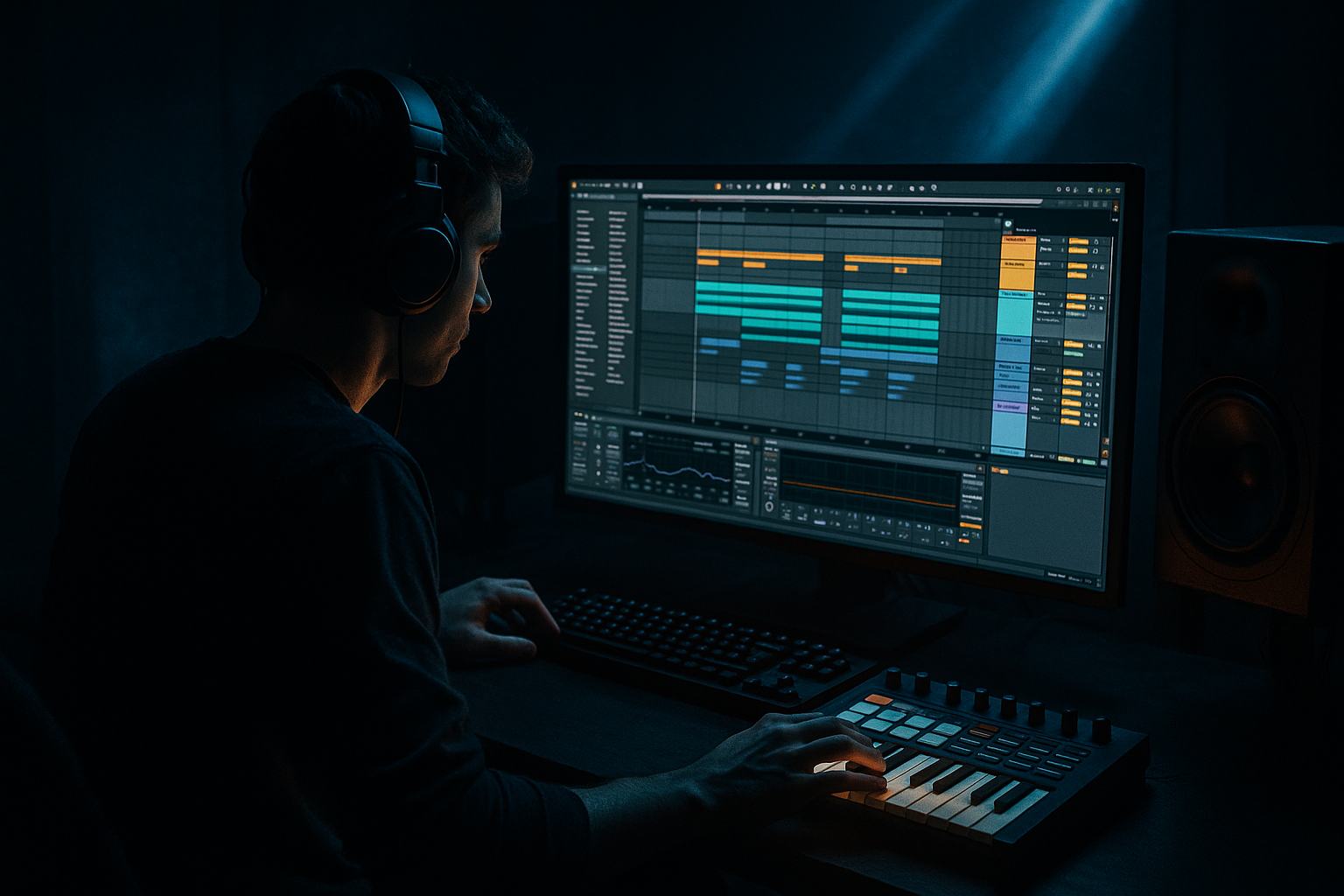
In this lesson, you’ll learn how to glue an oldskool jungle-style arp so it feels like it belongs in a real Drum & Bass tune, not a generic MIDI melody. The goal is to take a simple arpeggiated synth or stab pattern in Ableton Live 12 and make it feel tighter, more rhythmic, more atmospheric, and more “locked” to the drums and bass.
This technique matters a lot in DnB because jungle arps often do more than just play notes — they help create motion, tension, and identity. In oldskool jungle, an arp can sit over a break and bassline like a hypnotic loop, filling the space between the kick/snare and the sub while still leaving room for the groove. If it’s too clean or too static, it can sound like a demo. If it’s too wide or too bright, it fights the drums. The job is to make it bounce with the break and support the bass story.
We’ll focus on a beginner-friendly Ableton workflow using stock devices like Arpeggiator, Auto Filter, Saturator, Utility, Echo, Reverb, EQ Eight, and compressor sidechain routing. You’ll also automate key elements so the arp evolves across a breakdown and drop without needing a complicated sound design setup.
Why this works in DnB: jungle and oldskool DnB are all about movement inside repetition. A glued arp can act like a rhythmic hook, a tension layer, or a call-and-response partner to the bassline. When the timing, tone, and space are controlled properly, the arp helps the track feel alive while keeping the low end clear.
What You Will Build
By the end, you’ll have a classic jungle-style arp loop that:
- sits on top of a breakbeat without cluttering it
- has a slightly gritty, warm, oldskool character
- uses automation to open up in a build and pull back in the drop
- ducks gently around the kick and snare for groove
- stays out of the sub range while still feeling full
- can work in a breakdown, intro, or drop support section
- a midrange synth pattern playing minor notes
- subtle filter movement for tension
- a bit of delay throw on the last note of each phrase
- automated reverb and width for transitions
- controlled level so the bass and drums stay dominant
- oldskool jungle vibes
- rollers with nostalgic tension
- darker DnB intros
- drop support layers behind a Reese bass
- Making the arp too bright
- Leaving too much low end in the arp
- Using too much reverb
- Not matching the arp to the drums
- Overcomplicating the melody
- Making it too wide in mono-sensitive sections
- Forgetting arrangement automation
- Resample the arp to audio once it sounds good, then chop and rearrange it like a sample. This can give it a more authentic jungle feel.
- Add a very light Drum Buss for extra density if the arp feels too polite.
- Use very short Echo throws on the last note of a phrase to create a darker, haunted feel.
- Automate filter resonance slightly higher before the drop, then pull it back in the drop for contrast.
- Layer the arp with a softer octave above it, but keep the upper layer quieter so it doesn’t sound cheesy.
- If you want a rougher underground texture, add a touch of Saturator before the EQ so the tone gets a little dirtier before cleanup.
- Keep the arp midrange-focused so the sub and kick remain dominant.
- For a more neuro-influenced edge, automate tiny cutoff movements in sync with the drums so the texture feels more mechanical and restless.
- generate motion with Arpeggiator
- shape tone with EQ Eight, Auto Filter, Saturator, and Utility
- create movement with automation
- keep the drums and bass dominant with sidechain compression
- use subtle FX for tension and release
Musically, think of a 2-bar or 4-bar arp that repeats with small changes:
This is perfect for:
Step-by-Step Walkthrough
1. Start with a simple MIDI clip and keep the notes short
Create a new MIDI track and load Wavetable, Analog, or even Operator if you want something simple and solid. For beginners, a basic saw or square-based patch works best.
Program a 1-bar or 2-bar pattern in a minor scale. Keep it simple:
- use 3 to 5 notes max
- stay mostly in the midrange, around C3 to C5
- use short note lengths so the arp has space to breathe
For a classic jungle feel, try a pattern like:
- root note
- minor third
- fifth
- octave
- a passing note for tension
Don’t make it too melodic yet. The groove comes from repetition and motion, not from a huge lead line. If your arp is fighting the drums, you’ve already made it too busy.
2. Add Ableton’s Arpeggiator to create the rhythmic engine
Before your synth, add Arpeggiator from Ableton’s MIDI Effects. This is the fastest way to get a proper DnB-style repeating pattern.
Good beginner settings to start with:
- Style: Up or Up/Down
- Rate: 1/16 for a classic urgent feel, or 1/8 if you want more space
- Gate: around 35% to 60%
- Distance: 0
- Retrigger: On if you want each chord/phrase to restart cleanly
If the arp feels too robotic, slightly reduce Gate so each note is shorter and more percussive. If you want a more legato, rolling feel, increase Gate a bit.
Why this works in DnB: the arpeggiator turns a few notes into a rhythmic layer that can lock with breakbeats. Jungle often uses repetitive midrange movement to drive energy without needing a new melody every bar.
3. Shape the synth so it sits like an oldskool jungle texture
On the synth, aim for a tone that feels warm but not too polished. A good starter sound:
- one or two saw oscillators
- a little detune, but not huge
- short amp envelope
- modest filter movement
If you’re using Analog:
- set Osc 1 to saw
- add Osc 2 slightly detuned
- keep filter resonance low
- use a medium-fast attack and short decay
If you’re using Wavetable:
- start with a basic saw table
- avoid huge stereo width at this stage
- use the filter to soften the top end slightly
Keep the arp in a range where it feels musical but doesn’t poke the ears. Oldskool jungle often has that slightly cloudy, sampled, tape-like texture. You can get close using stock Ableton devices later in the chain.
4. Use EQ Eight and Utility to make room for the bass and drums
Add EQ Eight after the synth and clean up the sound before you start automating.
Try these starting moves:
- high-pass around 150–250 Hz depending on the sound
- gently reduce harshness around 2.5–5 kHz if needed
- if the arp feels boxy, cut a little around 300–600 Hz
Then add Utility:
- set Width lower if the arp feels too wide
- keep width around 80%–100% for most drop-support parts
- for breakdowns, you can automate width wider later
This is important because DnB low end has no spare room. Your arp should live above the sub and not blur the kick/bass relationship.
5. Add subtle saturation for grit and glue
Oldskool jungle often sounds a little rough around the edges. Add Saturator after EQ Eight.
Good starting settings:
- Drive: 2–6 dB
- Soft Clip: On
- Output: trim down to match level
If the arp is too clean, this helps it feel like it came from a sampler or an older synth layer. If the sound starts getting harsh, lower the drive instead of boosting more highs.
You can also try a gentle Drum Buss very lightly if the arp needs extra density:
- Drive: low
- Crunch: subtle
- Damp: adjust carefully
Don’t overdo it. The goal is glue, not fuzz. A little grit helps the arp stay present once drums and bass come in.
6. Automate the filter to create movement and tension
Add Auto Filter and use it as your main automation tool. This is where the arp starts feeling alive.
A strong beginner approach:
- set filter type to Low-Pass
- start cutoff fairly low in the intro or breakdown
- automate it opening into the drop
- add a touch of resonance, but keep it moderate
Useful starting ranges:
- Cutoff: sweep from around 300 Hz up to 5–10 kHz depending on brightness
- Resonance: around 10%–25%
- Envelope: low or off at first
In Arrangement View, automate the cutoff so the arp:
- starts muffled and mysterious
- opens in the last 4 or 8 bars before the drop
- pulls back slightly after the first phrase of the drop if needed
This is one of the most effective ways to create tension/release in DnB. The arp can sound like it’s rising without needing a big riser sample every time.
7. Add delay and reverb as automation moments, not permanent wash
Put Echo after the synth chain, then add Reverb if you want space. For jungle, don’t drown the arp — use FX like punctuation.
Good Echo starting point:
- Sync: 1/8 or 1/8 dotted
- Feedback: 15%–35%
- Dry/Wet: low, around 8%–18%
- filter the repeats slightly so they don’t compete with the top end
Reverb settings:
- Decay: 1.2s–2.5s
- Dry/Wet: 5%–15%
- keep low frequencies out of the reverb if possible
Automate these FX instead of leaving them on all the time:
- increase Echo feedback at the end of a 4-bar phrase
- raise Reverb dry/wet briefly before a drop
- cut both back when the drums and bass hit
This creates classic DnB phrase lift. The arp feels like it’s “talking” to the arrangement rather than sitting there constantly.
8. Sidechain the arp lightly to the kick and snare for groove
Use Compressor on the arp track with sidechain input from the drum bus or kick/snare group.
Beginner-friendly settings:
- Ratio: 2:1 to 4:1
- Attack: 1–10 ms
- Release: 50–150 ms
- aim for only a few dB of gain reduction
In DnB, you usually want the arp to duck just enough so the break punches through. You don’t need a pumping house effect unless that’s the style. The goal is to make the arp feel glued to the groove.
If your kick and snare are grouped, sidechain from that group. If not, try the kick first, then add a little snare-triggered movement if needed.
Why this works in DnB: the drums are the main energy source. Sidechaining the arp preserves transient impact and keeps the groove tight, especially when your break is active.
9. Automate volume, width, and filter for arrangement movement
Now make the arp evolve across the track. In Ableton Live 12, use automation lanes in Arrangement View and think in phrases.
Great automation ideas:
- Filter cutoff: gradual open in buildup, small close after drop
- Reverb dry/wet: increase at the end of 8-bar sections
- Echo feedback: quick throw on final note of a phrase
- Utility width: narrower in the drop, wider in the intro
- Track volume: slightly lower in sections where the bass is more active
A strong oldskool DnB arrangement move:
- bars 1–8: filtered arp, wide ambience, no bass
- bars 9–16: introduce break and sub, arp becomes more defined
- bars 17–24: arp opens up, delay throws on phrase ends
- drop: reduce reverb, narrow width, keep rhythm tight
This keeps your track from sounding looped and static. Small automation moves make a huge difference in jungle where repeated phrases are the norm.
10. Check the arp against the bassline and simplify if needed
Put the arp in context with your bass. If you already have a Reese or sub line, listen for collisions.
Ask:
- Is the arp masking the bass presence?
- Is it too loud in the 200–800 Hz zone?
- Does it clash with the snare hit?
- Is it distracting from the groove?
If yes, simplify:
- shorten the notes
- lower the track volume
- reduce filter brightness
- cut a bit more low mids with EQ Eight
A good rule in DnB: if the bassline has the lead role, the arp should become the supporting hook, not the star. In older jungle records, the arp often works because it’s secondary but persistent.
Common Mistakes
- Fix: use Auto Filter or EQ Eight to tame the top end around 4–8 kHz.
- Fix: high-pass it more aggressively, often somewhere between 150–250 Hz.
- Fix: keep reverb subtle and automate it only in selected transitions.
- Fix: sidechain lightly and shorten note lengths so the break can breathe.
- Fix: reduce the pattern to a few notes and let rhythm do the work.
- Fix: use Utility to control width and check the mix in mono.
- Fix: automate filter, delay, and level so the arp changes across sections.
Pro Tips for Darker / Heavier DnB
Mini Practice Exercise
Spend 10–20 minutes building this:
1. Create a 2-bar MIDI clip with 4 notes in a minor scale.
2. Add Arpeggiator and set it to 1/16 with a Gate around 45%.
3. Add Wavetable or Analog with a simple saw-based sound.
4. Use EQ Eight to high-pass the arp around 180 Hz.
5. Add Saturator with 3 dB Drive and Soft Clip on.
6. Add Auto Filter and automate the cutoff from dark to bright over 8 bars.
7. Add Echo with low dry/wet and automate a small feedback boost at the end of the phrase.
8. Put a kick/snare break under it and sidechain the arp lightly.
9. Compare the arp in solo vs full mix.
10. Make one final move: either reduce width, reduce brightness, or lower volume until it feels glued to the track.
If you finish early, duplicate the clip and make a second variation with a different arp rhythm or a slightly different filter automation curve.
Recap
The key idea is simple: a jungle arp needs rhythm, tone control, and automation to feel glued into the track. Use Ableton stock tools to:
If it feels too clean, too wide, or too busy, strip it back. In DnB, the best support layers usually sound focused, gritty, and controlled.

