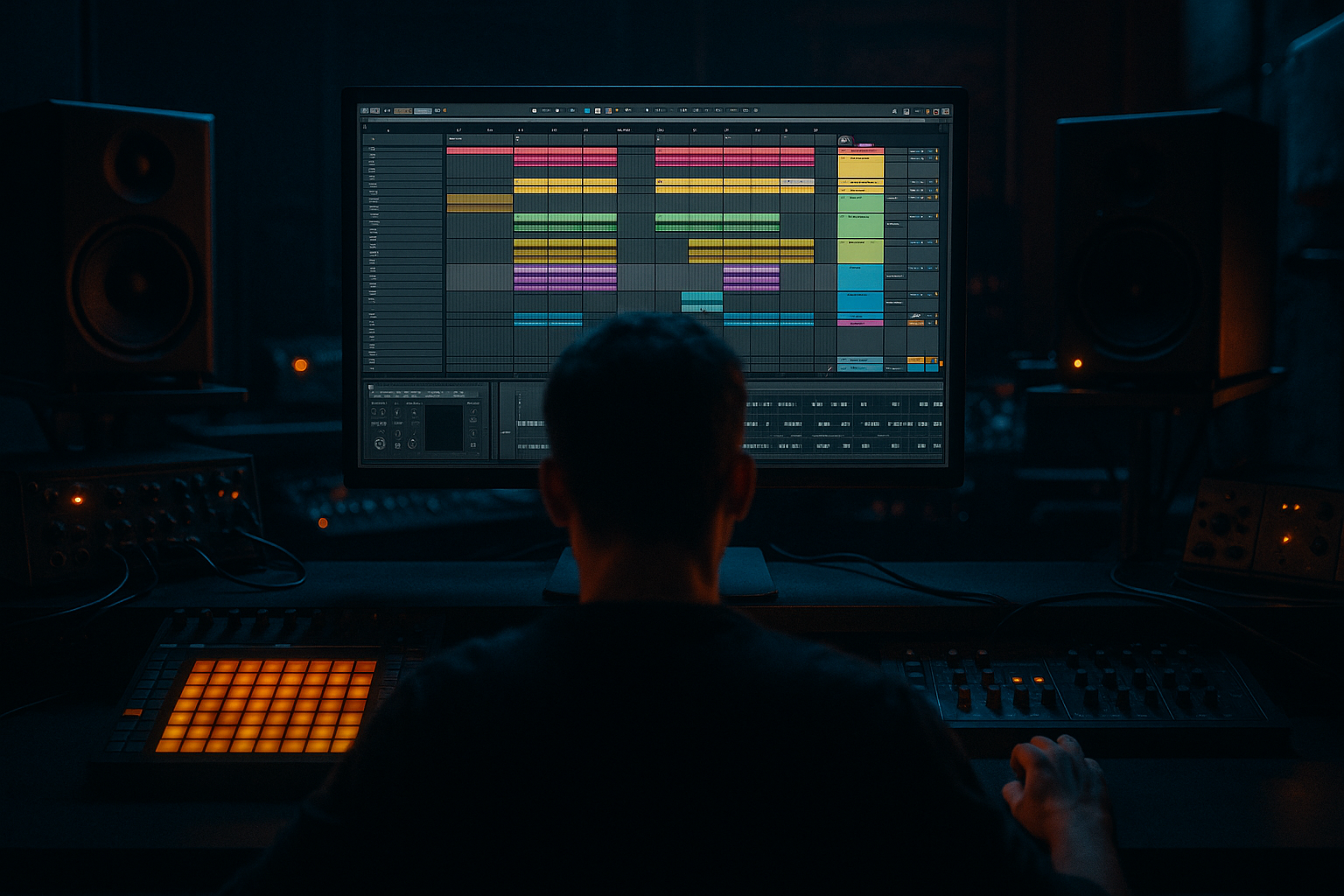
Main tutorial
```markdown
Headroom for Mastering (DJ‑Friendly Sets) — Drum & Bass in Ableton Live 🎛️⚡
1. Lesson overview
Headroom isn’t just “turn it down.” For drum & bass, headroom is a controlled gain structure that:
- keeps transients (kicks/snares) intact,
- avoids low‑end buildup from subs + reese + breaks,
- leaves mastering space for competitive loudness without flattening your groove,
- and makes your tune DJ‑friendly (consistent perceived loudness, clean intros/outros, no surprise peaks).
- True Peak: ≤ ‑6 dBTP (safe target for sending to mastering)
- Integrated LUFS (rough): often ‑18 to ‑14 LUFS depending on vibe (don’t chase loudness in mix)
- Master bus processing: minimal and not a limiter doing 6–10 dB
- A gain‑staged session with predictable peak ranges per group (Drums / Bass / Music / FX)
- A master “Premaster Chain” for metering + safety (not loudness)
- A reference + A/B workflow for consistent DJ set translation
- Arrangement practices: clean DJ intros/outros, controlled drops, and no rogue peaks
- Spectrum (visual low-end / resonances)
- Limiter (as a safety ceiling only)
- Utility (gain trim, mono checks)
- Pull all group faders down so the master peaks around ‑10 to ‑6 dBFS on the loudest section.
- You can do this fast:
- Loudest drop peak on master: about ‑6 dBFS (and limiter barely touching)
- If you want extra safety for mastering engineers: ‑8 dBFS
- mastering EQ moves,
- saturation,
- limiting/clipping,
- and ensures your transients aren’t already “spent.”
- If your snare is peaking like crazy, don’t solve it with the master limiter.
- Solve it at the snare channel:
- Kick has weight around 50–90 Hz
- Sub sits 40–60 Hz (varies by key)
- Operator → Osc A: Sine
- Add Saturator very lightly (to help audibility on smaller systems)
- EQ Eight
- Utility
- EQ Eight
- Saturator / Overdrive / Pedal for harmonics (controlled!)
- Multiband Dynamics (carefully)
- Ratio: 4:1
- Attack: 0.1–1 ms
- Release: 60–140 ms (tempo-dependent; for 174 BPM start ~90 ms)
- GR: 2–5 dB max (enough to clear transients)
- Put EQ Eight after your reverb:
- Put Compressor on the return if it spikes:
- Auto Filter or EQ Eight to tame ultrasonic fizz:
- Watch resonance around 7–10 kHz (fatigue zone)
- Aim for 16 or 32 bars of clean drums + minimal bass
- Keep sub very controlled in the intro (or absent) so DJs can blend
- Avoid huge riser peaks in the last bar before drop (these can clip)
- First 8 bars: don’t stack every layer immediately
- Use automation instead of adding more channels:
- If your second drop is 2–3 dB louder than the first, DJs will notice.
- Use group Utility trims to keep drop-to-drop consistent.
- Snare crack vs. sub weight balance
- Low-end tightness (not just “more bass”)
- How bright the hats are at the same perceived level
- Controlled clipping > heavy limiting for aggressive loudness later
- Make the sub simpler, make the mids nastier
- Use “negative space” for weight
- Parallel distortion on bass with return track
- Tight mono below 120 Hz
- Headroom for mastering in DnB is gain structure + low-end discipline, not a quieter master fader.
- Target ~‑6 dBFS peaks on the loudest drop with only a safety limiter.
- Control headroom where it’s created:
- Keep it DJ-friendly with clean intros/outros, consistent section loudness, and minimal surprise peaks.
In this lesson, you’ll set up a repeatable Ableton Live mixing workflow so your premaster lands around:
We’ll focus on rolling DnB/jungle realities: big sub, snappy snare, busy tops, and aggressive mid-bass.
---
2. What you will build
You’ll build a DJ‑ready premaster template in Ableton Live including:
---
3. Step-by-step walkthrough
Step 0 — Session setup (the foundation) 🧱
1. Set your sample rate (Preferences → Audio):
- 48 kHz if you work with video/modern libraries; 44.1 kHz is fine too.
2. Warp mode discipline:
- Drums/breaks: Beats or Complex Pro only when needed
- Bass one-shots: avoid warping if possible (or set to Re-Pitch for stability)
3. Create groups (this matters for headroom control):
- DRUMS (Group)
- BASS (Group)
- MUSIC (Group) (pads, stabs, atmos, leads)
- FX (Group) (risers, impacts, noise)
- Optional: VOCALS/SHOUTS
> Goal: You’ll manage headroom at the group level, not by fighting the master fader.
---
Step 1 — Put the right meters on the master 📏
Ableton stock devices you’ll use:
Master chain (Premaster) — in this order:
1. Utility
- Gain: 0 dB (for now)
- Width: 100%
- Bass Mono trick (if on Live 11/12 Utility with Bass Mono): start around 120 Hz
2. Spectrum
- Block: 4096 or 8192 (better low-end resolution)
- Avg: around 3–6 sec for stable reading
3. Limiter (Safety only)
- Ceiling: ‑1.0 dB
- Lookahead: default is fine
- Important: It should be doing ~0 to 1 dB reduction max during the loudest drop.
> If your limiter is smashing, you don’t “need a better limiter.” You need more headroom in the mix.
Optional but recommended (not stock): a true peak/LUFS meter (Youlean, iZotope, etc.). If you don’t have one, rely on peak behavior + Spectrum + your ears.
---
Step 2 — Establish a headroom target (numbers that work in DnB) 🎯
Before you touch plugins:
- Select all groups → drag down together.
- Or add Utility as the first device on each group and trim there.
Practical target (DnB premaster):
This gives room for:
---
Step 3 — Gain staging inside the drum bus (transients first) 🥁
DnB is drum-forward. If the drums are controlled, headroom becomes easy.
DRUMS Group chain (example):
1. EQ Eight (cleanup)
- High-pass (if needed): 20–30 Hz, gentle 12 dB/oct
- If kick is heavy: small dip around 200–350 Hz if boxy
2. Drum Buss (punch, not loudness)
- Drive: 2–8% (use your ears)
- Boom: 0–15% (careful—this eats headroom fast)
- Transients: +5 to +20 for snap (depends on samples)
- Output: trim so level matches bypass
3. Glue Compressor (optional)
- Ratio: 2:1
- Attack: 3 ms (let transient through) or 10 ms for more snap
- Release: Auto or 0.1–0.3 s
- GR: 1–2 dB on loudest hits
- Makeup OFF, then match level manually
Key move: Clip/shape peaks before they hit the master.
- Saturator (Soft Clip ON)
- Drive: 1–4 dB
- Output: compensate
- Or Drum Buss on the snare channel for transient control
Kick + sub relationship:
Make sure kick fundamental and sub aren’t fighting. In rolling DnB, often:
They can overlap, but they must be phase-stable and not both maxed.
---
Step 4 — Bass headroom: stop the low-end from stealing your master 🌑
Low end is the #1 reason DnB mixes have no headroom.
BASS Group approach:
1. Split SUB and MIDBASS into separate tracks
- SUB track: clean sine/triangle (Operator/Wavetable)
- MIDBASS track(s): reese, growl, neuro layers
#### SUB track (Operator example)
- Drive: 1–2 dB, Soft Clip ON
- Low-pass around 80–120 Hz (keep it pure)
- Cut anything nasty around 150–300 Hz if it appears from saturation
- Width: 0% (mono sub)
- Gain: set sub level after drums are balanced
Midbass tracks
- High-pass around 80–120 Hz (leave room for sub)
- Use it more like a stabilizer than a “make loud” device
- Don’t crush the low band; you already have a sub
#### Sidechain that actually helps headroom
Use Compressor on SUB keyed from KICK (or from a “Ghost Kick”):
> This doesn’t just make space—it prevents stacked low‑end peaks that kill headroom.
---
Step 5 — Control “invisible peaks” (reverbs, FX, wide tops) 🌪️
Reverbs and wide synths can create peaks that you don’t hear as loud.
FX & reverb returns
- HPF: 200–400 Hz (DnB reverbs rarely need low-end)
- Gentle dip around 2–4 kHz if harsh
- Ratio: 2:1, fast-ish attack, medium release, 1–3 dB GR
Hi-hats / breaks
- Low-pass 16–18 kHz if needed (esp. harsh jungle breaks)
---
Step 6 — Arrangement for DJ-friendliness (headroom meets usability) 🧩🎚️
A DJ‑friendly DnB tune isn’t only loud; it’s mixable.
Intros/outros
Drop design
- Let the groove breathe, then add layers in bar 9/17
- Bass distortion amount
- Reverb send to snares
- Drum Buss drive
- Filter opens
Consistent loudness across sections
---
Step 7 — A/B referencing inside Ableton (level-matched!) 🔁
1. Add a Reference Track (a pro DnB tune you know translates).
2. Route it directly to Master, bypassing your mix groups.
3. Level-match it with Utility:
- Pull reference down until its perceived loudness matches your premaster section.
- Don’t compare your ‑6 dB premaster to a fully mastered brick.
Listen for:
---
4. Common mistakes ❌
1. Mixing into a hard limiter (5–10 dB GR) and calling it “headroom”
2. Sub in stereo (phasey clubs, unpredictable peaks)
3. Too much 30–40 Hz (looks cool on Spectrum, steals all headroom)
4. Reverb tails with low-end (mud + hidden peaks)
5. Overcompressing the drum bus (kills transient = you push volume = limiter works harder)
6. Uncontrolled midbass masking the snare → you boost snare → master clips
7. Ignoring arrangement density: stacking layers instead of automating energy
---
5. Pro tips for darker/heavier DnB 🌑🔥
Use Saturator (Soft Clip) on:
- snare bus,
- drum group,
- midbass group
Keep it subtle and level-match bypass.
Dark DnB hits hardest when sub is steady and midbass carries character.
Drop out a ride or top loop every 4/8 bars—suddenly the kick/snare feel bigger without adding level.
- Return A: Saturator/Overdrive → EQ Eight (HPF at ~150 Hz) → Compressor
- Send midbass to it for grit that doesn’t inflate the sub band.
Utility Bass Mono around 100–140 Hz can help club translation (don’t overdo width above either).
---
6. Mini practice exercise 🧪
Goal: Create a premaster drop that peaks at ~‑6 dBFS with punchy drums and clean sub.
1. Pick a 16-bar drop loop of your track.
2. Reset master chain to:
- Utility → Spectrum → Limiter (‑1 dB ceiling)
3. Turn off any loudness tools (big limiters/clippers) you had on the master.
4. Balance groups in this order:
1) DRUMS (get snare hitting right)
2) SUB (mono, sidechained)
3) MIDBASS (HPF’d, character)
4) MUSIC/ATMOS
5) FX
5. When the groove feels right, pull group Utilities down until the master peaks ‑8 to ‑6 dB.
6. Verify:
- Limiter GR: 0–1 dB
- Sub is mono (Utility Width 0% on SUB)
- Reverb returns have HPF at 200–400 Hz
7. Export a test premaster:
- WAV, 24‑bit, sample rate project rate
- No dithering (unless 16-bit export)
---
7. Recap ✅
- transient shaping/clipping on drums,
- mono + sidechained sub,
- HPF reverb/FX,
- arrangement density management.
If you want, tell me your typical sub key (e.g., F/G/G#) and whether you’re writing more rollers vs. jump-up vs. jungle, and I’ll suggest specific frequency targets and a starting template rack for your groups. 🎚️
```

