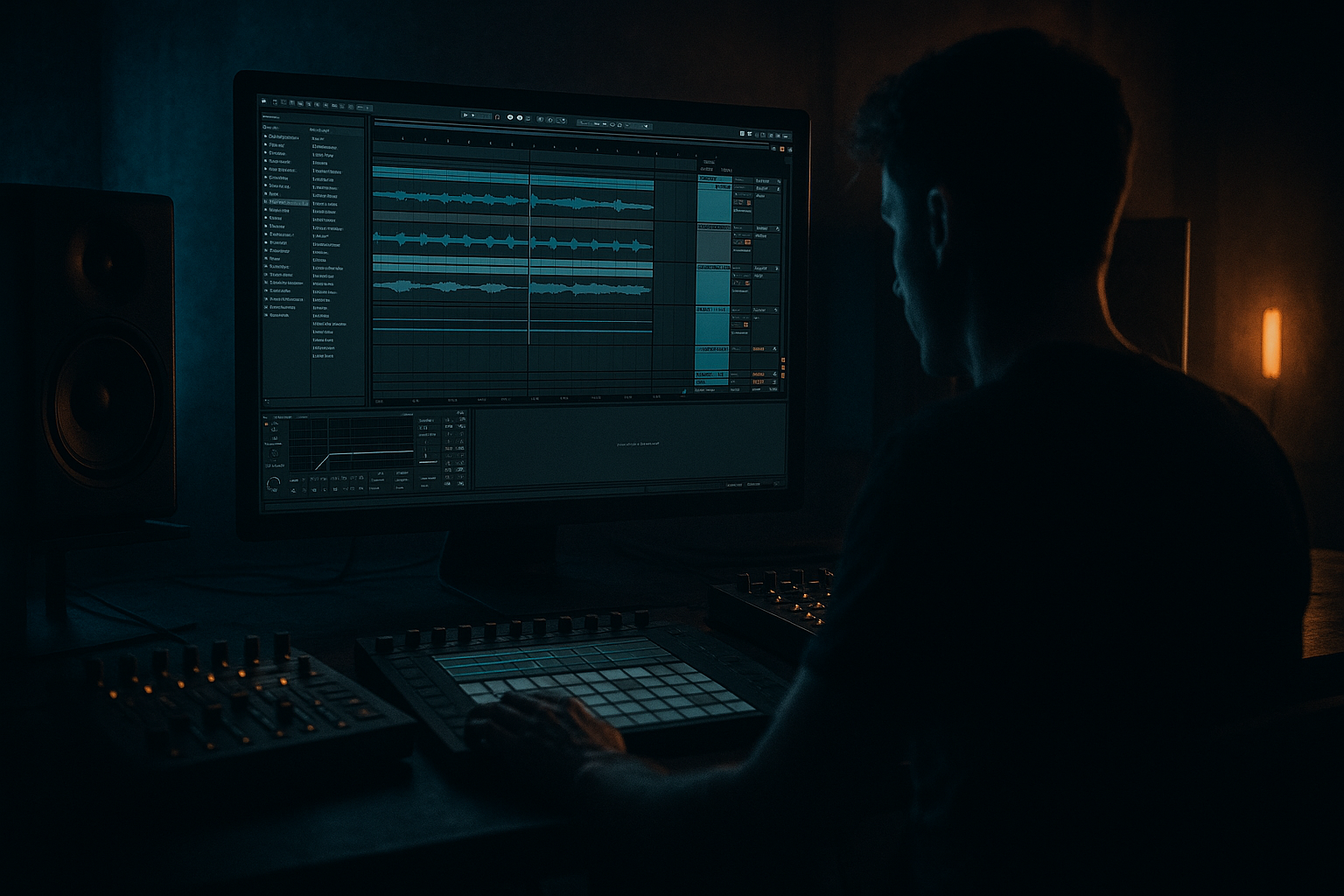
Main tutorial
```markdown
Heatwave: Breakbeat Stretch for VHS‑Rave Color in Ableton Live 12 📼🔥
Skill level: Intermediate
Category: Atmospheres (for DnB / jungle / rolling bass music)
---
1. Lesson overview
In this lesson you’ll take a classic break (Amen, Think, Hot Pants—anything with real room tone) and stretch it into atmosphere while keeping it useful in a modern drum & bass arrangement. The goal is that sun‑bleached, VHS‑rave haze: wobbly pitch, smeary transients, crunchy high-end, and a “tape room” that sits behind a clean modern drum kit.
You’ll build a workflow in Ableton Live 12 using mostly stock devices, focusing on:
- Warp modes + extreme stretching
- Controlled degradation (tape/VHS vibe)
- Making a “bed” that follows your groove without fighting your drums
- Arrangement moves that scream jungle/DnB
- A washed, time-stretched break pad (wide + dreamy)
- A ghost‑transient layer that still implies the original break’s rhythm
- A VHS wobble + noise layer that glues into your track
- A sidechained, band-limited texture that stays out of the kick/snare lane
- audible room tone and cymbal wash
- snare crack but not too overcompressed
- not too many layered hits (simpler = better for stretching)
- Turn Warp: ON
- Warp Mode: start with Complex Pro
- Formants: ON (we’ll tweak later)
- Envelope: ~ 60–90 (higher = smoother, less transient)
- Select 1–2 bars → Cmd/Ctrl + J
- Complex Pro = smeary, cinematic, “VHS on a hot day”
- Texture = grainy, crunchy, shimmering (great for jungle haze)
- Grain Size: 80–160 ms
- Flux: 10–30%
- Drive (if available): low to moderate
- Drive: 1–4 dB
- Soft Clip: ON
- Output: pull down to match level
- Mode: Chorus (or Ensemble if you want more swim)
- Rate: 0.15–0.35 Hz
- Amount: 15–30%
- Delay: 8–18 ms
- Keep it subtle—this is “heat shimmer,” not trance supersaw.
- Filter Type: Lowpass (12 dB)
- Freq: 2–8 kHz (start around 5 kHz)
- Res: 0.7–1.4
- Enable LFO:
- Downsample: 1.2–2.5
- Bit Reduction: 8–12 (light touch)
- Mix with Dry/Wet if needed (or rack it—see below)
- Start with `BREAK_STRETCH` only + vinyl/noise (optional)
- Slowly open Auto Filter LP from 2 kHz → 8 kHz
- Increase send to `R_VHS_VERB` for “approaching the rave” feel
- Automate Pump macro up slightly (more ducking)
- Add a short tape stop style moment by automating:
- Keep `BREAK_STRETCH` low in the mix, sidechained, band-limited
- It becomes glue + energy “mist” behind your clean kick/snare and rolling bass
- Bring back more stereo width + reverb
- Reduce sidechain so the pad blooms between hits
- Make it ominous with pitch: transpose the stretched break -3 to -7 semitones, then LP it darker.
- Mid/Side cleanup: use EQ Eight in M/S mode:
- Add “industrial air” layering: duplicate the track:
- Gate the tail rhythmically: try Gate after reverb (or on a resampled version):
- Resample for control: once it feels good, Freeze + Flatten or record to a new audio track and edit like a sample (best for tight drops).
- Stretching breaks for VHS‑rave color is about turning rhythm into atmosphere while keeping DnB clarity.
- Use Warp (Complex Pro/Texture) to exaggerate time, then shape it with EQ, sidechain, and controlled degradation (Saturator, Chorus, Redux).
- Put it in a shared VHS reverb space and automate macros for fast arrangement moves.
- In the drop, keep it quiet, ducked, and band-limited—it should enhance the roll, not replace your drums.
---
2. What you will build
A Break‑Stretch Atmosphere Rack that produces:
You’ll end with a usable loop and arrangement ideas for intros, drops, and breakdowns.
---
3. Step-by-step walkthrough
Step 0 — Session setup (DnB-ready) ⚙️
1. Set tempo to 172 BPM (or 174 if you like it spicy).
2. Create three tracks:
- Audio: `BREAK_STRETCH`
- Audio: `DRUMS_CLEAN` (for your main modern kit)
- Return: `R_VHS_VERB` (we’ll build a shared VHS space)
Tip: Keep your clean drums separate. The stretched break is atmosphere, not your main punch.
---
Step 1 — Pick a break with good “air” 🎛️
Use a break that has:
Drop your break into `BREAK_STRETCH`.
Warp settings (Clip View):
Now consolidate the part you want:
This makes stretching more predictable.
---
Step 2 — Create “Heatwave stretch” by going way too long ⏳
Here’s the trick: you’re not time-stretching to fit tempo—you’re stretching to create a bed.
1. Duplicate the clip (so you keep a clean version): Cmd/Ctrl + D.
2. On the duplicated clip, set loop to 1 bar (or 2 bars).
3. Stretch it to 4–8 bars:
- In Clip View, drag the loop brace end while holding Shift (fine control), or
- Use Seg. BPM / Warp markers to expand it cleanly.
Try these Warp mode options:
If using Texture, try:
Goal: the break becomes a moving pad, but you can still feel the rhythm ghosts.
---
Step 3 — Make it follow DnB groove without ruining your drums 🥁
We’ll sidechain and band-limit it so it lives behind your kit.
On `BREAK_STRETCH`, add:
1. EQ Eight
- HP at 120–200 Hz (24 dB/oct)
- Gentle dip around 2–4 kHz if it fights snare snap
- Optional LP at 10–14 kHz for older tape vibe
2. Compressor (sidechain from your clean drums or kick/snare bus)
- Sidechain Input: `DRUMS_CLEAN` (or your drum group)
- Ratio: 3:1 to 6:1
- Attack: 3–10 ms (lets a little transient poke through)
- Release: 80–180 ms (pump in tempo)
- Aim for 3–6 dB gain reduction
If you want it to breathe like classic jungle intros, sidechain it mainly from snare (or a snare ghost trigger) rather than full drums.
---
Step 4 — VHS wobble + tape heat device chain 📼
Now the color. Add these devices in this order:
#### A) Saturator (gentle tape-ish heat)
This thickens the break wash without turning it into a harsh mess.
#### B) Chorus-Ensemble (width + VHS smear)
#### C) Auto Filter (movement + band vibe)
- Rate: 0.05–0.20 Hz (slow)
- Amount: small (just a drift)
#### D) Redux (optional VHS pixel crunch)
This combo gives you the “sun-baked VHS” vibe without nuking the mix.
---
Step 5 — Build a Return track: VHS space reverb 🌫️
On `R_VHS_VERB`, add:
1. Hybrid Reverb
- Choose Convolution with a small room / plate style IR (or use Algorithmic Hall)
- Decay: 2.5–6 s
- Pre-Delay: 10–25 ms
- Lo Cut: 200–400 Hz
- Hi Cut: 6–10 kHz
This keeps it dark and “old playback system” friendly.
2. Echo
- Time: 1/8 or dotted 1/8
- Feedback: 10–25%
- Filter: band-limit (HP ~300, LP ~6k)
- Add a touch of modulation in Echo for warble
Send `BREAK_STRETCH` into `R_VHS_VERB` around -15 to -8 dB (taste).
Keep your clean drums mostly out of this return (unless you want a retro intro).
---
Step 6 — Turn it into an Instrument Rack (fast workflow) 🧰
Group your `BREAK_STRETCH` FX into an Audio Effect Rack and make 4 Macro knobs:
Suggested Macros:
1. Wobble → map to Chorus Rate + Echo Mod (tiny range)
2. Heat → map to Saturator Drive + Redux Downsample
3. Murk → map to EQ Eight LP frequency + Reverb Hi Cut
4. Pump → map to Compressor Threshold (sidechain amount)
Now you can perform the vibe across sections (intro, breakdown, pre-drop).
---
Step 7 — Arrangement ideas (DnB/jungle-rooted) 🧱
Here are practical ways to deploy the stretched break:
Intro (8–16 bars):
Pre-drop (4–8 bars):
- Clip Transpose down a few semitones over 1 bar (subtle), OR
- Echo feedback spike (careful—don’t clip)
Drop:
Breakdown:
---
4. Common mistakes 🚫
1. Too much high-end fizz
Stretched cymbals get brutal fast. Use LP at 10–12 kHz and/or dip 7–9 kHz.
2. No sidechain = messy groove
If it doesn’t duck, it’ll fight your snare and make the drop feel small.
3. Overdoing Redux/chorus
VHS vibe is usually subtle instability. Too much becomes lo-fi parody.
4. Leaving low-end in the stretched break
HP it. Your sub and kick need that space.
5. Warp artifacts in the wrong places
If a weird chirp happens on the snare, move warp markers or switch warp mode (Complex Pro ↔ Texture).
---
5. Pro tips for darker/heavier DnB 🖤
- Cut more highs on the Sides so width stays smooth, not fizzy.
- On the duplicate, heavy Saturator + Auto Filter bandpass around 1–3 kHz
- Keep it low, just to add aggression.
- Sidechain gate from a shuffled 1/16 percussion ghost to create jungle “breathing walls.”
---
6. Mini practice exercise 📝
Do this in 15–20 minutes:
1. Pick one break (Amen or Think works great).
2. Stretch 1 bar → 8 bars using Texture mode.
3. Build this chain on `BREAK_STRETCH`:
- EQ Eight (HP 160 Hz, LP 12 kHz)
- Saturator (Drive 2 dB, Soft Clip ON)
- Chorus-Ensemble (Rate 0.25 Hz, Amount 20%)
- Compressor sidechained from snare (4:1, Release 120 ms)
4. Send it to `R_VHS_VERB` (Hybrid Reverb decay ~4 s, Hi Cut ~8 kHz).
5. Arrange 16 bars:
- Bars 1–8: filter opening + reverb increasing
- Bars 9–16: reduce reverb, increase sidechain, bring in clean drums at bar 9
Export a quick bounce and listen on low volume: the texture should feel like air and motion, not like “extra cymbals.”
---
7. Recap ✅
If you want, tell me which break you’re using and your sub style (liquid roller, neuro, jungle, dancefloor), and I’ll suggest exact warp mode + macro ranges for that vibe.
```

