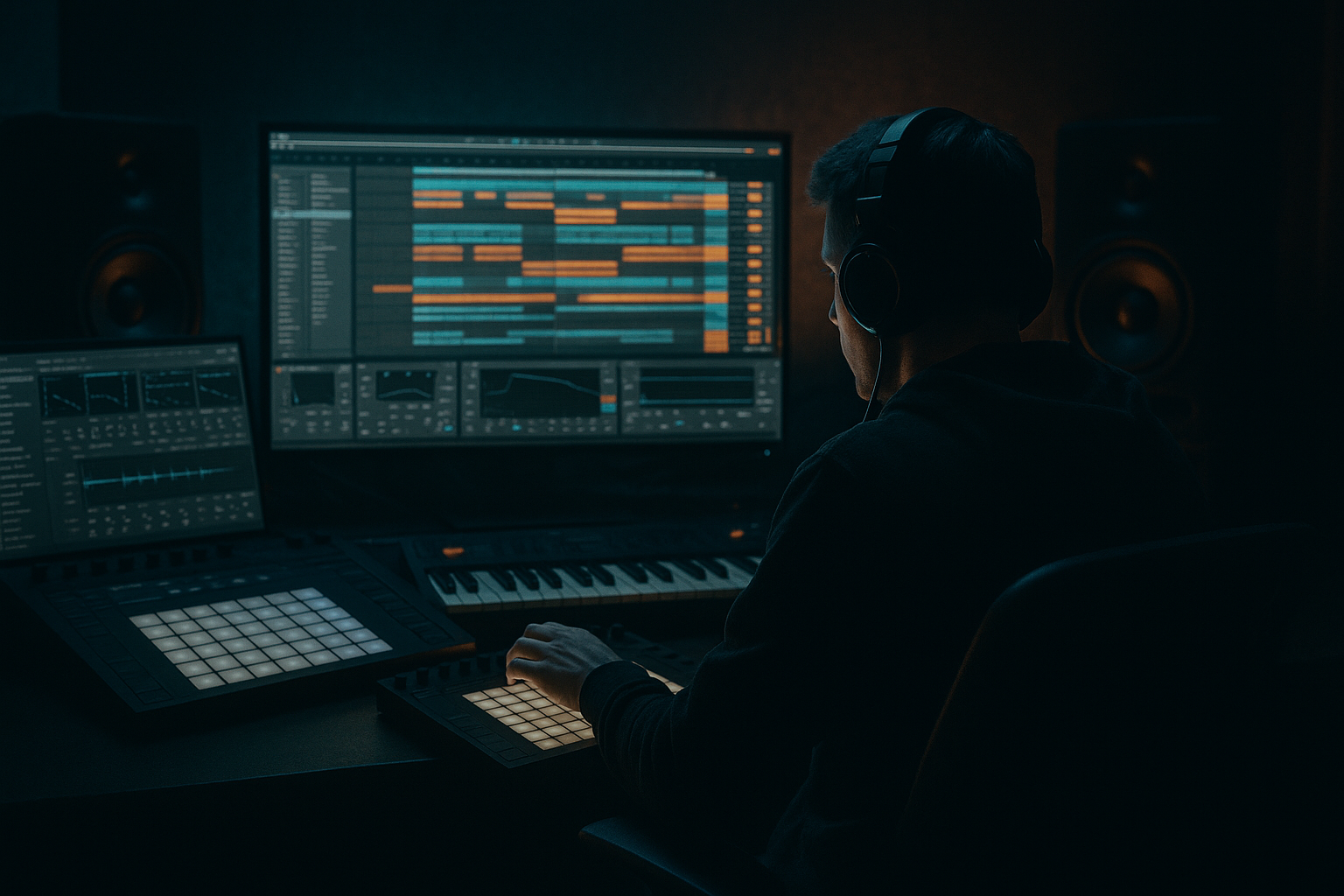
Main tutorial
Hot Pants: Mid Bass Design for Jungle / Oldskool DnB in Ableton Live 12 🎛️🥁
1. Lesson overview
In this lesson, you’ll build a classic “Hot Pants” style mid bass using only stock Ableton Live 12 devices. We’re aiming for that oldskool jungle / early drum & bass energy: gritty, bouncy, characterful, and easy to place against fast drums and chopped breaks.
This sound is usually:
- Midrange-focused rather than sub-heavy
- Aggressive but playful
- Built from simple waveforms + distortion + movement
- Designed to cut through busy breakbeats
- Perfect for call-and-response riffs, rave stabs, and rolling basslines
- Build a bass patch from Operator or Wavetable
- Add movement with Filter, Envelope, and LFO-style modulation
- Shape the tone with Saturator, Overdrive, and Auto Filter
- Make it sit in a jungle mix with EQ Eight, Utility, and compression
- Turn it into a loop-ready bassline for a track
- a strong midrange growl
- a short plucky attack
- movement in the filter or wavetable
- enough edge to work in oldskool DnB, jungle, rollers, and breakbeat tracks
- a repeating rhythmic phrase
- note movement that answers the drums
- space for breaks and fills
- room for a sub layer if needed
- Instrument: Operator or Wavetable
- Filter: Auto Filter
- Distortion: Saturator / Overdrive
- Tone shaping: EQ Eight
- Space / width: Chorus-Ensemble or Utility
- Dynamics: Compressor or Glue Compressor
- Optional: Drum Buss for extra grime
- Oscillator A
- Oscillator B
- Filter
- Amplitude envelope
- Start with a simple waveform like Basic Saw
- Keep the wavetable position near the start
- Use one oscillator only at first
- Filter type: LP24 or BP
- Envelope: short decay, low sustain
- short
- rhythmic
- slightly percussive
- punched into gaps between drums
- Attack: 0 ms
- Decay: 180 ms
- Sustain: 0–15%
- Release: 70 ms
- Turn on the Filter Envelope
- Set:
- Auto Filter envelope
- Shaper or LFO-like automation
- MIDI note velocity differences
- clip automation
- Drive: +3 to +8 dB
- Soft Clip: On
- Color: slightly higher if needed
- Output: trim to avoid clipping
- Add Overdrive before or after Saturator
- Frequency: around 300–1000 Hz
- Drive: moderate
- Tone: adjust by ear
- Dry/Wet: 20–60%
- tone first
- motion second
- grit third
- cleanup last
- High-pass very gently only if needed
- Cut mud
- Boost presence
- Tame harshness
- Keep Bass Mono mindset
- If needed, use Width around 80–100%
- For low-end safety, keep the bass mostly mono below about 120 Hz
- Mode: subtle
- Amount: low
- Mix: low, around 10–20%
- Ratio: 2:1 or 4:1
- Attack: 10–30 ms
- Release: 50–120 ms
- Gain reduction: only a few dB
- Add Drum Buss
- Drive: low to moderate
- Boom: carefully, only if needed
- Crunch: small amount
- short
- rhythmic
- repetitive with variation
- focused around the root, minor third, fifth, and octave
- root note
- jump up a 5th
- step down a minor 3rd
- repeat with syncopation
- hit on beat 1
- another hit just before beat 2
- a response on the “and” of beat 3
- leave space for snare and break accents
- Keep notes short: 1/16 to 1/8
- Use velocity variation
- Slightly move note lengths for groove
- Try a few ghost notes or low-velocity pickups
- Let the bass phrase answer the snare or break chop
- Leave space between hits
- Use two-note motifs instead of constant playing
- In MIDI, overlap notes slightly if using a monophonic instrument
- Use pitch automation if your patch supports it
- Keep bends subtle for a classic feel
- lower cutoff in verses
- slightly open it in drop sections
- make fills brighter for 1 bar before transitions
- Easier arrangement
- More control
- Lets you chop the bass like a break
- Great for creating variations and fills
- Operator sine oscillator
- low-pass it
- keep it mono
- avoid distortion on the sub
- lighter in verses
- heavier in drops
- slightly brighter in fills
- Drum Buss
- Saturator
- EQ Eight
- a looping bass riff
- enough movement to stay interesting
- a sound that feels ready for a jungle drop
- Start simple with Operator or Wavetable
- Use short envelopes for punchy rhythmic bass
- Add movement with Auto Filter
- Add grit with Saturator and/or Overdrive
- Shape the mix with EQ Eight
- Keep bass mostly mono and leave room for drums
- Program the MIDI like a conversation with the breakbeat
- Resample when you want more oldskool flavor
- a specific Ableton device rack preset recipe
- a MIDI bassline example in note names
- or a second tutorial for making the sub layer to pair with this hot pants bass
We’ll keep the workflow beginner-friendly, but the result will still sound like a proper DnB production tool. 💥
You’ll learn how to:
---
2. What you will build
By the end, you’ll have:
A hot pants-style mid bass patch
A punchy, harmonically rich bass sound with:
A simple 1-bar or 2-bar bass riff
Something like:
A practical DnB-ready chain
Stock devices only:
---
3. Step-by-step walkthrough
Step 1: Start with a clean MIDI track
1. Create a new MIDI track.
2. Load Operator.
- If you prefer, you can use Wavetable, but Operator is great for a beginner because it gives quick results.
3. Set the project tempo to around:
- 165–175 BPM for classic jungle/DnB
- 160–172 BPM if you want a slightly looser oldskool feel
Why Operator?
For this style, a simple oscillator routed through filtering and distortion can sound huge. You do not need a complex synth to make a strong mid bass.
---
Step 2: Build the basic tone
Option A: Operator setup
Use these starting settings:
- Wave: Saw
- Level: 0 dB
- Wave: Square
- Level: very low or off initially
- Turn on the filter
- Type: LP24 or BP12 for darker tones
- Cutoff: around 150–400 Hz to start
- Resonance: 10–25%
- Attack: 0–5 ms
- Decay: 150–300 ms
- Sustain: 0–20%
- Release: 50–120 ms
This gives you a short, punchy bass note that feels suitable for rhythmic jungle phrases.
Option B: Wavetable setup
If you use Wavetable:
Important sound goal
You’re not trying to make a huge sub here. You’re making a mid bass character layer that will work with drums and perhaps a separate sub bass later.
---
Step 3: Shape the bass envelope
For jungle and oldskool DnB, bass notes often feel:
Set your amp envelope like this:
If the bass feels too smooth or “pad-like,” shorten the decay more.
If it feels too clicky or thin, slightly increase the decay or release.
Tip
If you want a more “talking” hot pants feel, make the note length short in MIDI and let the filter movement do the work.
---
Step 4: Add movement with Auto Filter
Now we’ll make the bass dance a bit.
1. Add Auto Filter after Operator.
2. Set filter type to:
- Band-pass for nasal, oldskool character
- or Low-pass for a darker, thicker feel
3. Set cutoff around 250–800 Hz
4. Add a little resonance
- Around 15–35%
Add envelope movement
In Auto Filter:
- Attack: 0 ms
- Decay: 120–250 ms
- Sustain: 0%
- Amount: medium
This creates a bass that opens slightly at the start of each note and then closes. That’s a classic trick for punch and bounce.
If using LFO-style movement
Live’s stock tools don’t label everything like modular synths, but you can simulate motion using:
For beginner workflow, keep it simple: filter envelope first, automation later.
---
Step 5: Add grit with Saturator and Overdrive
Hot Pants bass sounds usually need some dirt. That’s what makes them cut through breaks and rave drums. 😈
Saturator
Add Saturator after the filter.
Suggested settings:
This thickens harmonics and makes the bass more audible on smaller speakers.
Overdrive
If you want more bite:
Use Overdrive if you want a more aggressive, rough-edged jungle bass.
Use Saturator if you want cleaner warmth and control.
Good chain order
A solid chain often looks like this:
Operator → Auto Filter → Overdrive → Saturator → EQ Eight
This order usually gives you:
---
Step 6: Clean up with EQ Eight
Now the bass needs to sit in the mix.
Add EQ Eight after distortion.
Typical EQ moves
- Around 25–35 Hz
- Just to remove unusable rumble
- Around 180–350 Hz if it sounds boxy
- Around 700 Hz–1.5 kHz if the bass needs more “speak”
- Around 2.5–5 kHz if distortion gets fizzy
Important
Don’t over-EQ. The point is not to sterilize the sound. You want the bass to remain gritty and alive.
---
Step 7: Add width carefully
Mid bass should usually stay fairly centered, especially in DnB. But you can add a bit of stereo interest.
Use Utility first
Add Utility:
Optional: Chorus-Ensemble
If the bass feels too plain, add Chorus-Ensemble lightly:
Be careful: too much width can weaken the bass and make the track messy in club systems.
---
Step 8: Add dynamics and punch
If the bass gets too wild after distortion, use compression.
Compressor
Use Compressor or Glue Compressor after saturation if needed.
Starting point:
The attack lets the front of the note through, which helps the bass punch.
Drum Buss option
For extra grime:
This can work great for oldskool DnB energy, but use it sparingly if your patch is already heavily distorted.
---
Step 9: Program a DnB-friendly riff
Now we make it musical.
Basic note ideas
For jungle / oldskool DnB, keep riffs:
Try a 1-bar pattern like:
Example rhythm concept
Use off-beat hits and gaps:
MIDI tips
The bass should feel like it’s interacting with the break, not fighting it.
---
Step 10: Make it sound more “jungle”
To push the vibe closer to jungle / oldskool DnB:
Use call-and-response
Add pitch movement
You can add small pitch bends or note slides:
Try filter automation
Automate Auto Filter cutoff:
This keeps the bass alive through the arrangement.
---
Step 11: Bounce and resample if needed
A lot of DnB production becomes easier once you freeze, flatten, or resample your bass.
Why resample?
How
1. Bounce the bass to audio.
2. Chop it into phrases.
3. Reverse small hits, shorten tails, or duplicate accents.
4. Use the audio like a sample in your arrangement.
This is a very oldskool jungle workflow. It helps you turn a simple patch into something more musical and gritty.
---
4. Common mistakes
1) Making it too sub-heavy
Hot Pants mid bass is not your sub.
If the sound is too low, it will disappear in the midrange and clash with kick/sub elements.
2) Too much distortion too early
If you overdrive the patch before shaping it, the bass can become noisy and harsh fast. Build it in stages.
3) Too much stereo width
Wide bass can sound big in headphones but weak on systems. Keep the low end focused and centered.
4) Long release times
Oldskool DnB bass usually needs space. Long release values can smear the groove and blur the break.
5) Not leaving room for drums
If the bass plays over every snare and kick, the track loses bounce. In jungle, space is groove.
---
5. Pro tips for darker/heavier DnB
Tip 1: Use a band-pass filter for character
A band-pass patch can sound very “classic rave/jungle” because it emphasizes a specific midrange zone. Great for aggressive rolling patterns.
Tip 2: Layer a separate sub
Keep this hot pants patch as the mid layer, and add a clean sine sub underneath:
Tip 3: Automate distortion amount
Instead of one static tone, automate Saturator drive or Overdrive mix:
Tip 4: Use velocity to control tone
Map velocity to filter or volume so your MIDI programming feels more expressive. This is especially useful in jungle where rhythm and nuance matter.
Tip 5: Resample through Drum Buss
If you want darker pressure, print the bass through:
Then chop the audio and rearrange it. That can create very authentic early DnB energy.
---
6. Mini practice exercise
Exercise: Build a 2-bar hot pants bassline
Do this in a new MIDI clip:
1. Set tempo to 170 BPM
2. Make a 2-bar loop
3. Use Operator with a saw wave
4. Add Auto Filter, Saturator, and EQ Eight
5. Write a bass phrase using only:
- root note
- fifth
- minor third
- octave
6. Make the rhythm leave space for a snare on beat 2 and 4
7. Automate filter cutoff over the 2 bars:
- bar 1: slightly closed
- bar 2: slightly more open
8. Duplicate the clip and create a variation:
- remove one note
- add one higher accent
- change one note length
Goal
By the end, you should have:
---
7. Recap
You’ve now built a Hot Pants-style mid bass for jungle / oldskool DnB using stock Ableton Live 12 devices only. Nice work 🔥
Key points to remember
Final mindset
For drum and bass, the bassline is not just a note holder — it’s part of the rhythm section. If it grooves with the drums, you’re on the right track. 🥁
If you want, I can also give you:

