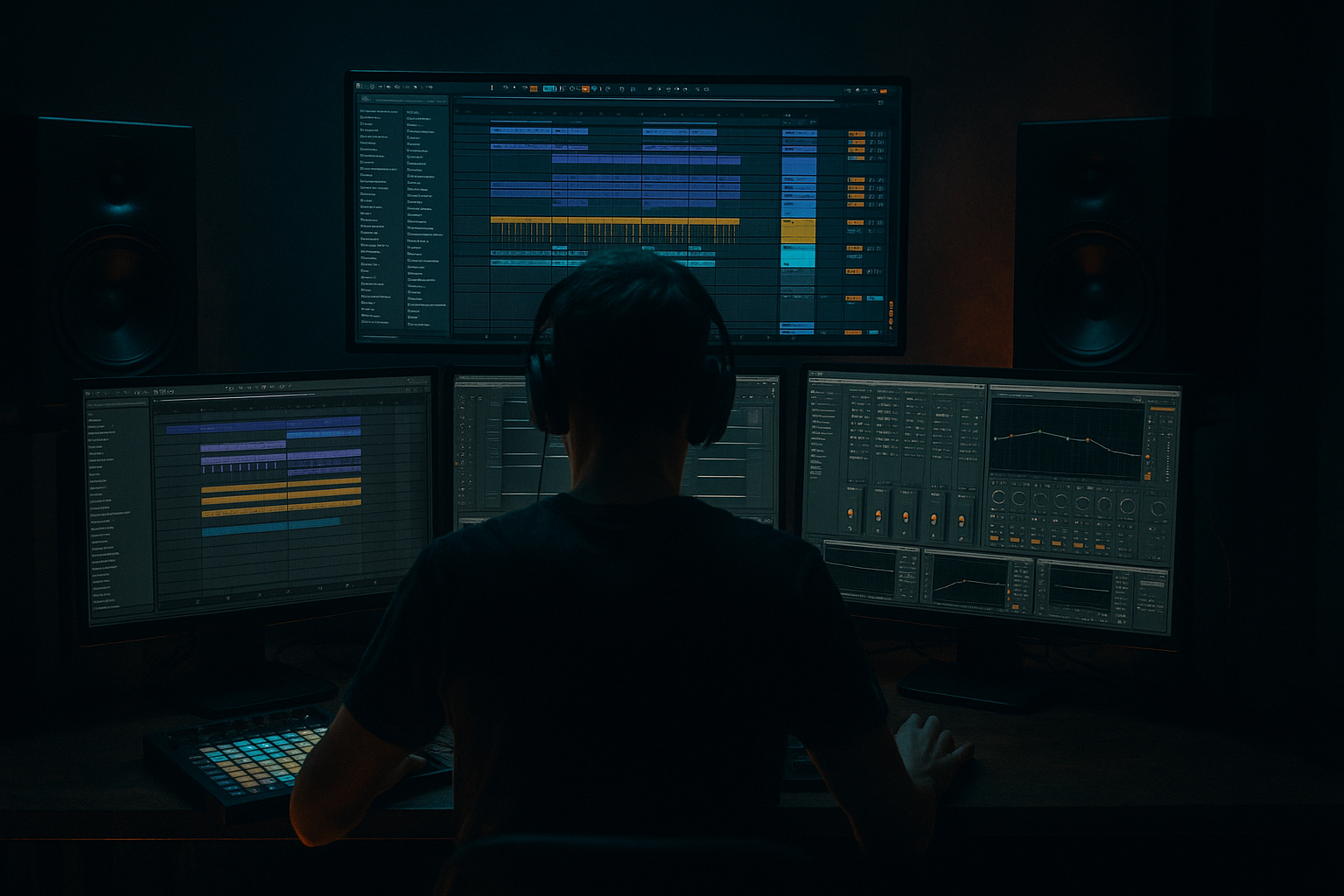
Main tutorial
Lesson Overview
In this lesson, you’ll build a humanized Amen-style percussion layer in Ableton Live 12 that sits behind your main drum break and gives your DnB groove that “played, not programmed” feel. The goal is not to replace the Amen, but to enhance it: keep the transient snap alive, add dusty midrange texture, and create tiny timing and velocity imperfections that make the loop breathe like a proper jungle edit.
This technique fits anywhere a raw break needs more identity: under a rolling 174 BPM drum pattern, in a darker halftime intro, or as a supporting layer in a neuro-leaning drop where the drums need grit without losing punch. In DnB, this matters because the drum layer is often doing three jobs at once: driving energy, carrying swing, and creating emotional character. If the break feels too clean, it can flatten the tune. If it’s too messy, the bass loses clarity and the drop loses weight. Humanizing an Amen layer is how you keep the energy alive while still sounding intentional.
The key idea here is sampling: slicing a break, reworking its transients, resampling texture, and building a controlled layer that sounds organic but still mixes like modern DnB. You’ll use stock Ableton devices to shape attack, grit, tone, and movement, while preserving the unmistakable jungle DNA. 🔥
What You Will Build
You’ll create a tight two-part percussion layer:
- A crisp Amen-derived transient layer that adds snap, hats, ghost hits, and snare detail
- A dusty midrange layer that brings break texture, room tone, and movement
- A humanized groove with slight timing variation, velocity shaping, and micro-edits
- A drum bus that feels gritty and alive, but still leaves space for the sub and bassline
- Kick and snare stay punchy and readable
- Ghost notes fill the gaps without cluttering the groove
- The upper transients cut through on small speakers
- The dusty mids glue the break together and add character
- The whole layer moves just enough to feel human, but not so much that it loses club impact
- Strong snare hits
- Audible ghost notes
- Some room tone or vinyl noise
- Enough transient attack to survive slicing
- Main snare
- Main kick
- Ghost notes
- Hat/ride chatter
- Any useful tail noise between hits
- Slice mode: Transient
- Playback: One-Shot or Trigger, depending on whether you want each slice to fully play
- Warp: Off if you’re working from a rhythmic one-shot source, or on if you need timing correction
- Put the main snare on the obvious backbeat positions
- Add a few ghost hits before or after the main snare
- Leave space in the bar for the bassline to breathe
- Duplicate the pattern across 2 bars so the second bar can vary slightly
- Use EQ Eight to high-pass around 180–250 Hz
- Add Drum Buss with Drive around 5–15%, Boom off or very low
- Add a very short Saturator if needed, Drive around 1–3 dB
- Optional: transient-friendly compression with Glue Compressor, low ratio, just 1–2 dB gain reduction
- Use EQ Eight to band-limit roughly 250 Hz to 6–8 kHz
- Add Saturator with Soft Clip on, Drive around 2–6 dB
- Add Filter Delay very subtly if you want smear and movement
- Optional: Hybrid Reverb with a tiny room or early reflection feel, very low Dry/Wet, just enough to thicken the texture
- Transient chain: 60–75%
- Dusty chain: 25–40%
- Nudge ghost notes slightly ahead or behind the grid by 5–15 ms
- Leave the main snare very close to the grid, or only shift it by 2–5 ms
- Push some lighter hits slightly early for forward motion
- Delay occasional ghost notes slightly for laid-back pressure
- Main accents: on-grid or almost on-grid
- Ghost notes: 5–15 ms variation
- Decorative hats/shuffles: 8–20 ms variation
- Main snare: strong velocity, around 105–127
- Ghost notes: much lower, around 30–70
- Accent hats: mid range, around 70–95
- Fills or transition hits: slightly higher than the surrounding notes
- Drive velocity range so subtle hits are still audible
- Reduce the level difference if the sample is too inconsistent
- Timing: light to moderate
- Random: low
- Velocity: small amount if the groove needs more feel
- Consolidate the cleanest 1–2 bar loop
- Trim silence
- Fade edges where needed
- Keep any useful room noise or dust
- Duplicate and vary it across the arrangement
- One cleaner version for the main drop
- One dirtier version for fills, breakdowns, or second-drop variation
- EQ Eight: remove sub-rumble below 25–35 Hz
- Drum Buss: Drive 5–20%, Crunch if you want more bite, Boom only if the kick needs extra body
- Glue Compressor: slow attack, medium release, just 1–3 dB gain reduction
- Utility: keep the lows mono if needed; use Width sparingly
- Intro: only dusty mids and ghost notes, low-passed or filtered
- First build: bring in more transient content and snare detail
- Drop 1: full layer underneath the main break or drum loop
- 8-bar switch-up: mute the transient chain for 1 bar, let the dusty layer and fills speak
- Breakdown: reverse a few resampled slices or let tails ring out with reverb
- Second drop: slightly more drive, maybe a different ghost-note pattern
- Making the break too quantized
- Overcompressing the transient layer
- Letting dusty mids compete with the bassline
- Using too much saturation on the whole break
- Swinging the main snare too hard
- Ignoring mono compatibility
- Building the whole tune around one break loop
- Layer a very quiet metallic texture under the dusty mids using a short noise sample or a filtered hat loop. Keep it tucked low so it just adds tension.
- Use Saturator with Soft Clip on the drum bus for a harder edge, especially if the bassline is dark and distorted. Small amounts go a long way.
- Automate a low-pass filter on the dusty chain during breakdowns, then open it into the drop for release. That contrast makes the return hit harder.
- If the tune is neuro-leaning, keep the transient chain extremely tight and let the dusty layer carry the movement. Clean punch plus dirty body is a strong modern combo.
- For rollers, reduce the number of ghost notes and lean into groove consistency. A heavy pocket often feels bigger than a busy one.
- Try duplicating the resampled break and pitching one copy down a semitone or two, then filtering heavily. Blend it quietly for a darker, roomier undertone.
- Use the Arrangement View to automate tiny snare reverb throws into fills, but keep the main hits dry. That gives size without washing out the drop.
- Check the relationship between kick, snare, and sub in mono. If the break layer starts masking the bassline, cut more mids before reaching for more volume.
By the end, you’ll have a loop that can sit under a roller, a jungle reload, or a darker bass music arrangement and instantly make the drums feel more expensive and less looped.
Musically, the result should sound like this:
Step-by-Step Walkthrough
1) Choose or build a source Amen edit that already has usable contrast
Start with a classic Amen-style break or a break with similar energy and snare placement. In Ableton’s Browser, load the sample into Simpler on a MIDI track, or drop it straight into an audio track if you prefer clip-based editing. For this lesson, use a break with:
If the break is too clean, that’s okay — the humanization will come from processing and micro-edits. If it’s too destroyed, it can still work, but you’ll need to be more careful with transients later.
Open the clip and identify the core hits:
Why this works in DnB: Amen breaks are iconic because they carry a natural push-pull between hard accents and loose internal motion. That contrast is exactly what makes jungle and modern DnB drums feel alive at 174 BPM.
2) Slice the break into playable hits for control
Drag the sample into Simpler and switch to Slice mode. Use “Transient” slicing if the break is already fairly clean, or “Beat” slicing if the transients are uneven. Set the slice sensitivity so the main hits are captured without too many micro-slices.
Good starting choices:
Now create a MIDI clip and lay in a rough Amen-inspired pattern:
Keep the pattern simple for now. You’re not trying to “re-compose” the break yet; you’re creating a controllable performance surface.
Workflow tip: color the MIDI notes by function if you want speed — one color for main hits, one for ghosts, one for fills. This makes later editing much faster.
3) Separate transient material from dusty mids using two chains
Now make the layer feel premium by splitting the break into two functional layers inside an Instrument Rack.
Create an Instrument Rack on the sliced break track and build two chains:
Chain A: Crisp Transients
Chain B: Dusty Mids
The idea is to keep the attack layer bright and focused, while the dusty layer provides the body and grime. Blend the chains until the transient layer is clearly doing the snap, but the dusty layer makes the groove feel more “recorded.”
Suggested blend:
Why this works in DnB
At high tempo, the ear doesn’t have time to process slow evolving drum detail unless it’s anchored by sharp transients. DnB needs quick identification of the kick/snare grid for impact, but the groove feels bigger when there’s extra midrange motion around those hits. Splitting the break into crisp and dusty layers lets you preserve club punch while adding the gritty texture that makes jungle and darker rollers feel authentic.
4) Humanize timing with small, intentional offsets
Humanization in DnB is not random. It’s micro-controlled. You want imperfection that grooves with the bassline, not sloppy timing that smears the drop.
In the MIDI clip:
If you’re working with audio slices, you can also slightly move individual clips by tiny increments in Arrangement View. Zoom in and make subtle changes only. The goal is to create a more human feel, not a loose breakbeat audition.
A good starting rule:
If your groove starts to feel vague, reduce the variation and keep the off-grid moves only on the smallest hits.
5) Shape velocity so the break “speaks” like a player
Open the Velocity lane in the MIDI editor and create a believable performance curve. In drum programming, velocity is not just about loudness; it’s about phrasing.
Try this:
Make sure repeated notes are not identical. If three ghost notes in a row all have the same velocity, the ear hears them as a loop instead of a performance.
If you want more realism, use Velocity MIDI effect before Simpler:
This step matters a lot in DnB because basslines are usually rhythmically dense. A well-shaped velocity pattern helps the drums carve out a clear identity without needing extra volume.
6) Add groove with Groove Pool, but only to the layer that needs it
Drag a groove from Ableton’s Groove Pool onto the MIDI clip if the break feels too rigid. Good starting choices are light swing-based grooves, but keep it subtle. You’re aiming for movement, not a house shuffle.
Suggested groove behavior:
Apply the groove mostly to ghost notes and secondary hits. If you over-swing the main snare, the break can lose its DnB authority. A good trick is to extract the groove from another break or percussion clip in the same project so the layer inherits the same rhythmic personality as your tune.
If you’re building a rollers tune, a little groove can make the loop feel heavier and more hypnotic. If you’re doing jungle, a slightly more restless groove can keep the break twitchy and alive.
7) Resample the layer for texture and commit to character
Once the pattern feels good, resample it. Route the break track to a new audio track set to Resampling or from the track output directly. Record 1–2 bars of the processed layer.
Why resample? Because sampled drum music often gets its identity from commitment. Once you print the layer, you can chop tails, reverse tiny bits, cut out unwanted spill, and treat it like a new sample instead of endlessly tweaking a live chain.
After resampling:
You can even create two printed versions:
This keeps the track moving without having to reinvent the drum sound every eight bars.
8) Add bus processing for glue, dust, and controlled aggression
Route the break layer to a Drum Bus or group and process it carefully.
A practical Ableton stock chain:
If you want more urgency, add a very small amount of Auto Filter automation on the dusty chain, opening slightly into fills or closing for tension. A tiny filter move can make the break feel alive without changing the core rhythm.
Keep an eye on headroom. In DnB, drums and sub often eat the mix fastest. Leave enough space so your bassline can hit without the drums needing to be loud just to feel exciting.
9) Place the layer in an arrangement where it supports energy, not everywhere at once
This technique shines when the break is used as a supporting layer, not constant wallpaper.
Arrangement idea:
A strong DnB arrangement often uses tension/release through drum density. Keeping the Amen layer evolving across sections makes the tune feel like it has real progression instead of a static loop.
Common Mistakes
Fix: keep tiny timing offsets on ghost notes and secondary hits only.
Fix: back off Glue Compressor and let the kick/snare attack breathe.
Fix: high-pass more aggressively and cut a little around 300–500 Hz if the bass gets cloudy.
Fix: split the chain and saturate mostly the dusty layer, not the transient path.
Fix: keep the backbeat stable and move supporting hits instead.
Fix: use Utility to check width, and keep low-end elements centered.
Fix: resample variants and create at least one alternate bar for fills or drop edits.
Pro Tips for Darker / Heavier DnB
Mini Practice Exercise
Spend 10–20 minutes making two versions of the same Amen-style layer.
1. Load a break into Simpler and slice it.
2. Program a 2-bar pattern with:
- 2 main snare accents
- 4–6 ghost notes
- 2–4 decorative hat hits
3. Build the two-chain Instrument Rack:
- Chain A: crisp transients
- Chain B: dusty mids
4. Humanize timing by shifting only ghost notes by 5–15 ms.
5. Set velocities so no two ghost notes are identical.
6. Resample the result to audio.
7. Make one cleaner version and one dirtier version:
- Cleaner: less saturation, more transient presence
- Dirtier: more midrange grit, slightly darker EQ
8. Loop both versions against a simple sub or reese bassline and compare which one supports a drop better.
Goal: by the end, you should hear a clear difference between “programmed break” and “played break.”
Recap
To humanize an Amen-style percussion layer in Ableton Live 12, focus on three things: controlled timing variation, velocity shaping, and split processing that separates crisp attack from dusty midrange. Use Simpler, Slice mode, an Instrument Rack, EQ Eight, Drum Buss, Saturator, Glue Compressor, and resampling to build a break that feels alive but still hits hard. Keep the main accents stable, move ghost notes subtly, and let the arrangement evolve so the layer adds energy instead of noise.
In DnB, this technique works because the drums need both precision and personality. Nail that balance, and your Amen layer will sound like it belongs in a proper jungle, roller, or darker club track.

