Main tutorial
1. Lesson Overview
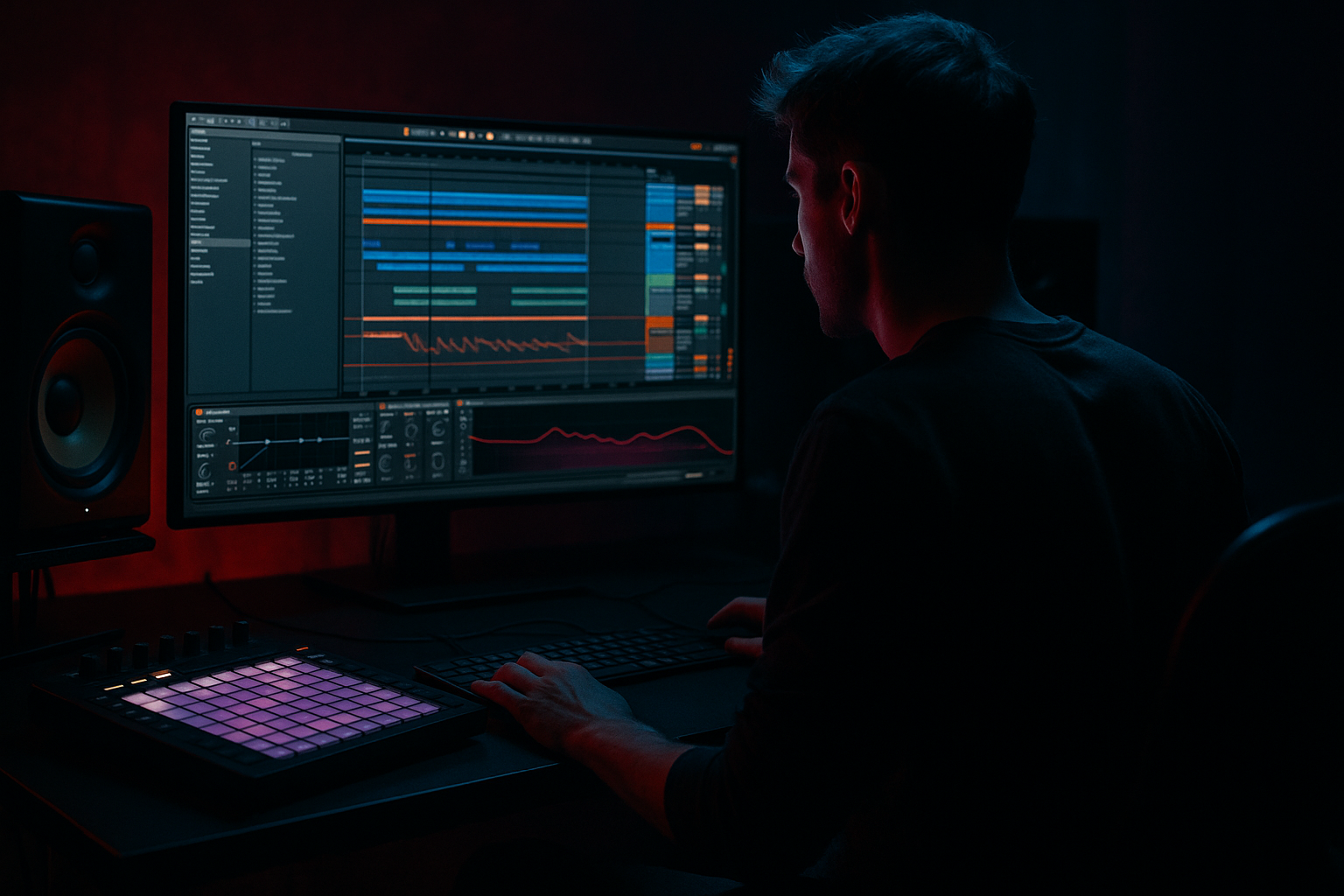
"Jubei edit: drive a breath FX from scratch in Ableton Live 12 for rave-laced tension" — In this intermediate lesson you’ll design a driven, breathy FX that sits in the top-mid range and adds claustrophobic, rave-style tension under a Drum & Bass bassline. Using only Ableton Live 12 stock devices and basic sampling/synthesis techniques, you’ll build the sound from white noise / a breath sample, shape vowel-like formants, add grit and tempo-synced motion, and then expose musical macros so the sound can be “driven” across a phrase to create rising tension typical of Jubei-style edits.
DAW / genre context: Ableton Live 12, Drum & Bass (approx. 172–176 BPM). Level: Intermediate.
2. What You Will Build
- A short, processed breath/sigh FX that can be gated or swept to create rave-laced tension.
- A device chain in an Instrument Rack with 4 mapped macros (Drive, Formant Sweep, Gate Rate, Space) for performance automation.
- Tempo-synced rhythmic motion and a grit layer for harmonic/inharmonic tension that sits above the bassline.
- Create a new Audio track and a new MIDI track. Set project tempo to 174 BPM.
- If you have a dry breath sample, drop it into an Audio track or into Simpler. If not, we’ll synthesize a breath from white noise (recommended for more control).
- Drag a short breath/exhale sample (50–400 ms) into Simpler (Classic mode).
- Turn Loop off initially. Set Start/End so the useful transient is captured. Set Attack = 5–20 ms, Decay = 200–400 ms, Sustain low (0–.2), Release = 80–200 ms for a natural tail.
- Create a MIDI track, load Wavetable (or Operator/Wavetable-equivalent). If using Simpler, load a plain white-noise sample.
- In Wavetable: pick a noise oscillator or set oscillator to noise. Use an amp envelope: Attack 5–15 ms, Decay 150–400 ms, Sustain 0–.2, Release 80–200 ms.
- Add a filter: low-pass or band-pass with moderate resonance. This is your raw breath.
- Insert EQ Eight after Simpler/Wavetable.
- Create 2–3 narrow bell boosts to emulate vowel formants (these give breath a human-ish vowel character). Example frequencies and Q:
- Use the EQ band frequencies to taste; these are the “vowel” peaks you’ll sweep later.
- Insert Auto Filter (set to band-pass or high-pass) after EQ Eight and enable its built-in LFO.
- Alternatively, for precise gating: add Gate (after Auto Filter) and use an external sidechain from a hi-hat / MIDI click routed to duck the breath rhythmically. This yields pressure/gated stabs synchronized to drums.
- Add Saturator (drive = 3–7 dB depending on taste), Curve = Analog Clip or Soft Sine for musical distortion.
- Follow with Compressor or Glue Compressor to tame peaks. Sidechain lightly to kick/bass if you want pumping interaction.
- (Optional) Add Redux for subtle bit reduction or Overdrive for more aggressive dirt—only a little; preserve the formants.
- Insert Grain Delay or Delay (Echo) set to very short feedback and a short delay time for shimmer:
- Keep these subtle — they add motion and make the breath feel alive.
- Send some signal to a Return track with Hybrid Reverb (or Reverb) set to a small plate/room, pre-delay 10–30 ms, decay 0.8–1.8 s for space without washing the effect out.
- Use a short Early Reflection-like setting to keep clarity; increase high-frequency damping so the breath stays airy.
- Use Utility width to control stereo—narrow central mono for main breath, widen returns for ambience.
- Group the device chain into an Instrument Rack (select devices, Cmd/Ctrl+G).
- Map these useful parameters to 4 Macros:
- Label macros and set Min/Max ranges so the macros are musical (right-click Map then adjust ranges).
- Create an 8-bar automation lane for Macro 1 (Drive) and Macro 2 (Formant Sweep):
- Add Macro 3 (Gate Rate) automation to increase chop density into the last 4 bars (e.g., 1/16 to 1/32).
- Use Macro 4 (Space) to increase reverb and grain delay wetness only at the point of tension release.
- Automate the Rack’s Volume or a Compressor sidechain to duck under the drop, preserving dynamics.
- For CPU savings and extra processing flexibility, resample the processed breath to audio.
- On the new audio clip, you can:
- Layer a sub-high-pass filtered version of the breath (80–200 Hz) very low in level if you want a physical thump felt with the breath.
- Over-saturating the breath: too much distortion obliterates the vowel peaks and makes the sound muddy. Use subtle drive and tame with EQ/compression.
- Excessive reverb wetness: large reverb will push the breath into the background and remove rhythmic clarity. Keep primary signal fairly dry; put the wetness on a return.
- Putting the breath too low in the mix: breath is a top-mid texture—high-pass at ~120–150 Hz to avoid conflict with bass.
- Using too-wide stereo on the main signal: huge stereo breath can collapse when summed to mono; keep the core mono and widen only returns.
- Syncing LFO too fast/too slow: choose rhythmic divisions that complement DnB (1/8, 1/16, 1/32) and test in musical context.
- Use narrow EQ boosts (higher Q) for formants, then automate frequencies lightly to simulate vocal-like movement.
- To simulate human inhale intensity, map a brief pitch LFO to very small cents (±5–15 cents) and increase via Macro 1 for audible tension.
- For gated rave texture, duplicate the chain, make one copy sharper (shorter decay, more high end), the other softer (longer tail), and alternate macros to crossfade them.
- Use transient shapers or a multiband compressor on the resampled audio to accentuate attack if you want the breath to punctuate hits.
- For live performance, map Rack macros to MIDI CC knobs or a controller fader so you can “drive” the breath in real time.
- If using Drum Buss (Suite), a touch of distortion and low-end compression can glue the breath into the drum loop for edits.
3. Step-by-Step Walkthrough
Note: tempo for examples = 174 BPM. Use Live 12’s stock devices: Simpler (or Wavetable/Operator if you prefer synth noise), EQ Eight, Auto Filter, Saturator, Compressor (Glue or Compressor), Gate, Grain Delay, Hybrid Reverb (or Reverb), Echo/Delay, Utility, Redux (optional).
Preparation
Step 1 — Create the raw breath source
Option A — Sample:
Option B — Synthesize from white noise (recommended for control):
Step 2 — Shape the vowels / formants
- Formant 1: 900–1200 Hz, gain +3 to +6 dB, Q = 2–4 (moderate narrow).
- Formant 2: 2.6–3.6 kHz, gain +4 to +8 dB, Q = 2–4.
- (Optional) Shine: 5–7 kHz, wide shelf or gentle boost +2 to +4 dB for sibilance.
Step 3 — Add a tempo-synced rhythmic gate / tremolo for rave energy
- Choose LFO shape: Square or Ramp (Ramp up gives an up-swell feel; Triangle for smooth pulsing).
- Sync LFO to rhythmic divisions: e.g., 1/8 or 1/16 note depending on desired choppiness. For DnB tension, 1/16 with a slightly off-sync feel (set Rate to 1/16 and then detune with small amount) works well.
- Set Filter Mode to Band-pass or High-pass with resonance around the formant area so the LFO moves the emphasized band.
Step 4 — Drive and harmonic grit
Step 5 — Add micro-movement (granular shimmer and flutter)
- Grain Delay: jitter small amount, spray small, pitch slightly detuned to create breath flutter. Mix ~10–25%.
- Echo: set Sync to 1/64 or 1/32, feedback 10–20%, wet 10–20% for slap/space.
Step 6 — Space and stereo width
Step 7 — Rack, Macros, and performance controls (the “drive” setup)
- Macro 1: Drive — map Saturator Drive (and optionally Saturator Output or Overdrive) so a macro increases grit.
- Macro 2: Formant Sweep — map the center frequencies of two EQ Eight bands (or Auto Filter cutoff) so the macro sweeps vowel peaks upward.
- Macro 3: Gate Rate/Depth — map Auto Filter LFO Rate (or Gate Threshold) so the macro increases rhythmic chopping.
- Macro 4: Space — map return send level to Reverb and Grain Delay Dry/Wet for a dramatic wetness control.
Step 8 — Musical automation (driving tension)
- Start bars 1–4 low, then curve Drive and Formant Sweep rising from 0 to 70–90% across bars 5–8.
Step 9 — Resample & polish
- Pitch-shift up or down for variation.
- Reverse small portions for a “whoosh” feel under the inhale/exhale.
- Use transient shaping (Compressor + Glue) and a short EQ Eight sweep to fine-tune presence.
4. Common Mistakes
5. Pro Tips
6. Mini Practice Exercise
Goal: Make an 8-bar loop where the breath FX increases tension into bar 9 (the drop).
Steps:
1. Set tempo to 174 BPM, create a Simpler with a white-noise or breath sample and copy the chain described above.
2. Map 3 macros: Drive, Sweep, Gate.
3. Create a 1-bar MIDI clip that triggers a breath every bar (or a short exhale on the off-beat) and duplicate to 8 bars.
4. Automate Drive to rise from 0% at bar 1 to 80% at bar 8.
5. Automate Sweep to move formant bands up 600–1000 Hz across bars 5–8.
6. Automate Gate to shorten the breath and increase chop density (e.g., 1/16 -> 1/32) in bars 7–8.
7. Render or resample the 8-bar loop and drop it under a simple drum loop to test the emotional tension.
7. Recap
You built a driven breath FX in Ableton Live 12, suitable for a Jubei-style rave edit: starting from either a breath sample or synthesized white noise, you shaped vowel-like formants with EQ Eight, added rhythmic movement using Auto Filter LFO or Gate, introduced grit via Saturator/Redux, added micro-flutter with Grain Delay, and placed the sound in space with Hybrid Reverb/Echo. Grouping devices into an Instrument Rack and mapping macros (Drive, Formant Sweep, Gate Rate, Space) lets you “drive” the effect across a phrase to create rising rave-laced tension. Resample once satisfied for lighter CPU use and final polishing.
If you want, I can export a ready-to-use preset list for the rack with suggested parameter values for Live 12, or walk through turning your existing breath sample into the chain step-by-step with screenshots.

