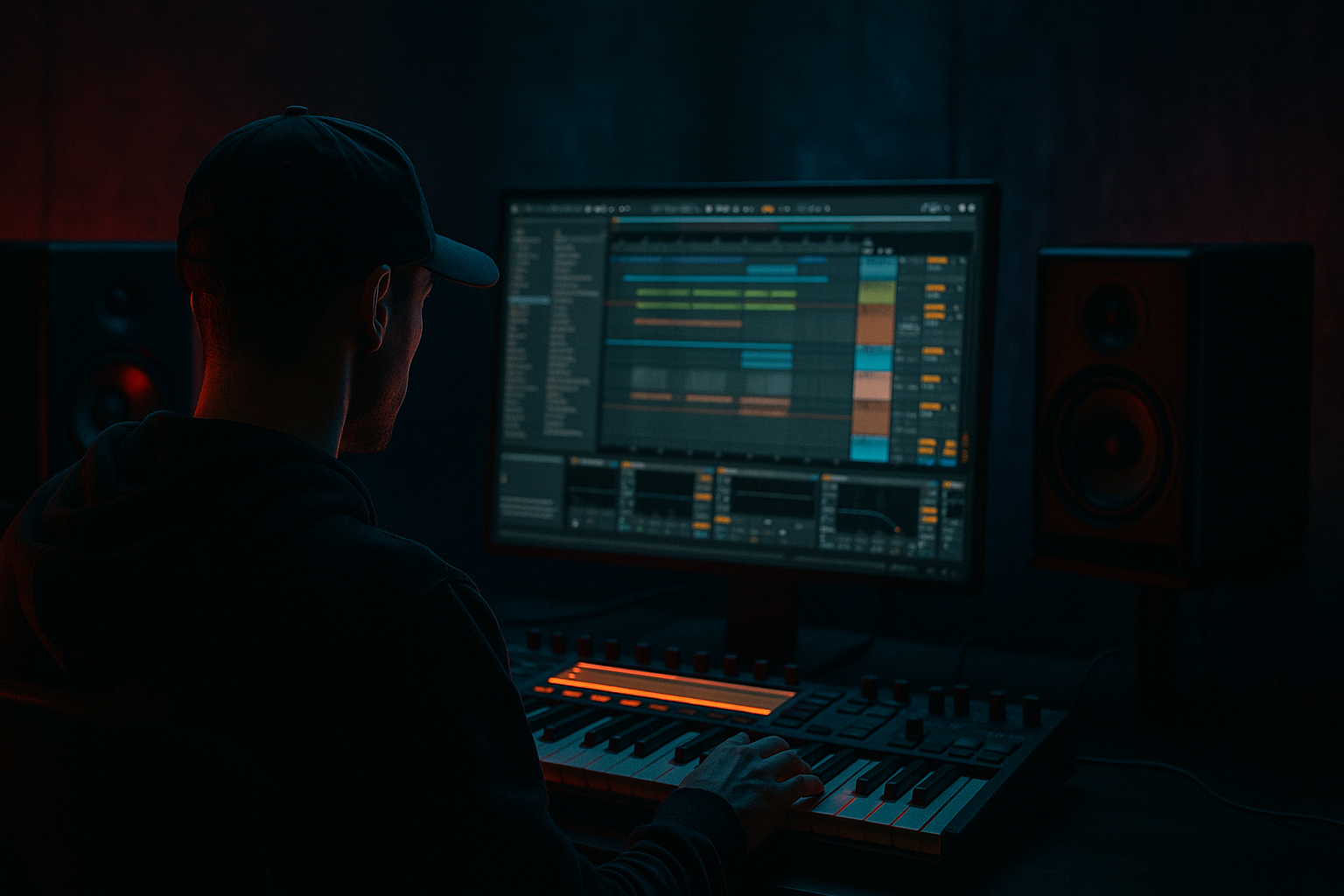
Main tutorial
Lesson Overview
In this lesson you’re building a Jungle Voltage edit: a bass wobble that starts as a clean sub-based movement and gets pushed into distorted oldskool jungle / DnB aggression using Ableton Live 12 stock devices. The aim is not just “make bass sound dirty,” but to create a bass line that moves, breathes, and reacts like a proper DnB phrase — something that can sit under chopped breaks, ride the drop, and still leave room for the drums and atmosphere.
This fits perfectly in the atmospheres / bass texture side of a DnB track: the kind of bass that adds identity to the drop, gives the listener something memorable between break edits, and supports the mood without swallowing the kick/snare foundation. In jungle and darker rollers, this kind of wobble-distort is often the glue between breakbeat energy, sub pressure, and rave tension. It’s also a great technique for oldskool edits because it feels raw and alive rather than overly polished.
Why it matters:
- It gives you a signature bass tone without relying on heavy synth presets.
- It teaches you how to shape distortion musically, not just as a loudness trick.
- It helps you design bass that works with chopped breaks, call-and-response phrasing, and DJ-friendly arrangement.
- It’s very repeatable: once you build the rack, you can re-tune it for different tunes fast.
- a clean sub layer underneath,
- a mid-bass wobble with movement from Ableton LFO-style modulation,
- distortion and saturation that brings out harmonics,
- controlled filter movement for that “voltage edit” character,
- a resampled version you can chop, automate, or layer into your drop,
- enough space left for breaks, atmospheres, and FX to breathe.
- bar 1: low, tense wobble
- bar 2: more drive and distortion
- bar 3: filter opens for impact
- bar 4: drop into a more brutal sustain or edit point
- Distorting the sub too much
- Wobble movement that’s too fast or too random
- Bass fighting the break’s transients
- Too much stereo width in the low end
- Harsh distortion without tonal focus
- No arrangement contrast
- Layer a quiet Reese-style mid under the wobble for extra menace, but keep its low end filtered out.
- Use drum bus saturation lightly so the break and bass feel glued together, not separate.
- Sidechain with taste: a small dip from the kick is enough; overpumping can kill jungle urgency.
- Automate drive only on transition notes to make the bass “speak” without flattening the whole phrase.
- Try call-and-response phrasing: one bar bass statement, one bar break-heavy space, then bring the bass back bigger.
- Add a tiny pitch envelope to the bass start for more attack, especially if you want that oldskool synthesized aggression.
- Resample at different intensity levels: one clean version, one overdriven version, one filtered version. This gives you instant arrangement options.
- Use atmospheres as contrast tools: a distant pad, vinyl hiss, or foggy ambience makes the bass feel heavier by comparison.
- Keep the sub simple when the drum edit gets busy. Complexity belongs in the mids and transitions, not the foundation.
- a chopped Amen or breakbeat,
- a sub note,
- a short atmosphere layer.
- Build the bass in context with drums and atmosphere, not in isolation.
- Keep the sub clean and mono, and let the mid-bass carry the distortion.
- Use filter motion and phrase-based automation to make the wobble feel musical.
- Resample the bass so you can edit it like a jungle instrument, not just a synth preset.
- In DnB, the best bass lines are the ones that support the break, create tension, and leave room for the mix to hit hard.
What You Will Build
By the end, you’ll have a tight mono-compatible jungle bass patch with:
Musically, think of it as a bass phrase that can answer a chopped Amen or think-like-a-roller bass stab:
This is the kind of bass that can sit in a 165–175 BPM jungle/DnB drop, especially under a dusty break, short reverb ambience, and a rolling sub line.
Step-by-Step Walkthrough
1. Set up the project for a proper DnB testing environment
Start at 170 BPM so the movement feels authentically jungle/DnB. Put your drums on one group, bass on another, and atmospheres on a separate track from the start. This matters because the bass you build needs to be judged against the break, not in isolation.
In Ableton Live 12:
- Create a MIDI track for bass.
- Load Wavetable or Operator.
- Leave the track mono-friendly from the beginning: avoid stereo widening on the initial bass layer.
- Set your master headroom so peaks stay around -6 dB while designing.
Add a simple reference loop:
- a chopped Amen-style break,
- a short sub pulse or root note on the downbeat,
- a subtle atmospheric pad or vinyl texture to help you hear the bass in context.
Why this works in DnB: jungle bass doesn’t exist alone — it lives in the pocket between the break’s transient detail and the sub’s low-end weight. If you design it with the drums running, you’ll make better choices.
2. Build the core patch: clean oscillator pair with a controlled character
Open Wavetable. Start with a simple oscillator setup:
- Oscillator 1: saw or square-based wave for mid harmonics
- Oscillator 2: a slightly detuned saw or square, mixed quietly
- Keep oscillator sub if needed, but don’t over-stack yet
Suggested settings:
- Unison: 2 voices max or off at first
- Detune: very small, around 3–8%
- Filter: low-pass, with cutoff around 100–250 Hz initially
- Resonance: 10–20% for a little bite
- Amp envelope: fast attack, medium decay if you want a plucky wobble; sustain higher if you want a rolled sustain
For oldskool jungle vibes, don’t make it too glossy. You want a bass that feels like it could have evolved from a sampler/rave synth hybrid. Keep the tone raw and playable.
If using Operator instead:
- Use a sine for the sub foundation.
- Layer a slightly brighter FM or saw-based mid tone above it.
- Keep the output controlled so the distortion stage later can do the exciting work.
3. Create the wobble movement with automation or modulation inside the instrument
The “wobble” should feel like a deliberate rhythmic pulse, not random movement. In Live 12, you can shape this in a few ways depending on the device:
- In Wavetable, assign an LFO to the filter cutoff or wavetable position.
- In Operator, automate filter cutoff or layer volume movement using an Auto Filter after the synth.
- Use a 16th or 1/8 rate for jungle-style chug; for more classic wobble phrasing, try 1/4 or triplet-based motion.
Concrete starting points:
- LFO rate: 1/8
- LFO amount: enough to move the cutoff clearly, but not so much that the bass disappears
- Filter cutoff sweep range: roughly 120 Hz to 1.2 kHz depending on note length
- Envelope on filter: short decay for a stabbing motion, or longer decay for a rolling growl
A strong jungle edit usually benefits from phrased movement, not constant wobble. Try drawing automation that opens the filter on the last half of bar 2 and closes again on bar 4. That gives you a call-and-response feel against the break.
4. Add distortion in stages, not all at once
The “Voltage” part comes from harmonics and edge. Use Saturator first, then optionally Roar if you want more aggressive modern grit, or Dynamic Tube for a rounded analog bite.
Suggested Saturator settings:
- Drive: 3 to 8 dB
- Soft Clip: On
- Output: trim to keep levels stable
- Curve: leave neutral or try Analog Clip if it suits the tone
Suggested Roar approach if you want fiercer movement:
- Use a moderate drive setting
- Keep the low end controlled
- Push the mids so the bass speaks on small systems
- Avoid overcooking the top end if the break already has crispy hats
Important workflow move: distort the mid-bass layer more than the sub. If the sub gets too dirty, the kick/bass relationship becomes blurry. For jungle and rollers, the bass can be rude; the sub should still feel purposeful.
5. Split the bass into sub and mid for better control
This is where the patch becomes properly usable in a DnB mix. Duplicate the bass track or use an Audio Effect Rack with two chains:
- Sub chain:
- Utility to keep mono
- Low-pass filter around 80–120 Hz
- Minimal or no distortion
- Keep it stable, loud enough to anchor the track
- Mid chain:
- High-pass filter around 90–140 Hz
- More distortion/saturation
- Optional Auto Filter movement
- Slight chorus or widening is okay only above the low mids, but be careful
If you want a cleaner workflow, use EQ Eight on each chain:
- Sub: low-pass and mono
- Mid: high-pass and focused band shaping
This split matters because jungle bass is often a balance of sub weight and character. The sub does the physical hitting; the mid does the story.
6. Shape the groove to the break, not just the grid
Jungle lives in the interaction between bass and drums. Program your bass MIDI so it reacts to the break’s accents. For example:
- Place the main bass note on the first snare backbeat
- Add a short answer note just before the next break slice
- Leave a gap where the break fill needs to breathe
A useful phrasing idea:
- Bar 1: sustained wobble
- Bar 2: short mute + filter open
- Bar 3: note repetition or stutter
- Bar 4: drop into a lower note or a tiny pitch movement
If you’re using chopped Amen-style drums, avoid constant bass under every transient. Give the kick/snare some room. The best oldskool edits often feel like the bass is dancing with the break, not sitting on top of it.
Try adding velocity variation to MIDI notes or using Note Length differences. Shorter notes can trigger more aggressive distortion behavior, especially after compression or saturation.
7. Add movement with effects that feel like machinery, not polish
Once the core wobble works, add a few stock effects for motion and edge:
- Auto Filter for extra rhythmic sweeps
- Chorus-Ensemble only on the mid chain if you need thickness
- Echo very lightly for tail tension on fills
- Redux at subtle settings if you want grimier texture
Good starting ranges:
- Auto Filter resonance: 5–20%
- Echo feedback: very low, around 10–20%
- Echo filter: keep the lows cut so it doesn’t cloud the sub
- Redux bit reduction: subtle; too much can kill the groove
Use automation to increase distortion or filter cutoff at the end of 4- or 8-bar phrases. That is classic DnB arrangement language: the bass evolves into the next section, instead of looping flat.
8. Resample the result and edit it like an instrument
This is a huge part of making the bass feel like an original jungle record. Once the patch sounds good, resample the MIDI performance to audio.
Why resample:
- You can chop the most interesting moments.
- You can reverse, warp, or retrigger tiny edges.
- You get commitment, which helps arrangement decisions.
After resampling:
- Cut the best 1- or 2-bar segment
- Add small fades to avoid clicks
- Warp only if needed; don’t over-process if the timing already feels right
- Slice to a new MIDI track if you want to re-trigger the best movement hits
This is especially effective for an atmospheres-focused drop because you can leave space between audio hits and let reverb tails, vinyl noise, or distant stabs frame the bass.
9. Mix it against drums and atmospheres with discipline
In DnB, the low end must be ruthless and clean. Use Utility to check mono on the bass bus. Use EQ Eight to carve space:
- Cut unnecessary rumble below 25–30 Hz
- If the bass is boxy, reduce around 200–400 Hz
- If the distortion is harsh, tame 2–5 kHz carefully
Keep your kick and bass relationship intentional:
- If the kick is punchy, let the bass duck slightly at the kick fundamental with a compressor or envelope shaping.
- If the bass is the main event, keep the kick short and focused.
For atmospheres:
- High-pass pads and textures aggressively, often above 150–250 Hz
- Keep stereo width in the atmospheres, not the sub
- Let the bass occupy the center while the atmosphere creates depth around it
A quick arrangement note: a short intro with filtered break ambience, then a drop where the bass enters after a 1-bar tension build, works especially well for jungle edits. It gives the listener a clear sense of impact without overexposing the bass too early.
10. Automate the edit points for energy and replay value
The final step is making the bass feel like a performance. Automate:
- filter cutoff opening on the last beat of a phrase
- distortion drive increasing by 1–3 dB in transition bars
- reverb send or echo throw only on selected notes
- volume dips before fills so the break slices hit harder
Use switch-ups at the end of 8 or 16 bars:
- remove the sub for half a bar
- let the mid wobble continue alone
- drop in a reverse atmosphere or impact
- return with the full bass for the next phrase
This is where the “Jungle Voltage edit” becomes arrangement-ready: it’s not just a sound design exercise, it’s a drop component that can carry a whole section.
Common Mistakes
Fix: split sub and mid. Keep the sub clean and mono.
Fix: sync the motion to the phrase. Try 1/8 or 1/4 movement and automate only at key spots.
Fix: leave holes in the MIDI. Reduce note density around snare fills and ghost-note runs.
Fix: mono everything below roughly 120 Hz. Keep widening only in the mids and atmospheres.
Fix: use EQ before and after saturation. Find the useful midrange, then control the top end.
Fix: create 4- and 8-bar changes: filter open, bass mute, sub drop, or resampled fill.
Pro Tips for Darker / Heavier DnB
Mini Practice Exercise
Spend 10–20 minutes making three versions of the same Jungle Voltage edit:
1. Version A: Clean wobble
- Build the patch with Wavetable or Operator.
- Keep distortion minimal.
- Focus on filter movement and groove.
2. Version B: Dirty mid
- Add Saturator or Roar to the mid chain.
- Push drive until the bass sounds aggressive but still readable.
- Compare in mono.
3. Version C: Resampled edit
- Record 4 bars of the bass with drums.
- Slice the best moments.
- Rearrange them into a new 4-bar phrase with one fill and one mute.
Then play each version against:
Your goal is to decide which version gives the strongest drop identity while staying clear enough for the drums.

