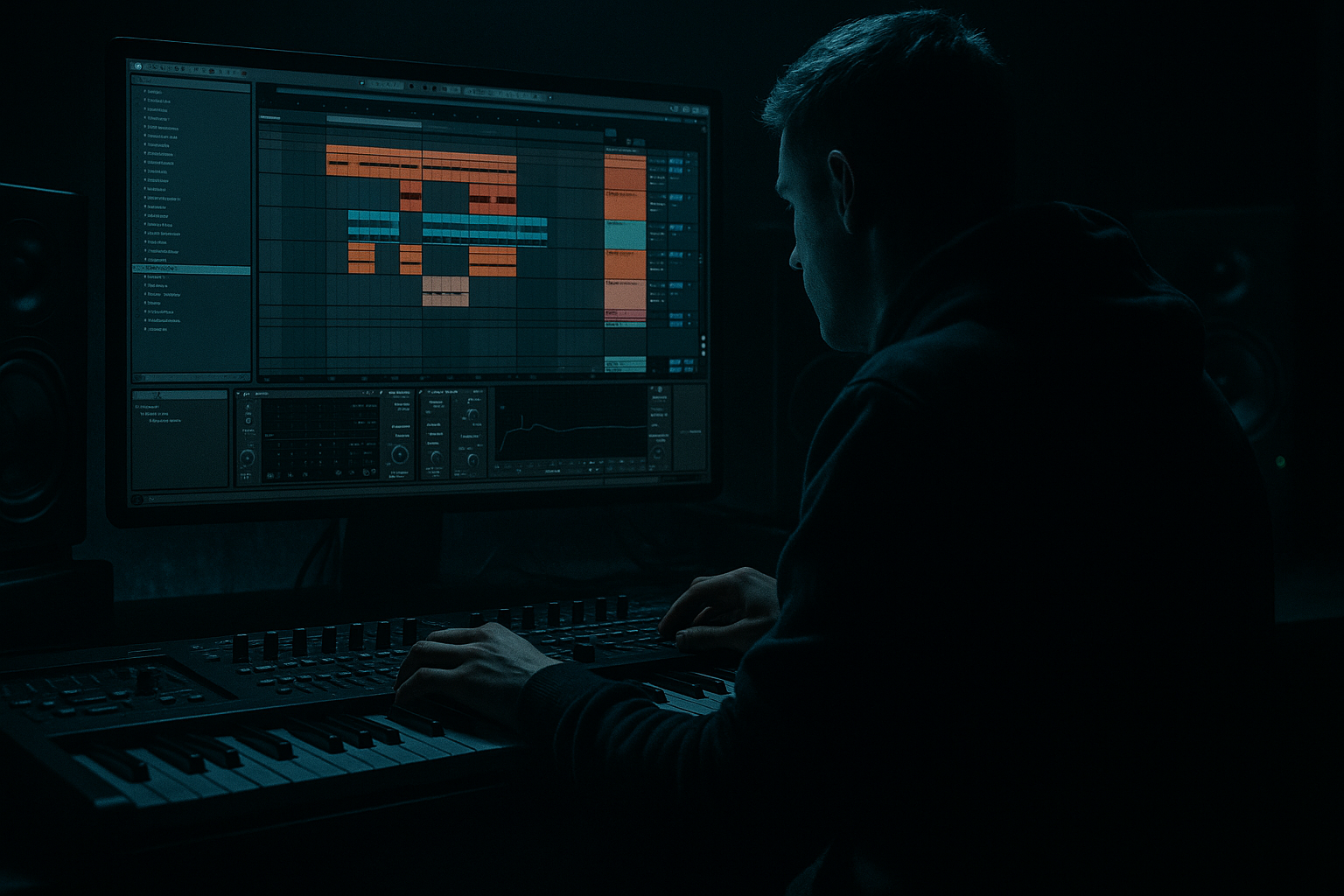
Main tutorial
```markdown
Junglist Playbook: Amen Variation Saturate in Ableton Live 12
1. Lesson overview
In this lesson, you’ll build a gritty, evolving amen variation that feels alive in a drum and bass / jungle context, then saturate it tastefully so it cuts through the mix without turning to mush. The goal is not just “making the amen louder” — it’s creating a textured, atmospheric drum layer that can sit under a rolling bassline, support a drop, or drive a breakdown with old-school energy 🔥
This is an intermediate workflow in Ableton Live 12, so we’ll use:
- Audio slicing and warping
- Drum Rack / Simpler
- Ableton stock effects
- Parallel saturation and texture shaping
- Arrangement tactics for jungle and DnB
- A custom amen variation loop with fills, reverses, and slice edits
- A saturated drum texture chain that adds crunch and density
- A layered atmospheric drum bus that can sit behind your main drums
- A version that works well for:
- chopped amen energy
- slightly degraded tape/console character
- controlled transients
- midrange bite
- enough low-end cleanliness to avoid fighting the kick and sub
- a clear kick
- strong snare
- crisp hats
- minimal reverb baked in
- Keep the main backbeat snare as your anchor
- Move some ghost notes earlier/later for swing
- Duplicate selected hits to create rolls
- Use a reversed slice leading into a snare
- Remove one kick to create a breath before the next bar
- Try a subtle groove from the Groove Pool
- Or manually nudge some 16th-note slices late by a few milliseconds
- Bar 1: recognizable amen phrase
- Bar 2: variation with edits, a fill, or a surprise hit
- one altered snare placement
- one ghost note run
- one small gap
- one accent hit or reverse hit
- Beat 1: kick/snare anchor
- Mid-bar: ghost snare or hat shuffle
- End of bar: quick tom or snare fill
- Transition into next bar: reversed slice or chopped roll
- Use the Piano Roll to shift slices
- Turn on Fixed Grid at 1/16 or 1/32 for precise edits
- Use velocity changes to make ghosts quieter than main hits
- Duplicate the MIDI clip and make a second version with more aggressive changes
- Saturator
- Drum Buss
- Glue Compressor
- EQ Eight
- Hybrid Reverb or Reverb for atmosphere
- Utility for level control
- Roar if you want more advanced harmonic movement in Live 12
- EQ clears space first
- saturation adds harmonics
- Drum Buss adds density and attitude
- compression glues the hits together
- final EQ shapes the tone
- Saturator: drive harder, maybe 8–12 dB
- EQ Eight: high-pass around 150–250 Hz to keep low-end clean
- Compressor: fast attack, medium release
- Optional Redux very lightly for digital edge
- Dry break keeps transients
- Parallel chain gives body, dirt, and atmosphere
- Much better than overdriving the main track alone
- Hybrid Reverb
- Echo
- Auto Filter
- Bars 1–2: establish the groove
- Bars 3–4: add ghost-note fills
- Bars 5–6: introduce a reversed slice or stop
- Bars 7–8: increase saturation or bring in a second layer
- Saturator Drive
- Drum Buss Crunch
- Filter cutoff
- Reverb send
- Delay feedback
- Drum Rack velocity or slice volume
- automate a low-pass filter closing slightly
- increase saturation by 1–2 dB
- add a reverse snare slice leading into the drop
- cut the last kick for tension
- a clean kick/snare layer
- separate hats or ride loop
- sub-heavy bass and reese
- foley texture or vinyl crackle for vibe
- Keep the amen variation slightly behind the main kick/snare in the mix
- Use Utility to narrow stereo width if it gets messy
- High-pass layered textures so they don’t fight the bass
- If the main snare is strong, reduce the amen’s snare transient slightly with transient control or EQ
- save CPU
- make destructive edits quickly
- get a more “performed” jungle feel
- Push Saturator harder
- Use Roar for evolving distortion
- Add a gentle EQ boost before distortion, then trim after
- low band stays cleaner
- mids get the dirt
- highs stay controlled
- more compression
- more drive
- maybe a touch of Redux
- Wow/Flutter-style movement
- subtle delay
- short room reverb
- filtered noise layers
- sidechain the amen variation lightly to the kick
- or duck the reverb return only
- uses an amen break
- has at least 3 rhythmic edits
- includes one reverse slice
- uses Saturator or Drum Buss
- sits in a rough DnB arrangement with bass
- clean
- medium dirty
- full ragged jungle
- intro
- drop
- breakdown
- Start with a clean amen loop
- Slice it into playable pieces
- Recompose the rhythm into a variation
- Add saturation with control
- Use parallel processing for density
- Shape space with reverb and delay
- Automate changes across 4–8 bars for movement
- Keep the break powerful but compatible with the bass
- a device-chain preset recipe
- a screen-by-screen Ableton walkthrough
- or a MIDI example pattern for a 2-bar amen variation
We’ll focus on a classic jungle approach:
take an amen break → vary it rhythmically → saturate for character → place it in a wider atmospheric mix.
---
2. What you will build
By the end, you’ll have:
- Intro tension
- Breakdown atmosphere
- Drop support under bass
- Transitions and switch-ups
Target sound
Think:
---
3. Step-by-step walkthrough
Step 1: Find a clean amen loop and warp it properly
Start with a solid amen sample. Ideally choose one with:
#### In Ableton Live:
1. Drag the amen loop into an audio track.
2. Open the clip view and enable Warp.
3. Set the warp mode to:
- Beats for crisp drum preservation
- Start with 1/16 or 1/8 transient preservation
4. Adjust the Transient Loop Mode if needed so the loop stays tight.
5. Match the project tempo to a typical DnB range:
- 170–175 BPM for modern rolling DnB
- 160–170 BPM if you want a more spacious jungle feel
#### Practical tip:
If the amen sounds too smeared, reduce warp manipulation and slice it instead of time-stretching it hard. Amen breaks usually sound better when you edit them like a performance, not just stretch them.
---
Step 2: Slice the amen into playable pieces
This is where the variation begins.
#### Option A: Slice to New MIDI Track
1. Right-click the amen clip.
2. Choose Slice to New MIDI Track.
3. In the dialog, select:
- Slice by: Transients
- Create a new Drum Rack
4. Choose a sensible slice threshold so you catch the snare hits, ghost notes, and key hats.
Now you can rearrange slices like a drummer.
#### What to do with the slices:
#### Groove tip:
Apply a bit of MPC-style swing:
You want it to feel human and jungly, not quantized to death.
---
Step 3: Build an amen variation pattern
Now create a 1-bar or 2-bar loop in MIDI.
#### Basic structure idea:
A good jungle variation often includes:
#### Example arrangement logic:
#### Ableton workflow:
#### Important:
The variation should still loop cleanly. Keep one or two recurring elements so the listener recognizes the break.
---
Step 4: Add saturation with control, not chaos
Now the fun part: we’re going to saturate the break so it has more density and attitude.
#### Best Ableton stock devices for this:
---
Step 5: Build a drum saturation chain
Here’s a practical chain for the amen variation track or drum bus:
#### Chain A: Clean punch + grit
1. EQ Eight
- High-pass around 25–35 Hz
- Cut mud around 200–400 Hz if needed
- Slight boost around 2–5 kHz if the snare needs presence
2. Saturator
- Mode: Soft Clip on
- Drive: 2 to 6 dB
- Output: trim back to match level
- If the break gets too fizzy, reduce drive before changing EQ
3. Drum Buss
- Drive: 5–20%
- Crunch: use lightly if you want extra dirt
- Transients: slightly up if the break needs more snap
- Boom: usually keep low for amen processing unless you want extra weight
4. Glue Compressor
- Ratio: 2:1 or 4:1
- Attack: 10–30 ms
- Release: Auto or 0.3–0.6 s
- Aim for only 1–3 dB of gain reduction
5. EQ Eight at the end
- Tame harsh highs if saturation over-emphasized cymbals
- Add a small shelf if the break sounds too dark
#### Why this chain works:
---
Step 6: Use parallel saturation for more aggression
If the break gets too crushed, go parallel.
#### Method:
1. Duplicate the amen variation track, or
2. Put the break on a Return track with heavy saturation
#### Return track chain example:
Blend the return under the dry break.
#### Result:
---
Step 7: Make it atmospheric, not just crunchy
Since this lesson is in the Atmospheres category, we want the amen to feel like part of a wider space.
#### Add subtle ambient processing:
- Short plate or small room
- Pre-delay: 10–25 ms
- Decay: keep short to medium
- Filter the reverb return so it doesn’t cloud the low mids
- Very low wet amount
- Short dotted or 1/8 delay can create movement
- Filter low end out of the delay
- Automate a gentle low-pass opening into a drop
- Or use band-pass for a lo-fi intro feel
#### Practical atmospheric trick:
Send just the snare hits or selected slices to a reverb return. This creates space without washing out the whole break.
---
Step 8: Add variation across 4 or 8 bars
A jungle break becomes powerful when it evolves.
#### In your arrangement:
#### Useful automation ideas:
#### Example:
In the final 2 bars before a drop:
That little gap before the drop? Massive impact in DnB 😈
---
Step 9: Layer with other drum elements
A saturated amen variation often works best as a top/mid texture, not the only drum layer.
#### Try layering with:
#### Layering advice:
---
Step 10: Bounce and commit when it feels right
When you have a great groove:
1. Freeze/Flatten or Resample the break
2. Make another audio copy
3. Edit the audio for extra chops, reverses, and stutters
This is classic DnB workflow: commit early, then sculpt.
It helps you:
---
4. Common mistakes
1. Over-saturating the whole break
Too much drive can flatten the groove and destroy transient detail.
Fix: use parallel saturation or reduce drive and add EQ after.
2. Leaving too much low end in the break
Amen loops often carry low-frequency junk that fights the sub.
Fix: high-pass gently around 25–40 Hz, and sometimes higher if the bass is busy.
3. Quantizing everything too rigidly
Jungle needs bounce and tension.
Fix: nudge hits manually and use subtle swing.
4. Making the snare too loud after processing
Saturation can exaggerate the snare aggressively.
Fix: balance with clip gain or velocity before the effects chain.
5. Too much reverb on the whole break
This turns a sharp jungle break into a cloudy mess.
Fix: send selectively, and filter your reverbs.
6. Forgetting the bassline
An amazing break means nothing if it clashes with the bass.
Fix: always check the break with the sub and mid-bass playing.
---
5. Pro tips for darker/heavier DnB
If you want a darker, nastier result, try these:
Use midrange distortion, not just loudness
For heavier DnB, the magic is often in the 1–5 kHz area.
Try band-limited saturation
Split the break into bands or use EQ before/after saturation:
Crush the parallel channel harder than the main one
On the parallel return:
This keeps the main break alive while the parallel adds menace.
Add controlled instability
Small amounts of:
These make the break feel haunted and alive.
Make the breakdown darker than the drop
Automate the amen into a filtered, echoing version in the breakdown, then bring back the full saturated version in the drop. That contrast hits hard.
Use sidechain intelligently
If the bass is dense:
This preserves punch without thinning the whole groove.
---
6. Mini practice exercise
Exercise: Build a 2-bar amen variation with saturation
#### Goal
Create a 2-bar loop that:
#### Steps
1. Import an amen loop into Ableton Live.
2. Slice it to a MIDI track.
3. Program a 2-bar variation:
- bar 1: mostly original feel
- bar 2: add a fill, swap one hit, add a reverse into the downbeat
4. Add this chain:
- EQ Eight
- Saturator
- Drum Buss
- Glue Compressor
- EQ Eight
5. Make a parallel return with heavier saturation.
6. Add a simple bassline under it:
- sustained sub or reese
- keep it minimal so the break is easy to evaluate
7. Bounce the loop and listen for:
- groove
- clarity
- snare impact
- clash with bass
#### Challenge version
Make three versions:
Then compare which one works best for:
---
7. Recap
You’ve now got a practical junglist workflow for building an amen variation and saturating it in Ableton Live 12:
The big idea is this:
jungle drums should feel performed, evolving, and slightly dangerous.
If you keep the groove human, the saturation controlled, and the arrangement moving, your amen variations will sound like proper DnB ammunition 💥
If you want, I can also turn this into:
```

